Questions & Answers
- Model:
- RBR50-100NAS
- |
- SKU:
- 5589803
Highly rated by customers for: Speed, Ease of use, Range
Page Showing 21-26 of 26 questions
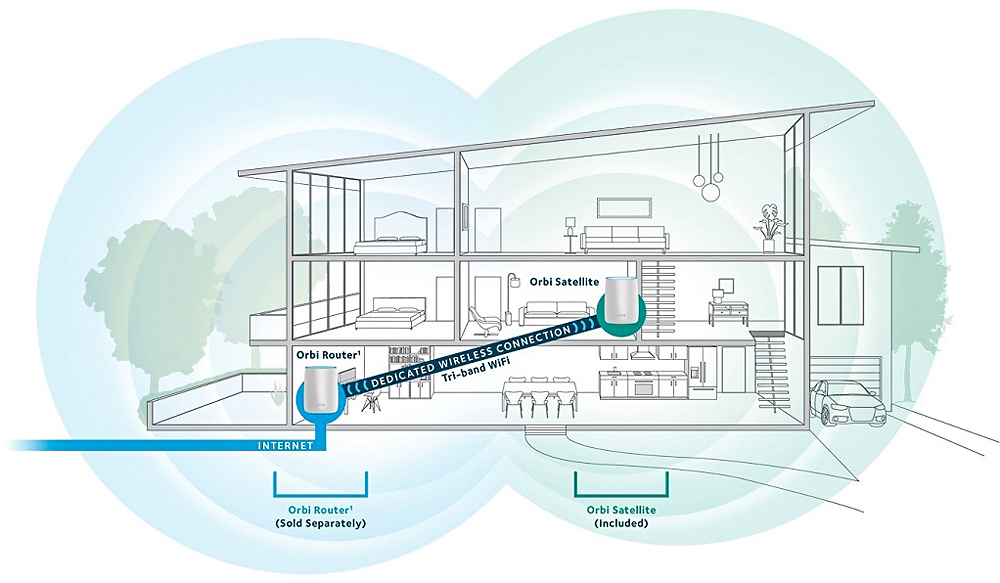
Q: QuestionSo, this unit works in two frequency bands, the 2.4 GHz band and the 5.0 GHz frequency bands, at least in the United States. What is the 3rd band? And if you are in the United States is this band usable?
Asked by Anonymous.
- A:Answer No it is not usable. Supposedly it's used to communicate to the satellite. However, you also can't choose whether you want to use 2.4 or 5, it uses a steering mechanism that doesn't work well at all. I have a lot of buffering even when directly plugged into the router and/or satellite.
Answered by DadontheGo
Q: QuestionWill this work with my Verizon jet Pak? Will I be able to use cell phone. Currently we can only text in a very small area of our home. And will I be able to call from cell phone.
Asked by Bobber.
- A:Answer If you have a modem this will connect to that and push your wifi throughout your home.
Answered by Sarringdale
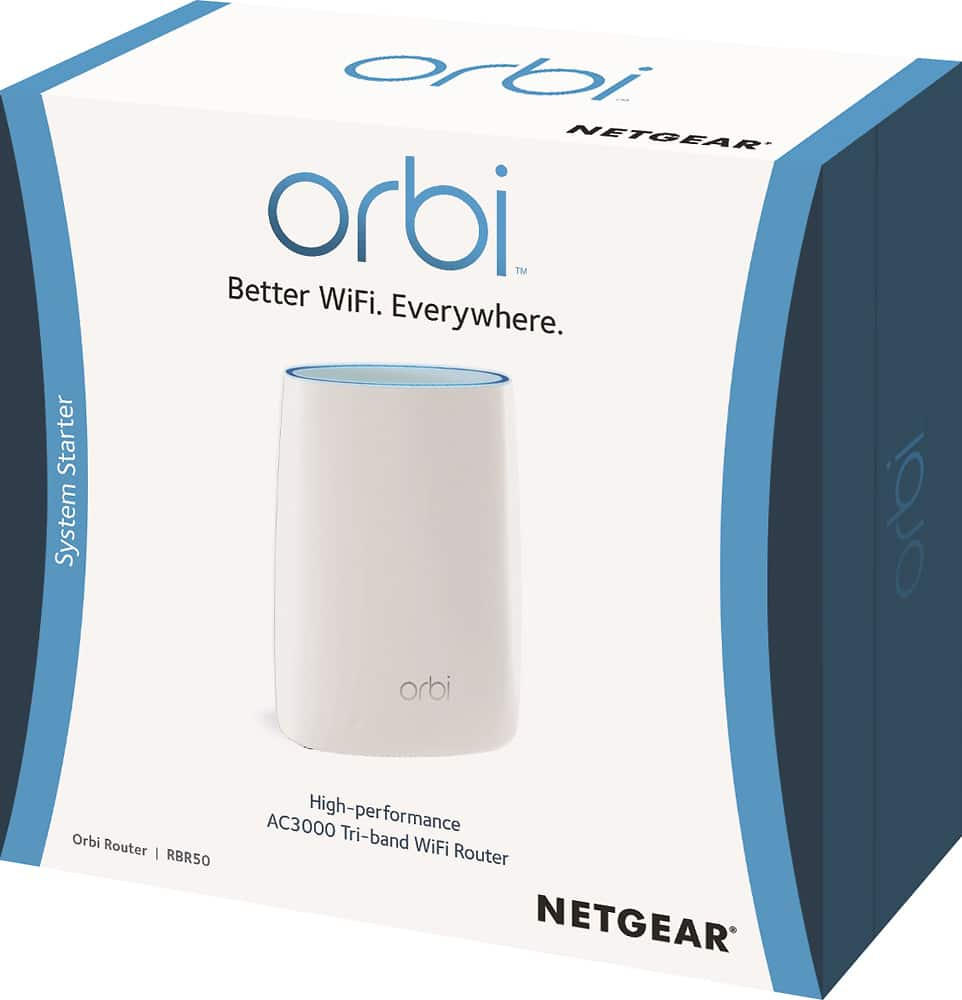
Q: QuestionDoes this package come with a single Orbi?
Asked by AG.
- A:Answer I bought the Orbi with satellite and have no regrets.
Answered by Joy1
Q: QuestionIs this device compatible with Satellite internet?
Asked by Anonymous.
- A:Answer Works with Hughes Net router
Answered by SNAG
Q: QuestionCan this device replace an Apple Airport?
Asked by Rick.
- A:Answer I think a much more complete answer is: This unit is an access point, you can connect to your internal/home network wirelessly. Can it replace an Apple Airport? Well sort of... you CAN connect wirelessly to it, but it does not do all the fancy mobility stuff the Airports do for computers, they have a function that basically helps your computer "roam" in your house if you have multiple access points. When this scheme works, it does indeed help wireless speed and access, but usually only on Apple devices. So bottom line, it can replace an Apple Airport, but not at the same functionality level, which may or may not affect you based on if you are using the advanced Apple features already with 2 or more Airports. Greg
Answered by gregeusa
Q: Questionwe have a long house - can you tell me how many feet away from the router we'll be able to receive wifi all in one level? we need approx. 150' in length covered.
Asked by we49.
- A:Answer Not sure on total distance but you should be fine, I have this router and I have a regular extender which I only use for a direct connection to an Xbox. The system covers my 2400sq ft just fine. What are the chances your router will be in the center of the house?
Answered by Sarringdale
Page 2, Showing 21-26 of 26 questions
Most-viewed items
- Tech Fest Deal$99.99