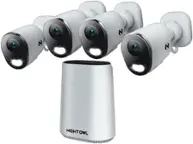
A:AnswerYou can change the view from a single camera to multiple cameras through your DVR’s settings. Use the DVR remote or mouse, right-click on the live view, and select the multi-camera view option in the upper right (such as 4, 8, or 16). This will let you see all connected cameras on your TV.
A:AnswerYes, you can upgrade the hard drive in that system. The DVR supports replacement with a larger internal SATA hard drive up to 4TB maximum capacity.
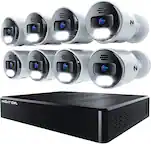
A:AnswerNo — this Night Owl 12-Channel 8-Camera Wired 2K 1TB DVR Security System is not Alexa compatible.
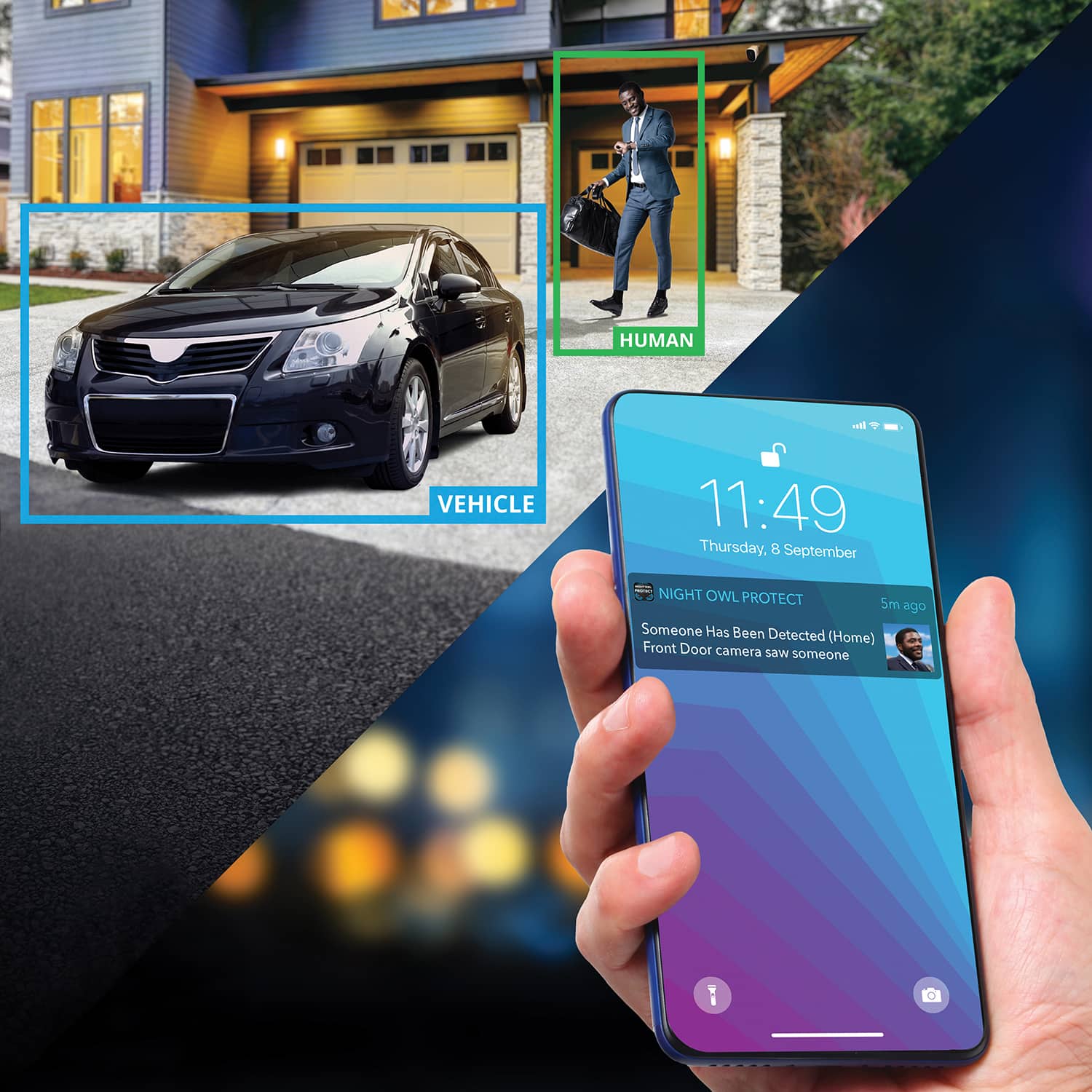
Night Owl DVR and NVR systems use the Night Owl Protect mobile app for remote viewing and control, but they do not integrate with Alexa, Google Assistant, or other voice assistants.
A:AnswerThanks for reaching out. If your system stopped recording after switching to a new modem, it's possible the DVR lost its network connection or time settings, which can affect recordings and remote access.
We recommend checking the following:
Ensure the DVR is connected to your new modem/router using an Ethernet cable.
Check system date and time settings—a mismatch can interfere with scheduled recordings.
Review your recording settings in the menu to confirm motion detection or continuous recording is still enabled.
Restart the DVR after confirming connections.
If you’re still having trouble, our support team can walk you through a full reset or help reconfigure your network settings.
Please reach out with your contact info so we can assist you directly.
— Night Owl SP Digital Support Team
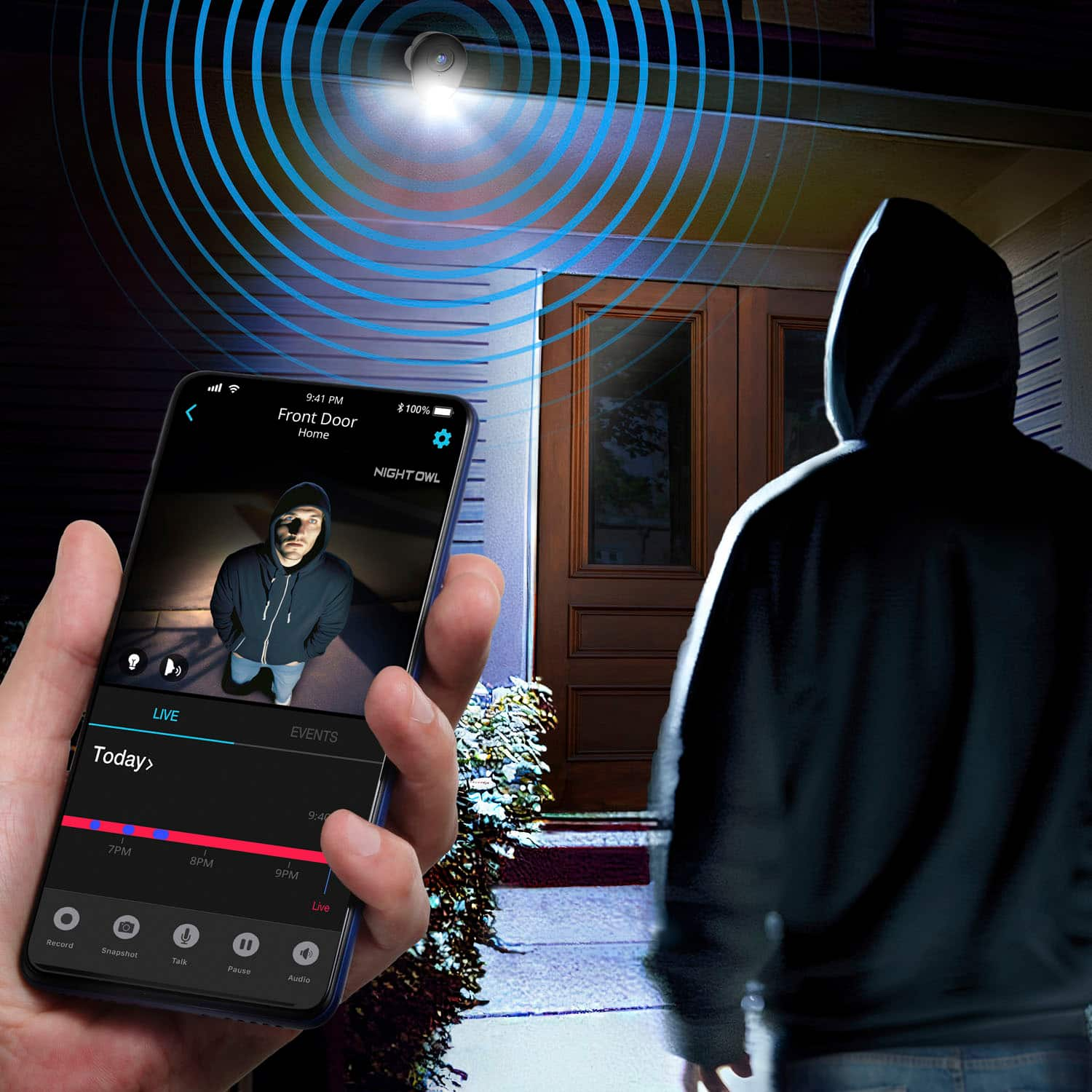
A:AnswerYes, this system includes 2-way audio, which means the cameras are equipped with built-in microphones that allow you to hear sounds and conversations from the camera’s location through the Night Owl Protect app or connected monitor.
You can also speak back through the app if you enable the audio function, making it easy to communicate or respond to visitors.
If you have any questions about enabling audio or adjusting the settings, our support team is happy to help!
— Night Owl SP Digital Support Team
A:AnswerGreat question! To view your Night Owl system on your phone, Wi-Fi or an internet connection is required—but only for the DVR, not the cameras.
Here’s how it works:
The cameras are wired and do not use Wi-Fi.
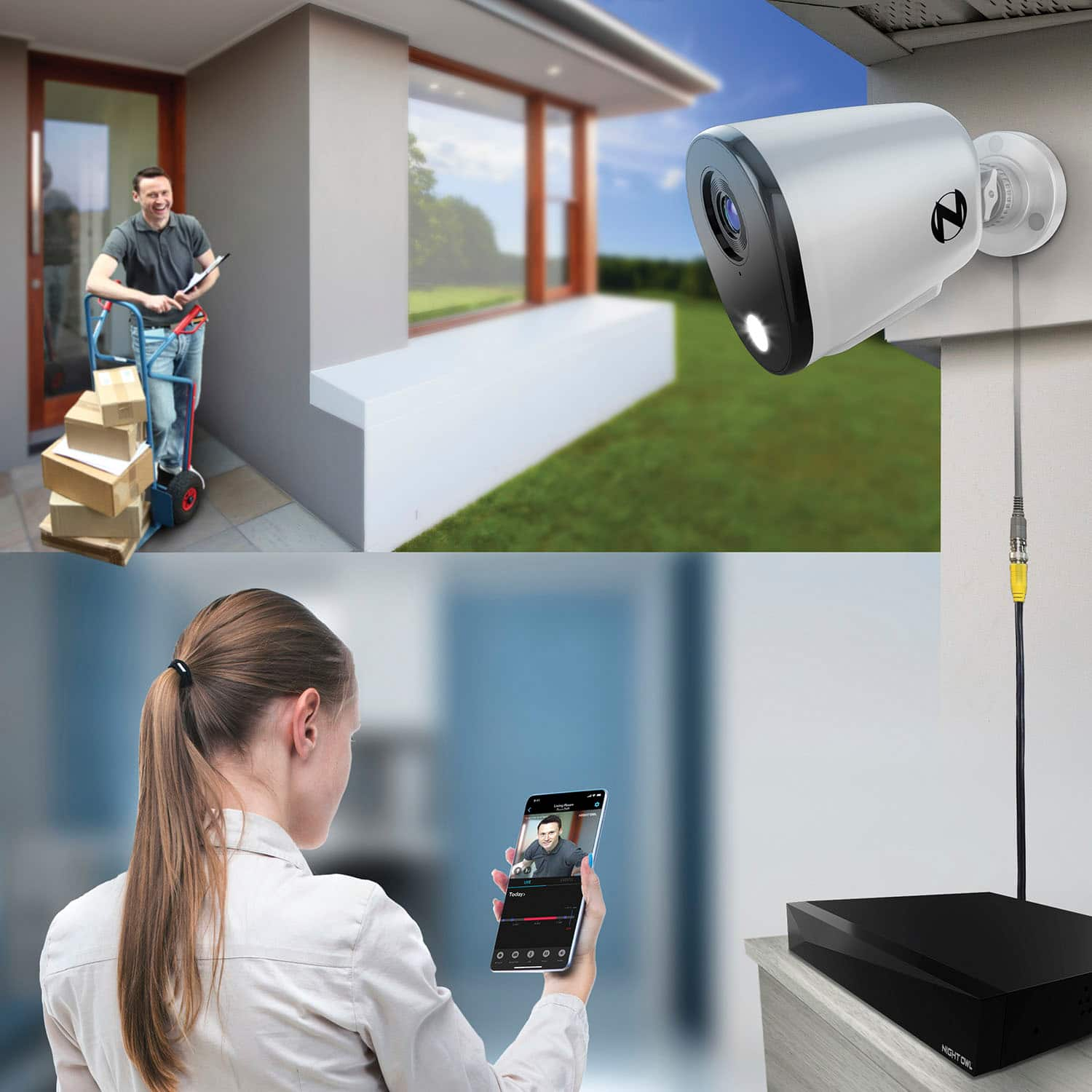
To view footage on your phone through the Night Owl Protect app, your DVR must be connected to the internet via Ethernet (plugged into your router).
Your phone also needs internet access (Wi-Fi or mobile data) to view the feed remotely.
So, while the cameras themselves don’t use Wi-Fi, you do need internet access to use the mobile app and view your system remotely.
— Night Owl SP Digital Support Team
A:AnswerHi there, thank you for your feedback. For the best motion detection results at night, we recommend placing cameras in areas with some ambient lighting, such as near porch or yard lights, as this can enhance image clarity and motion detection.
If you’d like assistance optimizing your setup, our support team is happy to help. You can reach us at support.nightowlsp.com or through the Night Owl Protect app.
Best regards,
Night Owl SP Digital Support Team
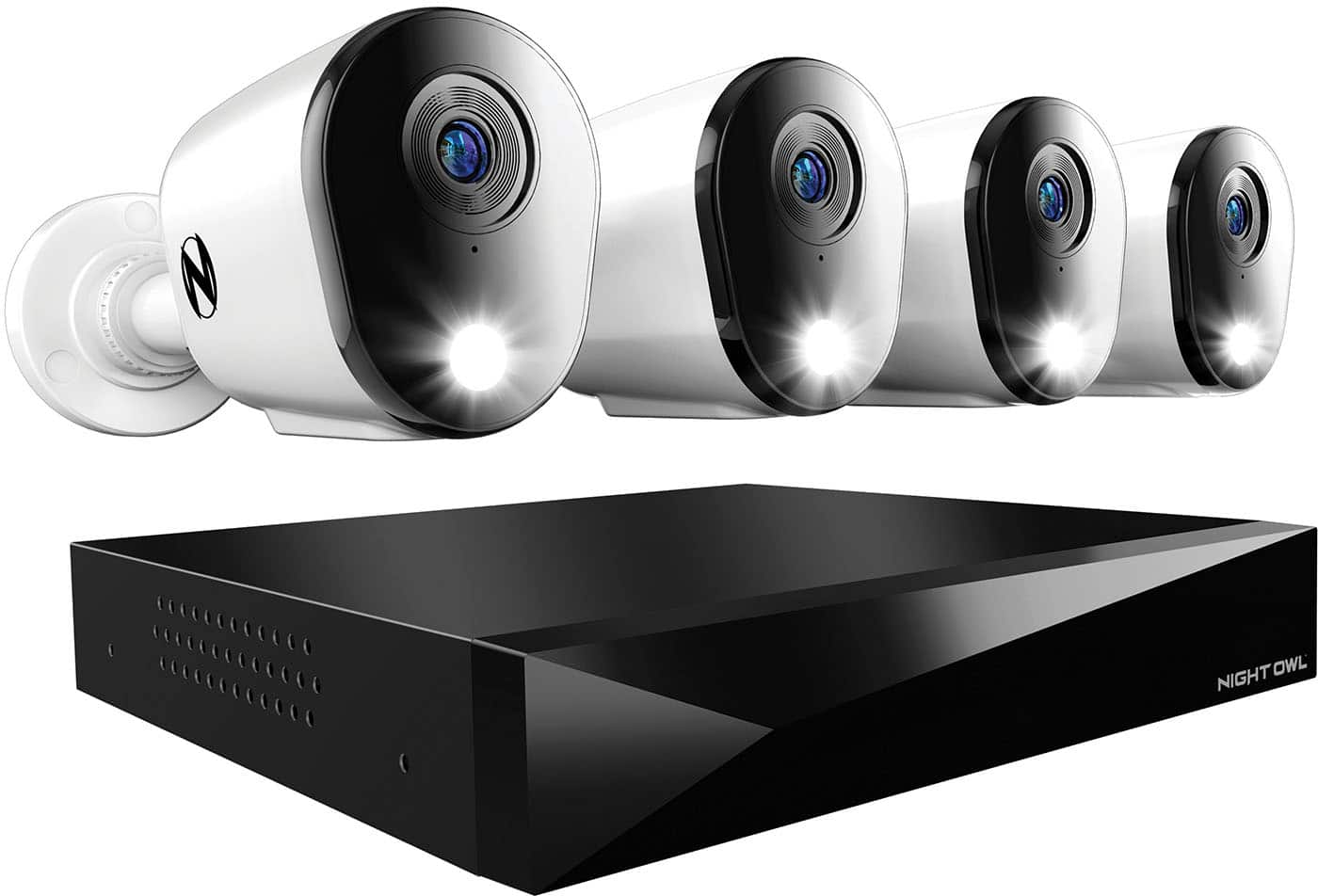
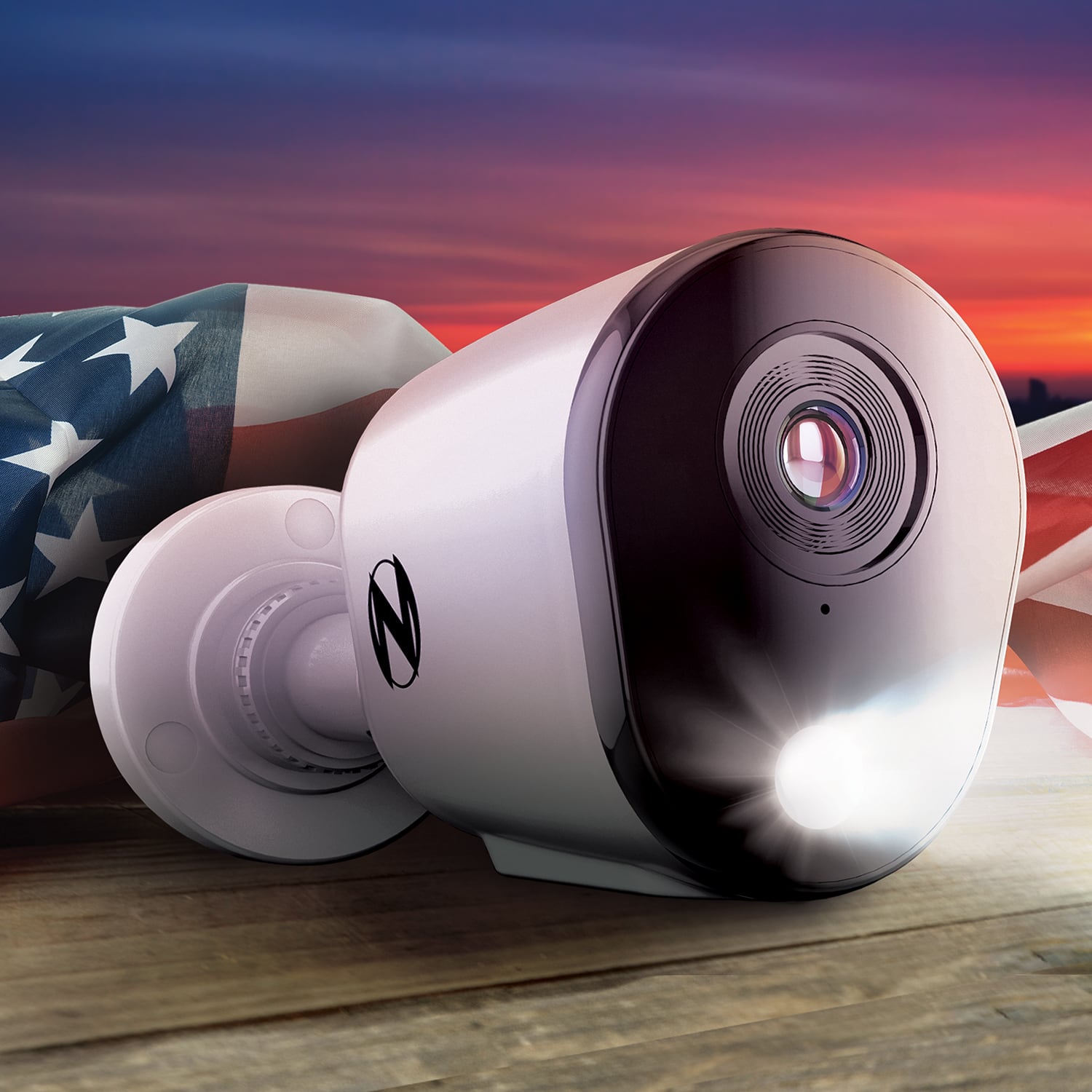
A:AnswerHi there, thanks for reaching out! Yes, these Night Owl cameras are equipped with infrared (IR) night vision to help capture clear footage in low-light conditions. The system uses IR LEDs that may emit a faint red glow in complete darkness.
At this time, the infrared lights cannot be turned off, as they are essential for night vision functionality. If you have any additional questions, we’re happy to help—just reach out at support.nightowlsp.com.
Best regards,
Night Owl SP Digital Support Team
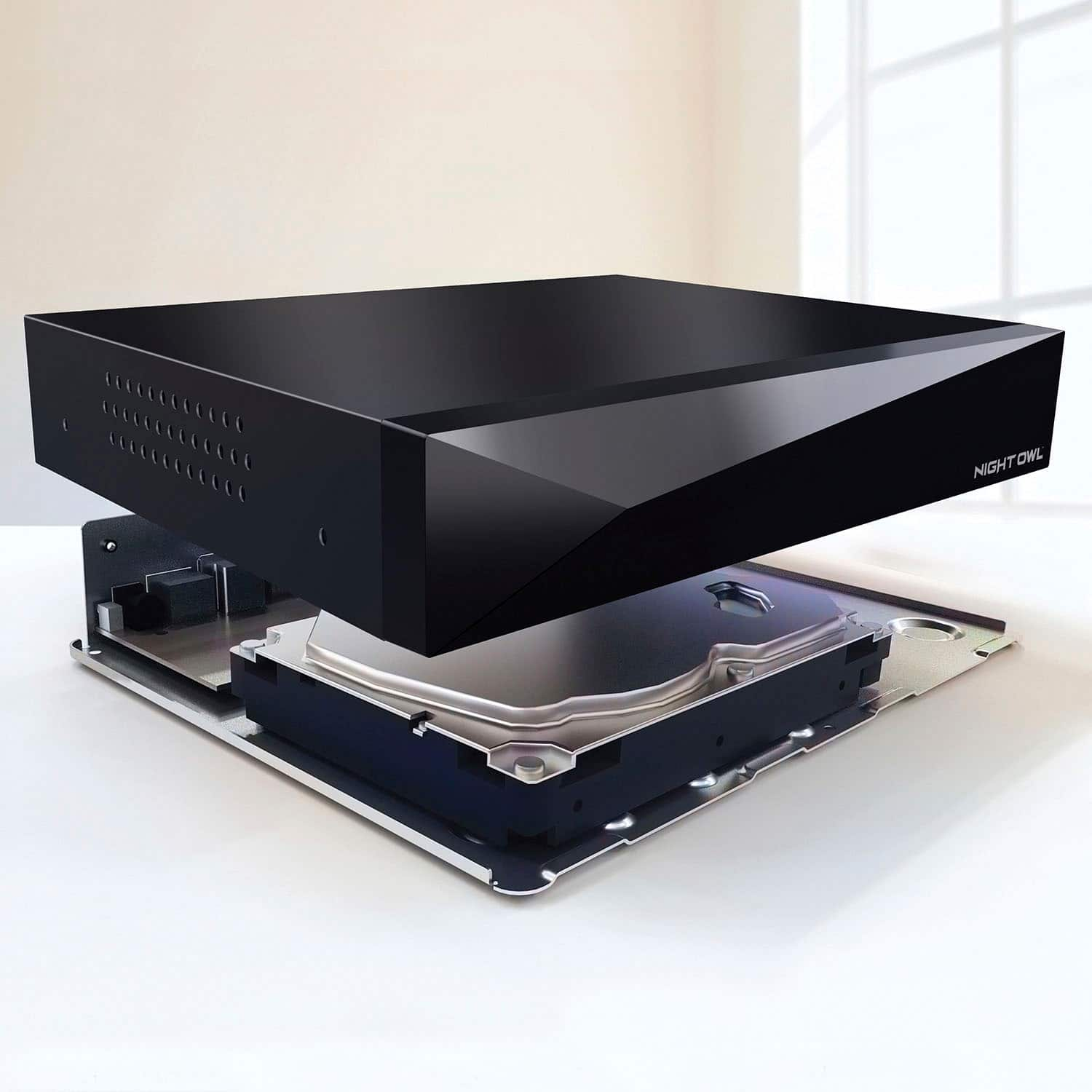
A:AnswerThank you for the question and happy to help. Our systems fully include audio capability and 2 way audio if advertised with the feature. Of note with this system is that 8 cameras are wired with 2 way audio and you have 4 channels that you can add via Wi-Fi compatible cameras. Many use these channel spots to add floodlight cams, video doorbells, indoor cams, etc. Hope this helps. Thanks, Night Owl SP Digital Support Team
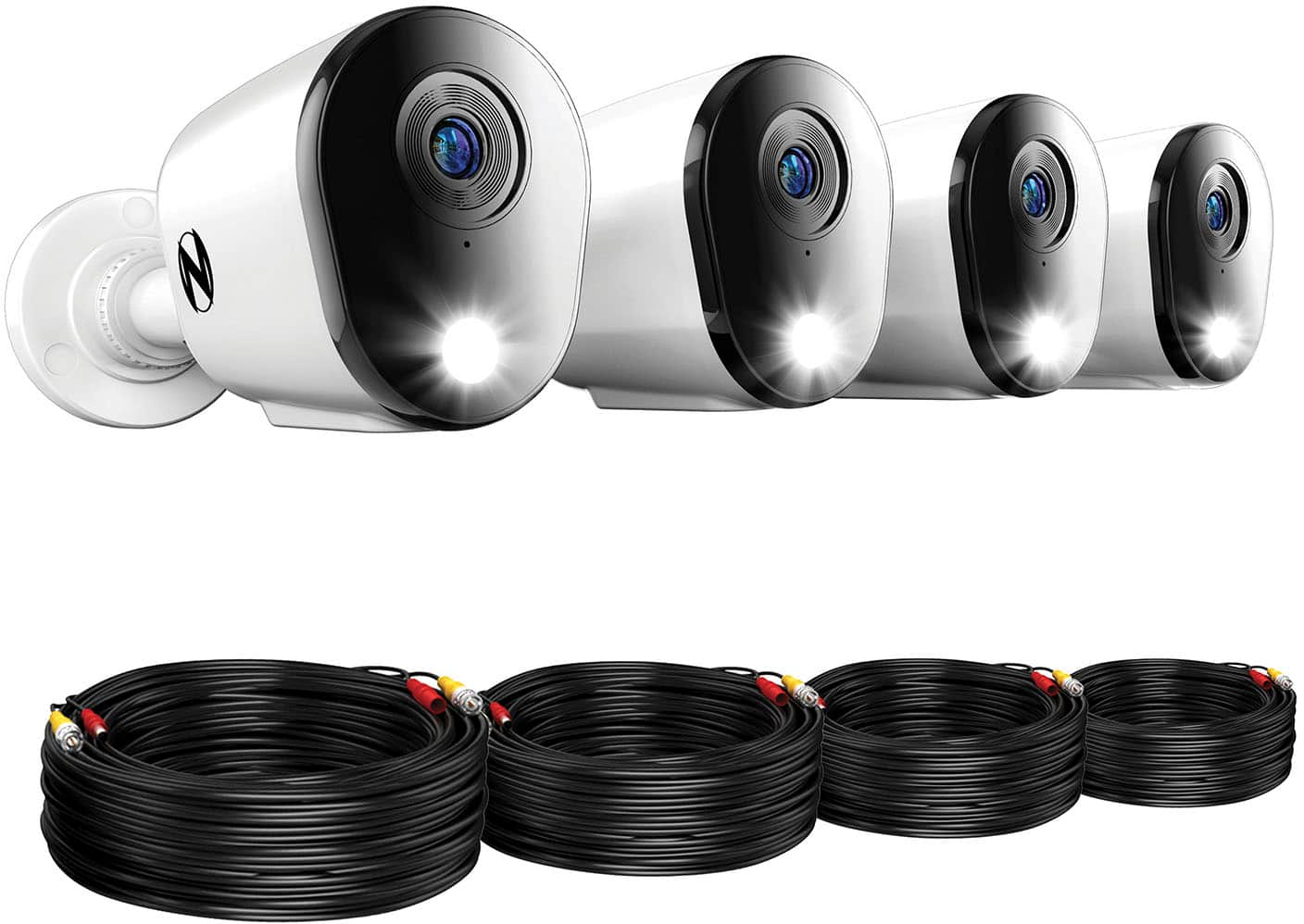
A:AnswerThank you for the question and happy to help. Yes, with this wired system you are able to setup without a mobile device. Bluetooth is to leverage the mobile app and assist with setup but it is not required. You can also hook up the recorder directly to your TV if there is HDMI input. Please let us know if there is anything else we may help with.
Night Owl SP Digital Support Team
A:AnswerThank you for the question and happy to help. Currently the best option for PTZ camera is our model CAM-FWIP3PT-IN. Additional options will be available in the coming months. Thanks, Night Owl SP Digital Support Team
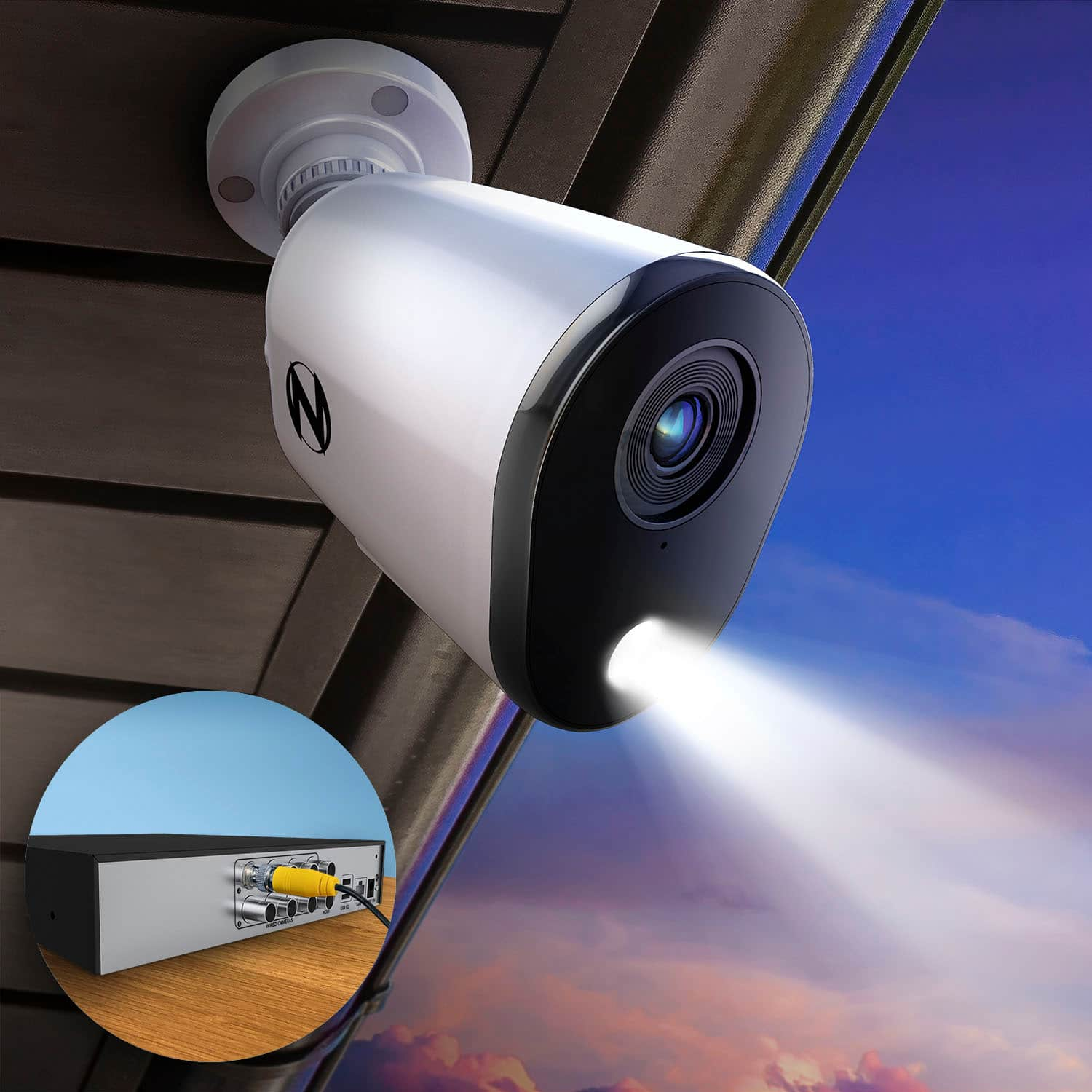
A:AnswerThank you for the question and happy to help. The application you will want for this system is Night Owl Protect. It supports both Android and iOS devices. Please let us know if you have any other questions. Thanks, Night Owl SP Digital Support Team