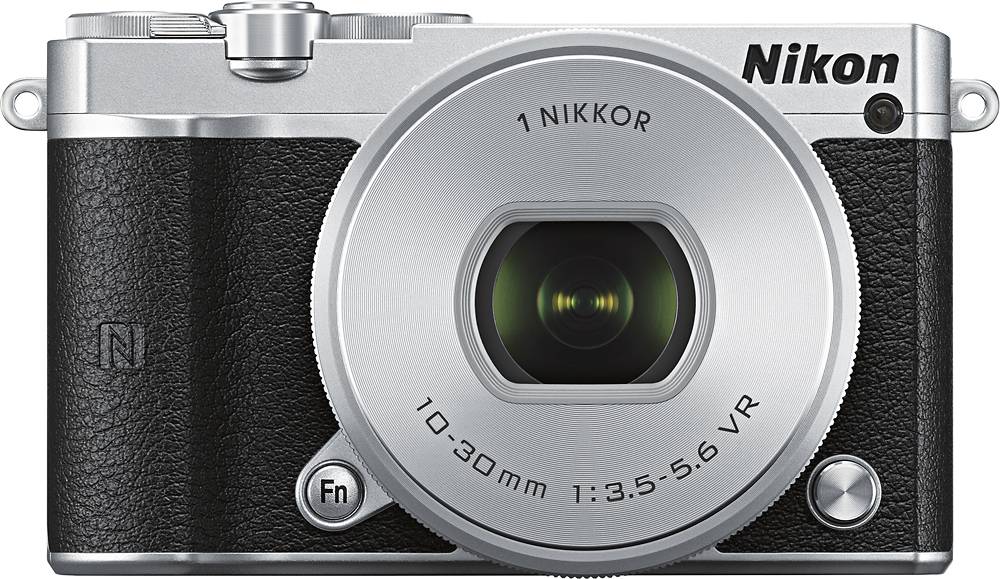
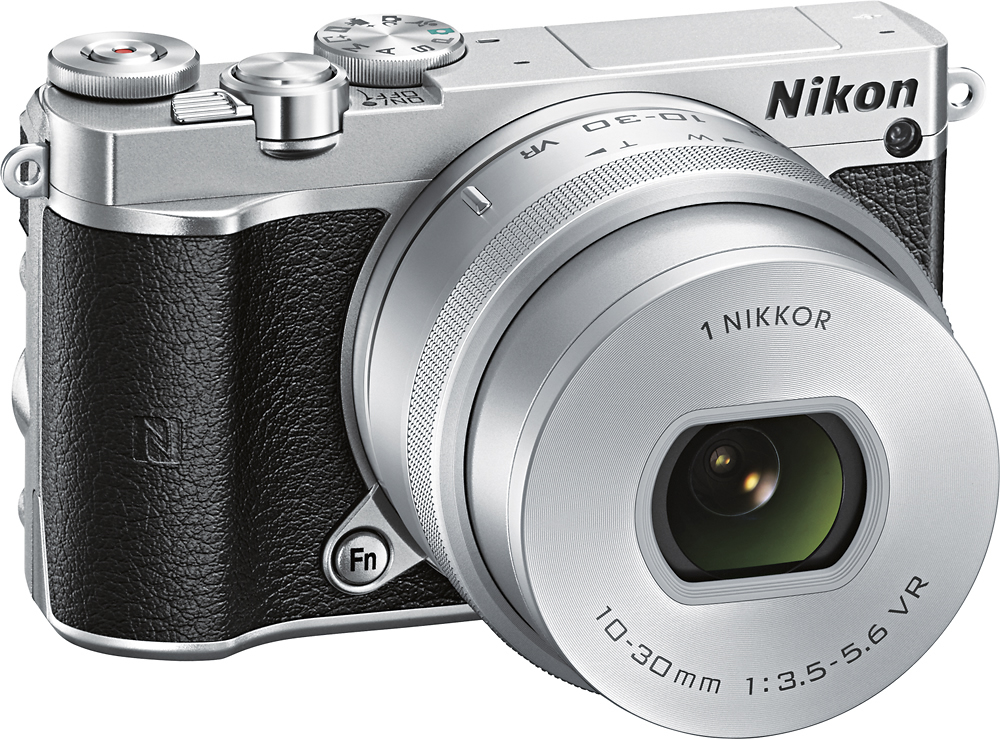
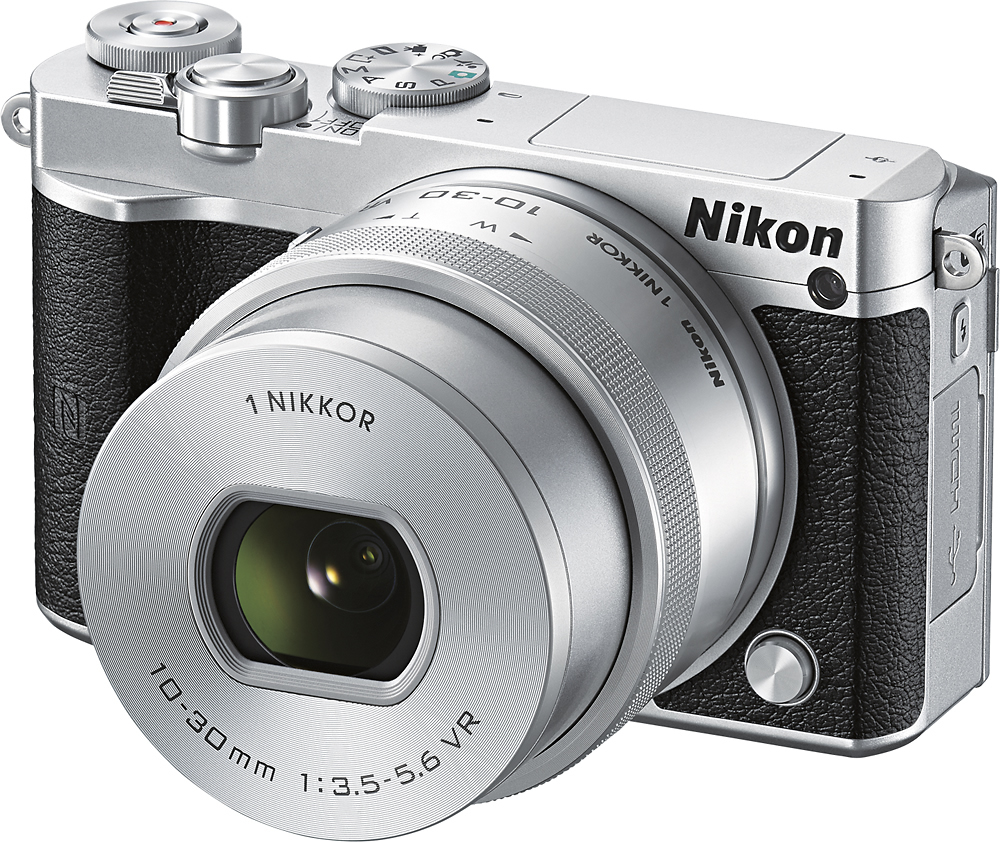
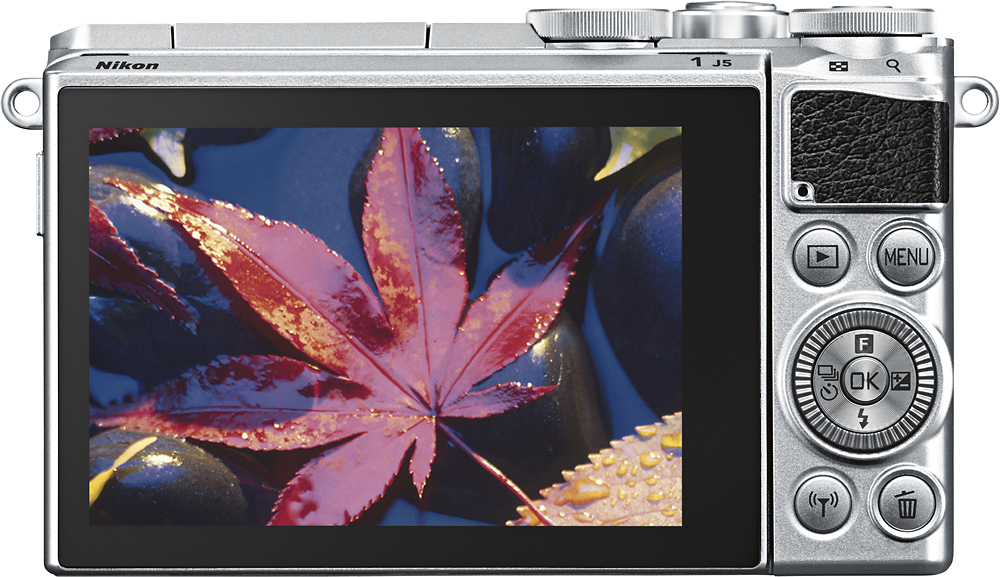
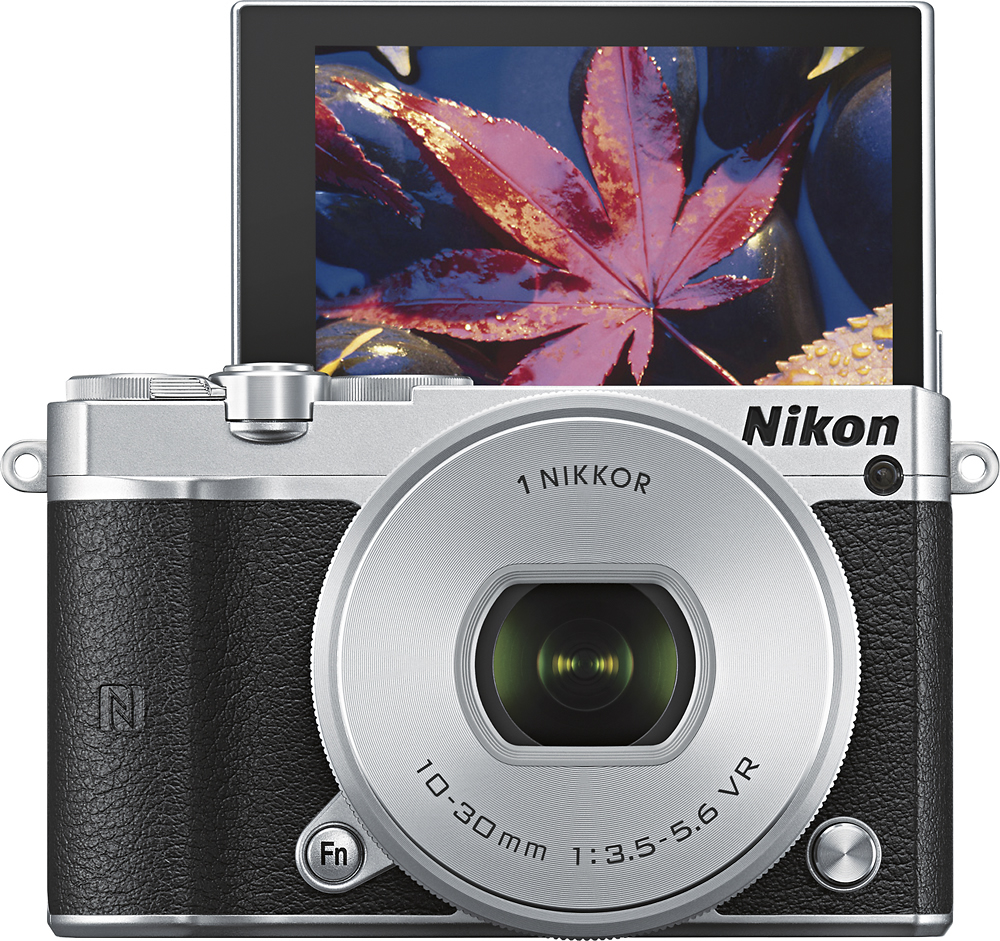
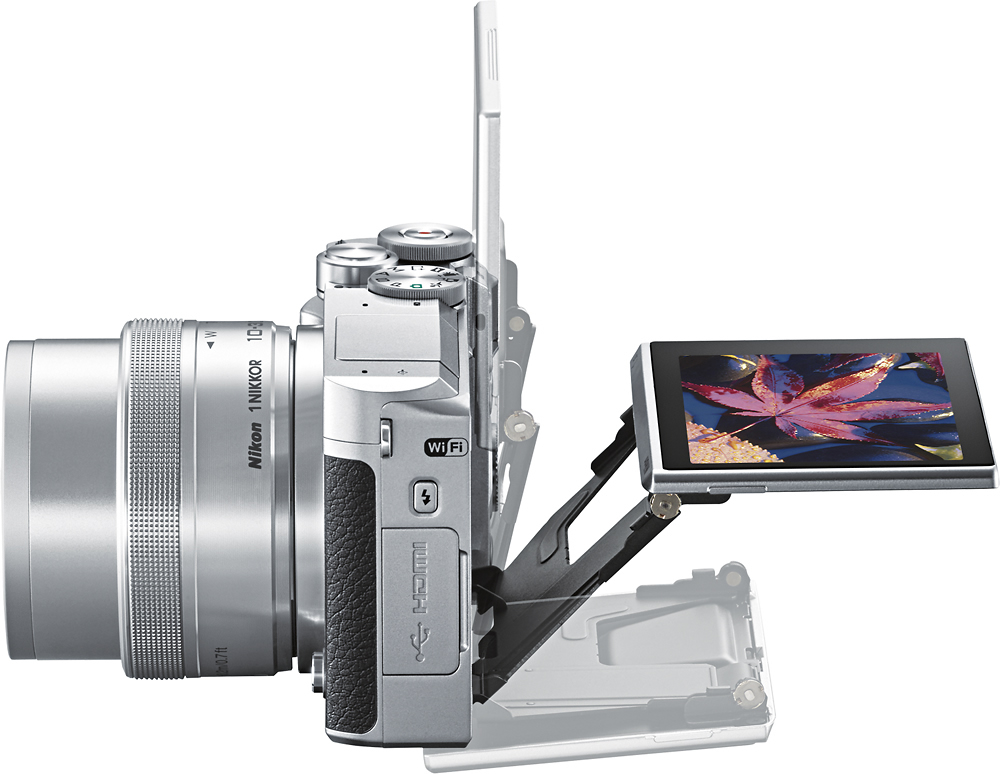
A:AnswerTraditional DSLR digital cameras use mirrors and/or prisms to reflect light from the lens up to the camera’s viewfinder. With mirrorless digital cameras like those in the Nikon1 series, light passes through the lens directly onto the camera’s sensor. Because of this, the Nikon1 J5 features a rear LCD but does not have a viewfinder. Mirrorless cameras like those in the Nikon1 series are much lighter and more compact than DSLRs. However, like DSLRs, these cameras support interchangeable lenses and offer more advanced optics and tools than those found in COOLPIX compact digital cameras.
A:AnswerYes it is. This was a gift for my mother who needed one that is made for beginners and can easily transition for the more experienced. It's functions are simple and easy to follow.
A:AnswerThe Nikon 1 J5 is an interchangeable lens camera. Nikon has many great lenses that it offers in the 1 NIKKOR line. Nikon has the 30-110mm for longer reach. It has the 10-110mm for an all around lens that is great for many things including shooting video. It has a power zoom switch that gets you smooth zooming transitions while shooting video. Check out BestBuy.com for the great 1 NIKKOR lenses that they sell!
A:AnswerAll I know is you have to use non-mirror lenses, for that model. However, there are adapters that can help make any lens possible to use with the Nikon 1 models. Search the following:
Mount Almost Any Lens on your Nikon 1 Camera with Fotodiox Nikon 1 Lens Adapters
I saw that they (Fotodiox) build adapters for any kind of brand. Hope this helps.
A:AnswerThe package comes with lens, camera cap, camera strap, charger, battery, USB cable, booklet.
You will need to buy MicroSD cards and a case if you want to put the camera in one.
A:AnswerNo. There is no Multi Accessory Port on this model camera for an electronic viewfinder to be attached. Instead images are viewed, and can even be taken, with the tilting TFT LCD touch-screen monitor.
A:AnswerThe Nikon 1 J5 can connect to a compatible smart device that is running the Wireless Mobile Utility (WMU) application. Currently only Android devices support the transfer of video when using WMU. Video can then be played by using a downloaded and supported application for video playing. You can find information on the WMU app here: http://www.nikonusa.com/en/nikon-products/wireless-mobile-utility-app.page If your camera is not able to transfer your videos with the WMU application, please call 1-800-NikonUS for troubleshooting help.
A:AnswerApproved micro card brands for the Nikon 1 J5 mirrorless camera are SanDisk, Toshiba, Panasonic, and Lexar Media cards. Compatible memory card types are microSDHC and microSDXC and range in size from 4GB to 64GB.
A:AnswerNikon operates factories all across the globe and each operates to the same high standard. While individual items are marked with their country of manufacture, we cannot make a blanket statement about the country of origin of a specific type/model of camera or lens.