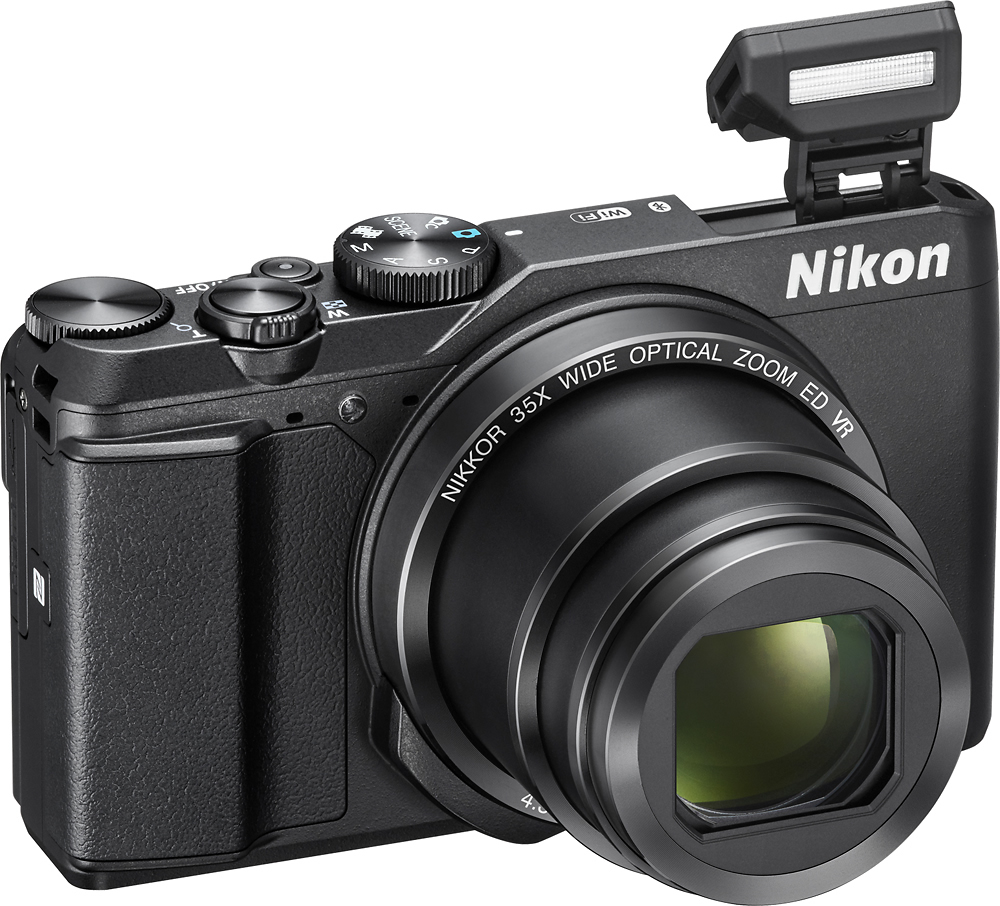
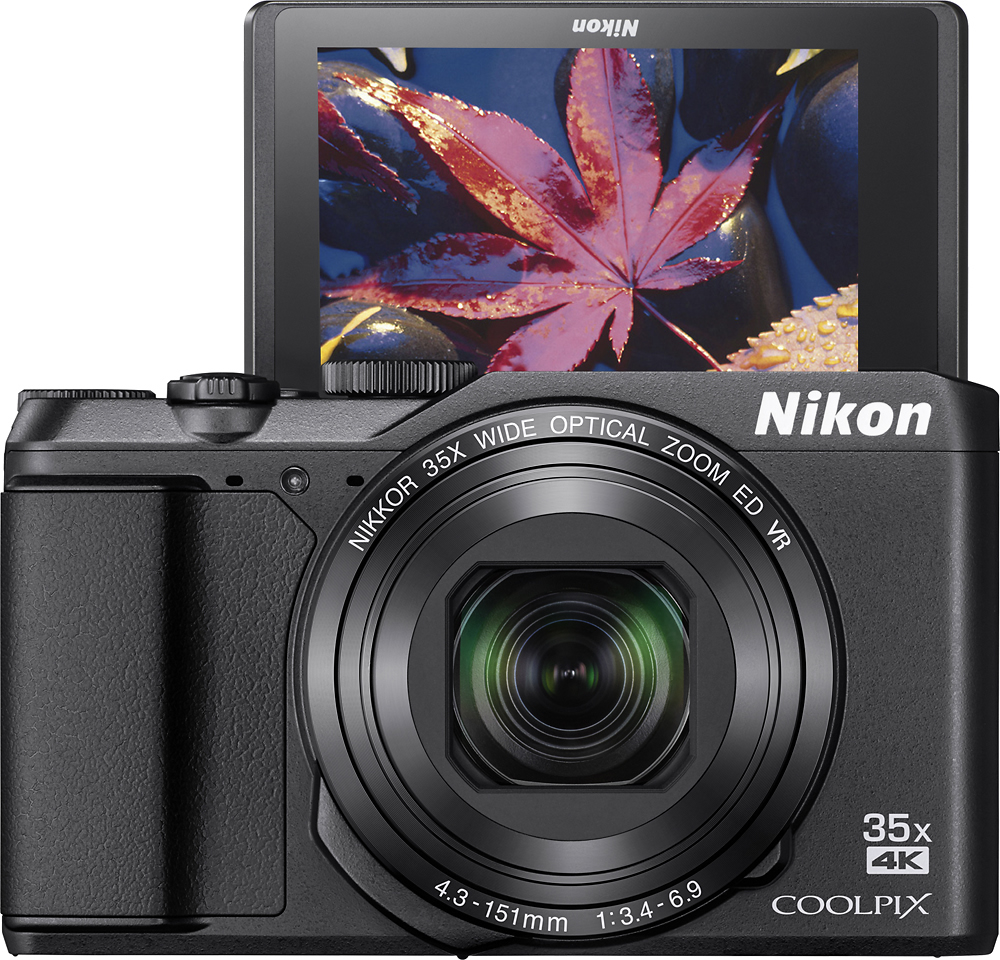
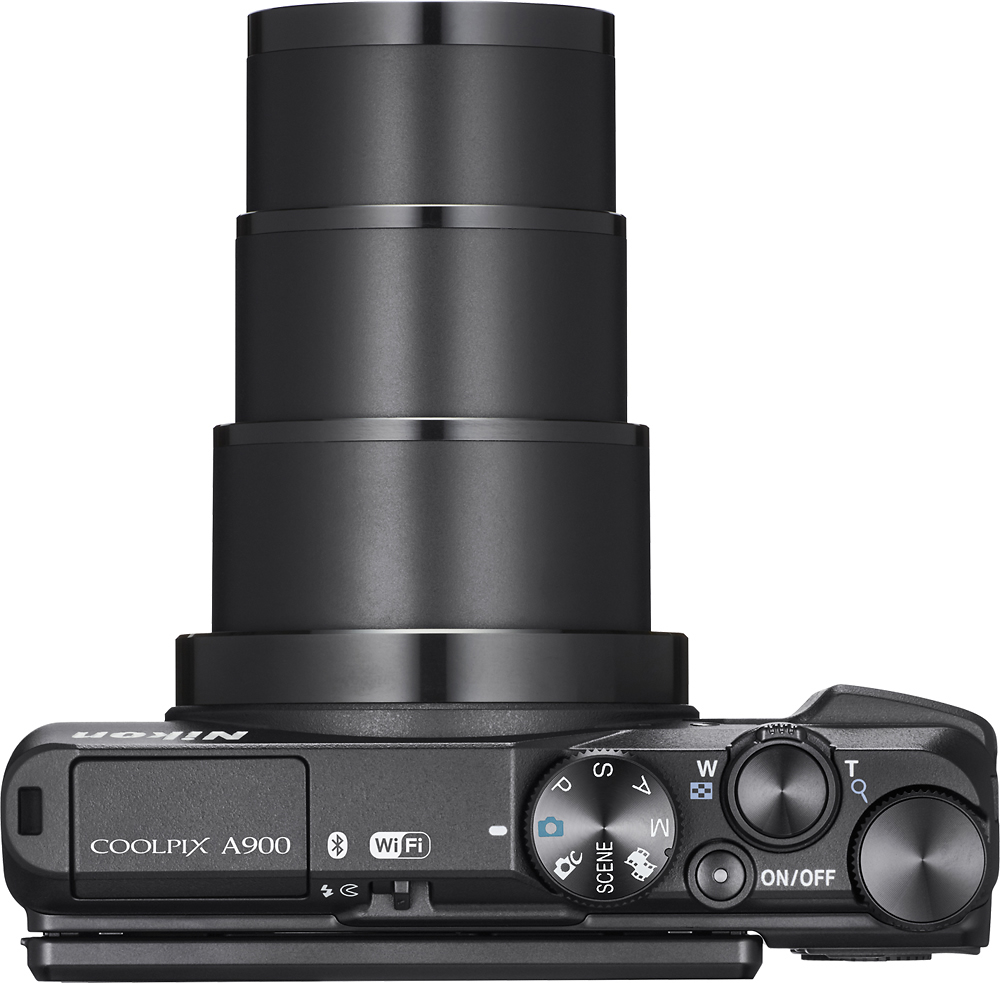
A:AnswerThe Date Stamp may not be able to be applied in the following situations: Time and Date is not set or if you are shooting in Continuous shooting. It will also be unavailable if you are in the following scene modes: Sports, Night Portrait, Night Landscape, Backlighting, Easy Panorama, Pet Portrait or Multiple exposure Lighten. If you are having further issues please contact Nikon Customer Support.
A:AnswerNikon Approved Memory cards for the Coolpix A900 consist of SanDisk, Toshiba, Panasonic and Lexar Media. Micro SD Card/Adapters are not recommend as they were not tested or approved. When looking for memory cards you will want to look for SD, SDHC or SDXC cards. SDXC Cards will typically be the fastest and be the largest in capacity. The size of the cards simply determine how many pictures you can take.
A:AnswerYes, you can review images and movies captured with the Nikon COOLPIX A900 on a TV by connecting a commercially available HDMI cable to the TV’s HDMI input jack. For assistance with connecting your camera to your television, please contact Nikon Support.

A:AnswerNo. The Nikon A900 does not offer interchangeable lenses. The lens is fixed but can zoom to different angle widths. Though it’s handy and takes high quality photos). You would need to look at other models for interchangeable lenses. Problem is with wide angles the building’s vertical lines will not be parallel unless you buy parallel correcting lens.
A:AnswerThe Nikon A900 is able to record location data for each image by connecting to any compatible smart device that is running the SnapBridge application. To record location data to images taken by the Nikon COOLPIX A900 digital camera just enable the location data features both on the camera and in the SnapBridge App upon connection. Location data shows position of longitude, latitude and altitude. If time and date are also enabled on both devices during connection, UTC information will also be available.
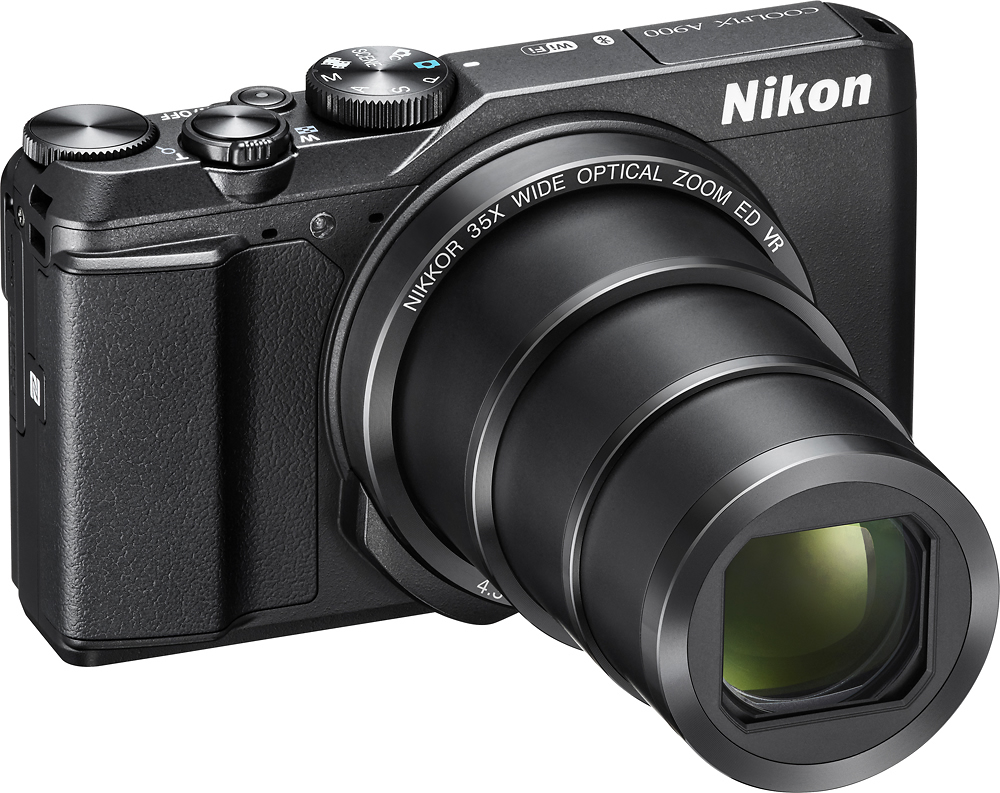
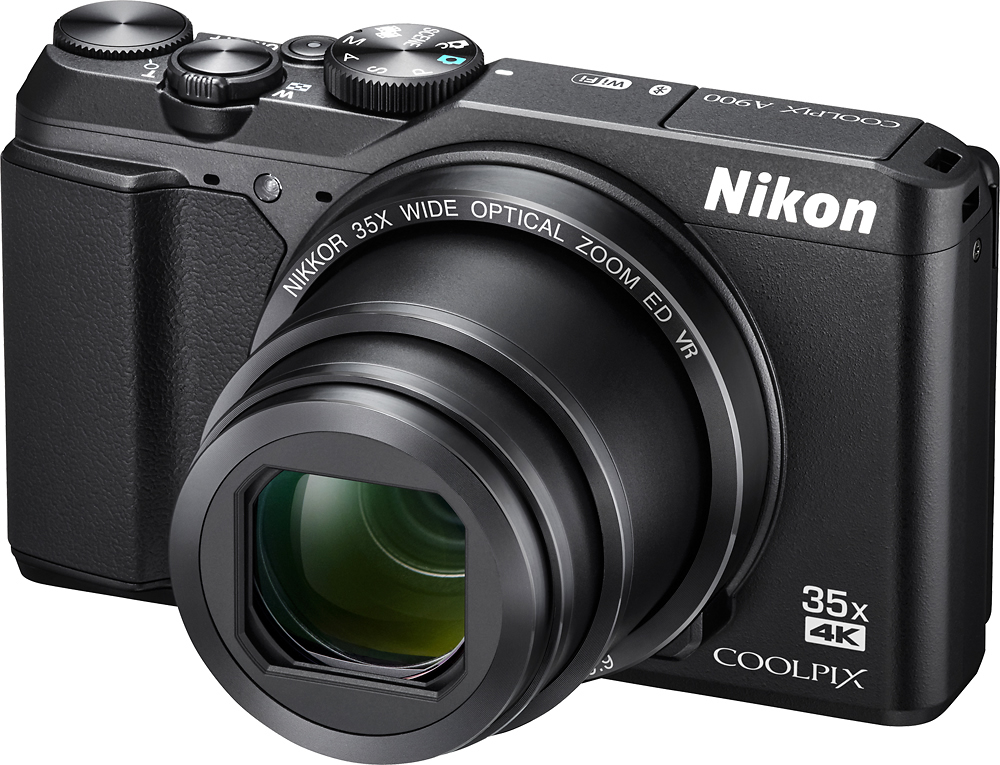
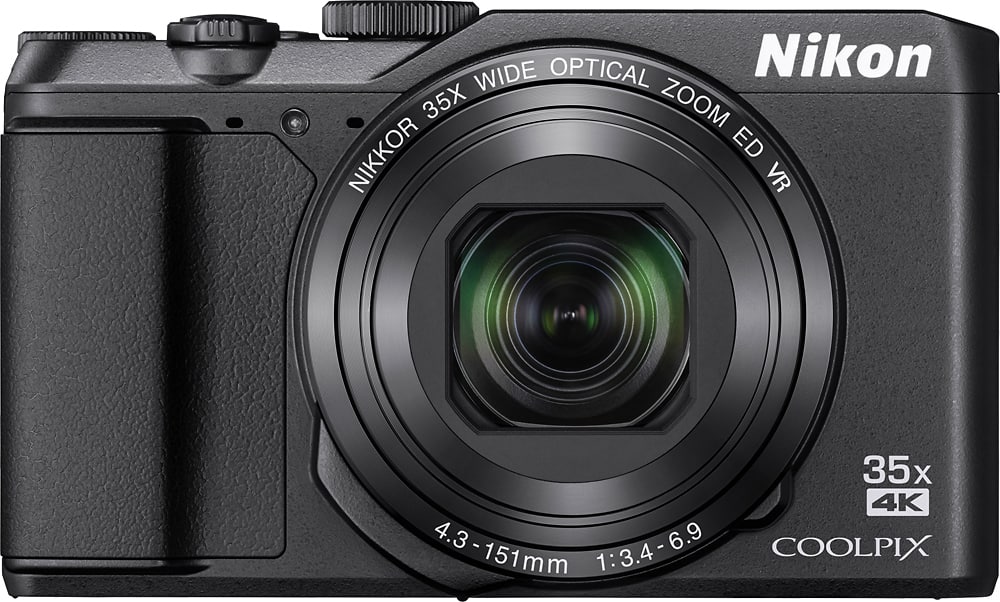
A:AnswerThe COOLPIX A900 digital camera has a focal length of 4.3-151mm. This length gives you an angle of view that is about the same as 24-840mm in the 35mm [135] format. To learn more about specifications for this camera please contact Nikon Support.
A:AnswerThe Nikon COOLPIX A900 digital camera has an optical zoom of 35x and an amazing 70x Dynamic Fine Zoom. Additionally it has a 20 megapixel backside illuminated image sensor to help you get high quality images in nearly any lighting situation. This camera offers Scene Backlighting with HDR to help you get an HDR composite shot that blends light and shadow perfectly.
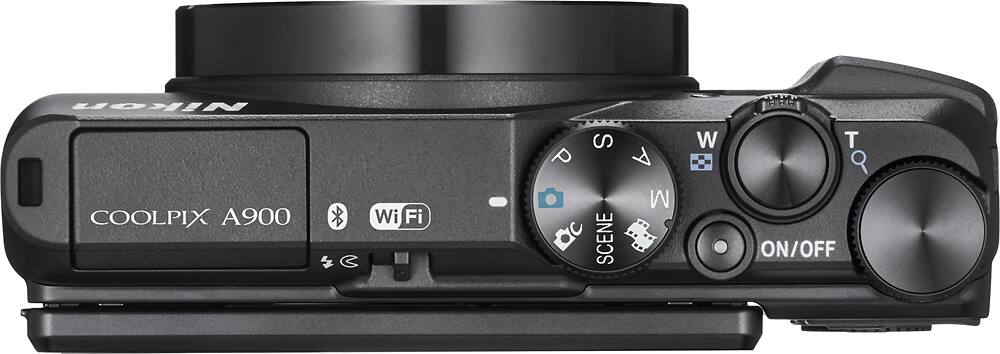
A:AnswerTo set the Nikon COOLPIX A900 digital camera to black and white (monochrome) first place the mode dial on the top of the camera to Short Movie Show (film strip icon). Pressing Menu when in this mode will allow you to access the Special Effects options. Options for this feature include High Contrast Monochrome, Selective Color, Cross Process and more. Still images taken in this mode will have an image quality of Normal at a size of 5184x2920.
A:AnswerYes. All videos and images taken with the Nikon COOLPIX A900 digital camera can be uploaded and viewed with ViewNX-i software, which is Windows 7 compatible. To learn more about this software check out this link: http://downloadcenter.nikonimglib.com/en/products/220/ViewNX-i.html
A:AnswerYes, the Nikon COOLPIX A900 Digital Camera can access location data when connected to a compatible smart device that is running the SnapBridge application. To learn more please contact Nikon Support.
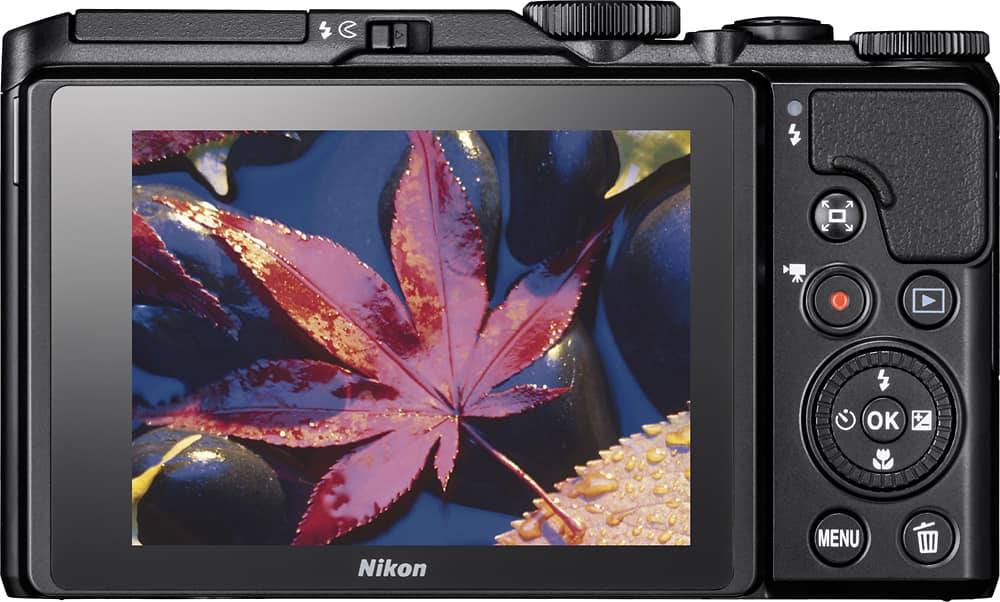
A:AnswerThe Nikon COOLPIX A900 digital camera does not have a compatible shutter release accessory but it does have a self-timer feature. For low light shooting there are pre-set Scene Mode options such as a Night Portrait and Night Landscape to choose from that will allow you to get a sharp image at night. A macro shooting option is also available with this model camera and can be turned on and off easily with a couple of presses to a dedicated macro button on the back of the camera.
A:AnswerThe Nikon COOLPIX A900 digital camera has built in Wi-Fi and Bluetooth so you can connect to a compatible smart device running the SnapBridge application. Once connected, the smart device can be used to take images remotely or already taken images can be transferred to the smart device for easy sharing. GPS options are accessible through the SnapBridge app so that location data can be added to the images.
A:AnswerThe Nikon COOLPIX A900 digital camera uses a Nikon EN-EL12 Rechargeable Li-ion Battery to work. It takes approximately 2 hours and 20 minutes to charge a fully depleted EN-EL12 battery with the EH-73P/EH-73PCH Charging AC Adapter. When the EN-EL12 battery is fully charged it will allow you to take approximately 270 still shots or let you record about 50 minutes of video.
A:AnswerThis will depend on user-placed settings on the Nikon COOLPIX A900 digital camera. For instance, placing the camera in the 4k UHD setting of 2160/30p or 2160/25p will allow for a maximum recording time of 7 or 8 minutes but the file will be large. Keep in mind, individual movie files cannot exceed 4gb in size or 29 minutes in length, even when there is sufficient space on the memory card. For more information on how camera settings can affect file size, please contact Nikon Support.
A:AnswerThe Nikon COOLPIX A900 digital camera uses SnapBridge to connect to a compatible smartphone through Bluetooth technology. Just add and open the SnapBridge application on a compatible smartphone and you will have a constant connection between the camera and the smart device, so each shot you take automatically appears on your smart device. If you are having trouble connecting your camera, please contact Nikon Support by using the following link: https://www.nikonimgsupport.com/ni/NI_article?articleNo=000001186&lang=en_US