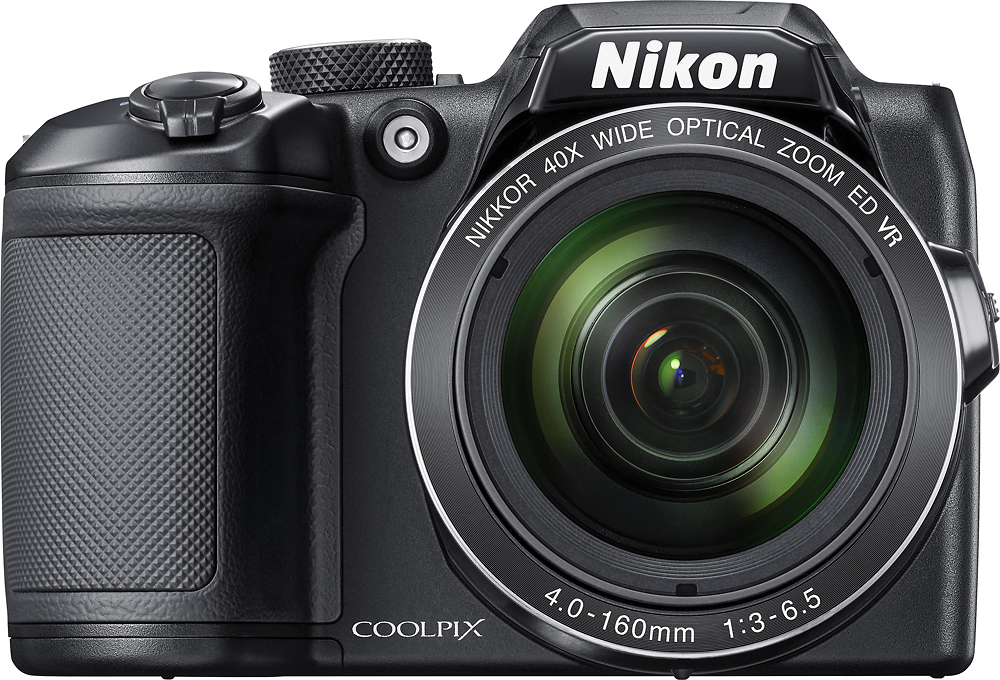
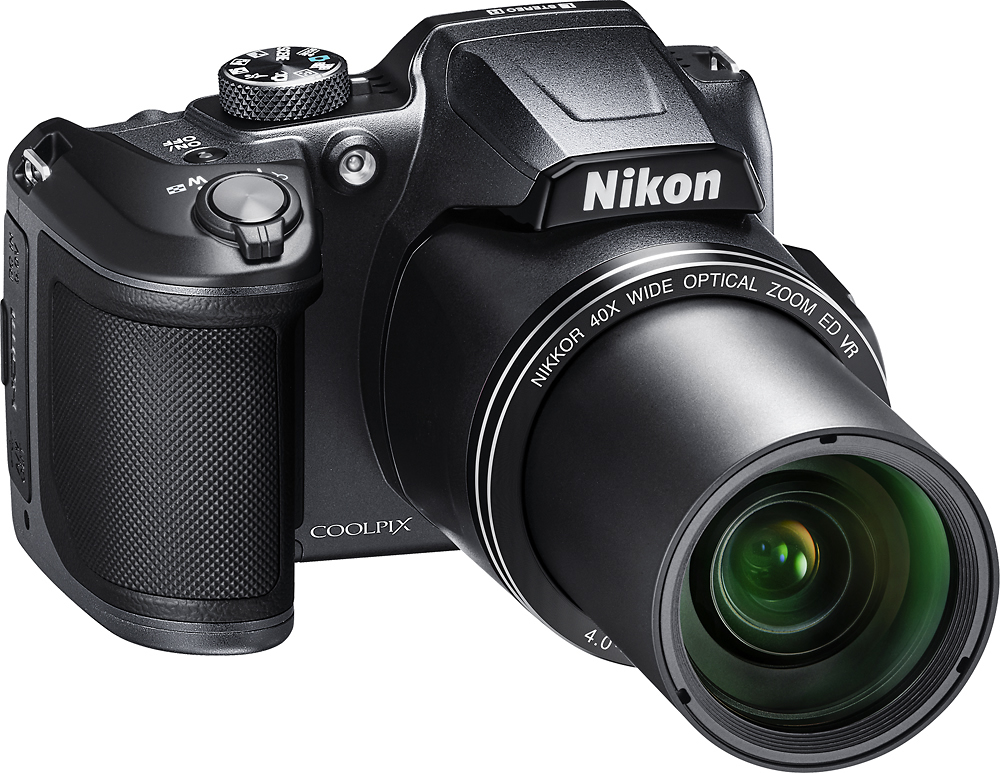
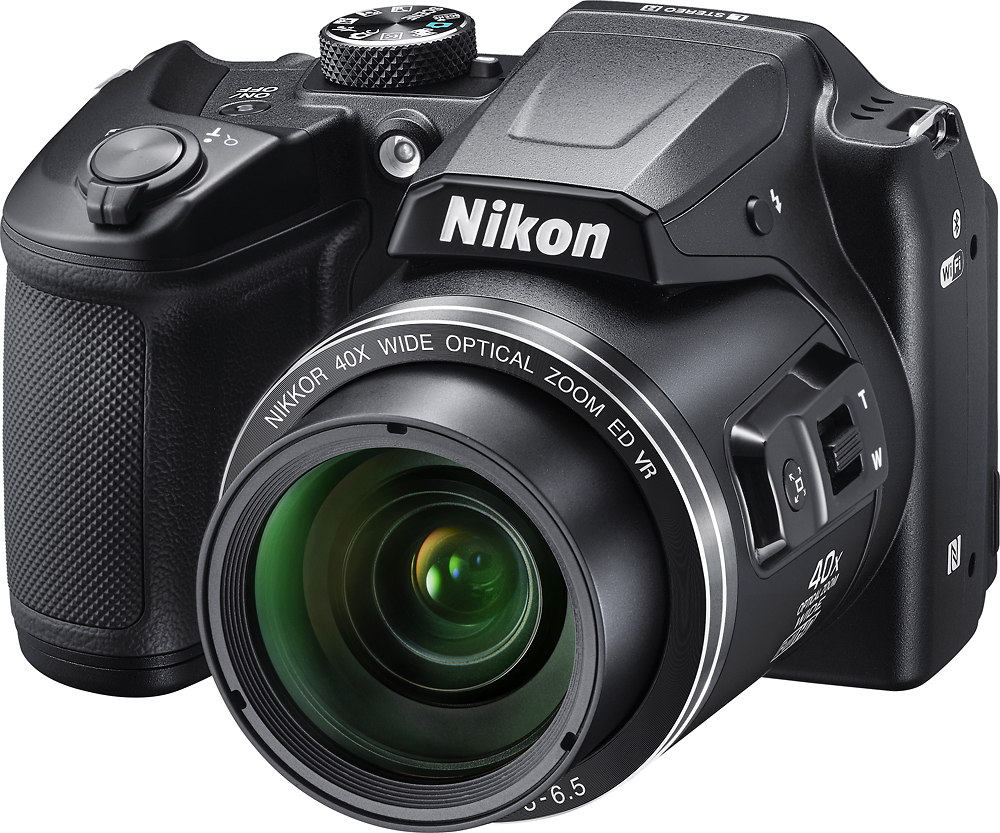
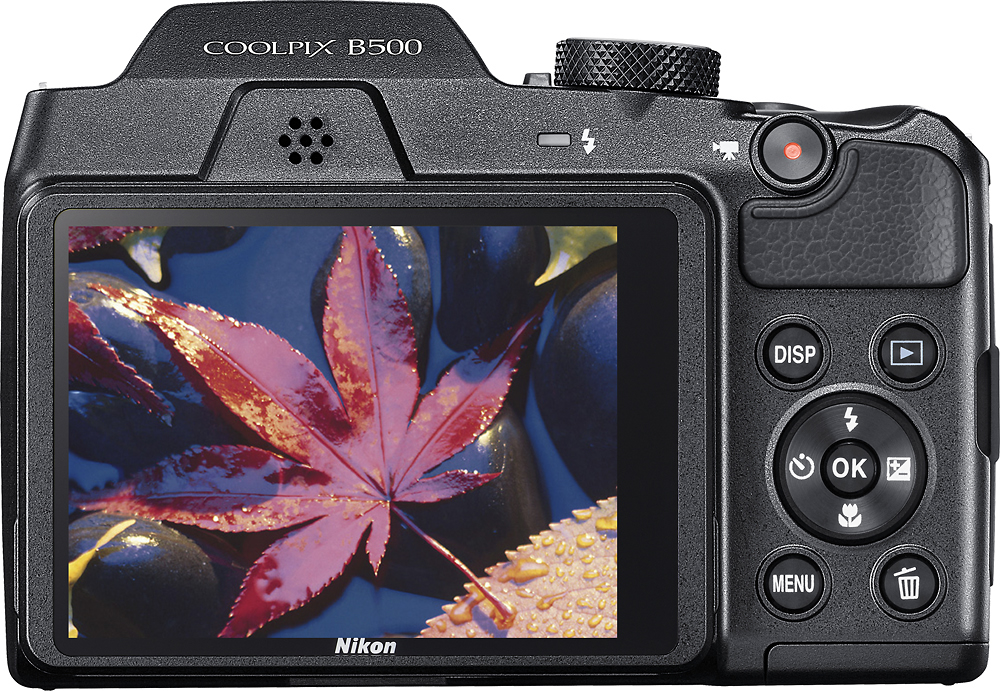
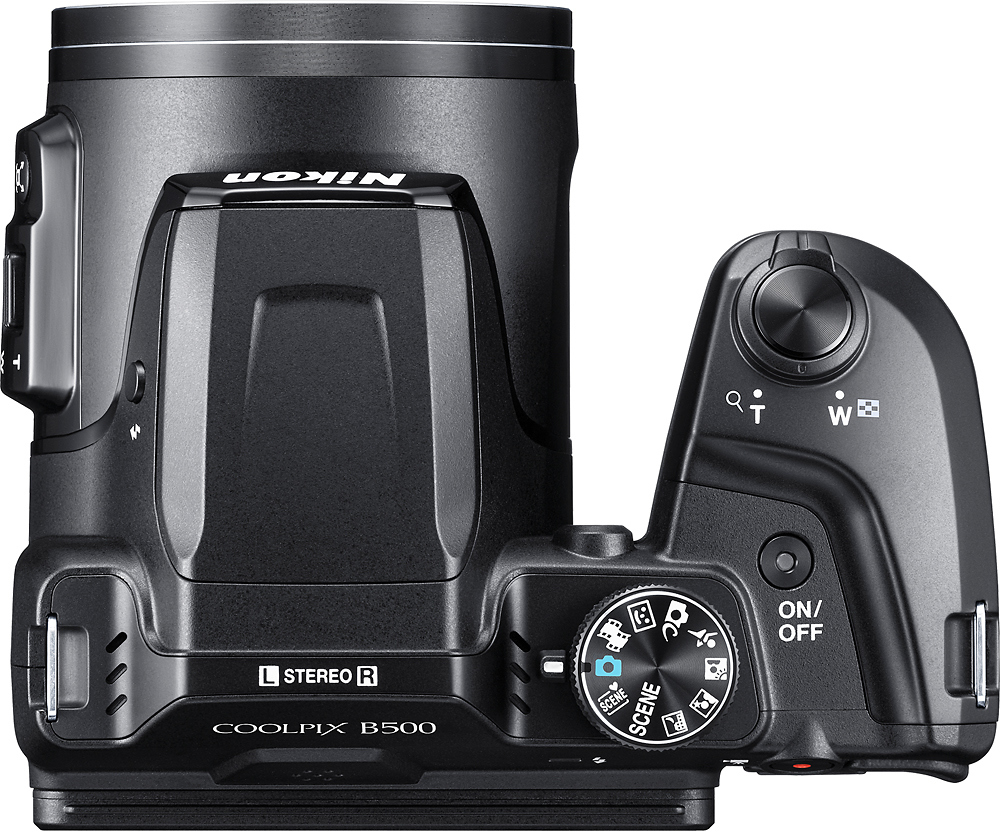
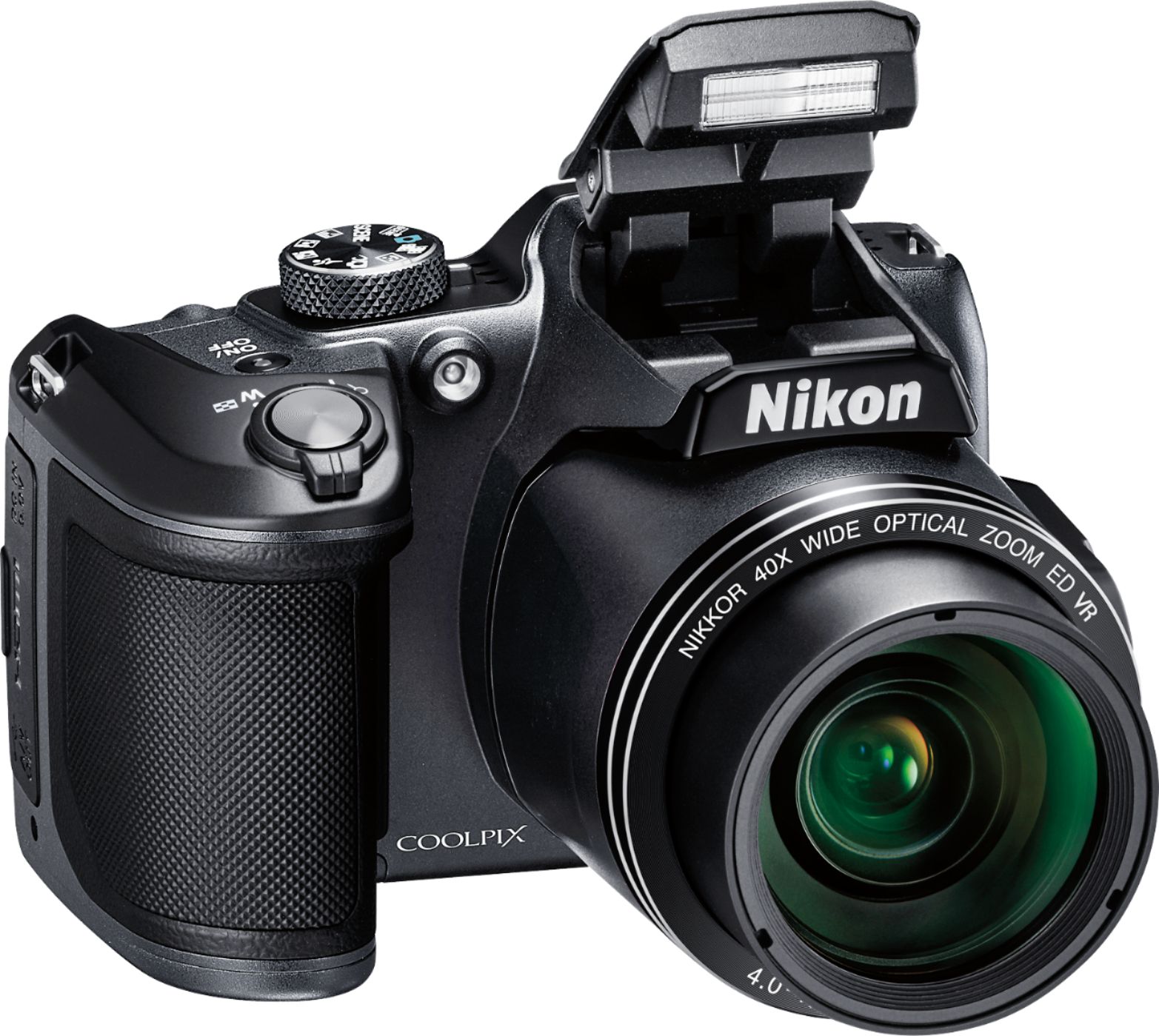
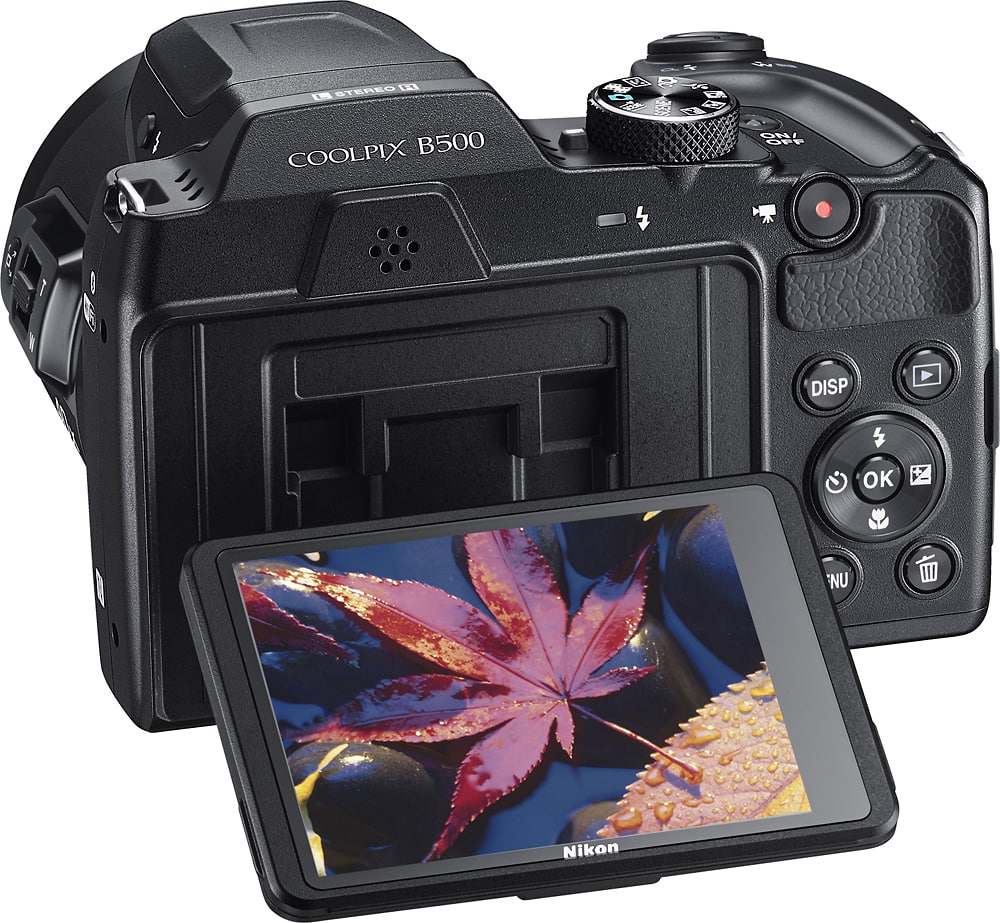
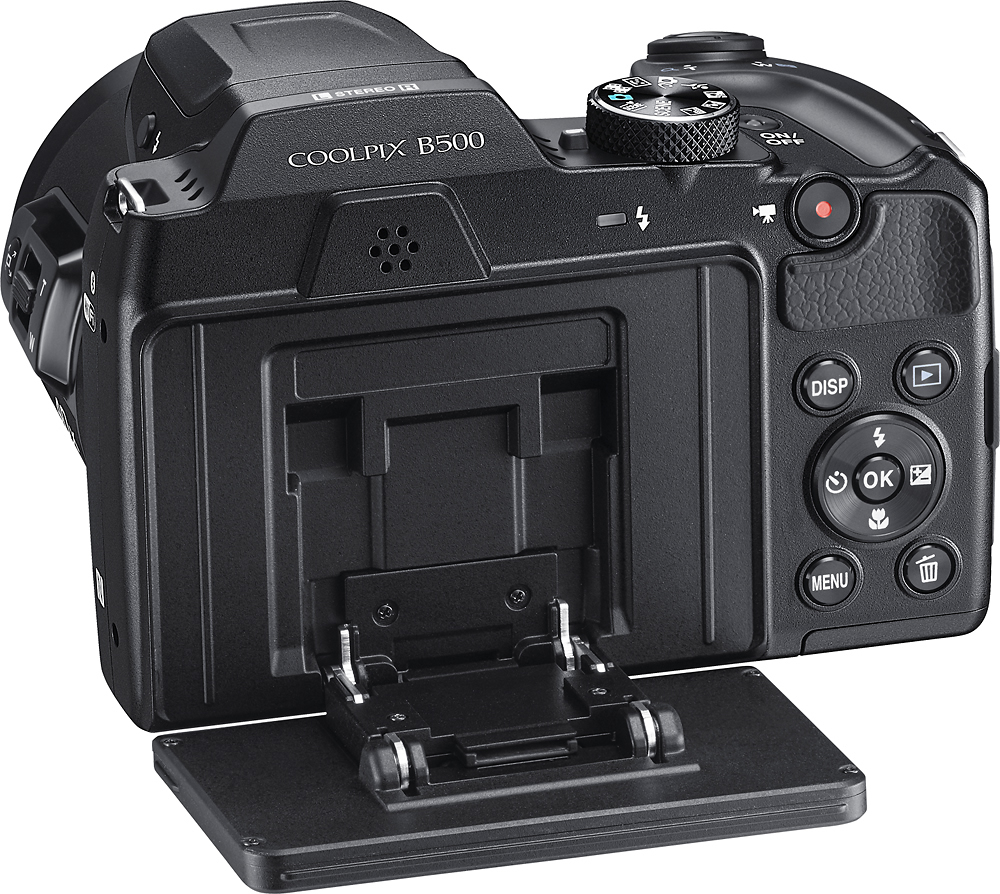
A:Answer The Nikon COOLPIX B500 digital camera's Macro setting can be turned on when you're in Auto Mode (green camera icon). After pressing the Macro button make sure you are selecting "ON" and then the "OK" button to set the camera to macro. Once the camera is set to macro you will see a zoom indicator bar at the top of the screen. When the zoom ratio is set to a position in the bar that is colored green, the camera can focus on subjects as close as approximately 10 cm (4 inches) from the lens. When the zoom position is at the wide-angle and in the middle of this colored area of the bar the camera can focus on subjects as close as approximately 1 cm (0.4 inches) from the lens. To get a focal lock, point to your subject and press the shutter button down halfway. A green box will appear if the camera has been able to focus. If you are unable to see a green focus area box pull a bit away from the subject and try again. Once you have a focal lock on your subject you can press the shutter down fully to get a sharp, quality image. If you still have problems getting a quality image after trying these steps, please contact Nikon Support.