A:AnswerThe Snapbridge APP for iOS devices has been released on 8/31. The firmware update, for the B500 that will support the app for iOS, will be available towards the end of September. Unfortunately, not in time for your trip.
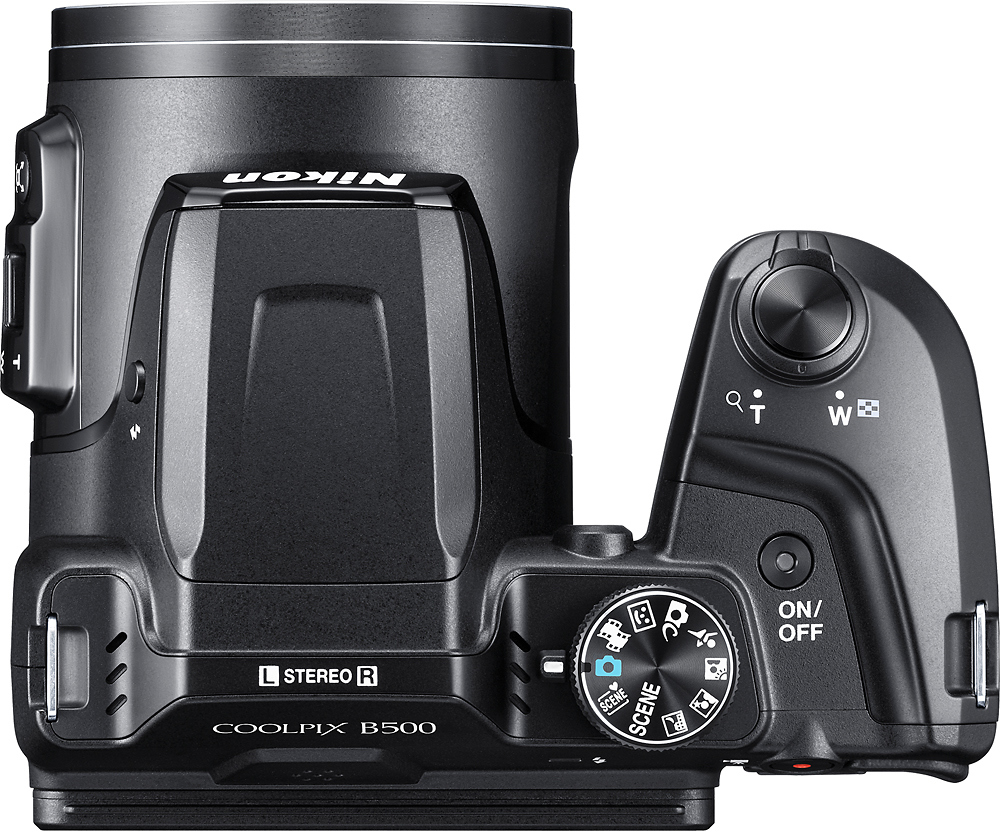
A:AnswerThe biggest difference between these two cameras is that the Nikon COOLPIX B500 digital camera uses the SnapBridge application to connect to a smart device while the Nikon L840 uses the Wireless Mobile Utility (WMU) application. Another difference is the addition of a shooting mode dial on the Nikon B500 camera body, allowing you to make quick changes the second you need to. If you are looking for a camera with more zoom the Nikon B500 gives you a bit more; 40x as opposed to the Nikon L840's 38X, but both allow for beautifully detailed images at telephoto distances. To learn more about other differences between these two cameras please contact Nikon Support.
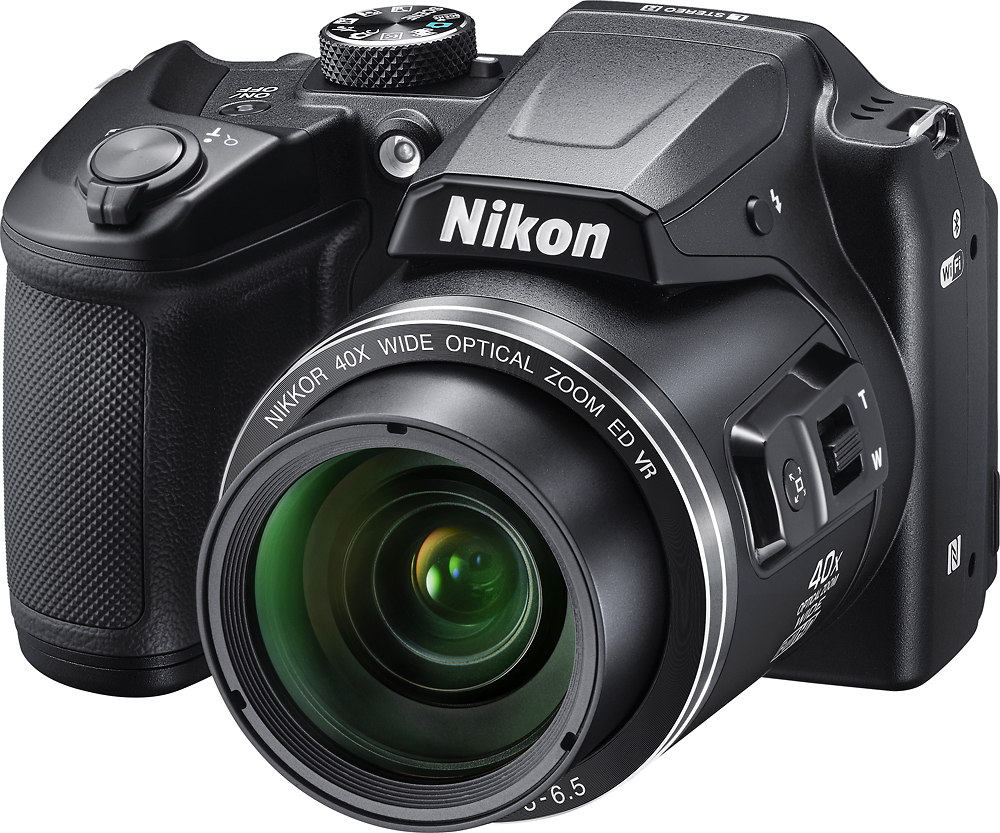
A:AnswerThe COOLPIX B500 has superior capabilities to the L830. The camera has a longer zoom, faster frame rate and the B500 has Built-in WiFi, Bluetooth and NFC. What this enable you to do, with Nikon's Snapbridge app, is control the camera's shutter and zoom on your smart device as well as view the pictures that are on the camera. The Snapbridge app is compatible with both Android and iOS operating system. The App is available now for Android OS and will be available soon for iOS.
A:AnswerNot at the current time. The iOS version of the SnapBridge app is scheduled for release in August 2016. A firmware update may be required before SnapBridge can be used. A firmware update for the camera is scheduled to follow the app release at the end of August. SnapBridge allows a compatible smart device to be used as a remote shutter release when connected to a Bluetooth capable camera.
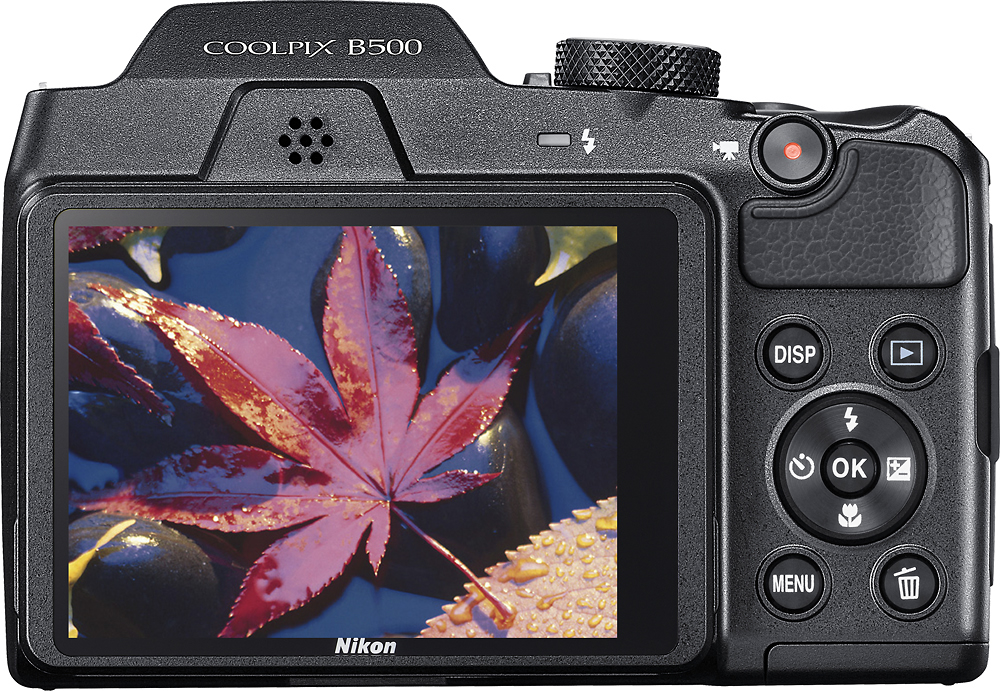
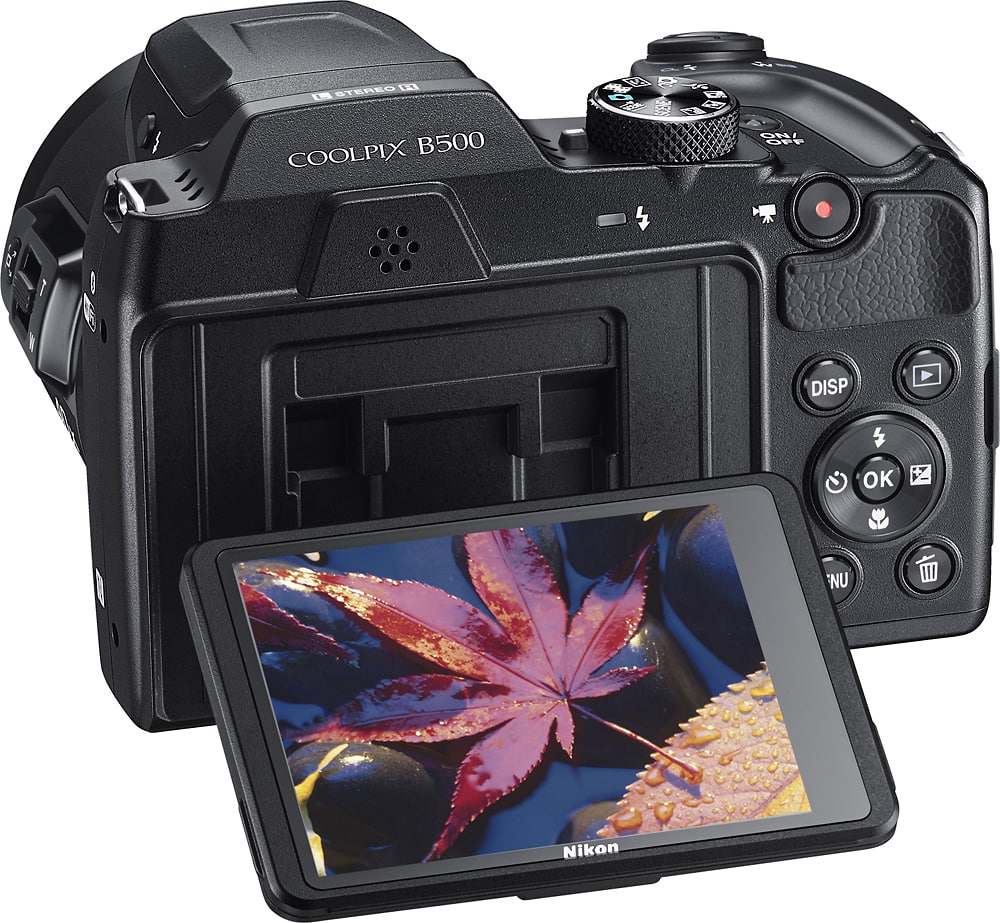
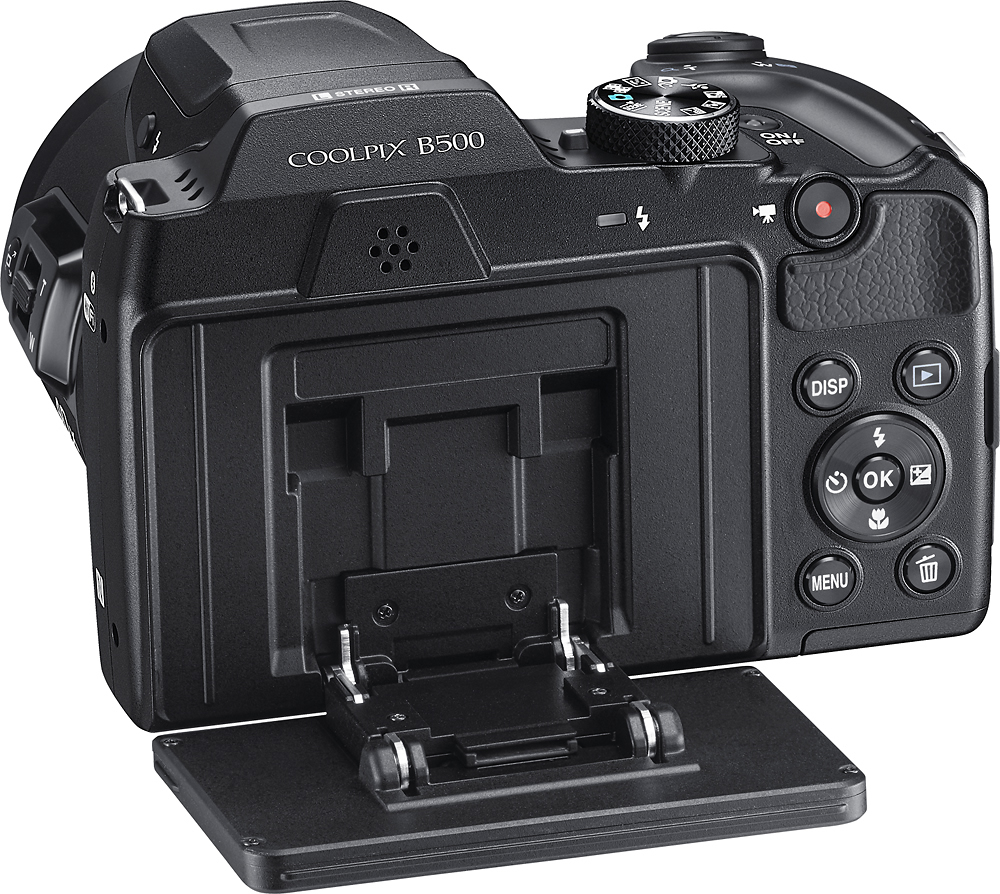
A:AnswerThe Tilting 3.0-inch LCD on the COOLPIX B500 tilts so you can get better shots of high or low angles. Without the tilting LCD you would have get behind on the camera at all times to see the LCD. If you are shooting a child a their eye level - all you need to do now - is aim the camera at the childs eye level and tilt the screen up. This is just one example of the advantages of the tilting LCD.
A:AnswerThe Nikon COOLPIX B500 digital camera has a number of options for taking beautifully sharp action images. You can try to place the camera in the Sports Mode option or use one of many continuous options in Auto Mode to capture fast movement. This camera also uses Nikon's Vibration Reduction technology which compensates for camera shake that can occur when taking hand-held pictures, so that images are blur-free.
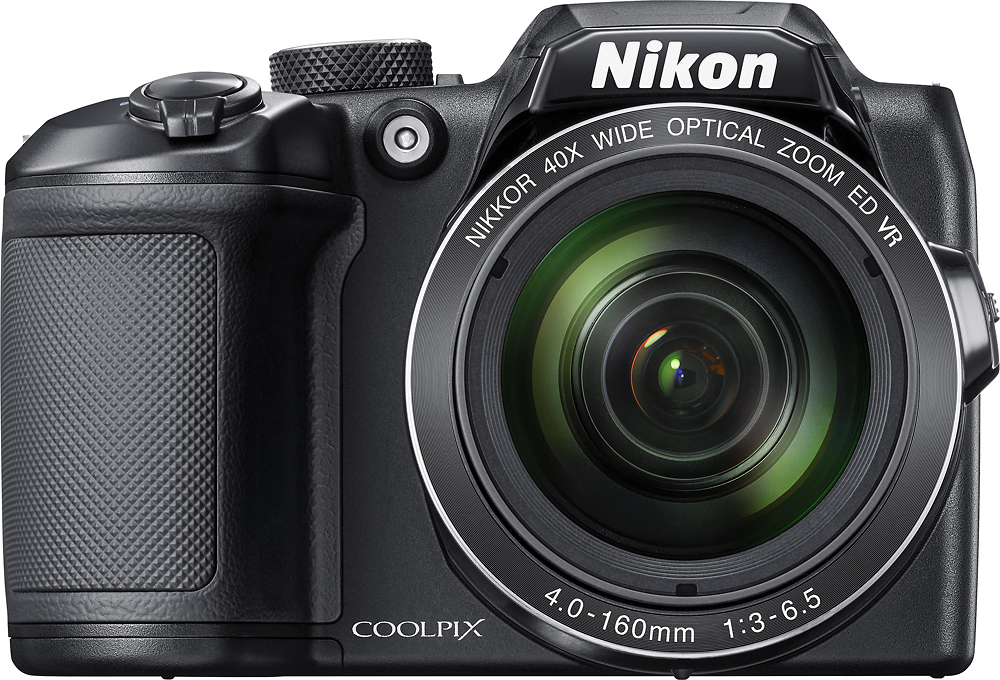
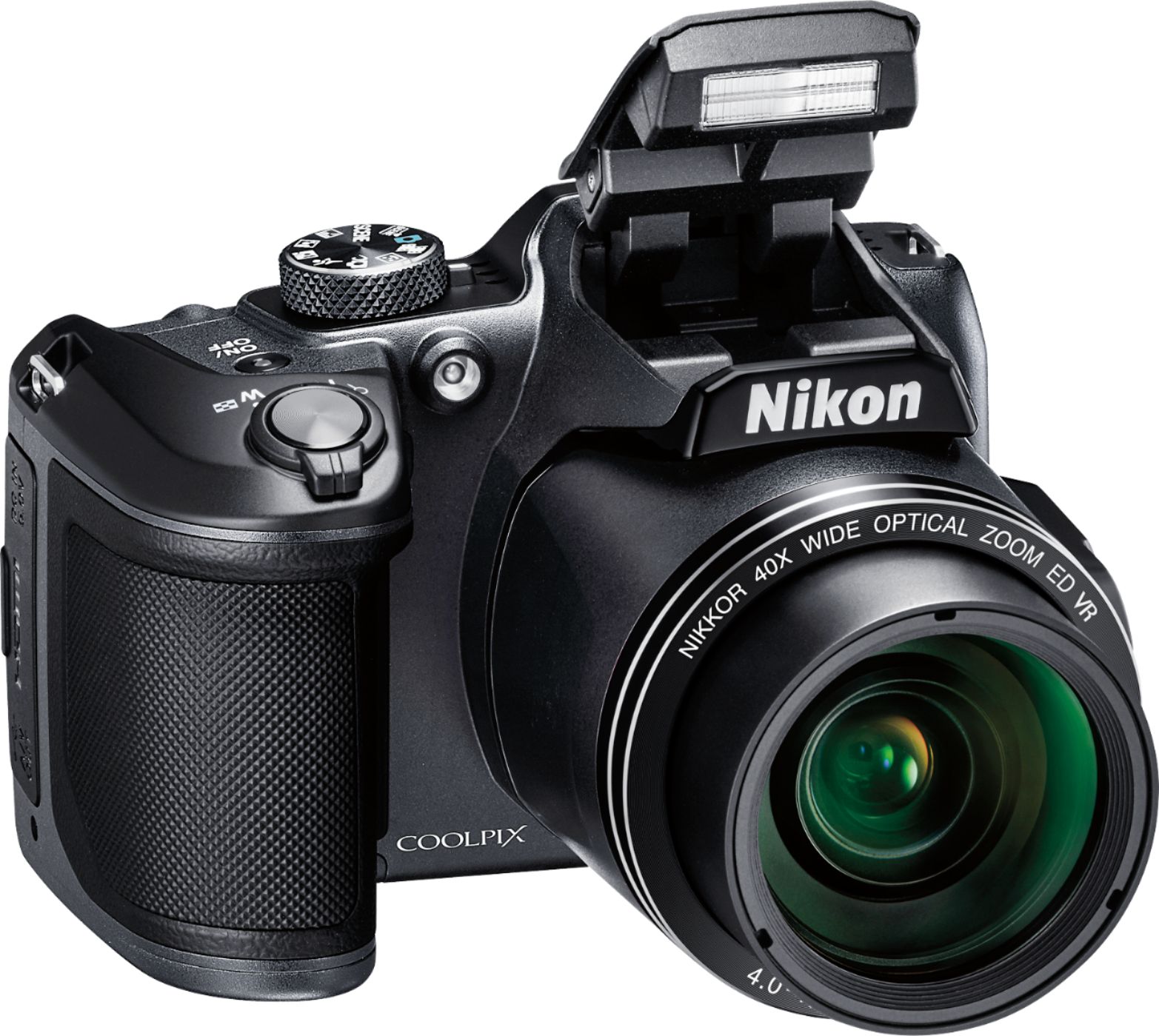
A:AnswerThe B500 has a 4.0-160mm lens which has an angle of view of approximately 87° at its widest. The default aspect ratio for shooting still still photos is 4:3, but options are available for 16:9 and 1:1. The aspect ratio for shooting HD movies is 16:9.
A:AnswerThe B500 will use AA-rechargeable batteries, as well as alkaline and lithium type. It does not use a lithium-ion battery and there is no way to charge the batteries inside the camera.
A:AnswerIT IS THE BEST QUALITY FOR YOUR PRICE. IT IS COMPARABLE TO THE COMMERCIAL GRADE CAMERA. IT GETS OVER 3000 X 4500 PX 300DPI. AGAIN, YOU CAN MAKE ADJUSTMENT SETTINGS FOR CLARITY AND LIGHTINGS AS WELL.