A:AnswerAny brand, 4 rechargeable batteries. Purchase two sets and Carry Your spares. I replace the first four in about 6 months, swap the spares over to the main, and keep the new ones as spares.
A:AnswerNo. The Nikon COOLPIX B500 digital camera does not have a manual mode but there are many other modes and features that this camera offers that can help you take an amazing image. Available modes for shooting with this camera are Auto, Creative Mode, Scene, Scene Auto Selector and Smart Portrait. There is also a Short Movie Show Mode that allow you to take a movie that is 30 seconds long. In addition this model offers a variety of editing tools to help you enhance your photos and videos to your liking. To learn more about the features of this camera please contact Nikon Support.
A:AnswerYes. This camera has a macro mode feature for shooting close up images of food, jewelry or any other small subjects. This feature can be turned off when you aren't using it. When turned on it allows the camera to focus on the subject as close as approximately 1 cm (0.4 inches) from the lens to capture the tiniest of details flawlessly.
A:AnswerYes, you can. The Nikon COOLPIX B500 digital camera has a 1/4 inch (ISO 1222) standard tripod socket that will allow you to attach the camera to a tripod.
A:AnswerThe Nikon COOLPIX B500 digital camera is great for beginners and those who already have experience with cameras. The Auto Mode feature on the Nikon B500 makes it easy to get great images and an easy-to-understand menu helps you navigate extra features with ease. This camera also has a Easy Auto Mode which automatically chooses camera settings for you, to help you capture the perfect shot, effortlessly. You can then then share all your newly taken images, through Bluetooth(BLE) technology, to a compatible smartphone. Finally, once you are ready to get more control of the camera settings, you can just switch it to another, more advanced mode.
A:AnswerThe Nikon COOLPIX B500 digital camera has a Macro Mode that is easily accessed using the selector button short cut icon (flower icon). Using the Macro feature will allow you to get as close-up as 1cm (0.4 In.) from the lens to provide you with images that are detailed and vibrant.
A:AnswerYes, your best option in order to freeze motion on the B500 is to use the Sports mode, this mode will allow you to continuous shots that freeze motion.
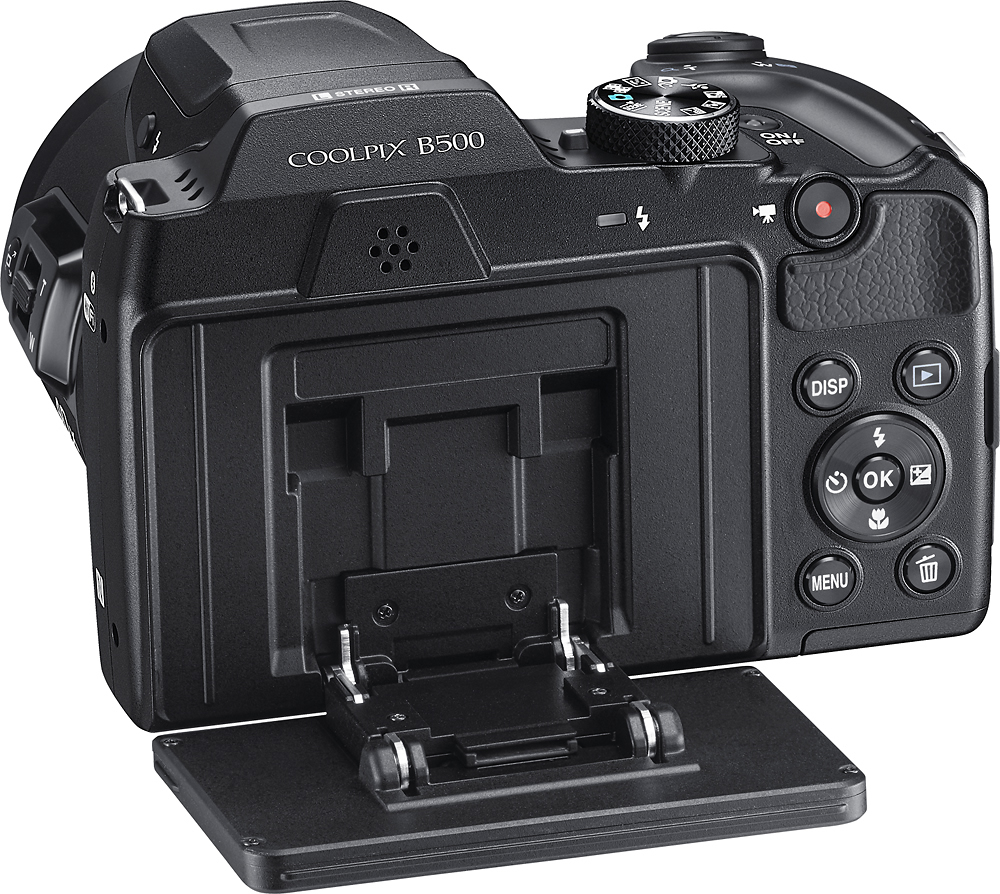
A:AnswerTo unmute the sound on your recorded video you would use the zoom control button (the toggle button that surrounds the Shutter-Release button) on your Nikon COOLPIX B500 camera while playing back your movie. To lower the sound move the Zoom Control Button towards the "T"; to raise the volume or unmute move the toggle button towards the "W".
When shooting a HS (High Speed) Movie sound is not recorded so it cannot be heard when played back. For more assistance please contact Nikon Support.
A:AnswerThe Nikon COOLPIX B500 digital camera has a maximum recording time of 29 minutes or 4 GB in file size, even when there is sufficient free space on the memory card for longer recording.
A:AnswerIt has basic protection so something like humidity or a occasional splash won't ruin it. However, it is not waterproof or water resistant so any kind of immersion or prolonged exposure to rain would probably damage the unit.
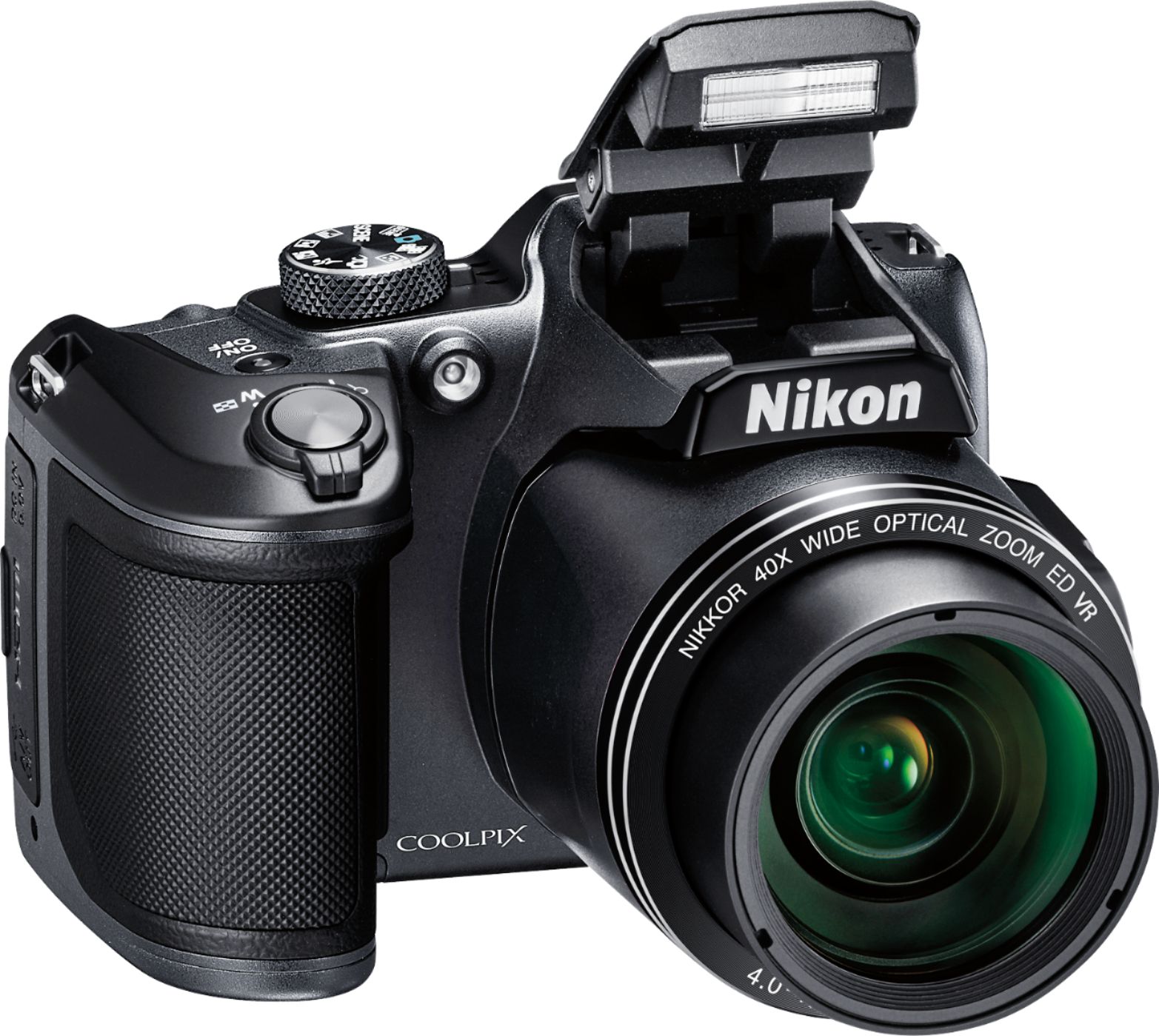
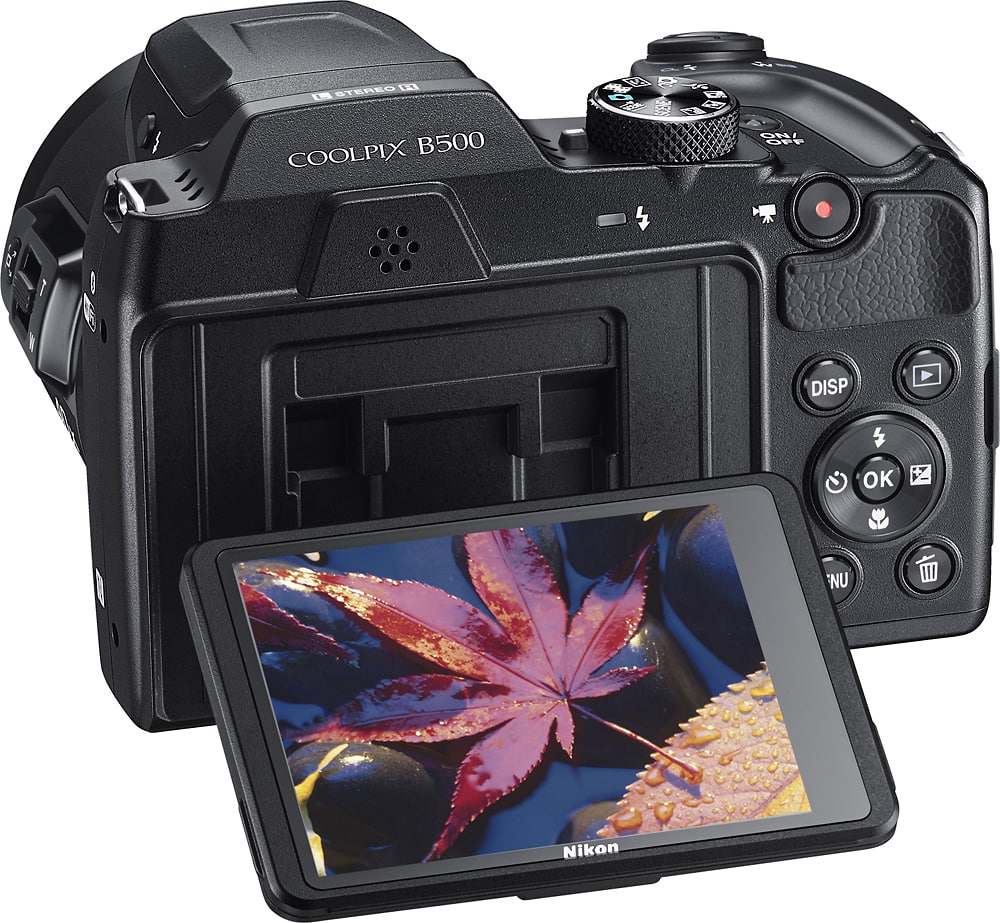
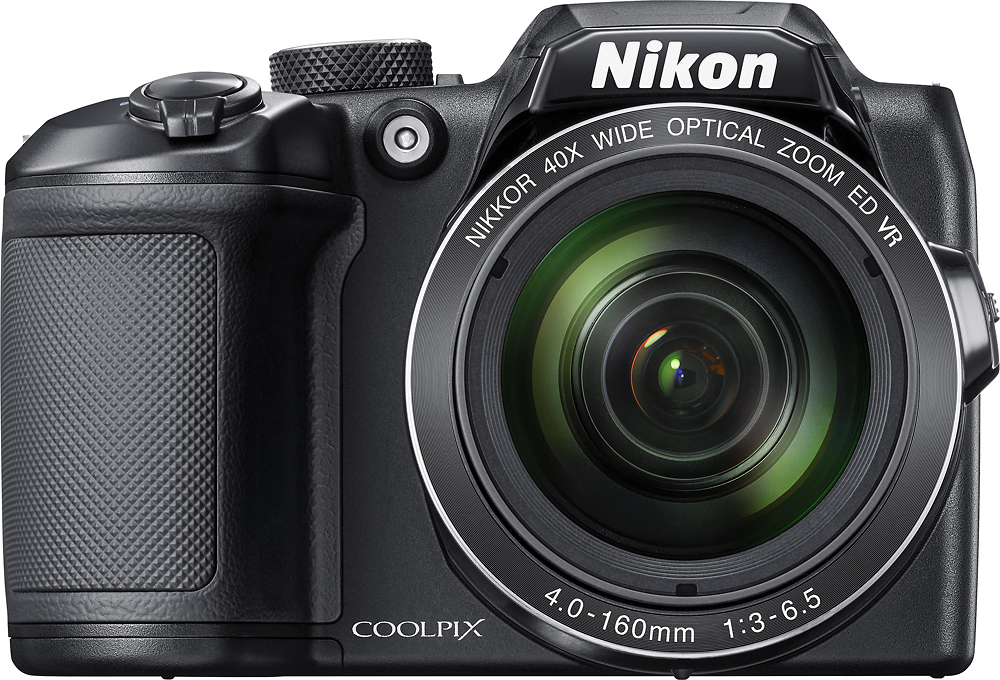
A:AnswerThe Nikon COOLPIX B500 allows you to take videos in Full HD 1080p with stereo sound and has a 4-Axis Hybrid Vibration Reduction feature to drastically reduce hand shake blur when taking handheld videos. With a large, tilting display and 40x in optical zoom to 80 in Dynamic Zoom, getting action images and videos from afar becomes effortless. This camera works well, even in low light, to provide images and videos that are amazingly vivid and sharp. It's perfect for recording all your adventures, no matter where they take you.
A:AnswerNo, it does not. The Nikon COOLPIX B500 digital camera has about 20 MB of internal memory for image storage. Additional images can be put on an approved memory card from SanDisk, Toshiba, Panasonic, or Lexar Media that range in size from 4GB to 516GB. For more specifics on card compatibility with this camera please contact Nikon Support.
A:AnswerOne of the differences between the Nikon COOLPIX L830 digital camera and the Nikon COOLPIX B500 digital camera is that the L830 uses the Wireless Mobile Utility (WMU) app while the B500 uses the SnapBridge application. Both applications allow the camera to connect with a compatible smart device for easy transfer but they do differ in how they work. Another difference is that the B500 has a faster frame rate of 7 shots at about 7.4 fps while the L830 gives you 5 shots at approximately 6.7 fps. In addition the B500 has a bit more for lens zoom than the L830. To learn more about the differences between these two cameras, please contact Nikon Support.
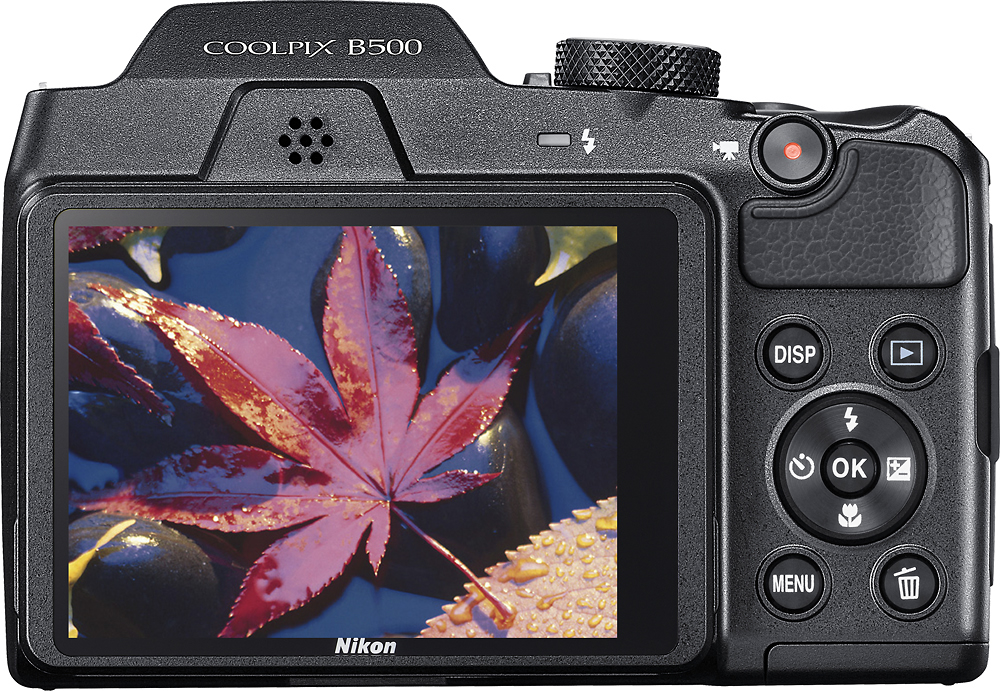
A:AnswerThe Nikon COOLPIX B500 digital camera can take beautiful images in macro. To set this camera to macro just press the flower icon on the multi-selector button and then select "On". Using the zoom feature you can then get as close to the subject as 1 cm (0.4 inches) from the lens. This camera is not compatible with any lens filters, tubes or lens hoods.