Questions & Answers
- Model:
- 26496
- |
- SKU:
- 3839025
Q: QuestionCan you charge the battery using USB?Can you charge the battery using USB, or does it require an AC adaptor?
Asked by Anonymous.
- A:Answer The camera comes with the charging AC Adapter EH-71P. You can connect the camera, via USB to your computer to charge it. You must set the camera in the camera's setup menu to CHARGE BY COMPUTER to do this. You can, in addition, plug the USB cable into the AC ADAPTER and charge it via a wall outlet.
Answered by NikonStaff

Q: QuestionDoes this camera take good pictures above and below water?
Asked by QueenColleen.
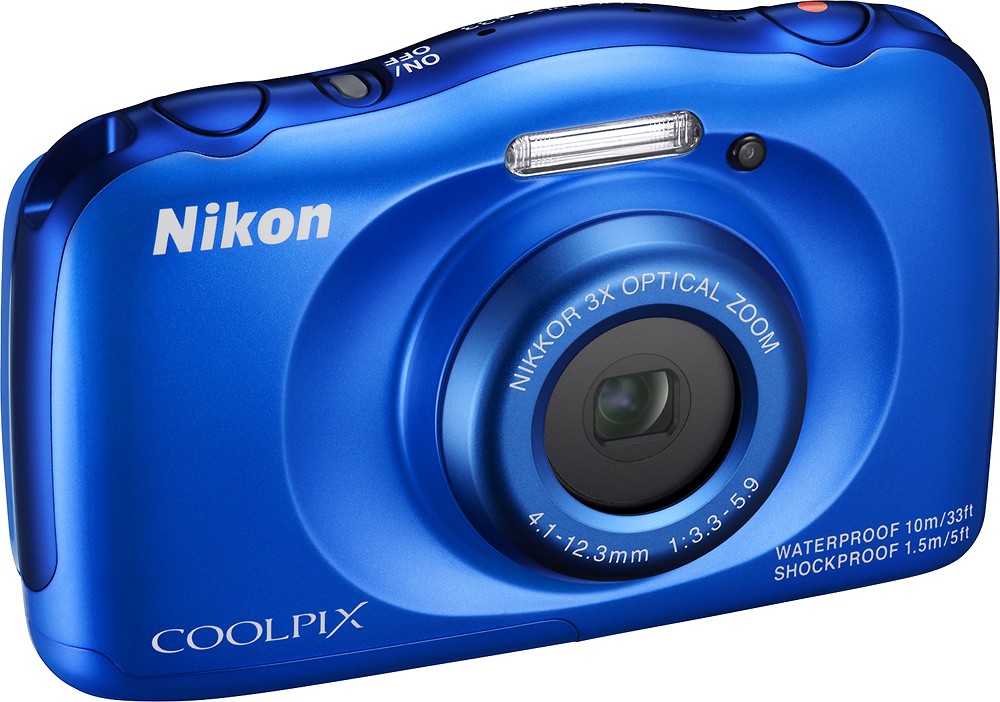
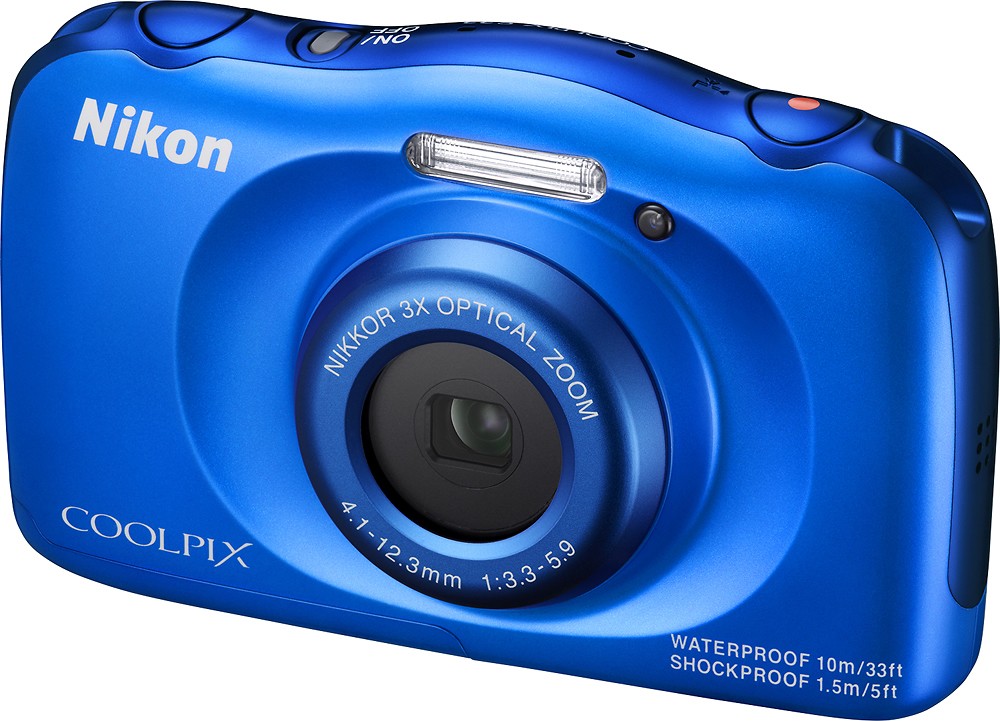
- A:Answer Yes, the Nikon COOLPIX S33 digital camera takes amazingly brilliant images both in and out of water. With Underwater Face Framing, Motion Detection, and a variety of Image Effects this camera is ready for taking great images no matter where your adventure leads you.
Answered by NikonStaff

Q: QuestionIs there a time/date stamp option available with this camera?
Asked by Anonymous.
- A:Answer Yes there's a time/date stamp option available. It's not on by default so you have to go into Settings> Camera Settings > Date Stamp to turn it on.
Answered by WaterCamera
Q: QuestionHow long does it take to charge the battery
Asked by Anonymous.
- A:Answer The Nikon COOLPIX S33 digital camera uses a Nikon EN-EL19 Rechargeable Li-ion battery for power. It takes approximately 1 hour and 40 minutes to charge a fully depleted battery with the Charging AC Adapter EH-71P/EH-71PCH.
Answered by NikonStaff

Q: QuestionUnderwater: do I need any special equipment that is not included with this camera?? water proof case or anything else?
Asked by NazMontano.
- A:Answer No extra accessories are needed to be purchased for the Nikon COOLPIX S33 digital camera to work underwater. Just follow the underwater instructions found in the provided Quick Start Guide and you will have breathtaking underwater images in no time.
Answered by NikonStaff

Q: QuestionWhat accessories come with camera
Asked by Anonymous.
- A:Answer This listing includes: Coolpix S33 13.2-Megapixel Digital Camera Rechargeable lithium-ion battery Charging adapter USB cable Strap, cleaning brush Owner's manual
Answered by CommunityAnswer
Q: QuestionWill this camera work in the ocean underwater?
Asked by Sean.
- A:Answer The Nikon COOLPIX S33 digital camera is equivalent to JIS/IEC waterproof grade 8 (IPX8 and JIS/IEC dustproof grade 6 (IP6X) which enables shooting images underwater at a depth of 10m (33 ft) for up to 60 minutes. The waterproof performance of this camera is designed to work for fresh water and seawater only.
Answered by NikonStaff

Q: QuestionCan you edit pictures on camera to get exotic versions
Asked by Anonymous.
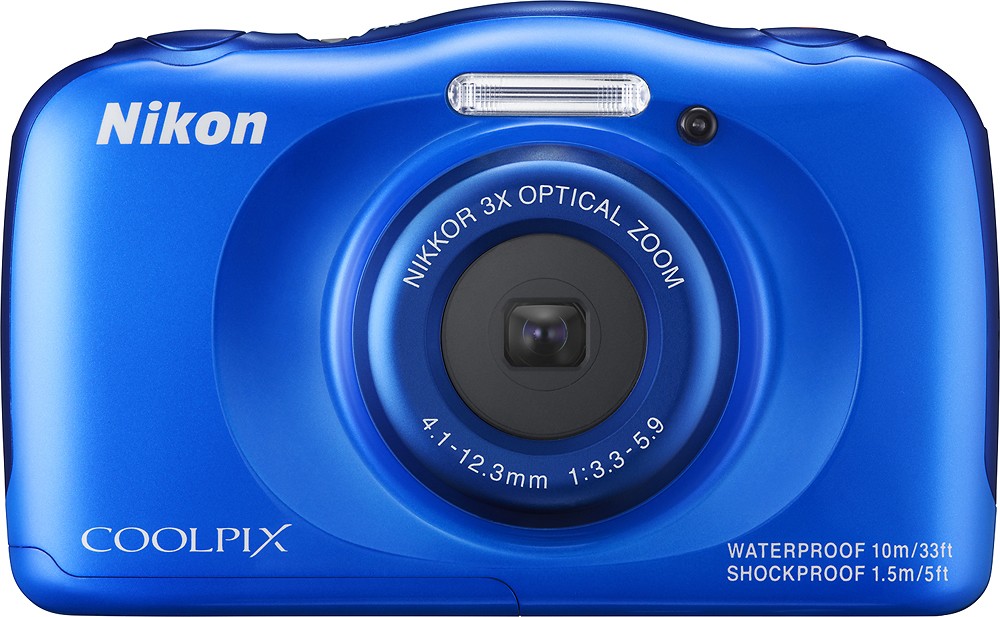
- A:Answer The Nikon COOLPIX S33 digital camera has the following in-camera editing options for stills: "Add Makeup", "Add a Fisheye Effect", "Toy Camera", "Soften Pictures", "Add Starbursts", "Add a Diorama Effect", "Change Colors", or "Decorate". There are also various styles to choose from for scene shooting such as "Add a bubble effect", "Mirror", "Add a cartoon effect" and many more. Images can also be graded and placed in separate photo albums for easy lookup.
Answered by NikonStaff

Q: QuestionHow long does the battery last ?
Asked by Anonymous.
- A:Answer The Nikon COOLPIX S33 digital camera uses a EN-EL19 Rechargeable Li-ion battery. You can get approximately 220 still shots or 1 hour and 25 minutes of movie recording from a fully charged EN-EL19 Rechargeable Li-ion battery.
Answered by NikonStaff

Q: QuestionIs the keyboard backlit and is it good for gaming?
Asked by Anonymous.
- A:Answer This listing is for a digital camera.
Answered by CommunityAnswer
Q: QuestionMy daughter wants to record videos. Is it possible with an external SD card to take some up to 10 minutes long?
Asked by Scapes73.
- A:Answer The movies recorded by the COOLPIX S33 are a maximum of 4GB or 29 minutes.
Answered by NikonStaff

Q: QuestionCan you use a normal battery with this camera?
Asked by Bob.
- A:Answer The Nikon COOLPIX S33 digital camera comes with and uses a Nikon EN-EL19 Rechargeable Li-ion Battery. Using a battery other than the specified Nikon battery for this camera could result in damage or malfunction.
Answered by NikonStaff

Q: QuestionDoes it take pictures underwater?
Asked by Anonymous.
- A:Answer The Nikon COOLPIX S33 digital camera is able to shoot pictures underwater at a depth of 10 m (33 ft) for up to 60 minutes. Instructions for underwater use can be found in the provided user’s manual and should be followed carefully.
Answered by NikonStaff

Q: QuestionHow do you remove the battery?
Asked by Di.
- A:Answer You can find instructions on how to remove the battery on page 6 of your camera's pdf reference manual. You would first slide the battery door latch down at the same time, push again the switch to the left to unlatch the battery door. You can then have access to remove or insert the battery. Reverse the steps to make sure the battery door is closed properly to prevent any water from getting in.
Answered by NikonStaff

Q: QuestionHOW DO I GET TIME AND DATE TO PRINT ON PICTURES WHEN DOWNLOADED
Asked by SURVEYOR.
- A:Answer The date and time stamp cannot be stamped on images after they have been captured with the Nikon COOLPIX S33 digital camera. In order to print a shooting date on images without a date stamp transfer them to a computer and use Nikon ViewNX 2 software. You can learn more about ViewNX 2 software by using the following link: http://downloadcenter.nikonimglib.com/en/products/166/ViewNX_2.html
Answered by NikonStaff

Q: QuestionIs there a place to attach a neck strap? Is this good for lake and hiking use?
Asked by Holmes.
- A:Answer Yes, yes, yes.
Answered by premier
Q: QuestionDoes camera have "self-timer" feature?
Asked by Cindy.
- A:Answer The specs say it has a 10 sec self-timer.
Answered by pontifax
Q: QuestionIs this camera compatible with Apple Computers OS X Sierra?
Asked by Melissa.
- A:Answer Yes. Just connect the Nikon COOLPIX S33 digital camera to the computer with the UC-E21 USB Cable and it should be immediately recognized so that images can be transferred. You can also upload images by taking the memory card out of the camera and placing it in a card reader. If your computer is not recognizing your camera upon connection please contact Nikon Support for troubleshooting help by using the following link: http://www.nikonusa.com/en/about-nikon/contact-us.page
Answered by NikonStaff

Top Rated
- $329.99$329.99The price was $469.99
- $139.99$139.99The price was $149.99
- $299.99$299.99The price was $349.99
- $1,099.99$1,099.99The price was $1,299.99
- $279.99$279.99The price was $329.99
- $949.00$949.00The price was $1,099.00
- $1,499.00$1,499.00The price was $2,799.00
- $449.99$449.99The price was $649.99