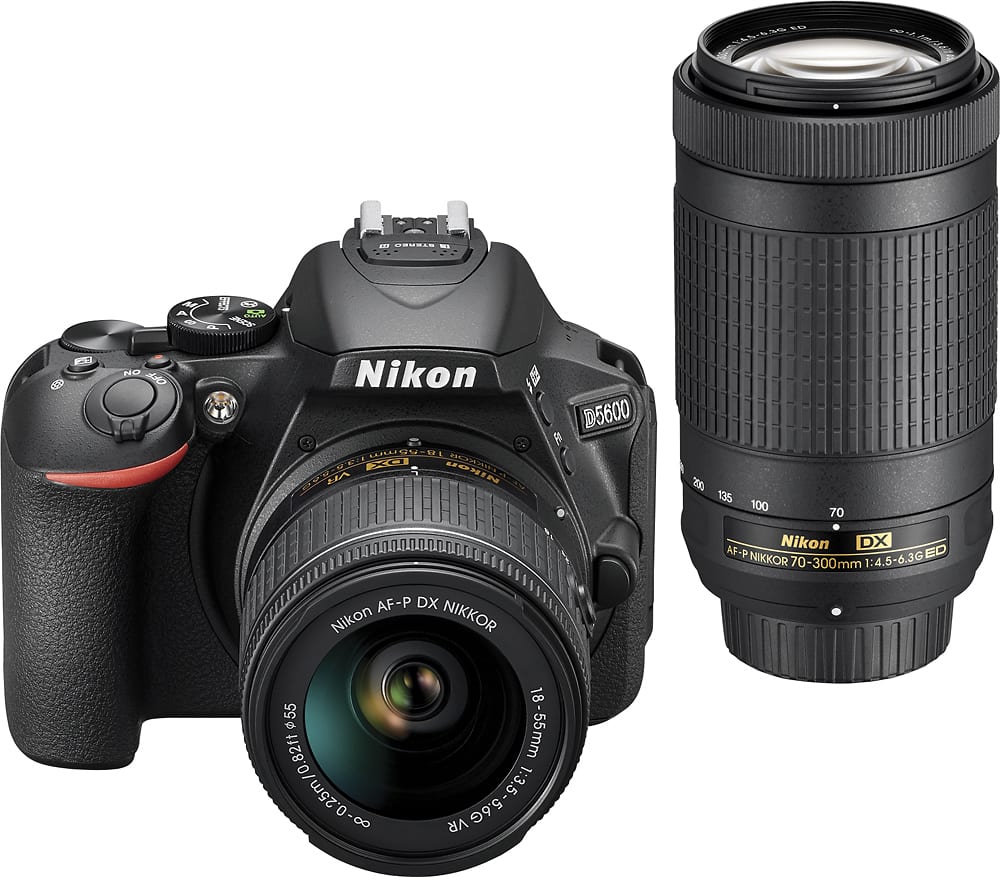
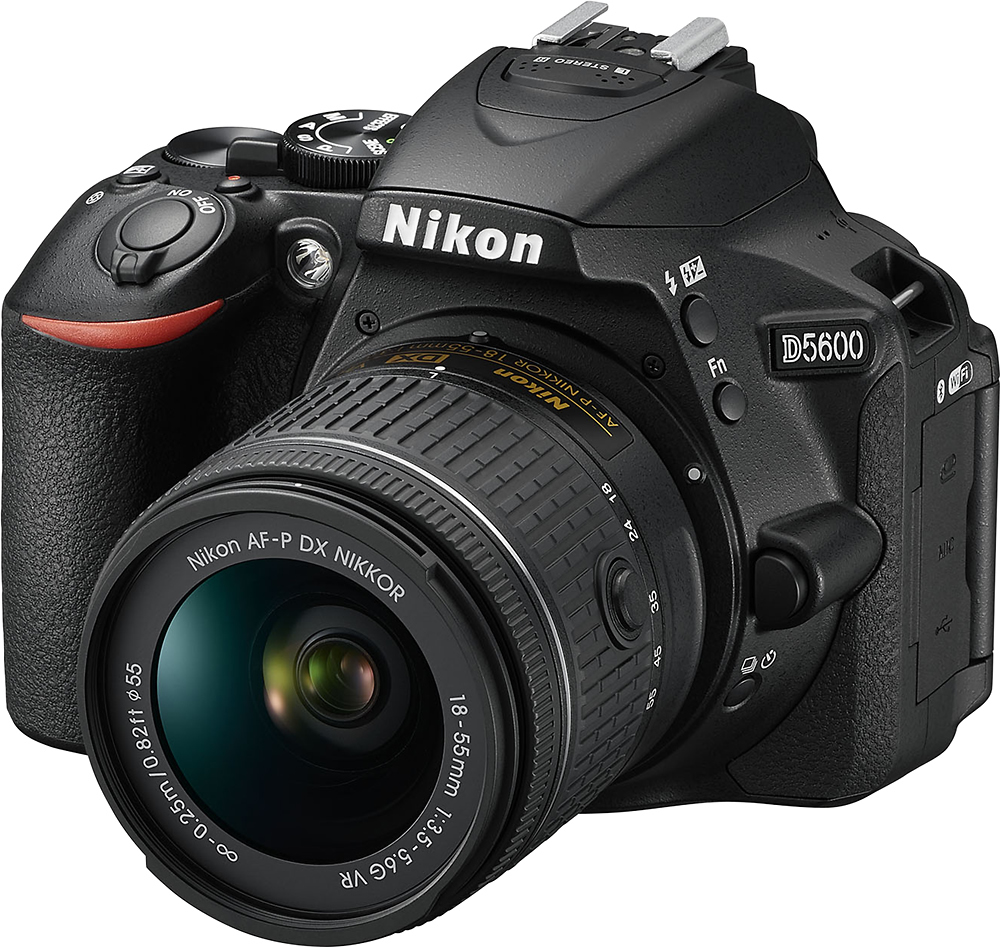
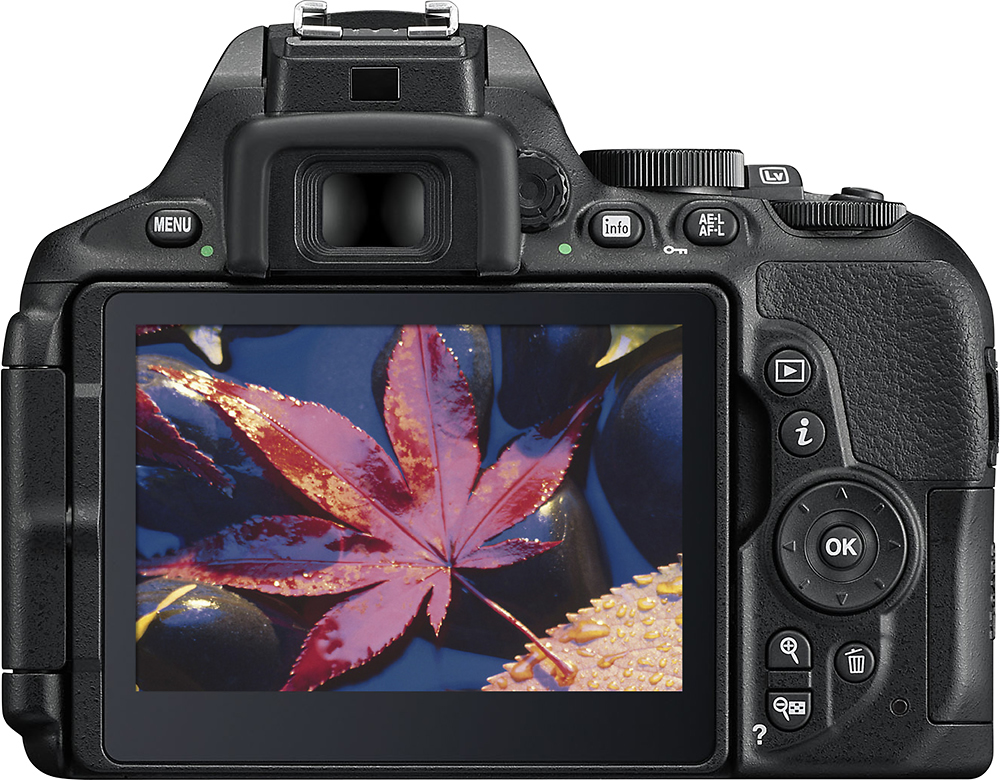
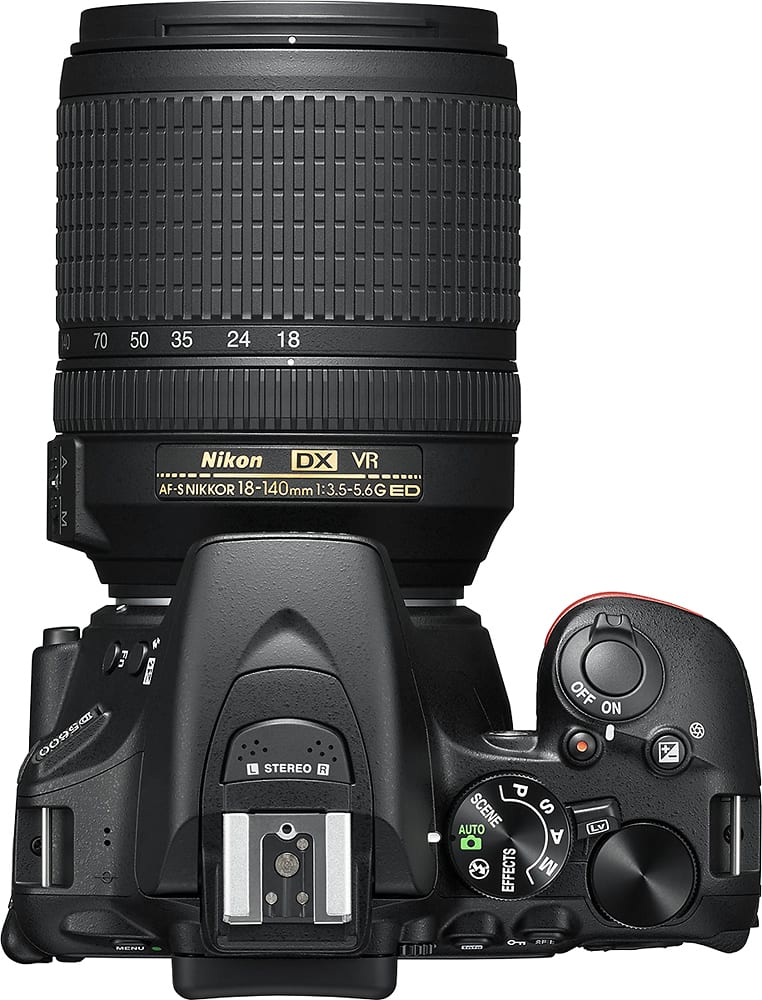
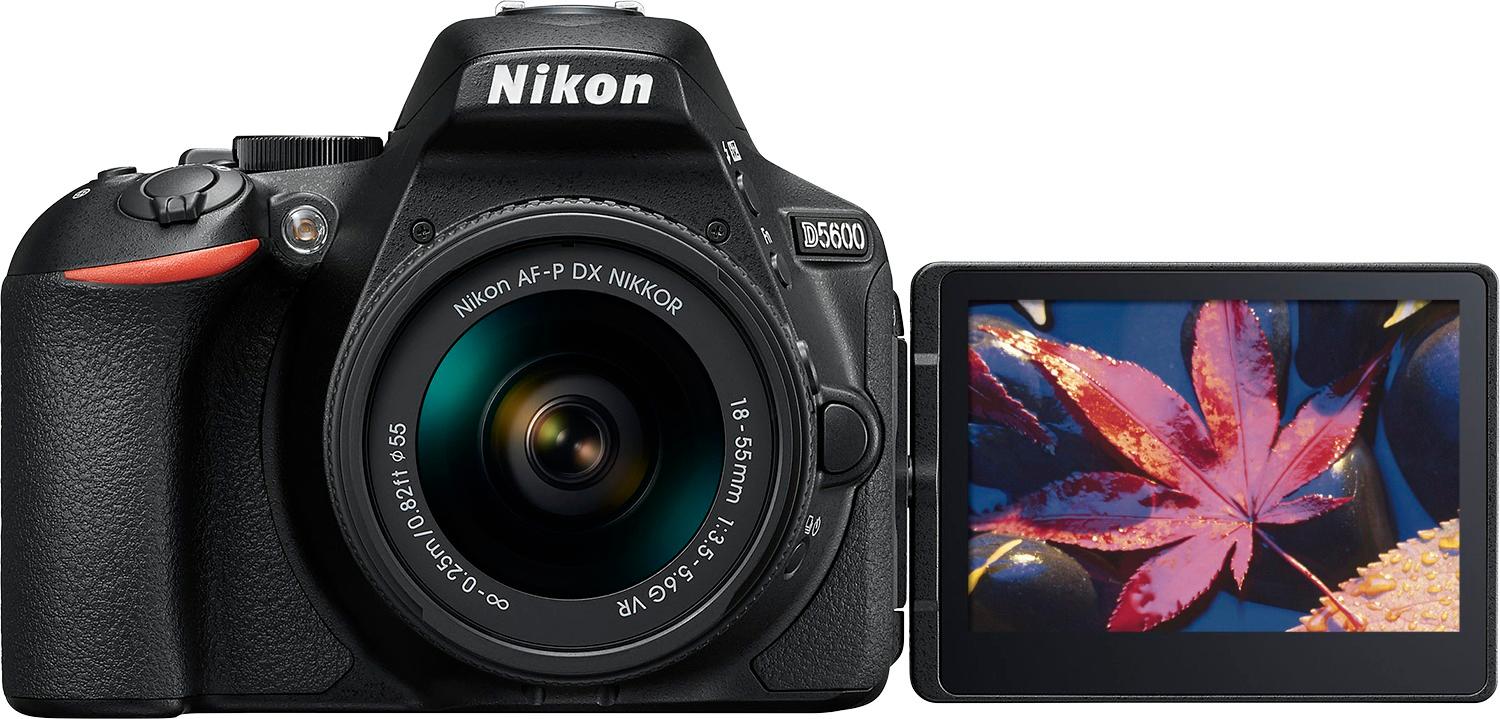
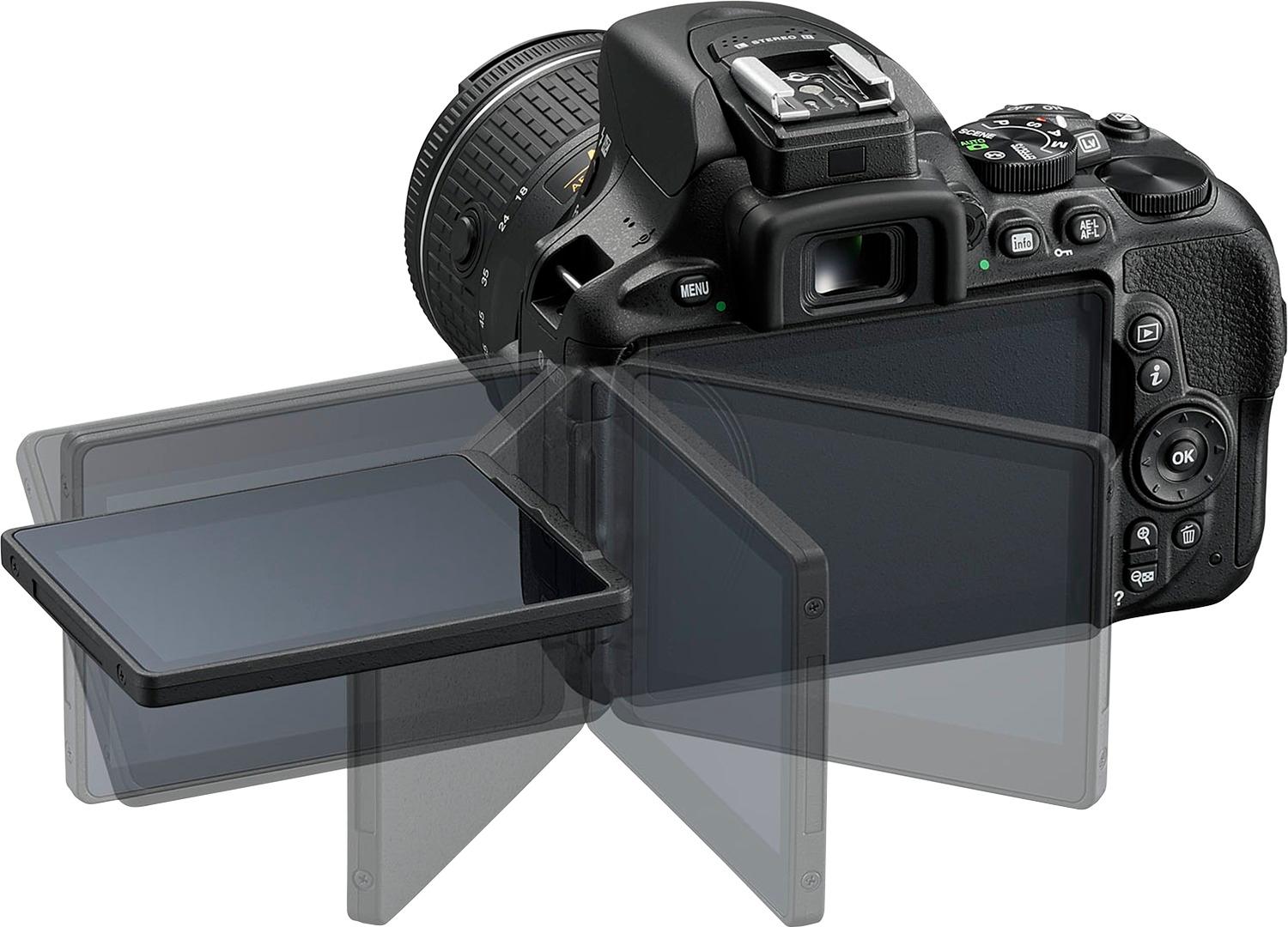
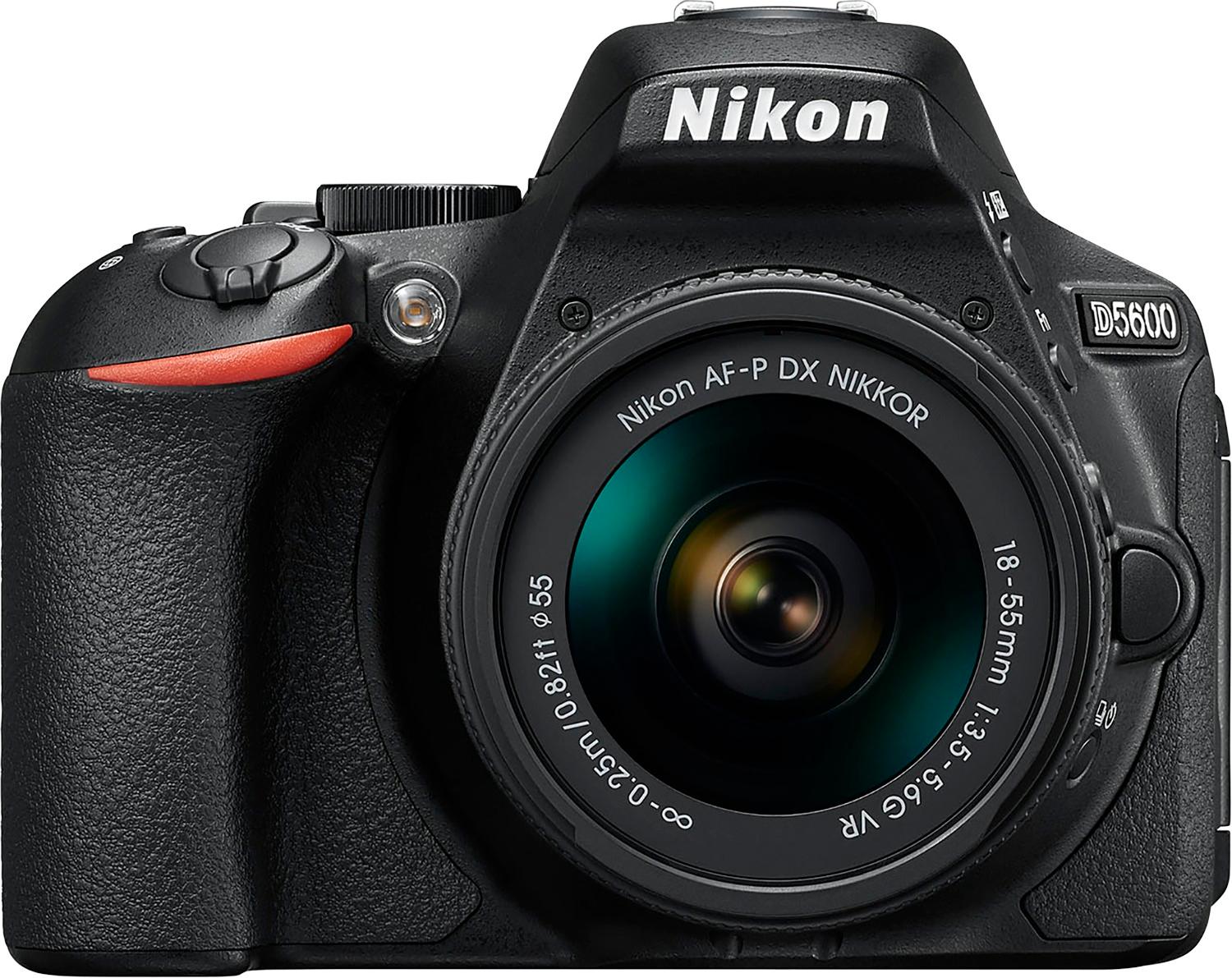
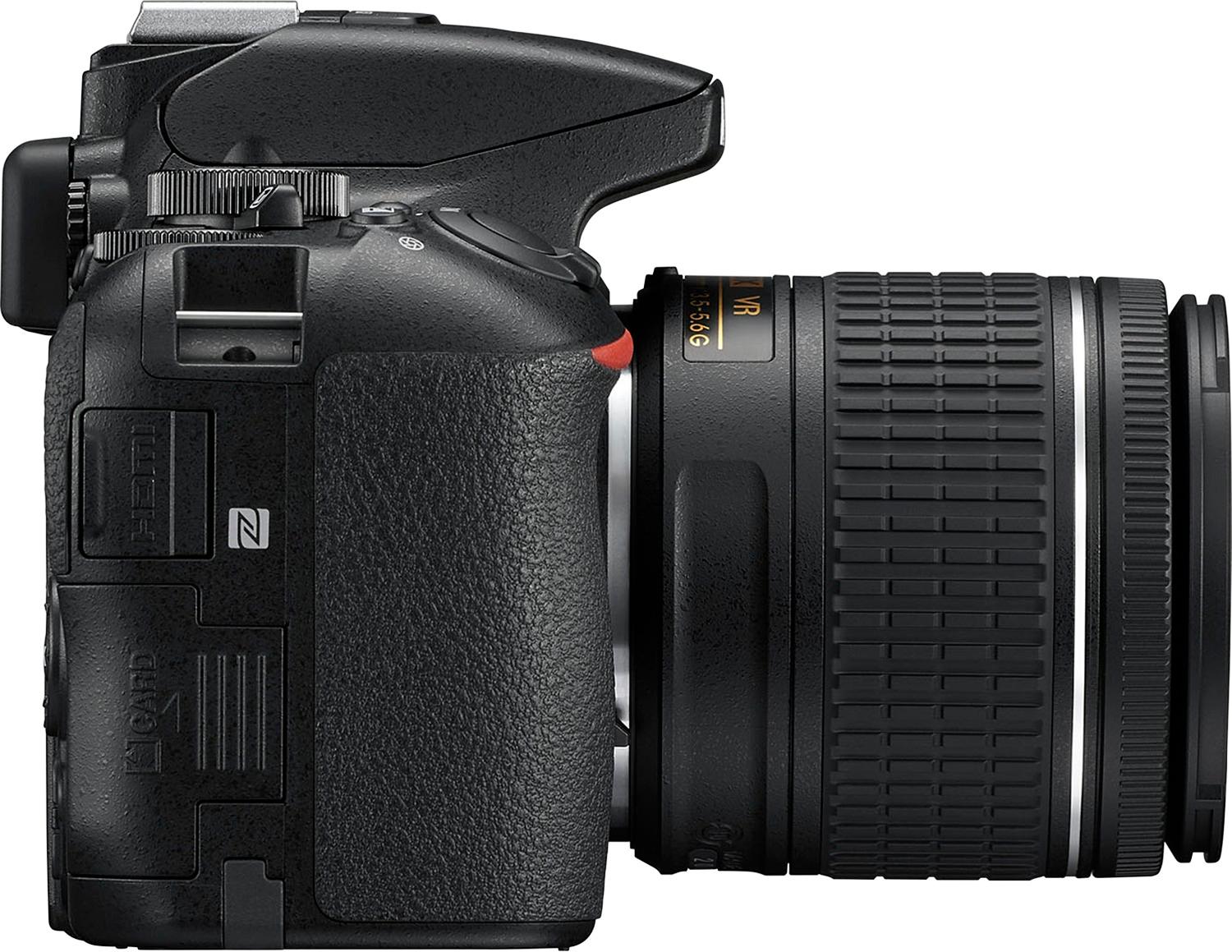
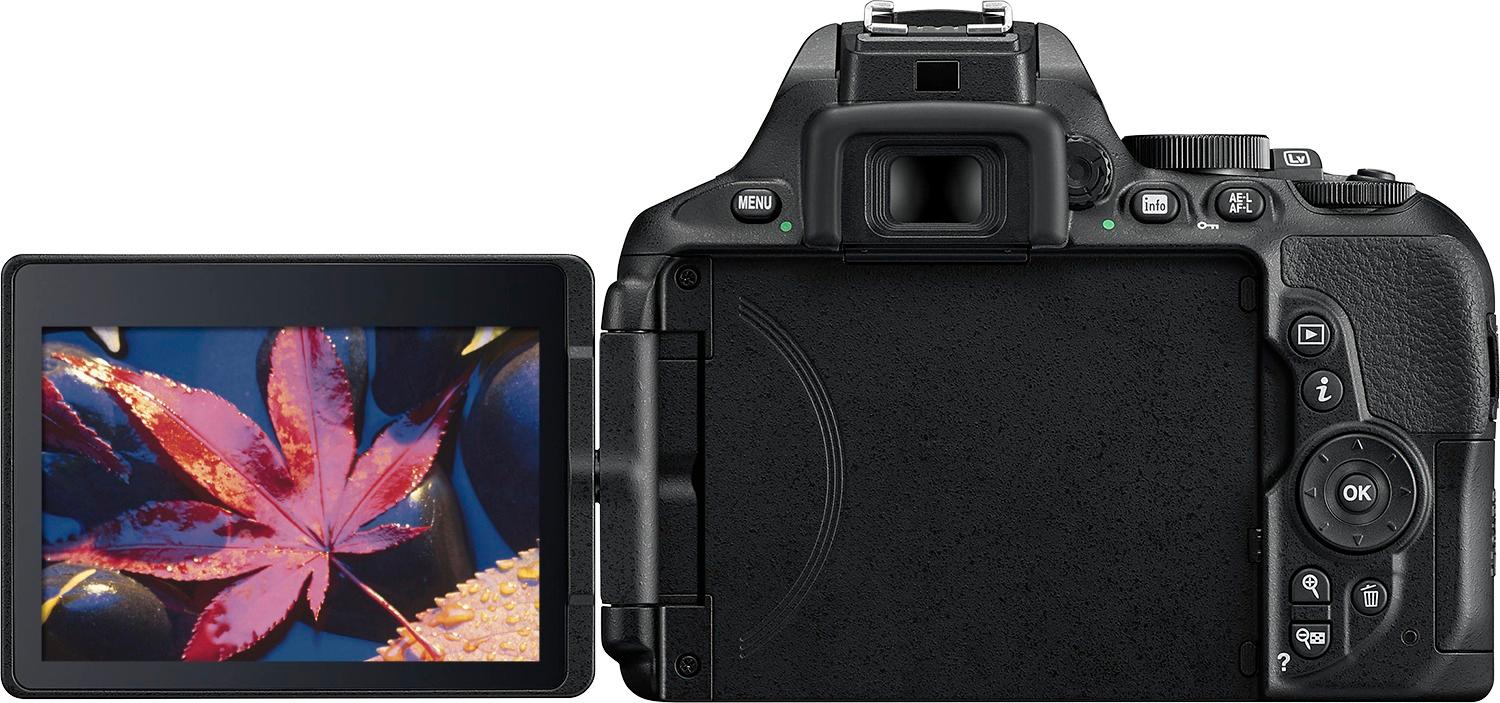
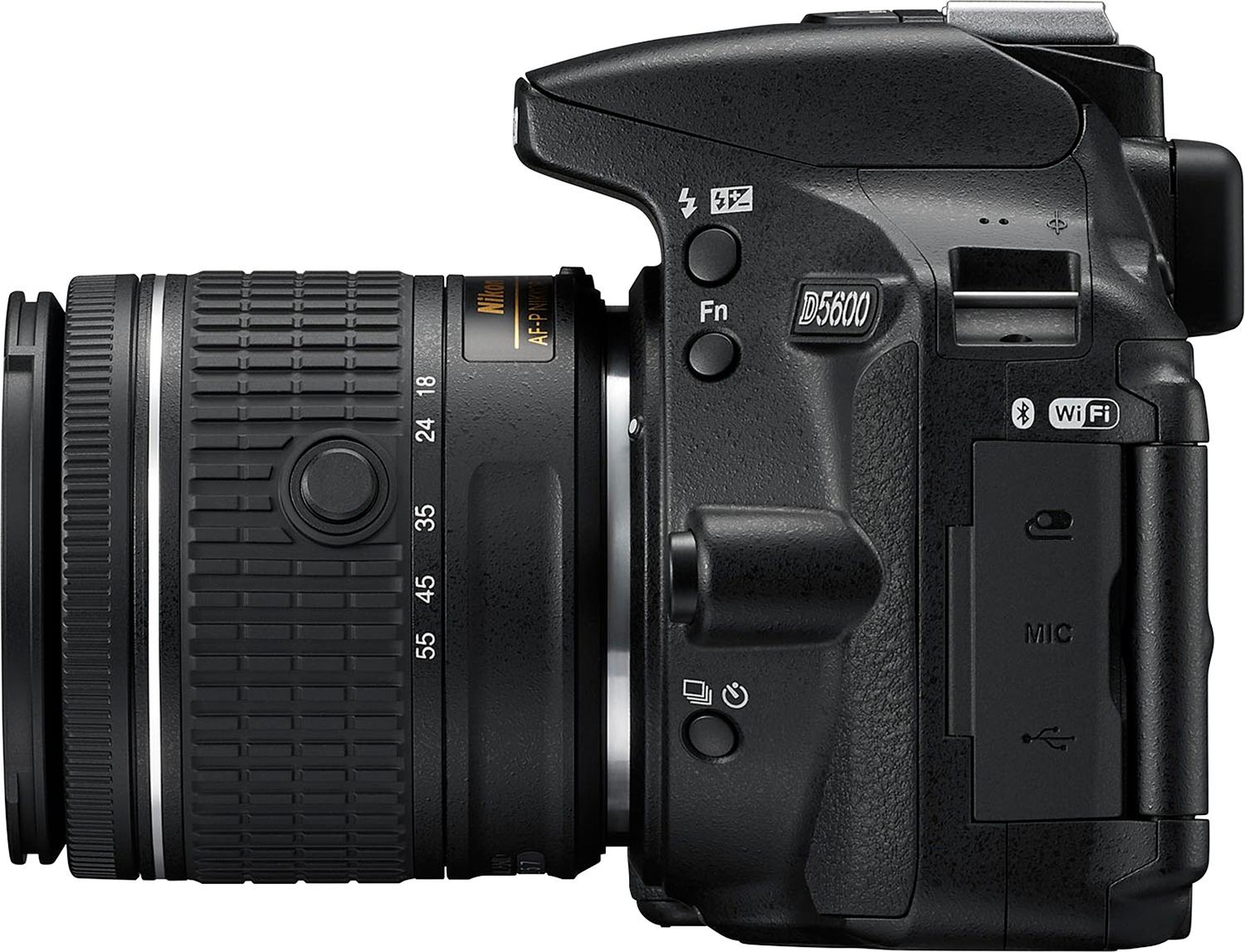
A:AnswerTo connect and upload images to your computer from the Nikon D5600 DSLR camera you can use a UC-E20 Micro USB Cable (not included). You can also upload images to your computer by taking the SD card out of the camera and inserting it in an SD card slot reader. Once your images are uploaded to the computer you can use a software such as ViewNX-i to edit your images. Images can also be transferred wirelessly from the camera to a compatible smart device that's running the SnapBridge app via the camera's built-in Bluetooth technology. To learn more about image transfer options please contact Nikon Support.