A:Answer AI thinks so:
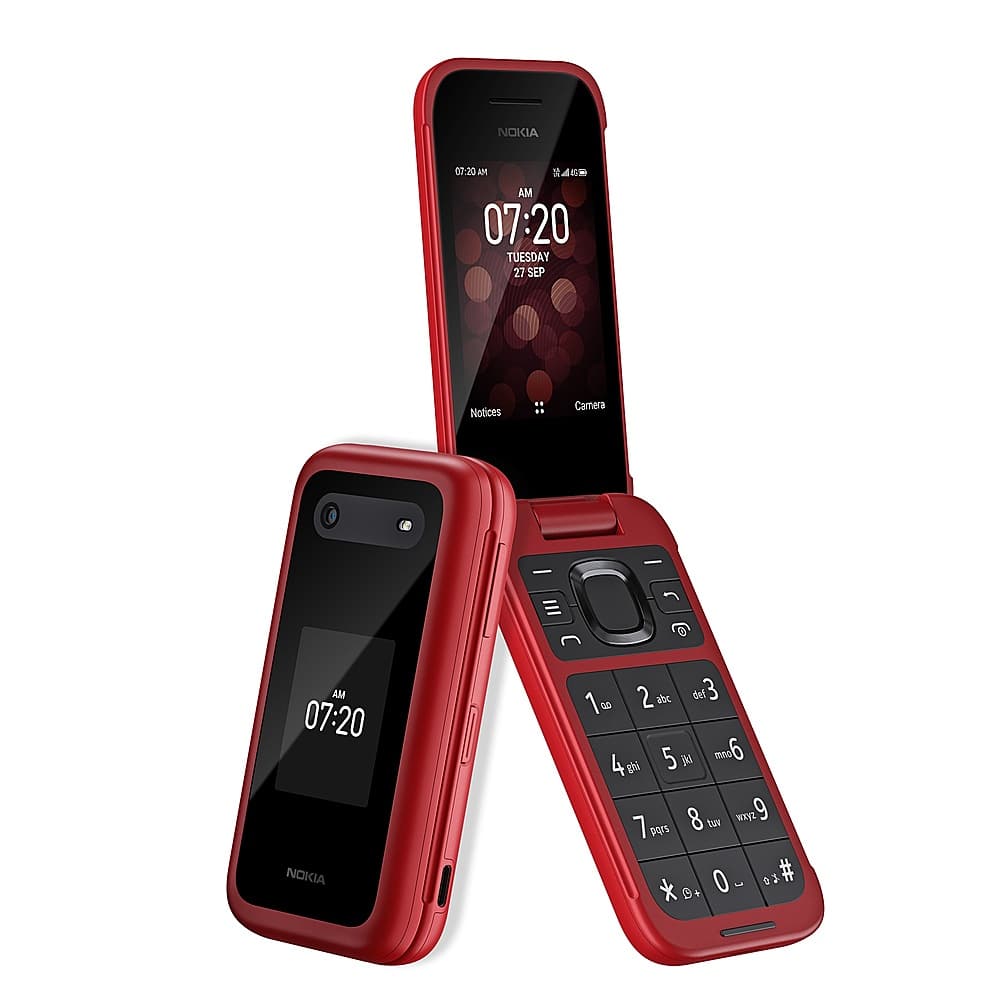
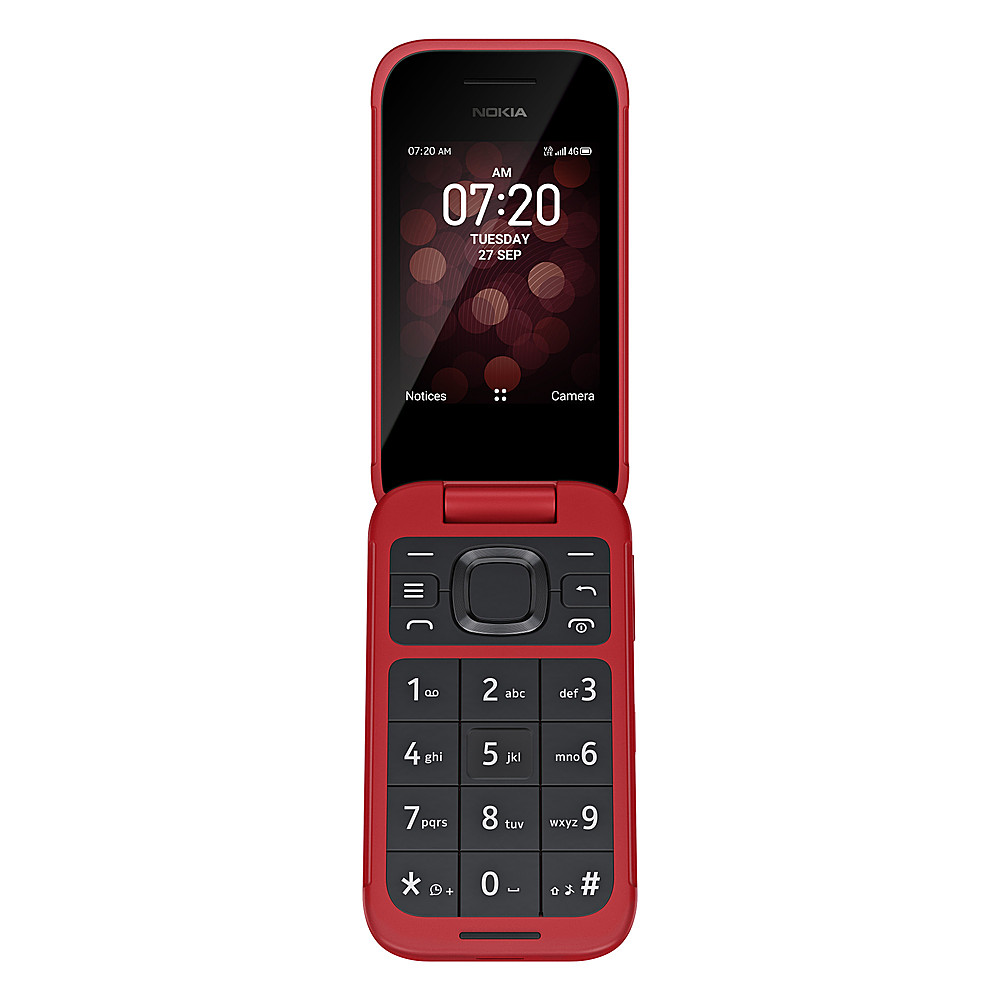
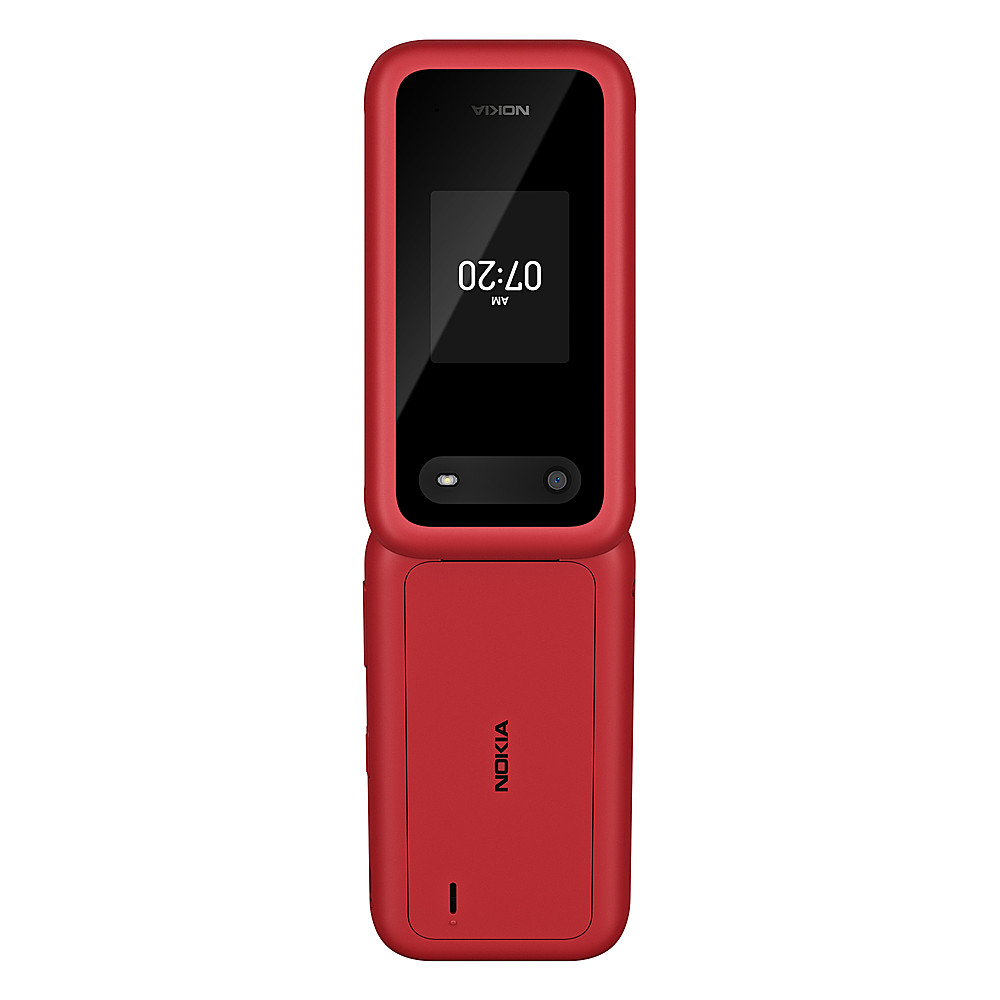
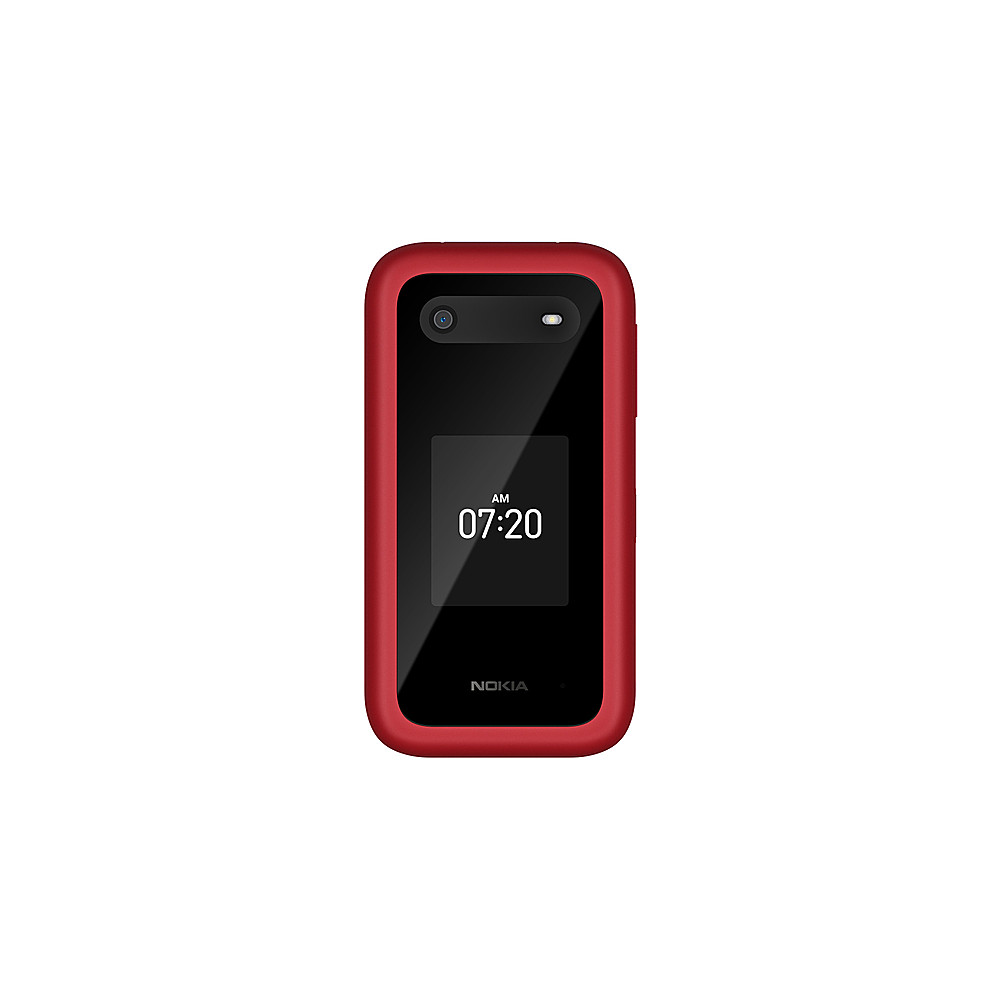
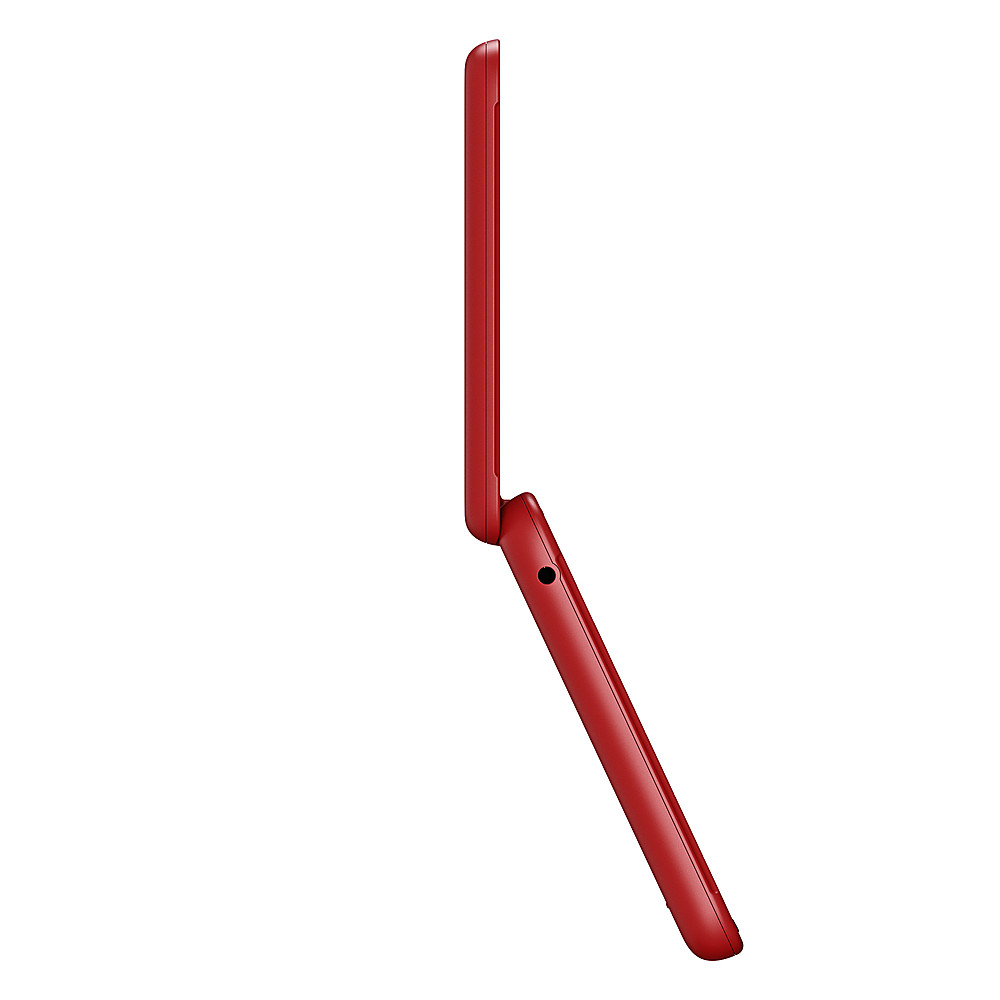
Yes, a Nokia 2780 Flip that is unlocked can likely be used with Assurance Wireless, according to Assurance Wireless and other carriers. Assurance Wireless requires an unlocked, compatible device, and they offer a SIM card for their network.
To ensure compatibility:
Check the Nokia 2780's supported frequency bands: Refer to the Nokia Phones US website to see if they align with Assurance Wireless' network (which uses T-Mobile's network).
Verify with Assurance Wireless: Contact Assurance Wireless or use their compatibility tracker to confirm the device's compatibility.
Ensure the phone is unlocked: You'll need an unlocked phone to use it with Assurance Wireless.
Request an Assurance Wireless SIM card: You'll need a new SIM card to connect to their network.