A:AnswerThe annual subscription would be $119.88 if you take $9.99/mo x 12. The first year is free but starting month 13, you will be billed $9.99 monthly for all the latest security updates and protection for your network, IoT and all your PCs, Macs, Smartphones and Tablets.
A:AnswerIt's actually AC2600 according to Norton's website, but I understand your point. Keep in mind that the theoretical speeds of AC2500 and AC3100 are far beyond what any devices currently support, and likely will support for many years. It is better to help future-proof your network by having it support speeds faster than your devices are capable of, but what is the difference between 500 horsepower and 700 horsepower if the speed limit is only 50 MPH?
The ASUS RT-AC88U AC3100 ($269.99) router with Trend Micro is a competing product for the Norton Core, but the regular ASUS AC3100 ($245.99) is not as it does not include network security (AiProtection). The network security features of those two routers is what makes this new technology safer, by scanning the incoming and outgoing traffic on your network and looking for malicious attacks. Infected systems on your network will be making unwanted connections to remote servers, which these network security features can detect and block. This can prevent the spread of viruses and malware, and prevent your devices for being used in DDoS attacks and other things that are bad for you and the internet.
Antivirus platforms only protect the devices that they run on (so no iPads or iPhones), but the Norton Core and ASUS routers with AiProtection protect ALL devices on your network by detecting, preventing, and blocking malicious network traffic.
A:AnswerYes, for full protection when you are surfing online but also when you are offline. In fact, with the purchase of Norton Core, you get a free 1 year license to Norton Security for an unlimited number of your devices, so you can install it on as many devices as you want.
A:AnswerThat's a confusing configuration, but you could try it. The Core serves several functions. It provides endpoint protection, meaning it scans all internet traffic for risks and protects your home. In this role, it needs to be the first thing attached to your modem. You can connect other devices to it. It also acts as a router, facilitating your home network. If you connect other routers to it, you will need to configure them as hubs, repeaters or access points (disabling the routing features). Finally, it is a Wi-Fi access point with wide coverage. If you have a large area, you may need additional access points to cover your whole home. You can use your other routers to expand coverage. You will need to disable the routing feature on them. I'm using my old Asus router (which I loved) as a repeater to extend the range of my Core to reach smart outlets in my yard. It works great.
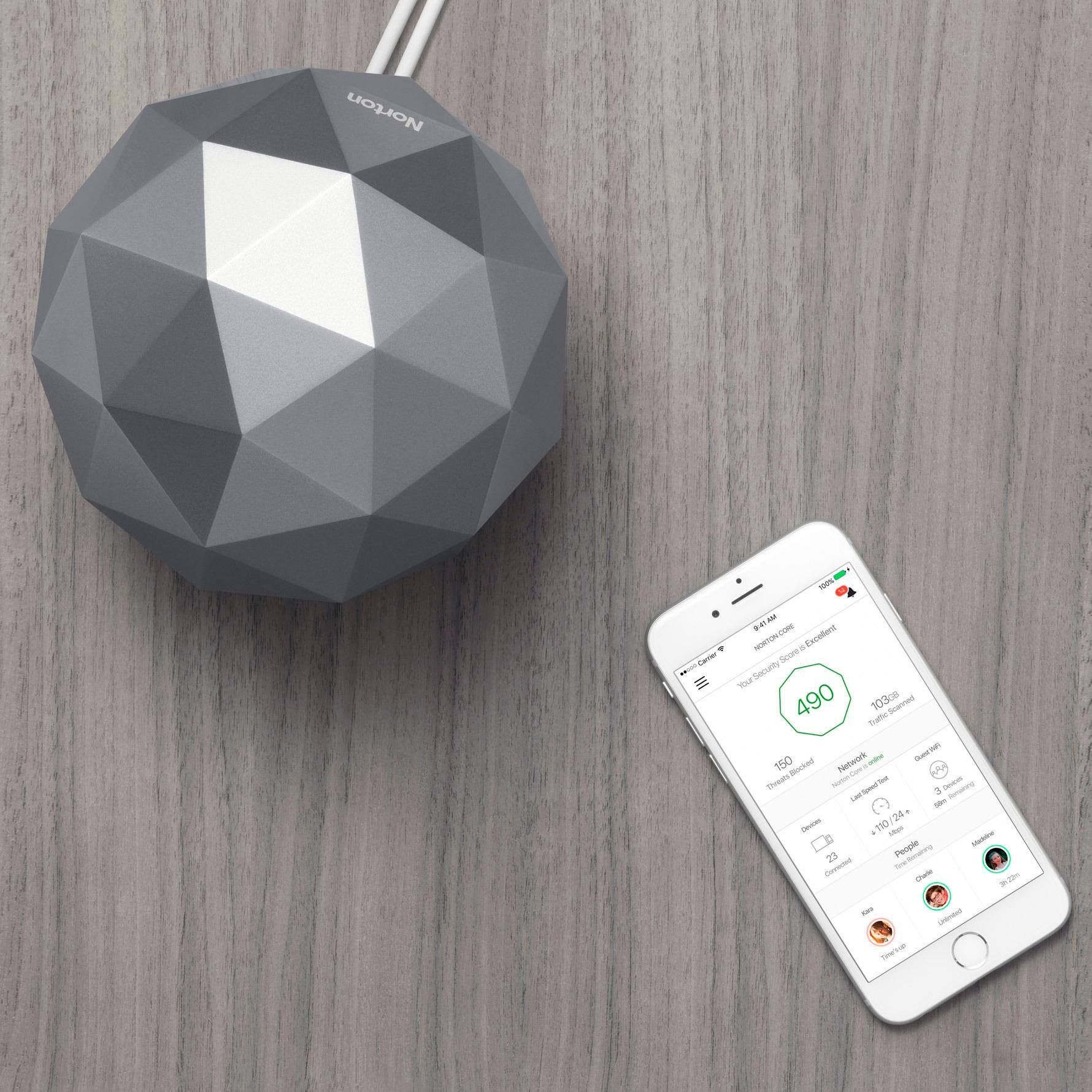
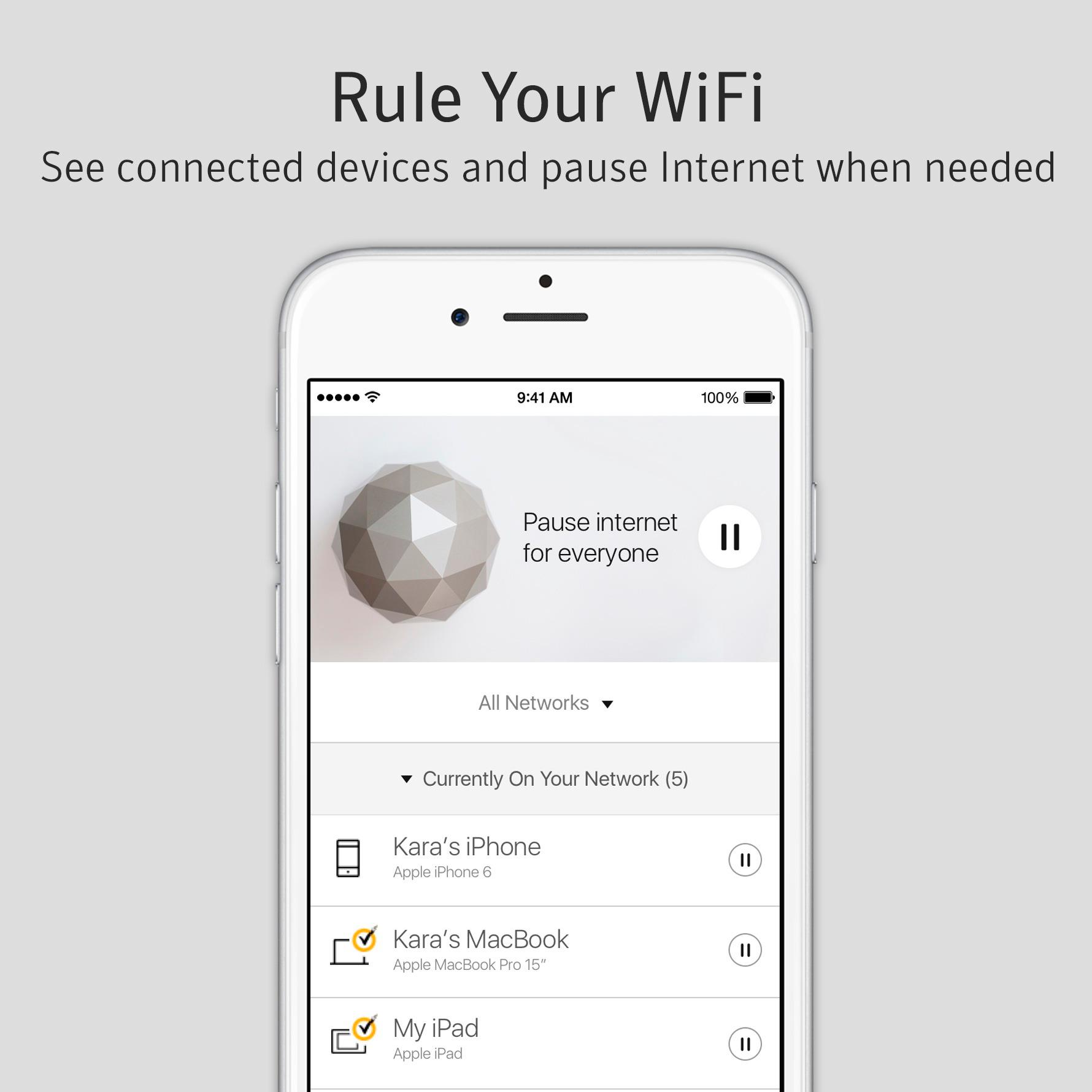
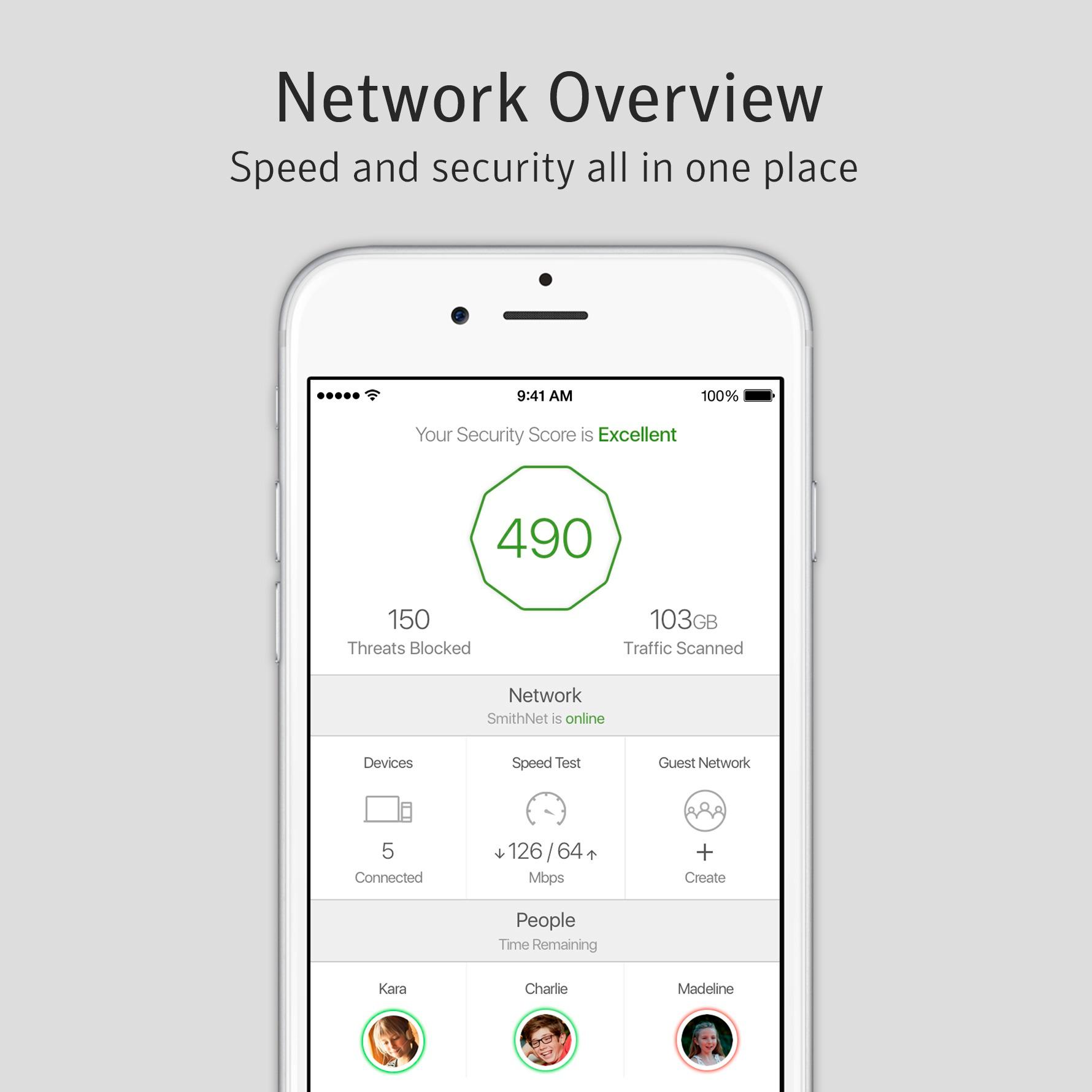
A:AnswerThe benefit of the Norton Core is that it scans both your internal network and incoming/outgoing connections in your home to look for suspicious activity. If there is an infected device on your WiFi network, Norton Core can block any malicious connections from the network and notify you of the problem in the Norton Core app.
Adding more devices may make your network less secure if they are vulnerable, but the entire point of the Norton Core is to search for these vulnerabilities, notify you of them, and block any dangerous connections or attacks that may come from them. The goal is to prevent attacks against devices on your WiFi network, and to prevent viruses and malware from spreading across your devices.
A:AnswerNo. Norton Core works all by itself to help secure your network. Black Tie Protection is like a warranty for your devices that can help get them fixed if they break. These plans may include antivirus, depending on the plan and what you purchased it for, but this will not interfere with the network protection provided by Norton Core.
A:AnswerThese are two different products. Norton core is a router with built-in protection. It's still advisable to have protection on your devices as well. i.e. What if you have a laptop in your home and you travel with it - you will still need protection on the device. The core gives you additional protection for devices that do not, and cannot have protection. For example, there have been many cases where internet enabled devices have been compromised - TVs, cameras, thermostats, etc. This device provides additional protection for these types of devices and threats to your home environment. It's a physical device you plug into your network - not software.
A:AnswerNo, the Norton core will NOT encrypt your IP address. Only a VPN service can do that. Norton does offer a VPN service called Wifi Security, for an additional fee. There are many other VPN services available. Any one you choose will work with the Norton Core, however VPN and HTTPS traffic is encrypted and unable to be scanned by the Norton Core for threats. Norton Core does test HTTPS sites against known DNS vulnerabilities, but not the data.
A:AnswerThere are no guarantees in life, but yes. The Core runs Symantec end point protection software that successfully blocked Ransomware attacks for users across the globe. Automatic updates are patched when new threats are discovered. It also blocks access to risky sites where malare is typically downloaded. It's always possible hackers will release a hack that gets through, but I don't think you can find better protection.
A:AnswerYes, you should be able to use your Netgear Orbi as a extender or mesh setup as long as Norton Core is a the primary routing device. For network and IoT protection, Norton Core needs to be the primary router connected to your DSL or Cable Modem.
A:AnswerYes. Norton Core works just like regular WiFi routers, and so any devices like Fire TVs can connect to it without a problem. The benefit of the Norton Core is that it protects devices on your network from malicious attacks without requiring any software to be installed on them. It can help protect smartphones like iPhones and more, tablets like iPads and more, and all of your computers without needing to download additional software.
Norton Core scans the traffic on your WiFi network to look for issues and can attempt to stop them and notify you of the problem if it finds any.
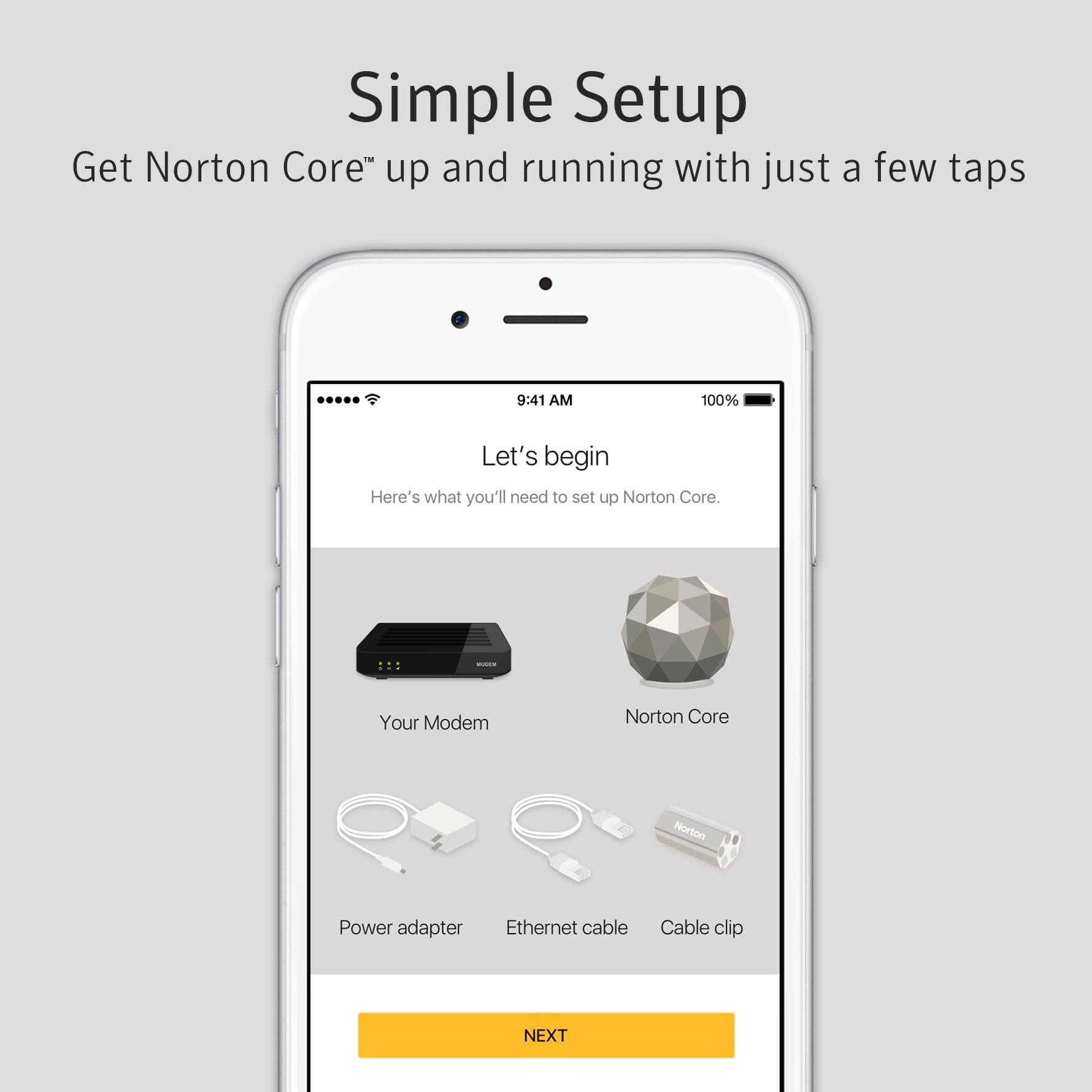
A:AnswerYes, Norton Core must be plugged into your modem to receive the internet connection from your DSL provider. You would then switch any ethernet-based devices from the existing router and plug them into the Norton Core instead, and configure your WiFi devices to connect to the new network on the Norton Core. Alternatively you may disable the wireless feature on your existing router (if you can), and have Norton Core create a new wireless network with the same name as password of the old one and all of your devices should connect to it automatically. If you can remove your existing router from the setup entirely, this would probably make it easier - Norton Core would just take its place.
A:AnswerIf you have the ability to hook it up to an AC inverter, I don't see why not, but are you using an Internet Modem for service that outputs to Ethernet? This only distributes an Internet connection, it doesn't create one, so you'd still need service from a provider... Wired service preferably for PS4 play. I wouldn't recommend this for Cellular connections nor would I recommend using a metered cellular connection for gaming.
A:AnswerI would not say stupid - but if you have a lot of Internet of Thing devices like smart plugs and home controllers that might not have security then this will provide protection they might not otherwise have.
A:AnswerI am in the same situation as you with Comcast and unfortunately I have not been able to locate a cable modem that also includes the telephone connectivity for their VOIP service.