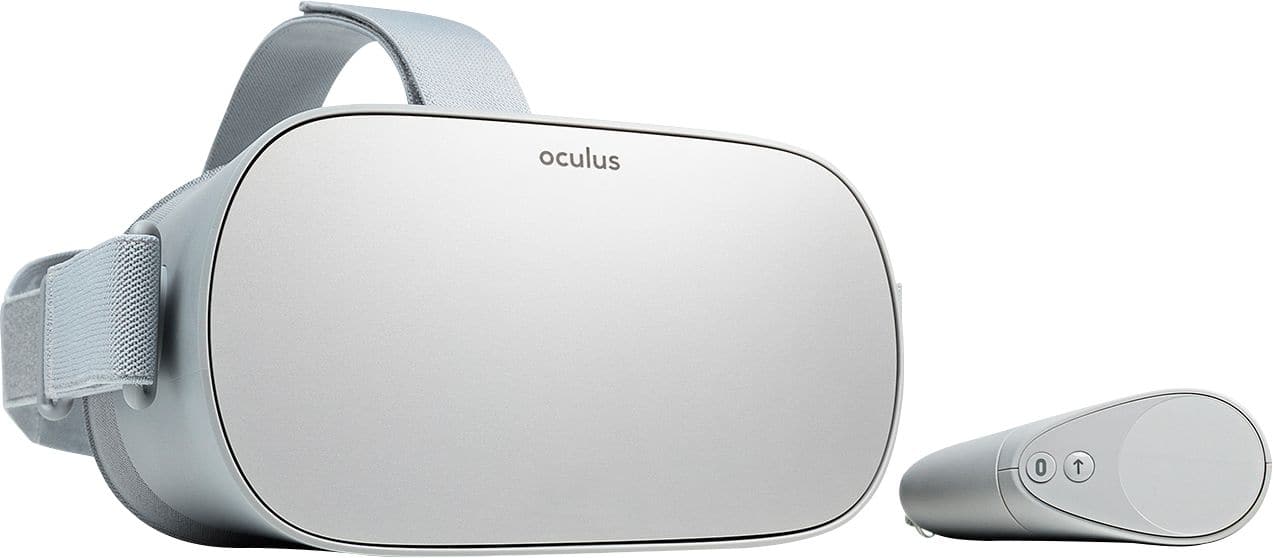
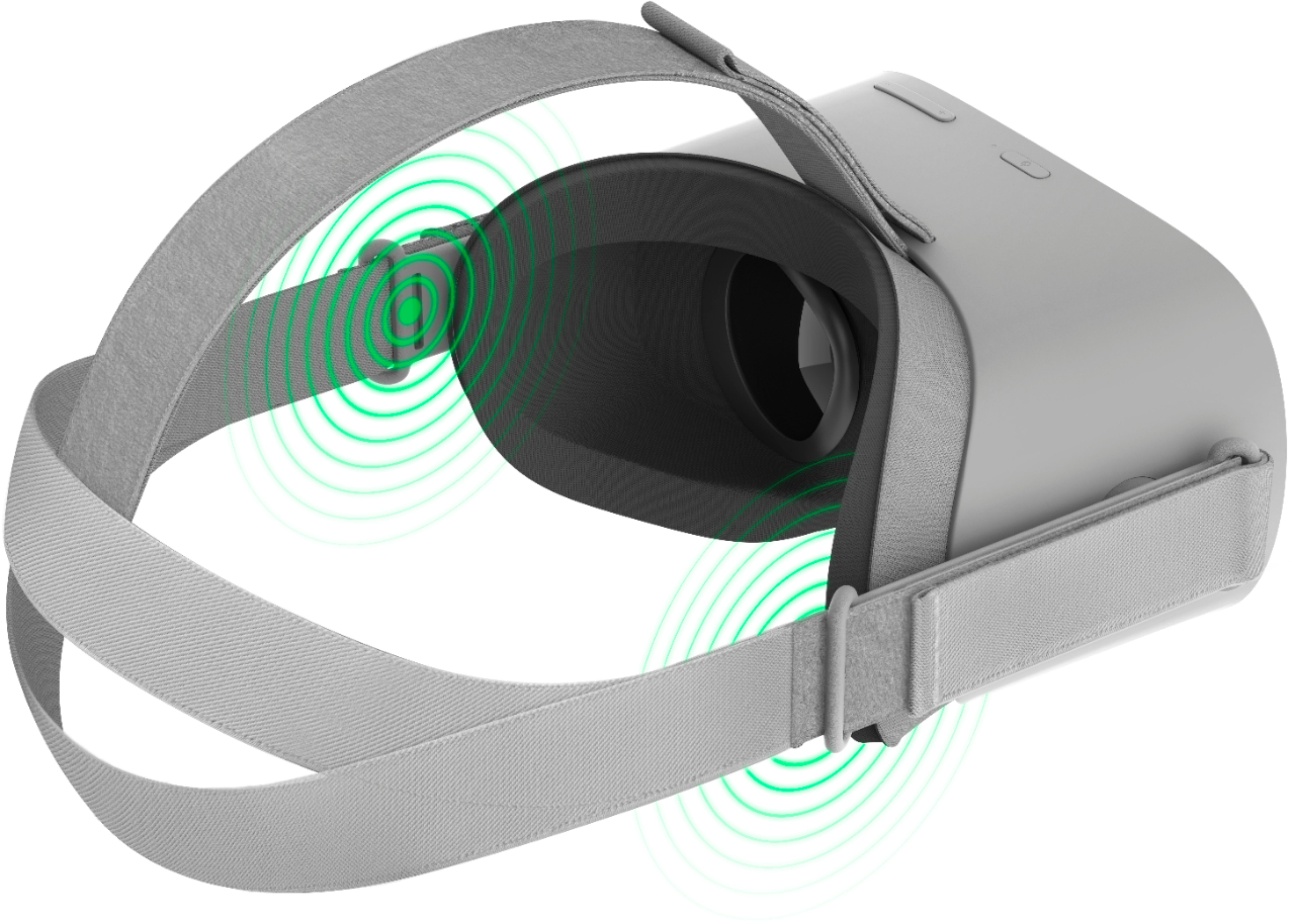
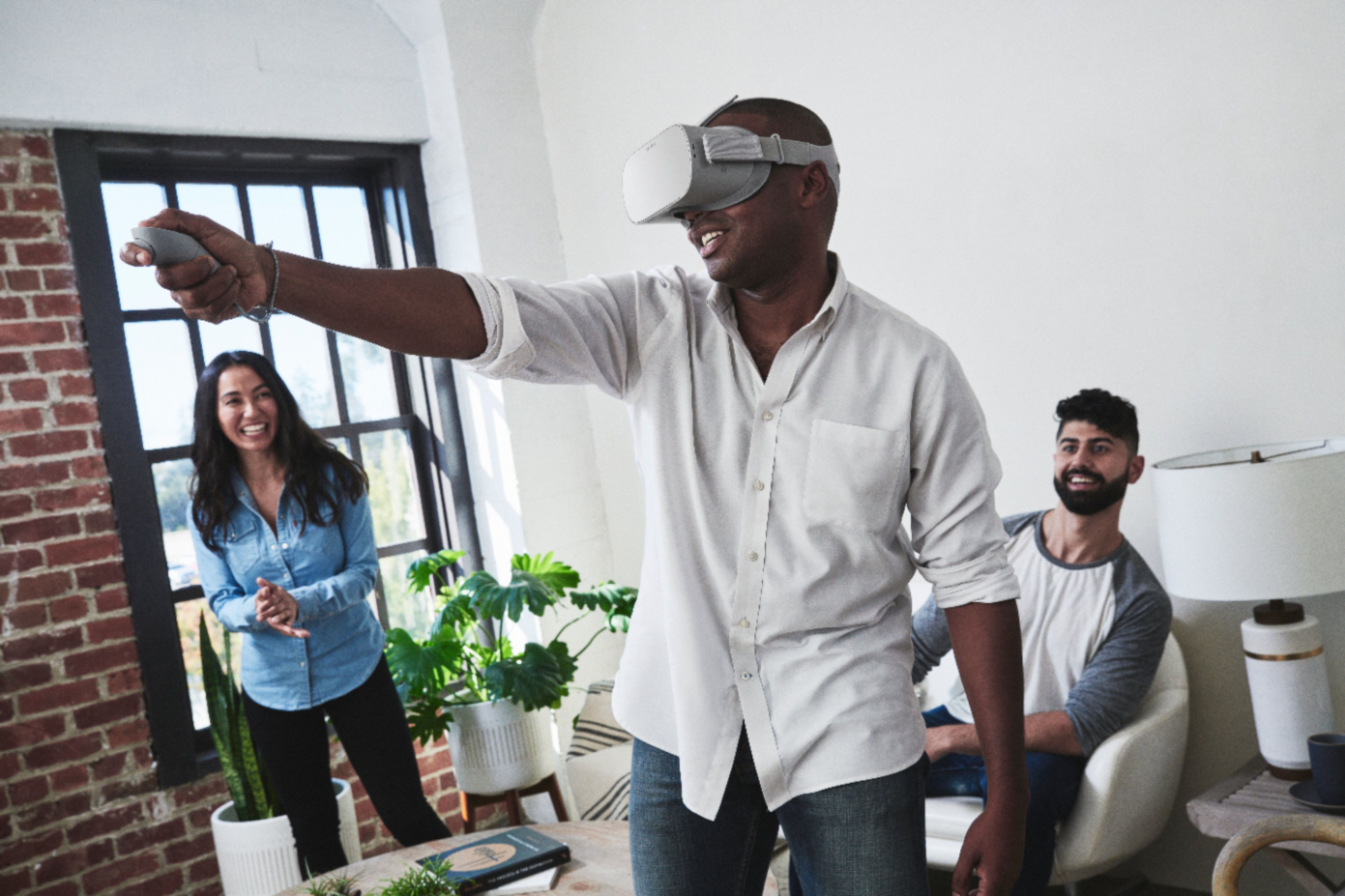
A:AnswerThe Oculus mobile app, users of Oculus Go can stream a live view of VR experiences directly to his/her smart phone / tablet or smart tv. Just pull up the Oculus Go menu in VR and select “Cast,” which sends a push notification to the headset’s companion mobile device.
A:AnswerYes, yes and yes. It's like your smart phone, it comes with already loaded games and videos and apps. You can also download apps from the store. You can also upload pictures and videos to Oculus.
A:AnswerI had a similar question before I purchased the Go. I did a lot of research and every review I could find (professional or otherwise) said that the Go had a better viewing experience and one thing that was pointed out was the "screen door" effect was much less obvious on the Go. As a Go owner I can tell you that the display is very nice (although I much prefer to watch Netflix on my QLED 4K TV even though it is not 180" like the big screen in the Go.)
A:AnswerIt does require wi-fi to play a lot of the apps but there are some apps that do not require wi-fi. I am not to sure if wi-fi is needed to be in the home setting.