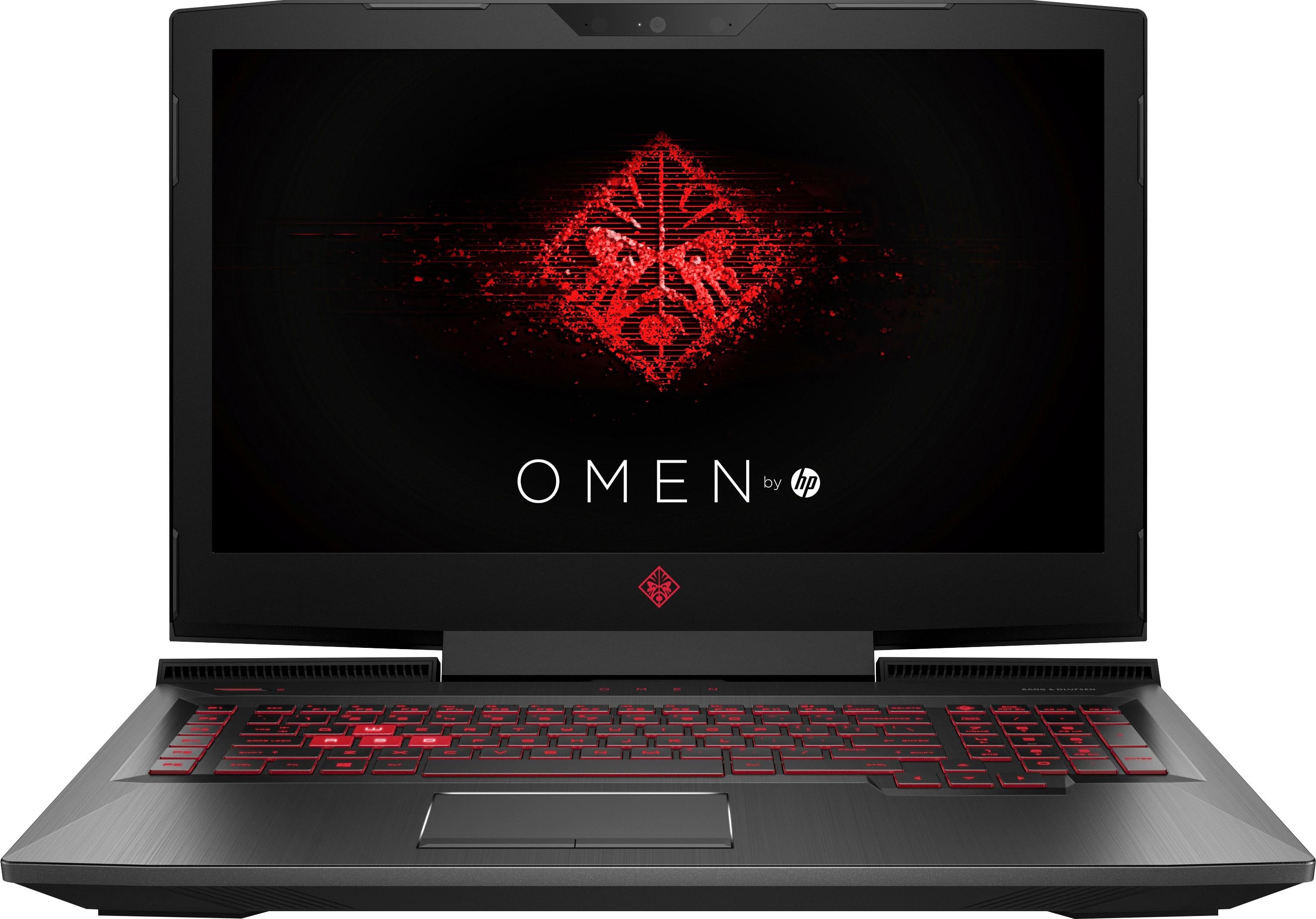
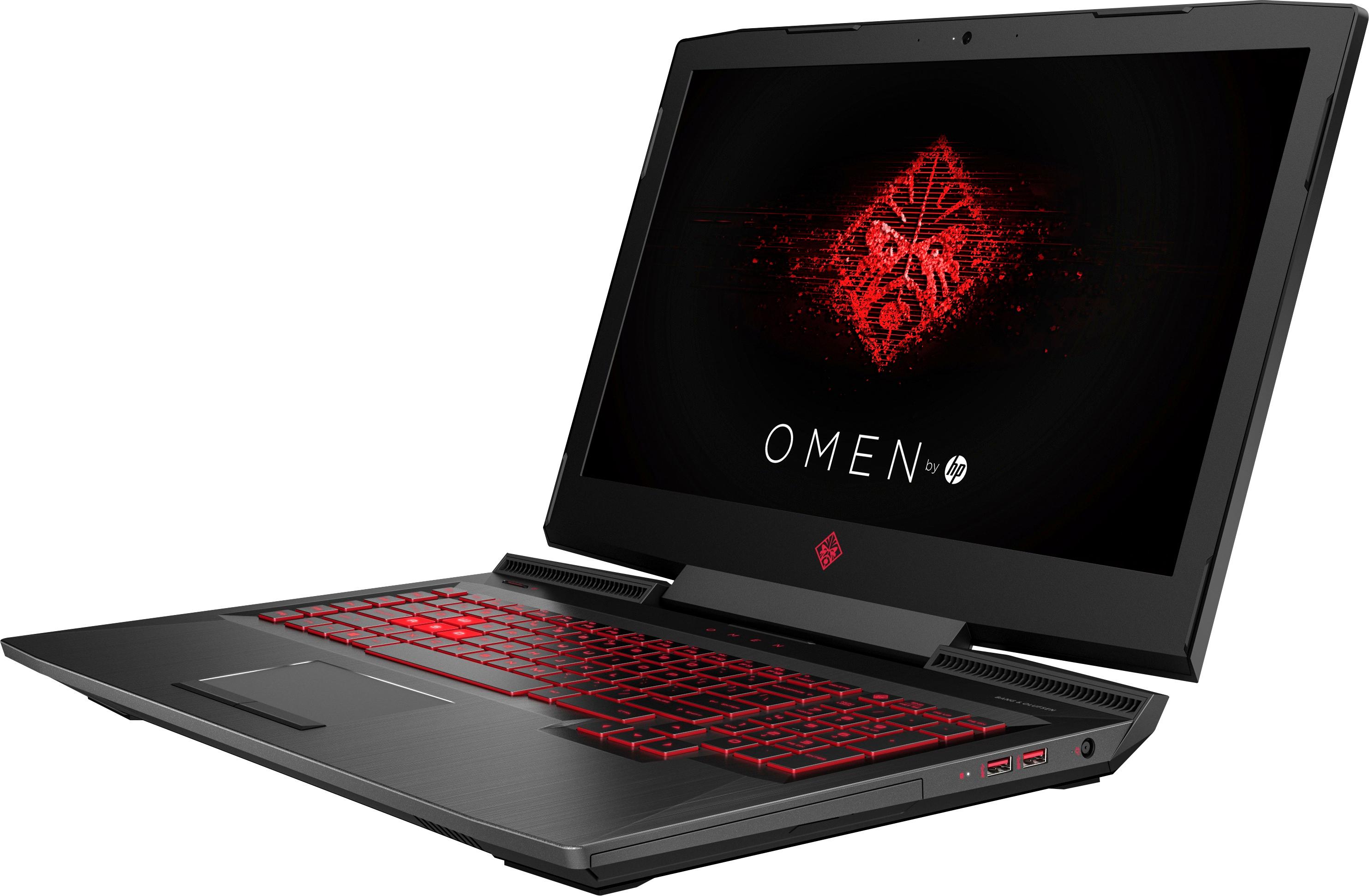
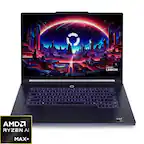
A:AnswerYes, this laptop can play most current games on high or better settings at 50-60fps in my time playing with it including time spent in VR programs like Fallout VR.
A:AnswerSadly, no. The red lighting is actually a translucent red plastic diffuser plate. There is a hole in this plate around the WASD so those are illuminated with white light.
A:AnswerFrom what I have seen online there are two different display panels that may show up in one of these machines. One that does support Freesync, and a second one that does not. My machine was one of the lucky ones, and it does have Freesync capability.
A:AnswerI've played Sims 4 (with lots of custom content, including scripts, and it rocks on the Omen. The graphics card doesn't even get stressed on highest graphic settings within game.
A:AnswerCall HP Tech support or return this for a replacement. You might have one with the wrong power adapter. Mine comes with a 230 watt and I have no issues like you experience.
A:AnswerYes this computer can play Farmville but if your buying this computer just to play Farmville you are putting you money to waste because this is High End Gaming Pc and you can get something cheaper that will have no issues playing that game
Farmville Specs Recommended Computer or Hardware Specs
CPU - Computer processor should be at least 4-Core. AMD 8-core processor or Intel Core i7 is recommended.
Graphics Card - Atleast 1GB Video Card. Nvidia Graphics Card is recommended.
Memory (RAM) - Atleast 8GB of RAM.
Browser - Google Chrome.
A:AnswerHP has just launched the HP Omen X. These are a little pricier with overclockable graphics cards. Therefore these are on sale as they need to be replaced by the Omen X series.
A:AnswerConsider Omen to be HP's gaming brand, technically these are "Omen by HP" and not HP Omen. They're a gamer-focused line that includes the flashy features and styling that "gamers" supposedly like. HP also recently launched another line of laptops that have similar components but more subdued styling under the Pavilion label.
A:AnswerYes, you can upgrade the OS to Windows 10 Professional without any problems. 32 gigabytes is most likely going to be all you can use even if the chipset supports more than that, due to only having two slots for memory.
A:AnswerIf you maxed out 1 tb on your hard drive then you have saved a lot. I have over 100 hours of video and over 5000 photos that take up about 500 gb of storage. I would go to GeekSquad and have them look at what partitions may have been formatted on her hard drive. Mine came out of the box with 4 separate partitions that created over 100 gb of lost space. GeekSquad helped reformat and reconfigure the drive