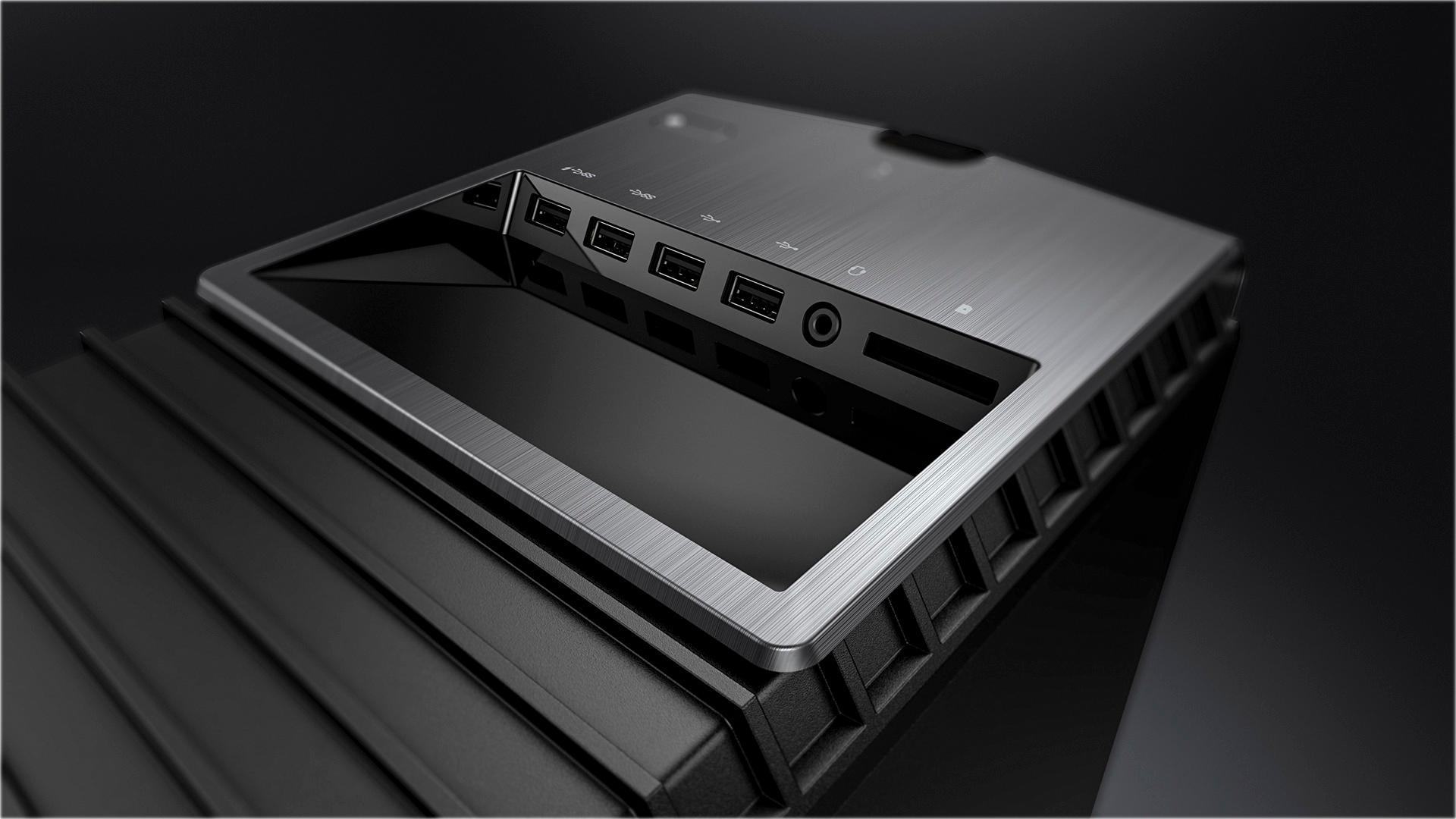
A:AnswerPrinters do not connect to hdmi, they use a usb cable and this pc has those. You do not use Ethernet to the computer that is for the internet to your router/modem.
A:AnswerJust a case of plug one in, and observe the results. When you connect it, just open display settings, and see if the cable is in the correct port.
A:AnswerI'm assuming by HAD you mean HDD and I'm not sure what you mean by w7 but yes
You can have 3, 3.5 inch drives, 3 2.5 inch drives, and a. D drive with no problem.
Simply find the SATA power connector on your power supply, put your hard drive into your case, get a data DATA cable, plug it into your motherboard, PLEASE DO NOT TOUCH THE MOTHERBKADD UNLESS YOURE GROUNDED. You do not need to touch the motherboard to connect a data cable.
Then you are good to go. Open the bios and make sure you are not booting from that second drive. If you have anymore questions feel free to email me at [email protected]
A:AnswerYes either of those will work, but its stupid to upgrade to that, get the 8700k and new motherboard. The 7700k is a dead socket and thats the last of its kind. The k only shows its unlocked. If youre not overclocking then dont get the 7700k.
A:AnswerYes, but it runs just fine with an i5. You would only need an i8 if you needed a hardcore, top-of-the-line gaming experience (not saying that this monster can’t handle high-res games!!!)