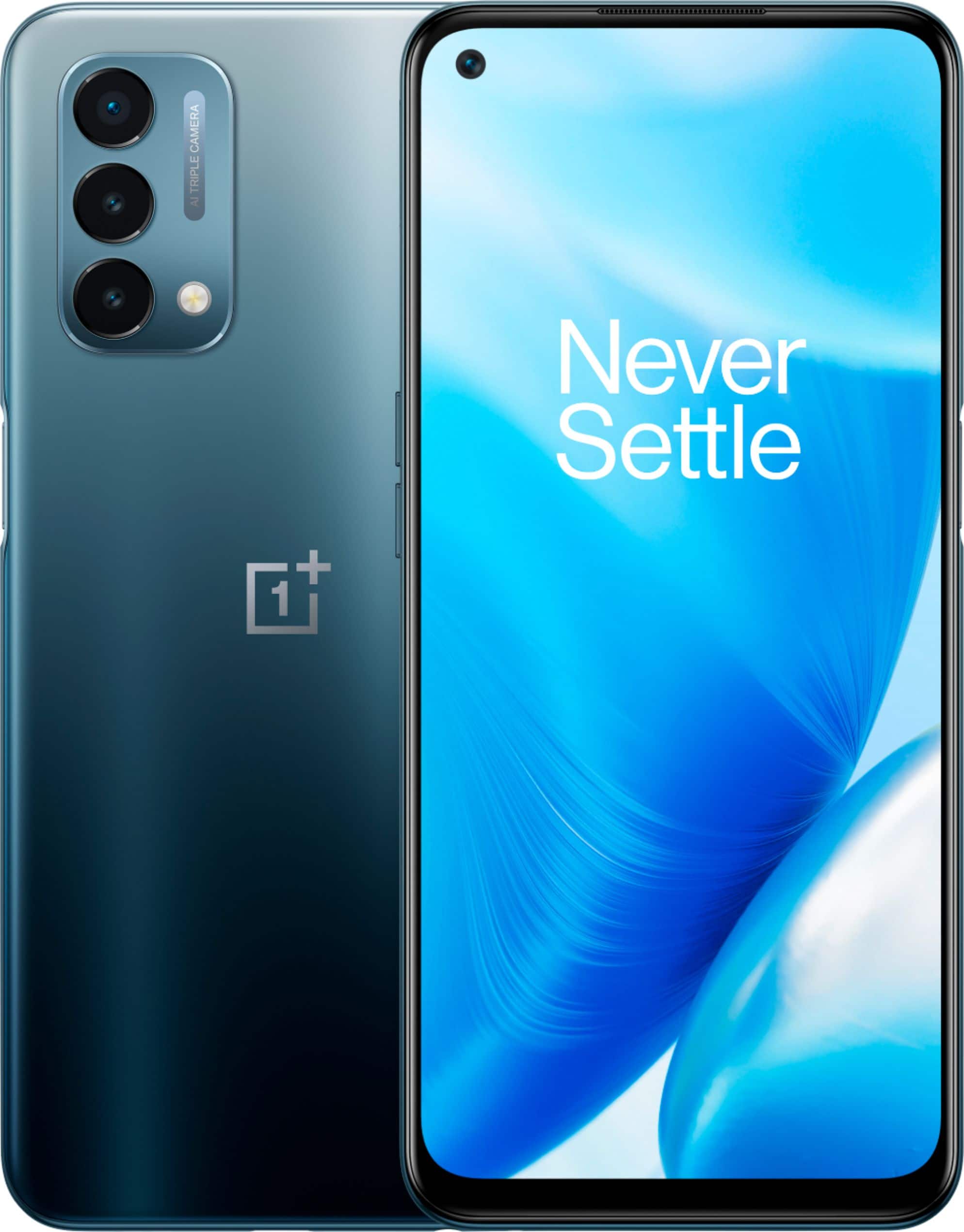
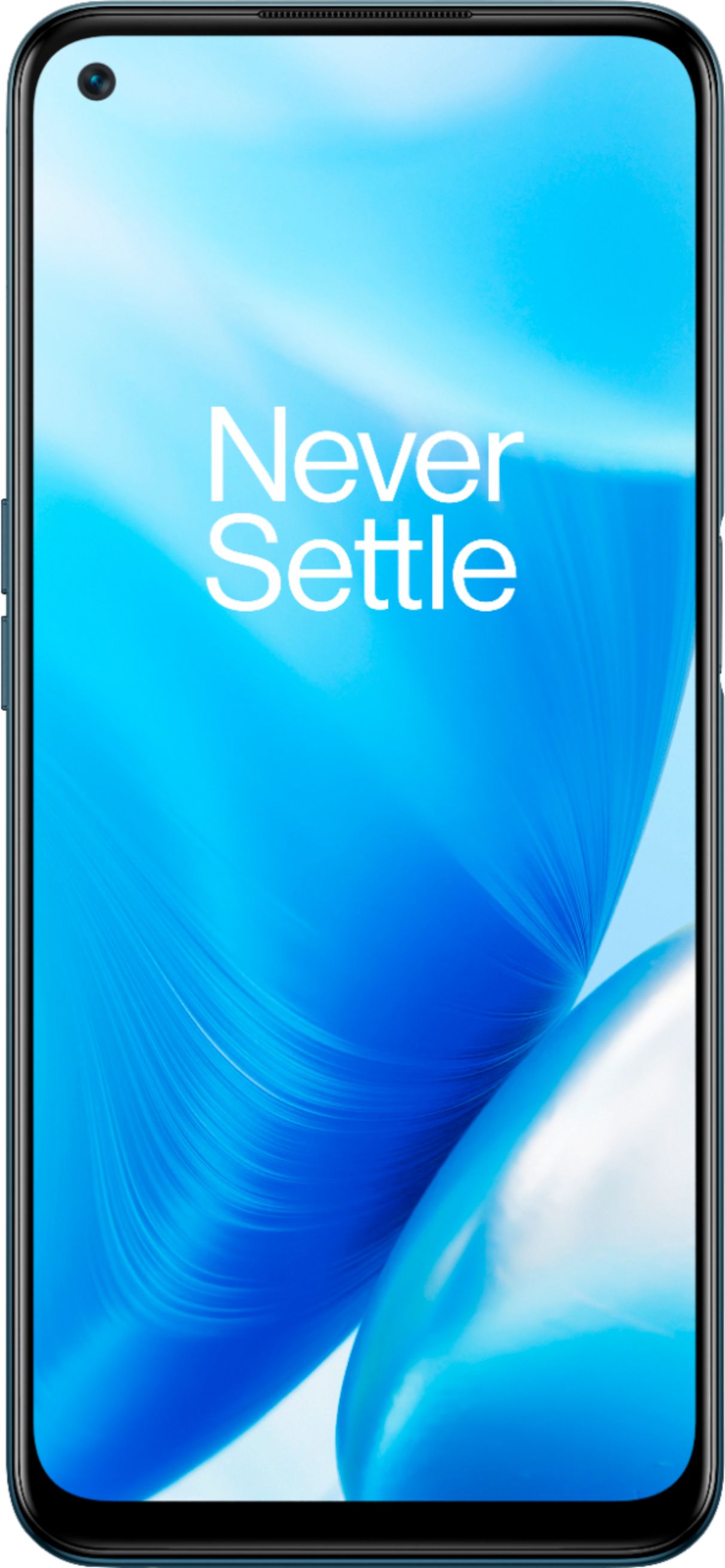
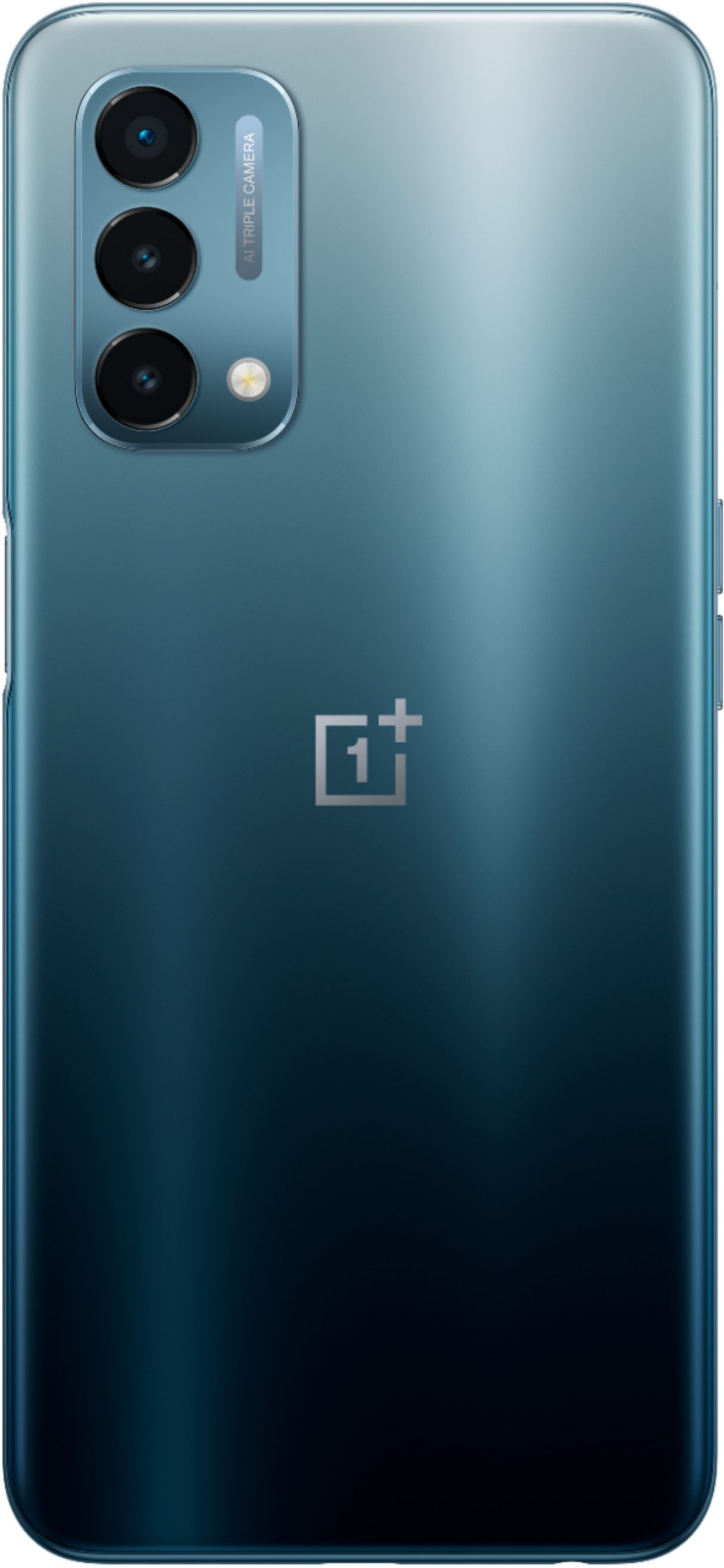
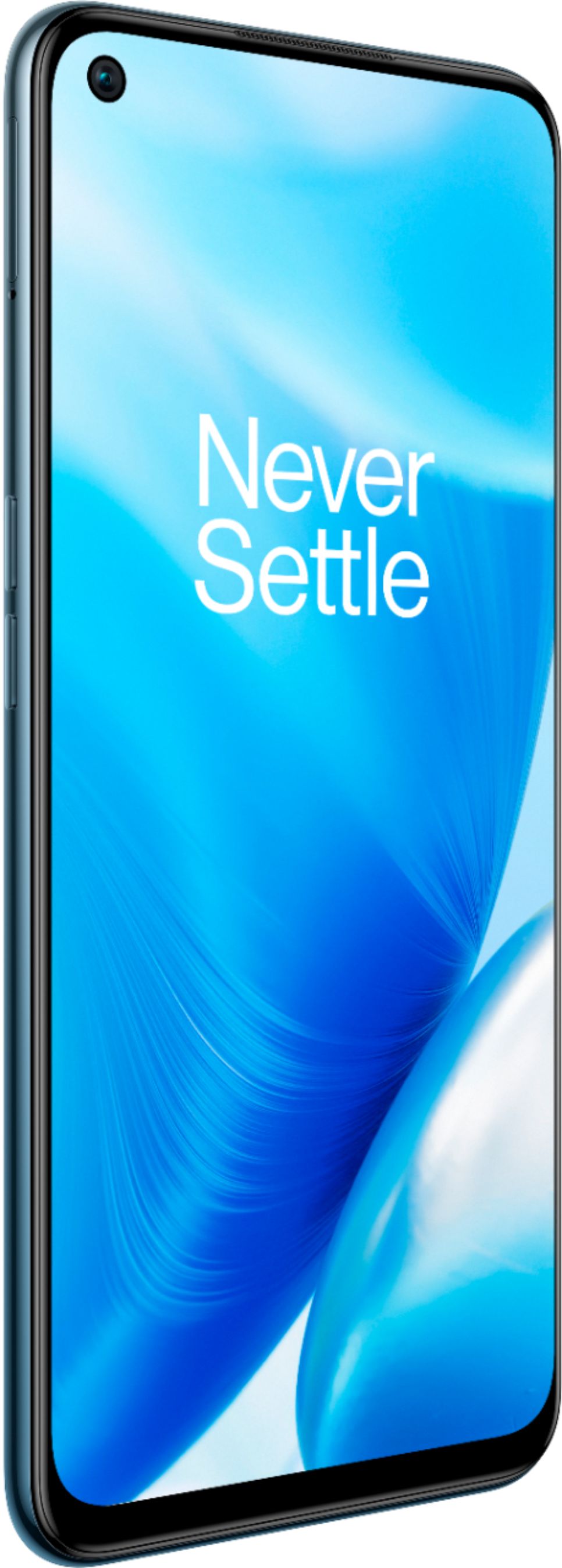
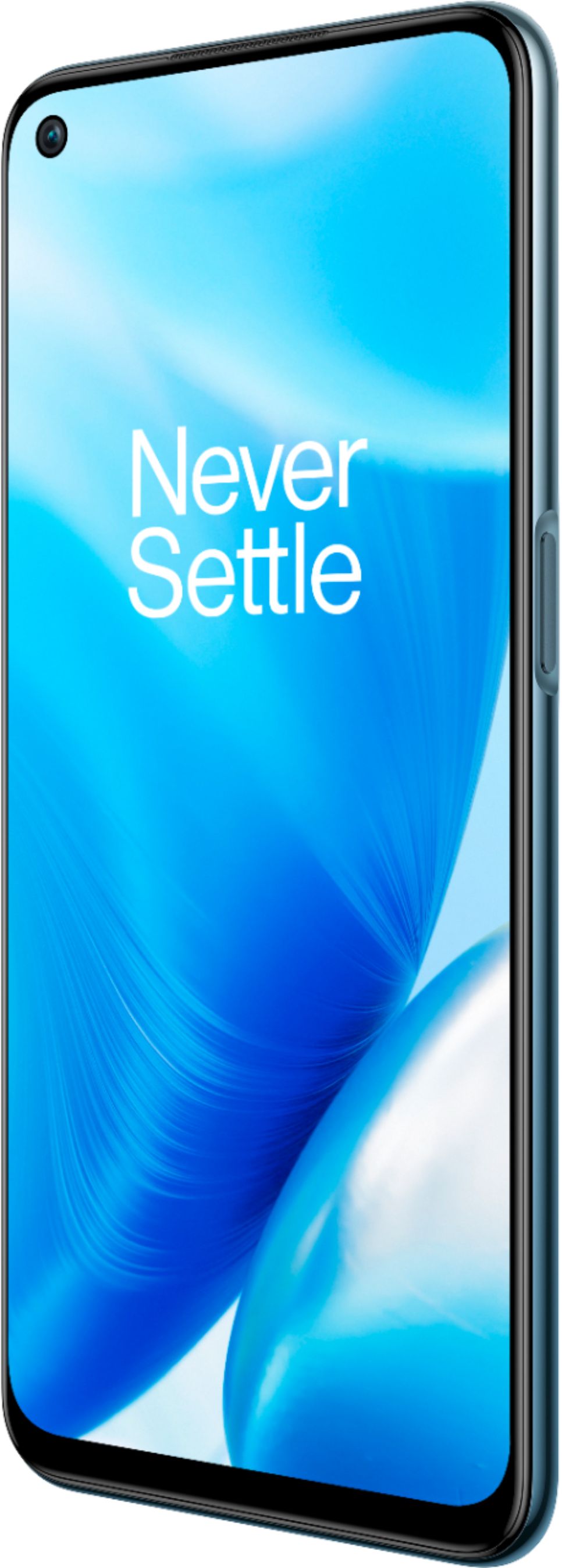
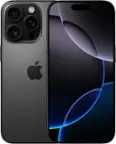
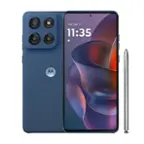
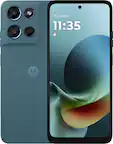
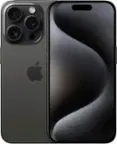
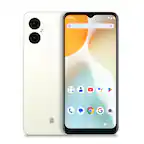
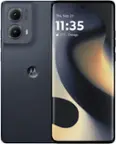
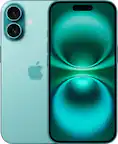
A:AnswerYes, you can take a selfie with this camera. After you select the camera app, you will see a icon on the a camera with a swirly thing (It's on the right) If you select that, you're in Selfie mode. To get out of it, just touch it again.
A:AnswerDepending on your carrier, you should be able to log into your account and click on change phone number. I have Verizon PrePay and that's how I did it.