A:AnswerGet sling I love it. Sling will give you all the channels.exceptyour local. That where the air tv come in it will get your local channels on two to four tv.
A:AnswerAs the other replies stated, you would only be able to record your OTA antenna content using an external hard drive https://www.airtv.net/airtvdvr/ - in order to record Sling content, you would need to have their Cloud DVR service added to your subscription https://help.sling.com/en/support/solutions/articles/33000219362-what-is-cloud-dvr-
A:AnswerYou do not need a sling subscription. You can get a guest login for AirTV only, at no charge. No monthly fees or any charge for the OTA guide. To set up a guest account, go here: https://www.sling.com/airtv They keep this well hidden, because they really want you to sign up for Sling TV - but you don't have to. One other obscure detail - if you want to use the DVR feature, you provide your own external hard drive, AND you must use the Sling TV app, not the AirTV app.
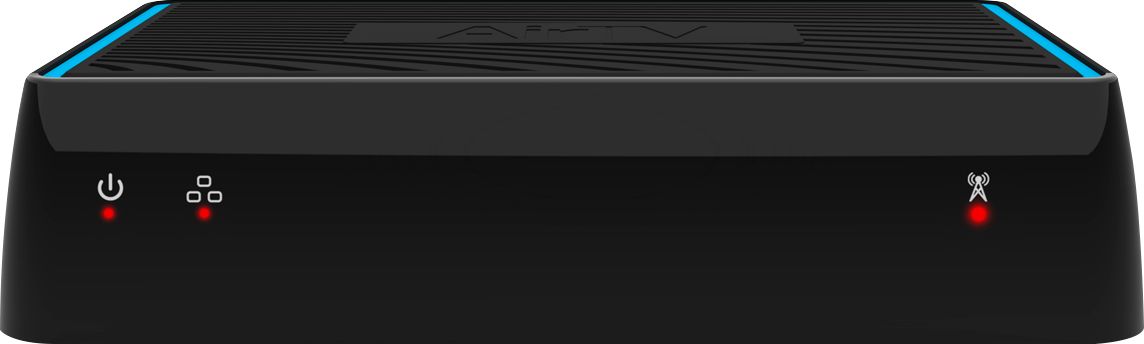
A:AnswerHi there - the device itself doesn't connect to your television. It interfaces with your OTA antenna and connects to your internet to stream to other devices. We would recommend checking out the product page here: https://www.airtv.net/products/airtv/ for the details!
A:AnswerIt does and it does a great job with this. When I first bought this, I was using a 128GB Thumb Drive. I've upgraded to a 2TB External Hard Drive since. Recording is easy, full proof.












