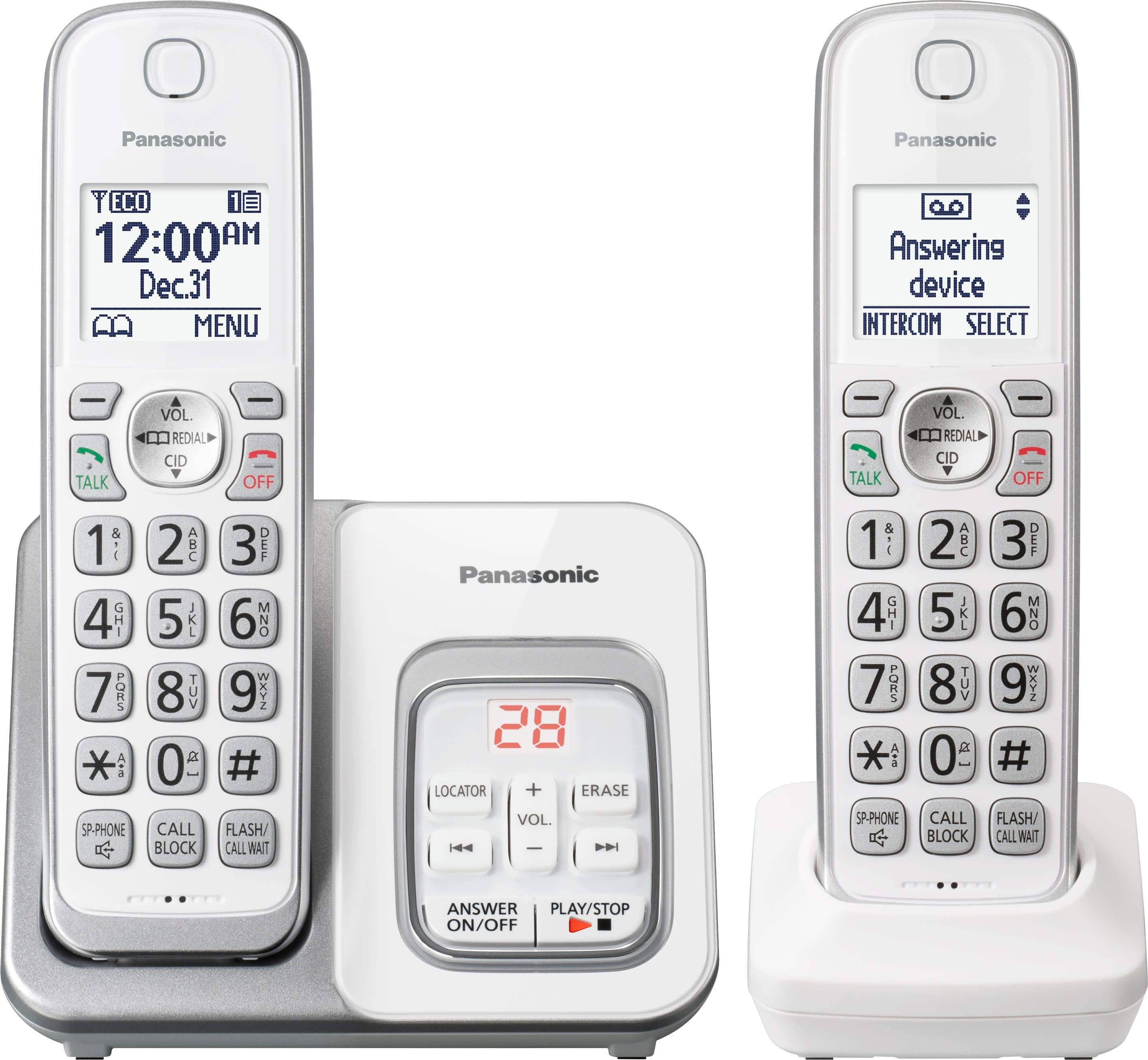
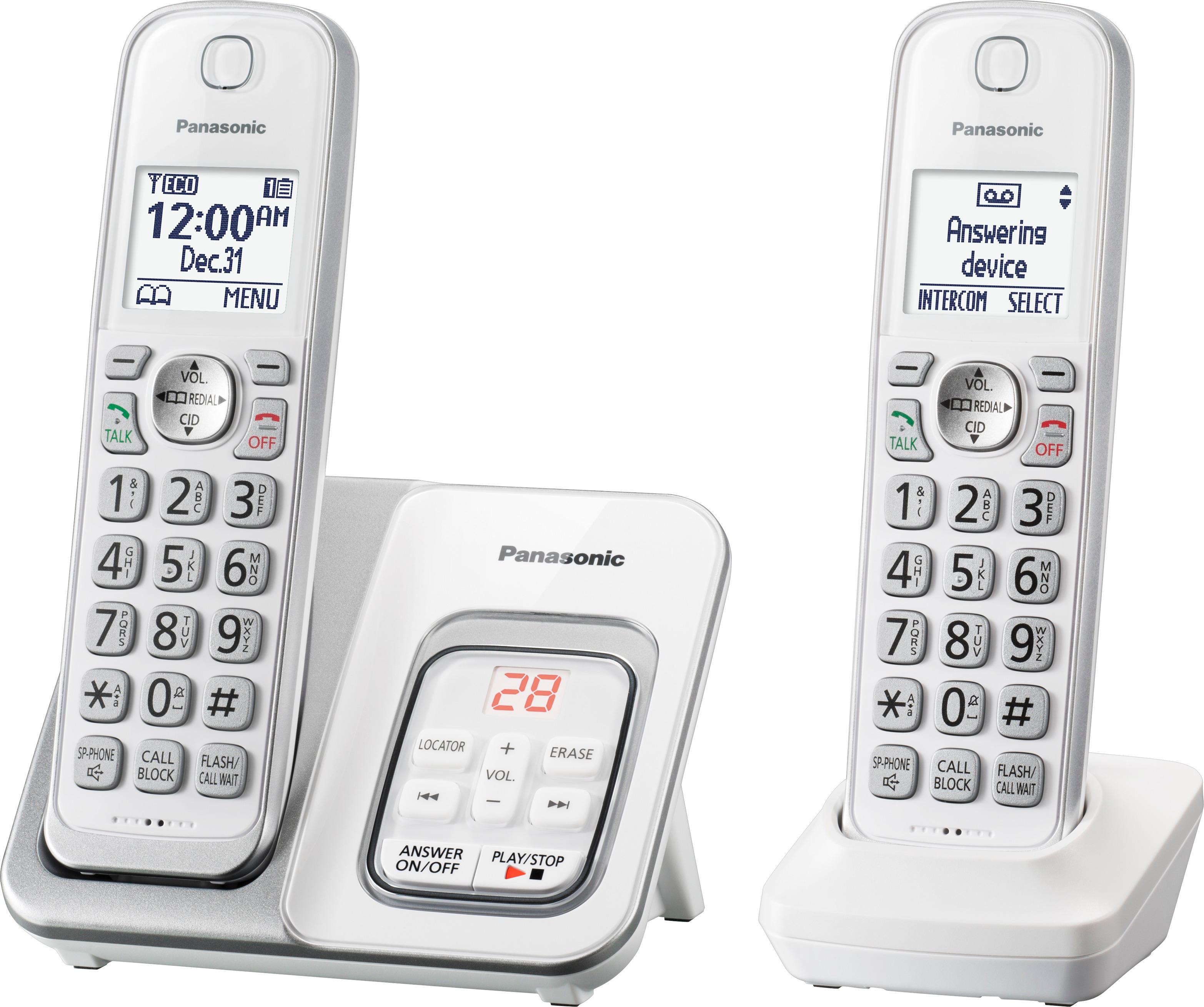
A:AnswerHello. You’ll want to hit the menu button followed by the “#”. Than hit 217. Than hit select on block a single number. It should be the first option but if not scroll down. There should be a list of numbers blocked. Select the number and then hit the key under “ erase”.
A:AnswerThis phone system does not have mailboxes. It allows you to set up a voicemail access number if you are subscribed to voicemail via your phone company.
A:AnswerI am not sure that I understand the question. The phone rings, caller ID is displayed. One can choose to answer or not. The person placing the call does not have to enter an access number.
If the question has to do with remote access to voicemail, we do not use that feature, so we did not study the booklet on how to set that up.