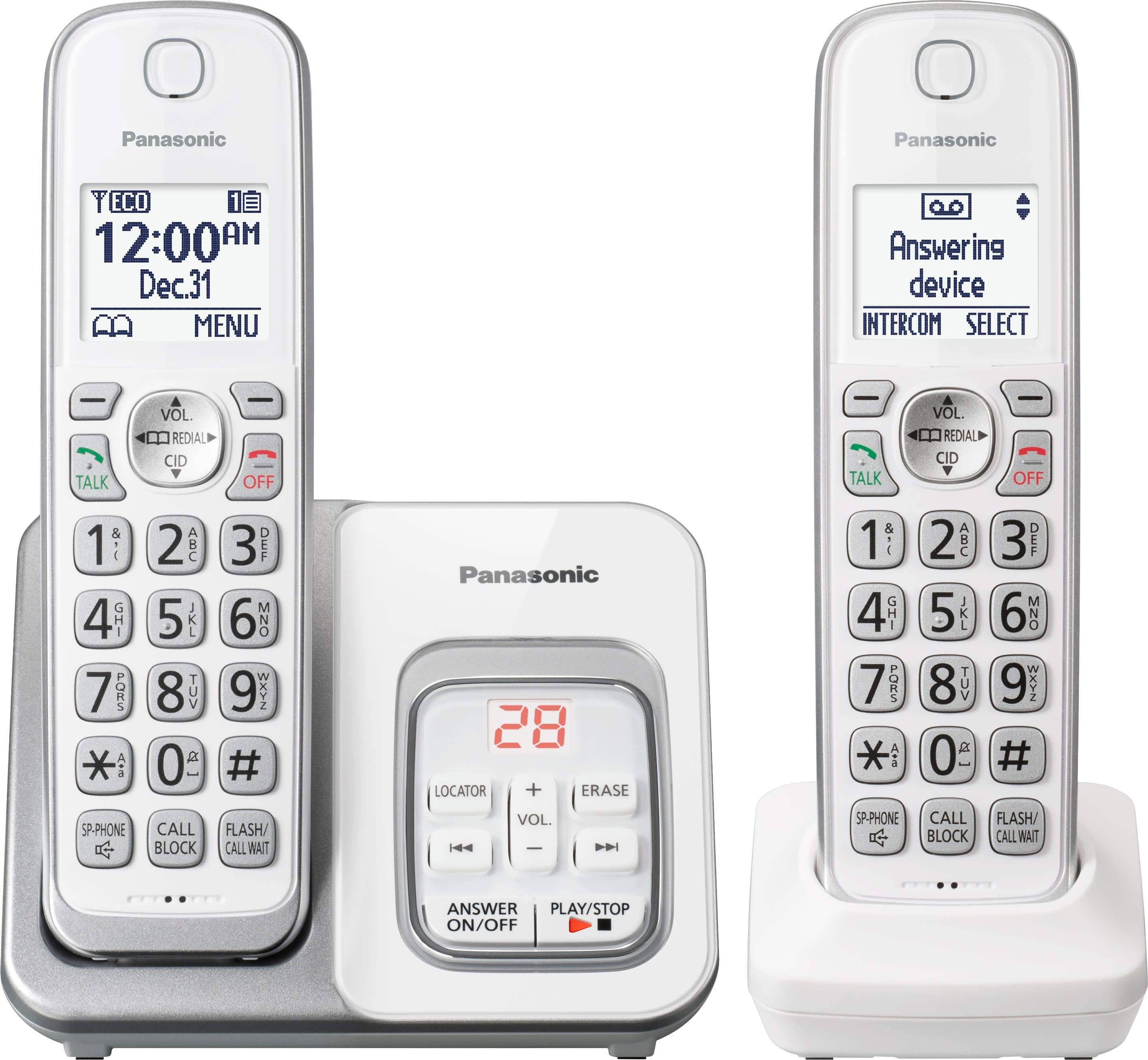
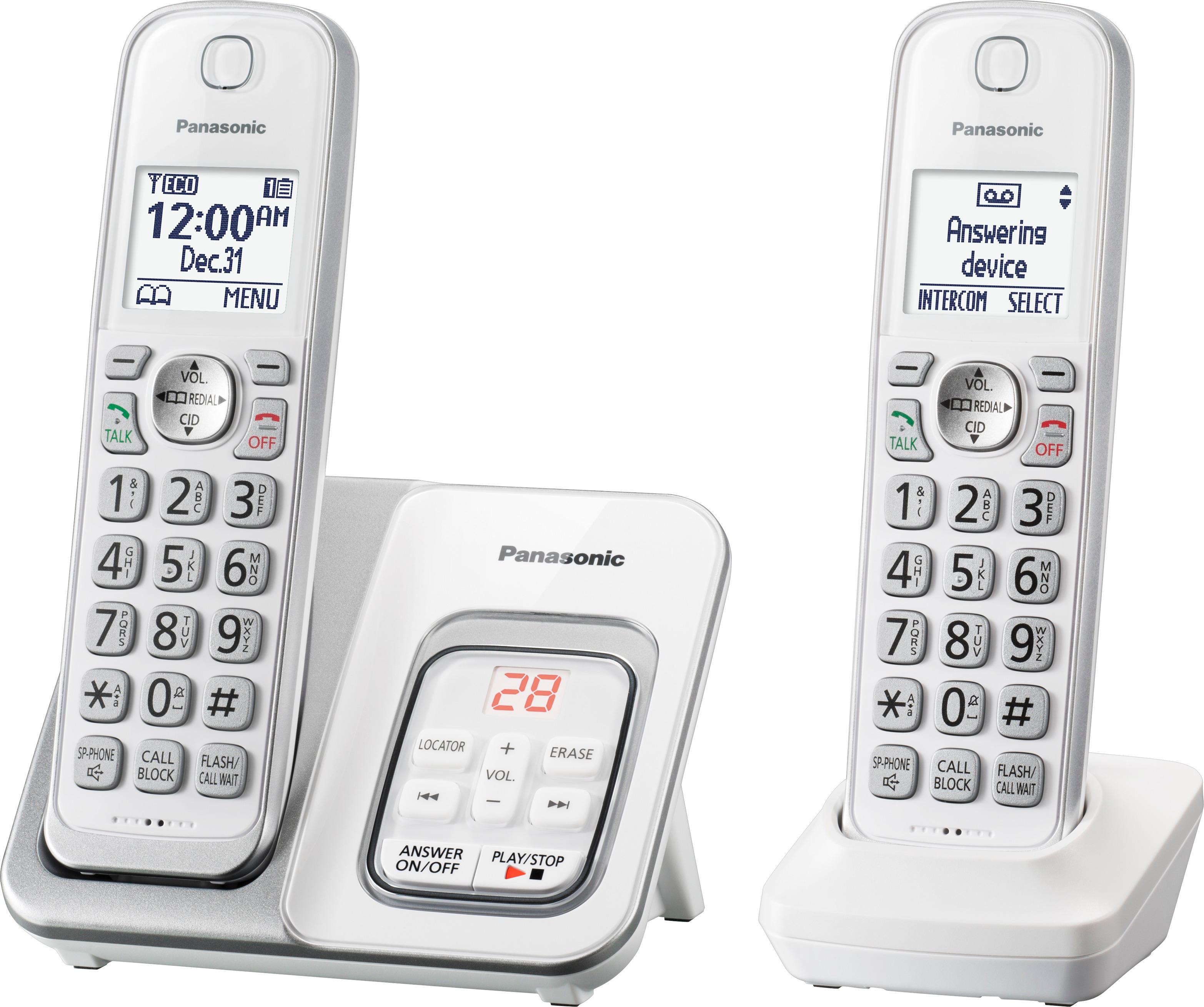
A:AnswerYou can add 100 names (16 characters max.) and phone numbers (24 digits max.) to the phonebook.
Regarding the call block list, single phone numbers and ranges of numbers can be stored in the call block list up to 150 items in total.
A:AnswerYou need to set up the ring count to 3 rings by pressing MENU #211. in this way your messages will go to the answering system and not to the voicemail.
A:AnswerThank you for your question! In order to be able to answer a second call, you must have Call Wait service with your phone company. Afterwards, you will be able to answer a second call by pressing the Flash/Call Wait button on the handset
A:AnswerYou can turn off the ringer volume by pressing and holding 0 key on each handset until the unit beeps. For base unit you need to press and hold (-) volume button until the unit beeps.