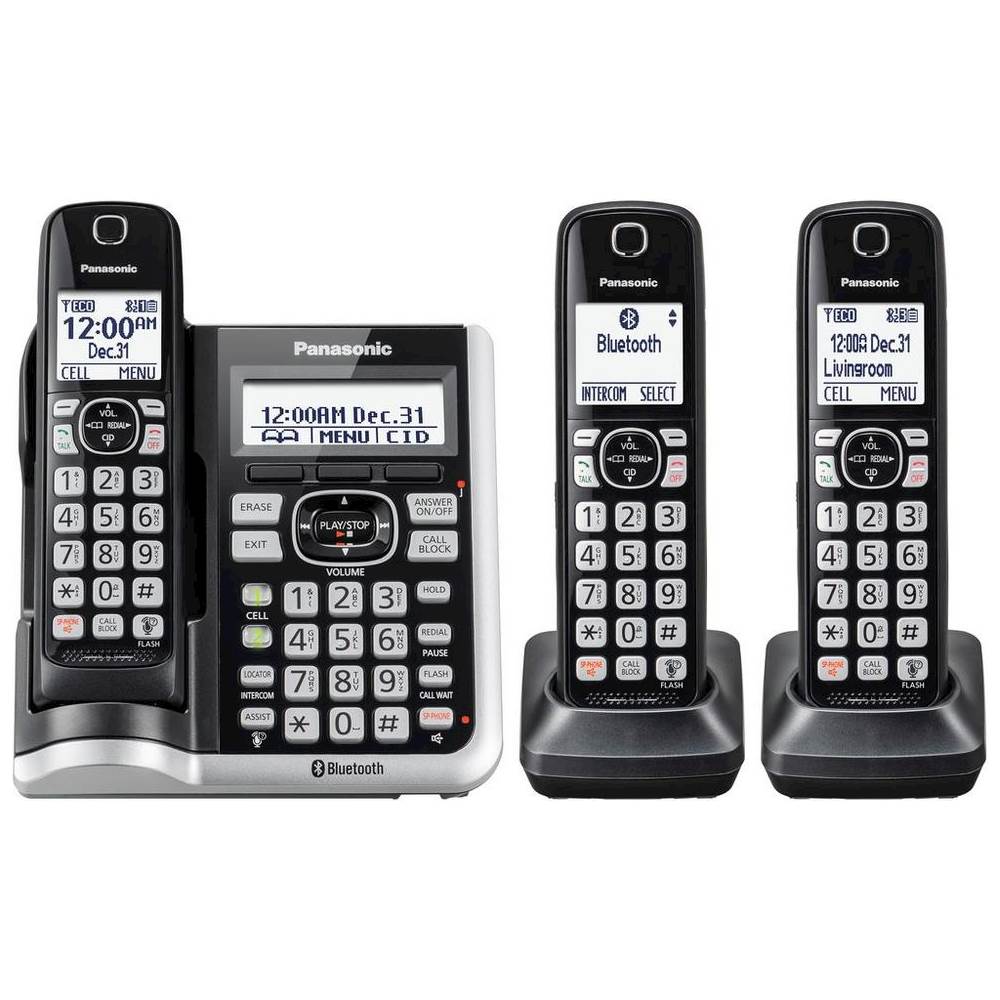
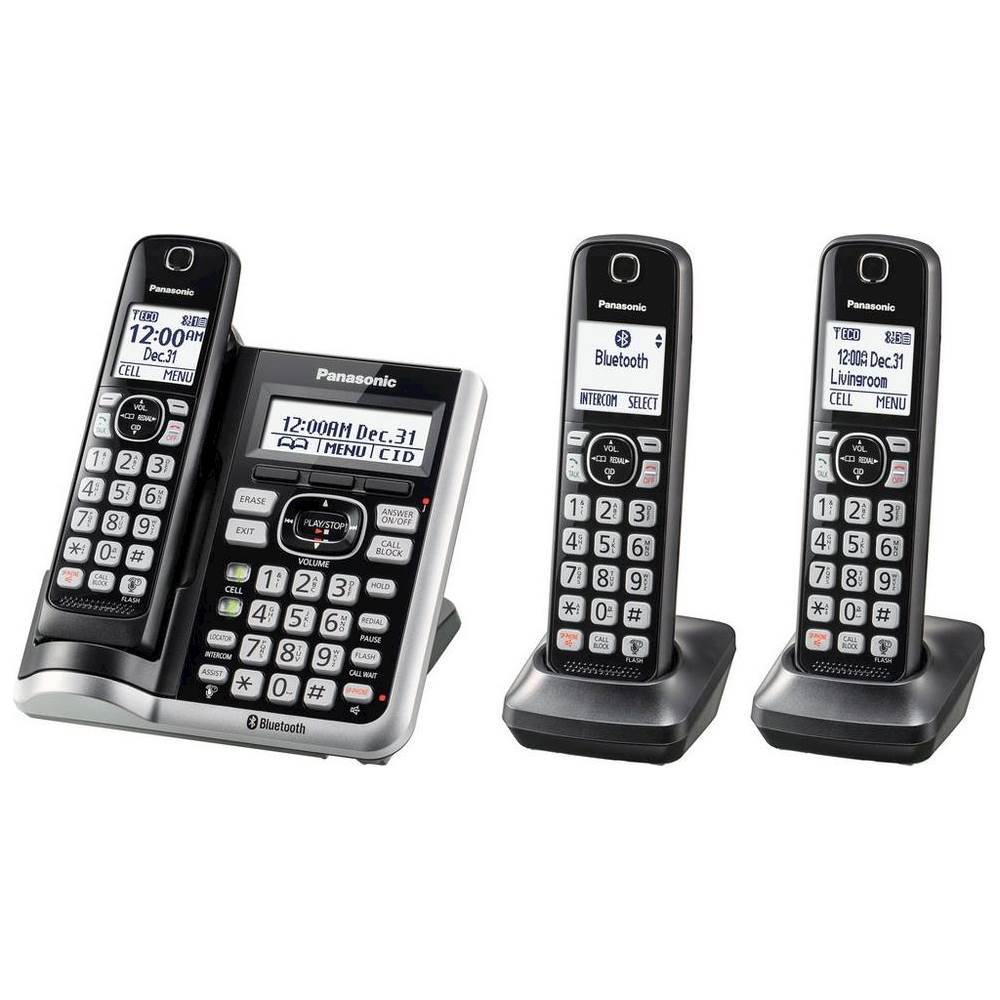
A:AnswerThe Phone System has standard configuration that respects the general regulations.
Customers may benefit from purchasing the Panasonic KX-TGM450S Amplified Cordless Phone with Answering Machine. This will give much more flexibility to adjust the volume.
A:AnswerHi Vera! This works with VOIP, but only the main base unit can connect to the system. The phone does not have Wi-fi, it only connects via a cable. -A
A:AnswerHi! This system is a landline phone, therefore it does not use 5G. It will connect to your telephone jack, modem(via a telephone cable), or connect via Bluetooth to your cell. -A
A:AnswerYou can connect your base unit and cellular phone using Bluetooth wireless technology, so that you can make or answer cellular calls using your phone system. This allows you to:
– use the unit to talk on cellular calls even if some areas of your home have poor cellular reception, simply by placing your cellular phone in an area with good reception.
– talk on cellular calls even if your cellular phone is in your pocket or bag.
– enjoy cordless cellular calls even if your cellular phone plugged in and charging.
A:AnswerHello! Unfortunately this will not be possible from your end, only if they make the conference. You can only have a 3 way conference between 2 handsets and 1 outside caller. -A
A:AnswerThank you for your question. The handsets have a 2,5 mm headset jack and they're compatible with the following headset models: KX-TCA93, KX-TCA430.
A:AnswerThank you for reaching out to us. Our Link2Cell phone systems allows you to use only the cell line if you want to, it is called Cellular line only mode (you do not have to use the landline).
A:AnswerWe would need more information in order to have a better understanding of your inquiry. If you’re open to discussing it further, please contact Support Team via Live Chat on the Panasonic Website, Contact Us option, Mon-Fri, 9am-5pm EST. -M
A:AnswerHello Will! Yes, you will need an active Caller ID subscription from the telephone service provider to have the caller's information displayed on the screen. -G