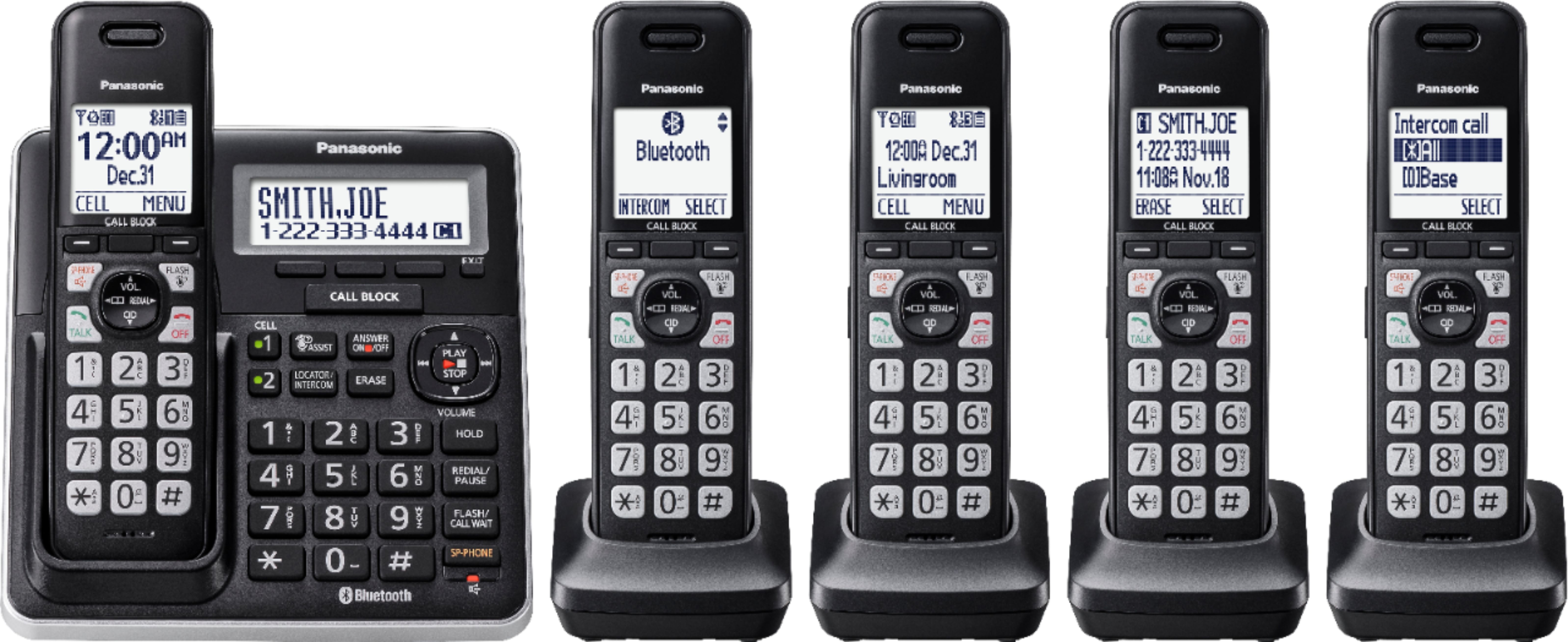
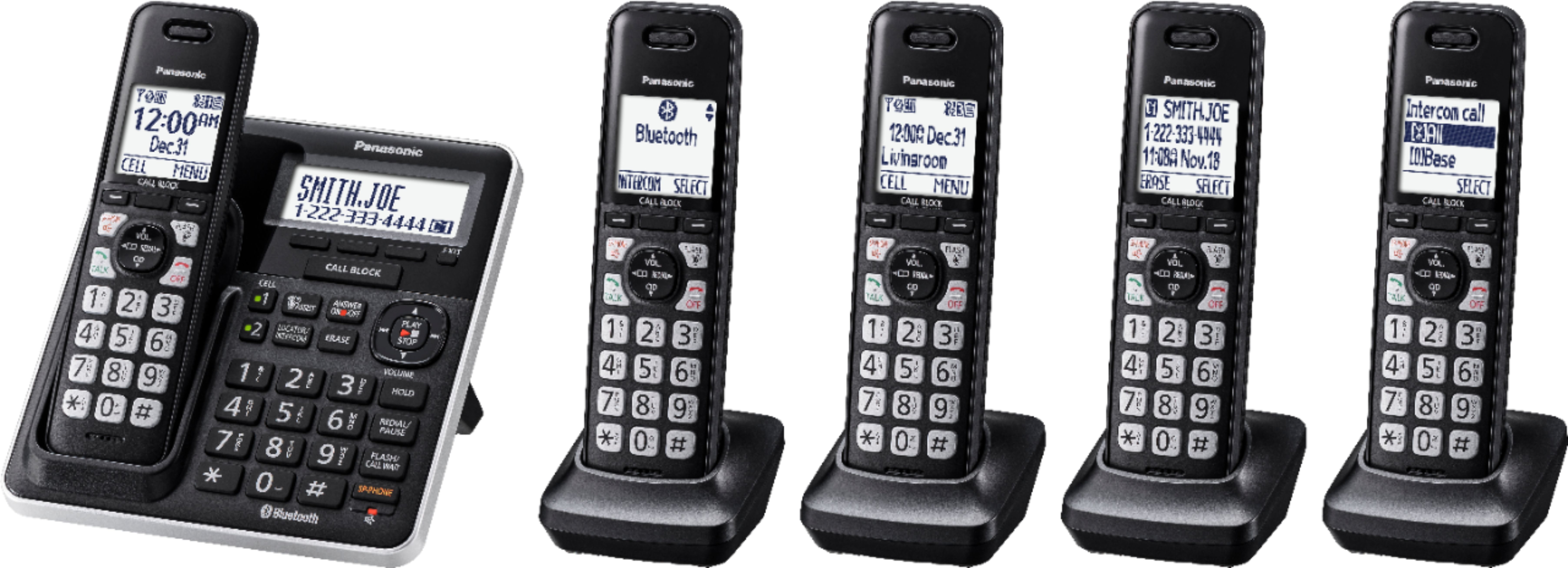
A:AnswerYou can intercom/page to any one or all units, but to select only one requires that you have named each handset. It is a simple process to name them. Then you can hit intercom on the base or select it from the handset menu. You can select which handset from the pull down list.
A:AnswerWe would need more information in order to have a better understanding of your inquiry. If you’re open to discussing it further, please contact Support Team via Live Chat on the Panasonic Website, Contact Us option, Mon-Fri, 9am-5pm EST.
A:AnswerHello, Gary! Please make sure that the ringer volume is turned on by pressing MENU # 1 6 0 on one of the handsets. If you need further guidance, kindly let us know and we will happily assist you. You can contact Support Team via Live Chat on the Panasonic Website, Contact Us option, Mon-Fri, 9am-5pm EST.
A:AnswerHello! You will need to press MENU # 1 6 2 > OFF > SAVE on each handset. If you need further guidance, kindly let us know and we will happily assist you. You can contact Support Team via Live Chat on the Panasonic Website, Contact Us option, Mon-Fri, 9am-5pm EST.

A:AnswerKindly be informed that the range from the base to the handsets is not exact, as it mainly depends on the environment in which you are using the product.
A:AnswerHello! The Caller ID is a service that is provided by your phone company. If you are subscribed to the caller ID service, it will work on the Panasonic phone.