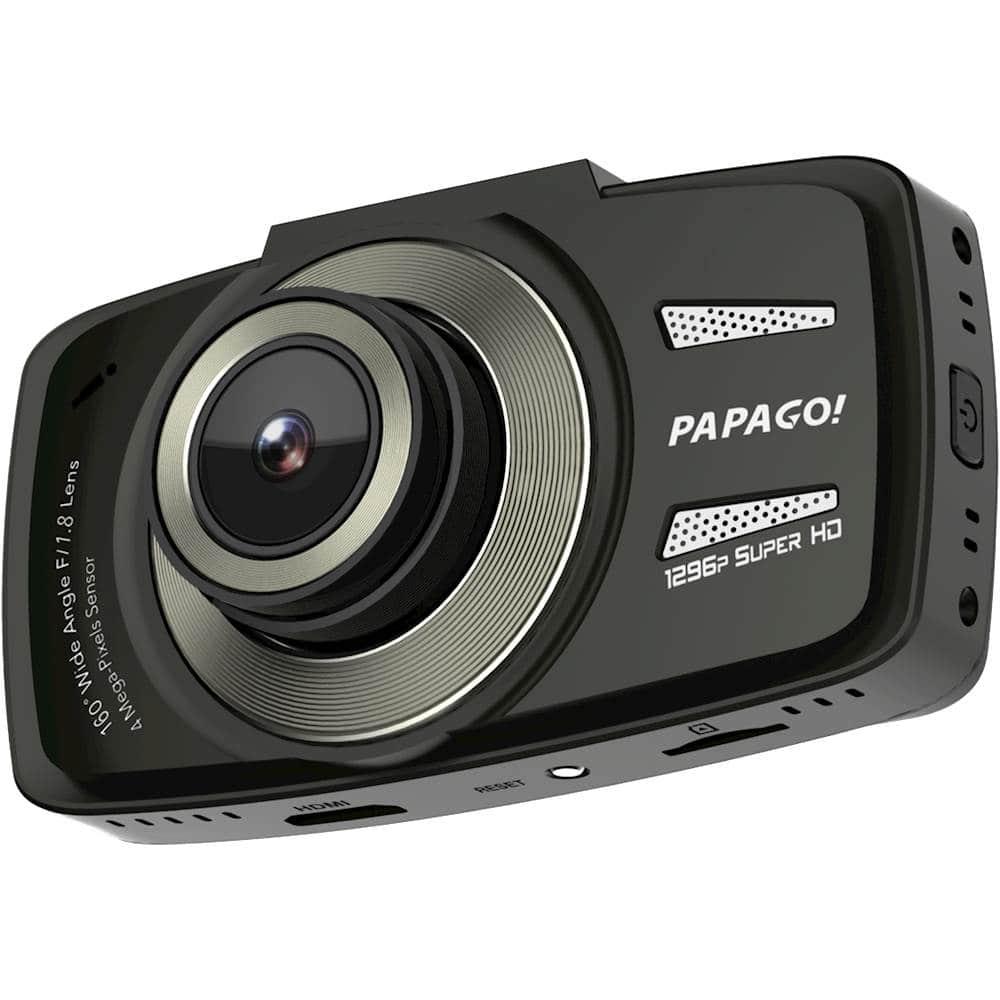
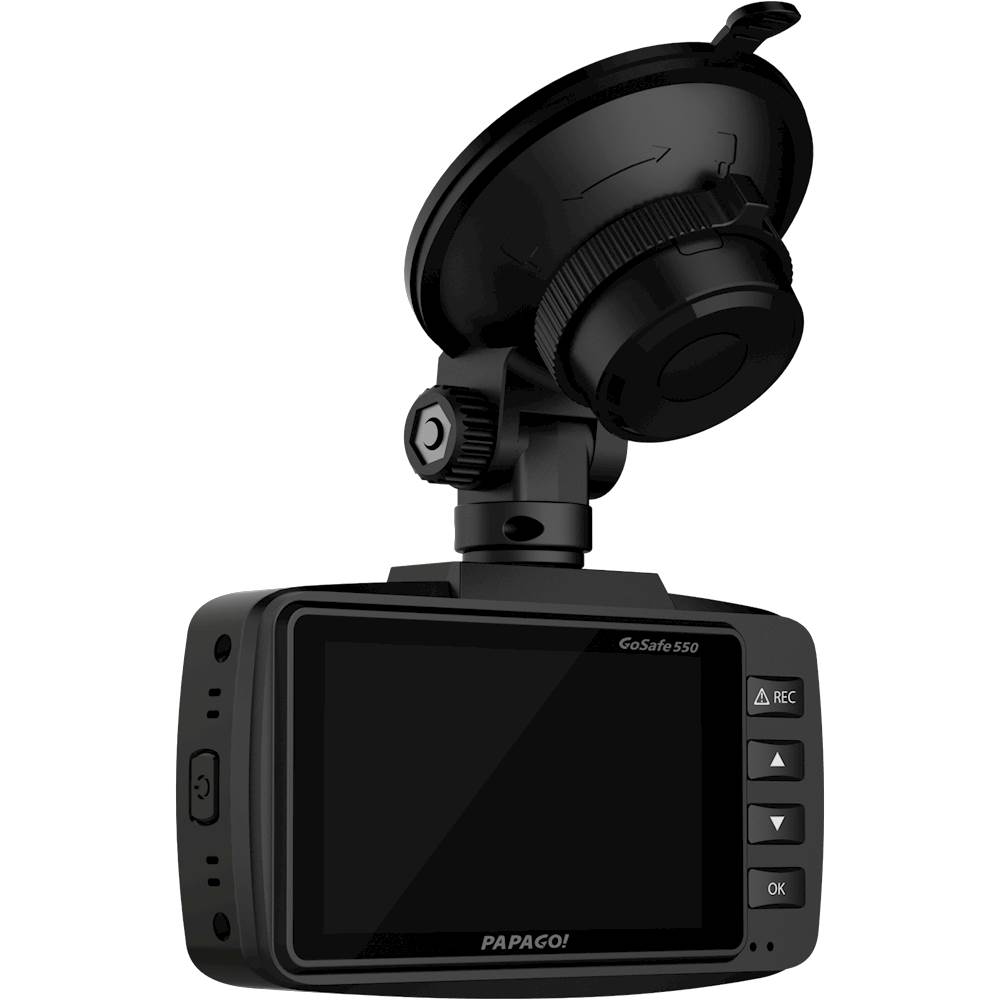
A:AnswerVery simple to do. While the machine is on, select the down button to enter into the "setting" mode. Then scroll to the Microphone option with the down/up button and select by pressing the "Ok" button. Then you get the option to turn On or Off the microphone.
I highly recommend the microphone setting to be ON at all time if your intention is to record evidence of your driving and of others. The microphone can also work as evidence whenever you get pulled over and you use it in court, you will have video and voice recorded evidence. In an incident/accident, the voice recording will add more value to your evidence (or the opposite if it is your fault, which you may delete). The microphone feature in this device is the feature that made me purchase this PAPAGO!
One of the main reasons for all dash cams is to have proof/evidence and this will work well you don't have a witness that view the incident.
A:AnswerSat in my car parked in the sun all summer. No glitches.
Make sure u don’t get a generic SD card though, SanDisk and Samsung are pretty much the only options. I tried Lexar before and the videos glitched pretty bad and I figured out it was the SD card, not the DashCam.
A:AnswerHi zugspitz1975,
The dashcam will last up to 3 minutes unplugged, this device is not meant to be a stand-alone device and must be plugged into an appropriate power source at all times of use or otherwise hardwired to the vehicle. Thank you for your interest in Papago! dashcams, if you have any further questions or concerns, feel free to reach us at [email protected].
-PAPAGO Customer Support
A:AnswerHi Jeremy,
How much recording time is dependent on the settings that you have your dashcam set to. An estimation I can give you with a dashcam set to 1920x1080 9mbps (HD Standard) with an 8GB micro SD card will get you approximately 120 minutes. Thank you for your interest in Papago! dashcams, if you have any further questions or concerns, feel free to reach us at [email protected].
-PAPAGO Customer Support
A:AnswerHere are a few different recommendations of video editing software:
Pinnacle Studio 16 Ultimate
AVS Video Editor
Adobe Premiere Elements 11
Final Cut Pro X 10.0.3
iMovie 11
Corel VideoStudio Pro X6
CyberLink PowerDirector
Magix Movie Edit Pro 2013 Plus
A:AnswerHi Jh721,
The dimensions are as follows: 93mm x 52mm x 32mm. Thank you for your interest in Papago! dashcams, if you have any further questions or concerns, feel free to reach us at [email protected].
-PAPAGO Customer Support
A:AnswerHi App,
Unfortunately, there is no app for this model dashcam. Thank you for your interest in Papago! dashcams, if you have any further questions or concerns, feel free to reach us at [email protected].
-PAPAGO Customer Support
A:AnswerIt’s not compatible with anything.
But if u import the files and save them then sure, they can play on iPhone and Android as long as u import them in the corrrect format.