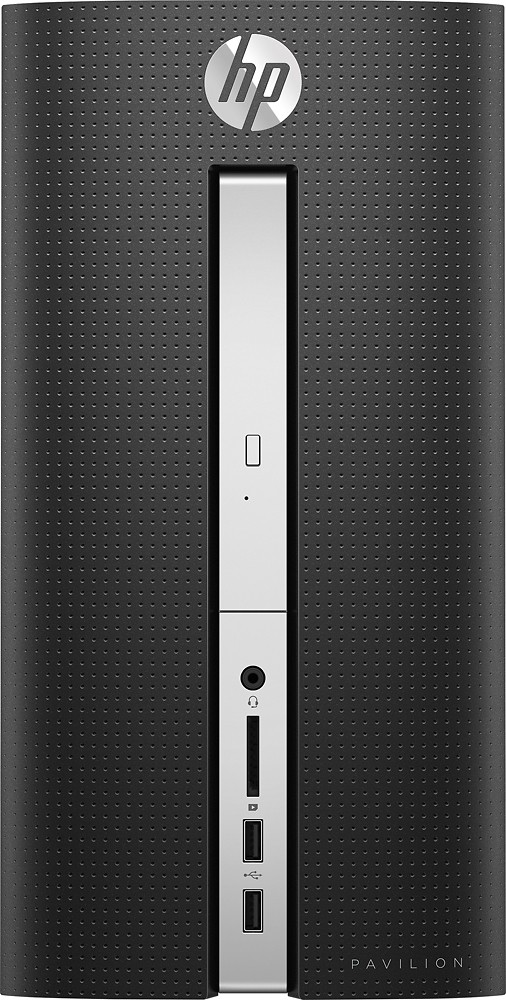
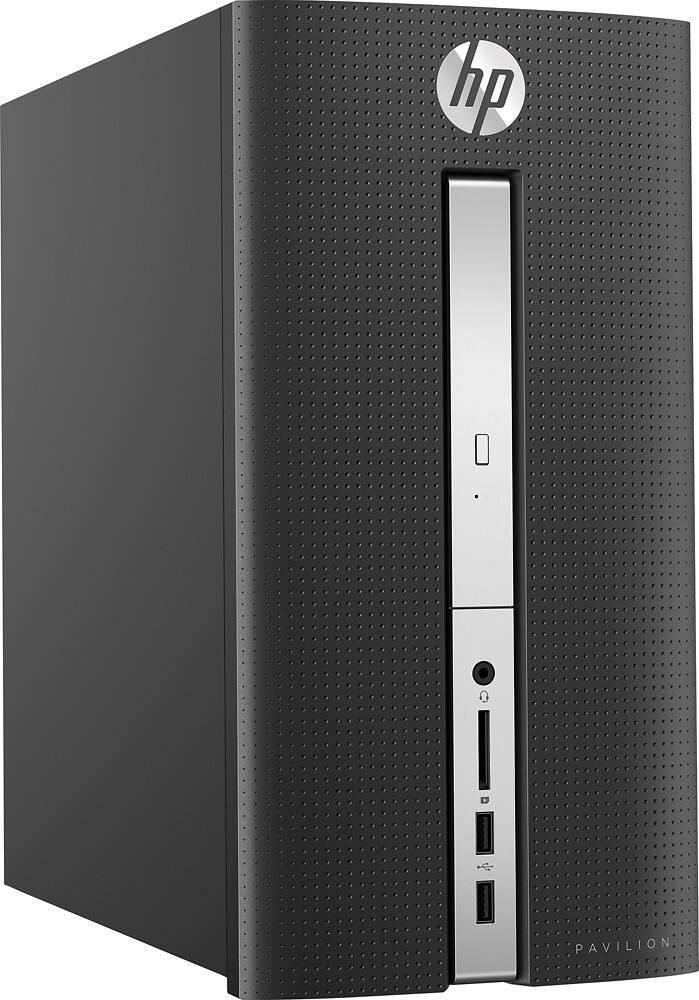
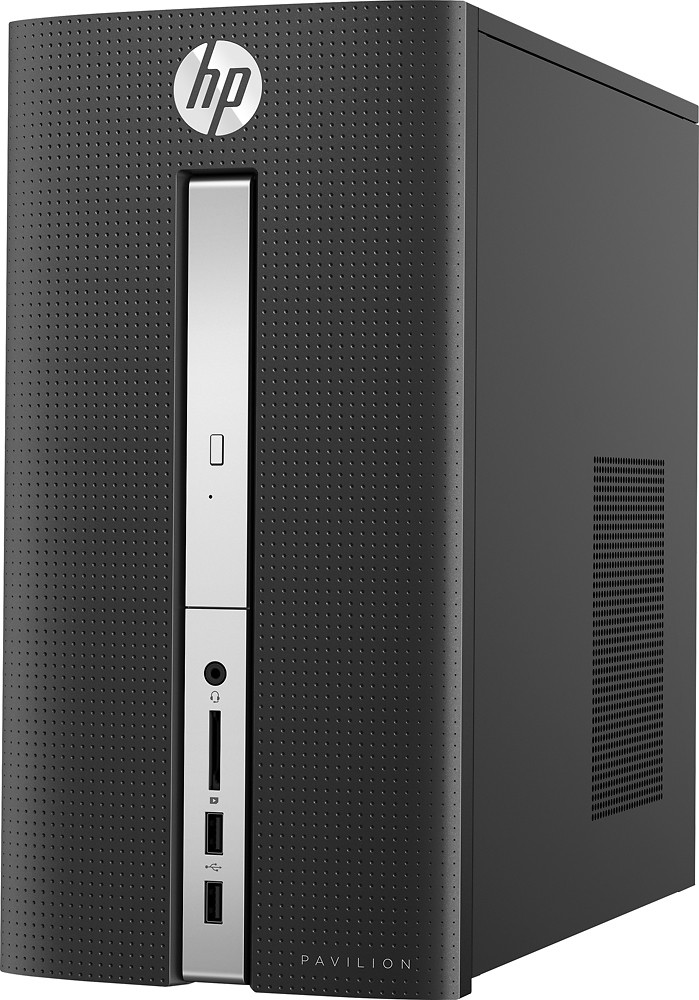
A:Answer When looking for a gaming pc the key elements are the CPU, GPU, and RAM. The processor is quad-core (good) and runs at 2.2ghz (okay). The onboard video card is not good for high-end gaming. You will need to install a separately purchased video card. 8gb of RAM is decent but many gamers are running 16gb or more. Overall with a video card upgrade it will do okay for gaming but you won't be able to play all games at high settings.
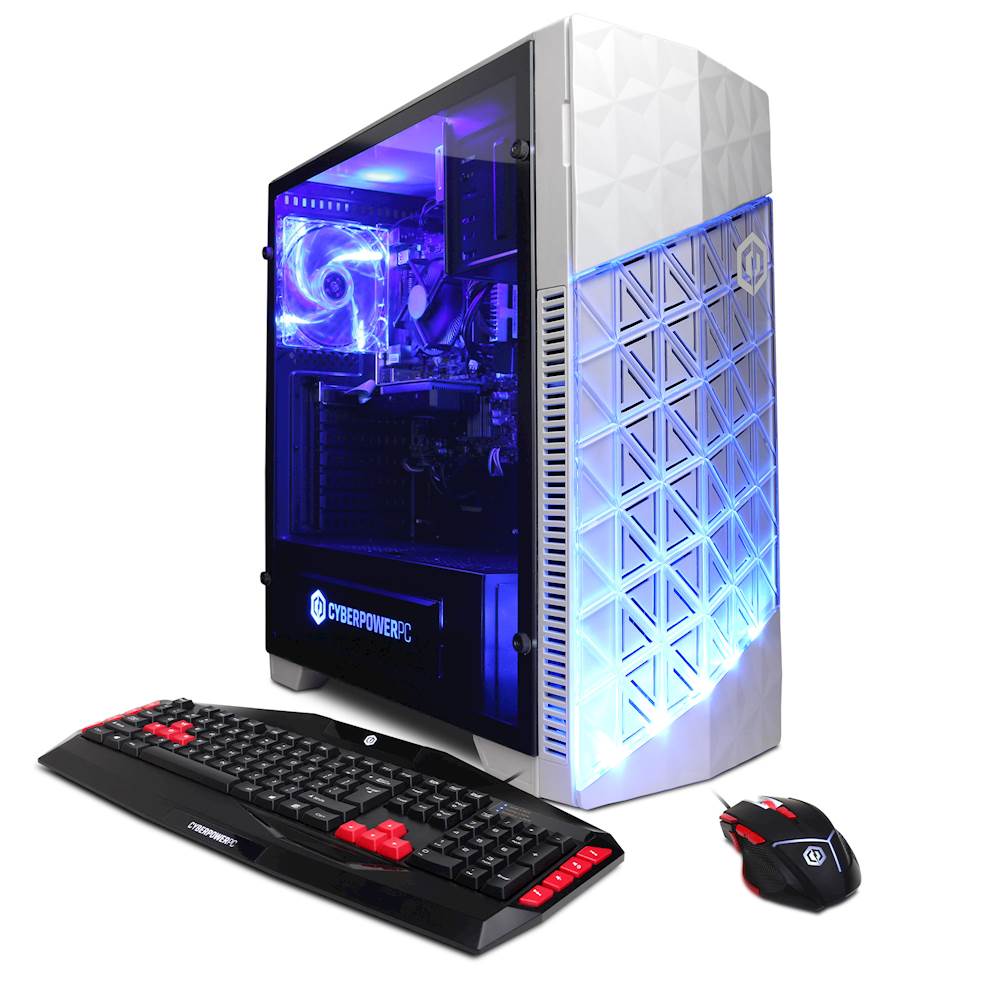
I'm not sure which CyberPowerPC you were looking to compare it to, but I will compare it to the GUA4600B. This model has a quad-core (good) processor that runs at 3.8ghz (much better). It also includes a dedicated GPU with 2gb of dedicated memory.
For the price difference, I would go with the CyberPowerPC because it will last you a lot longer as a gaming PC without needing to have components upgraded.
To ensure that you are completely happy with whatever computer you choose, I would look at the system requirements of the games that you want to play. You want a computer that at least matches the recommended settings and you want the computer to be more powerful if possible.