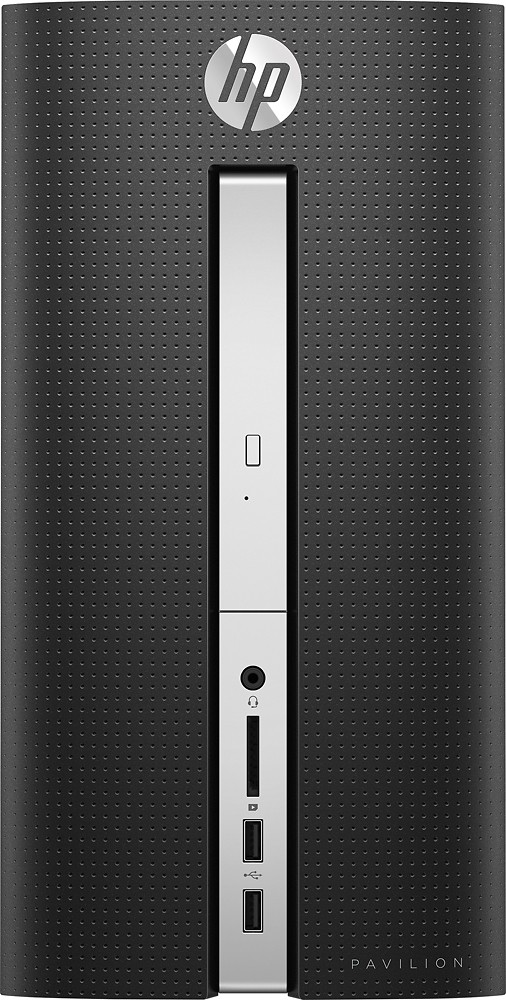
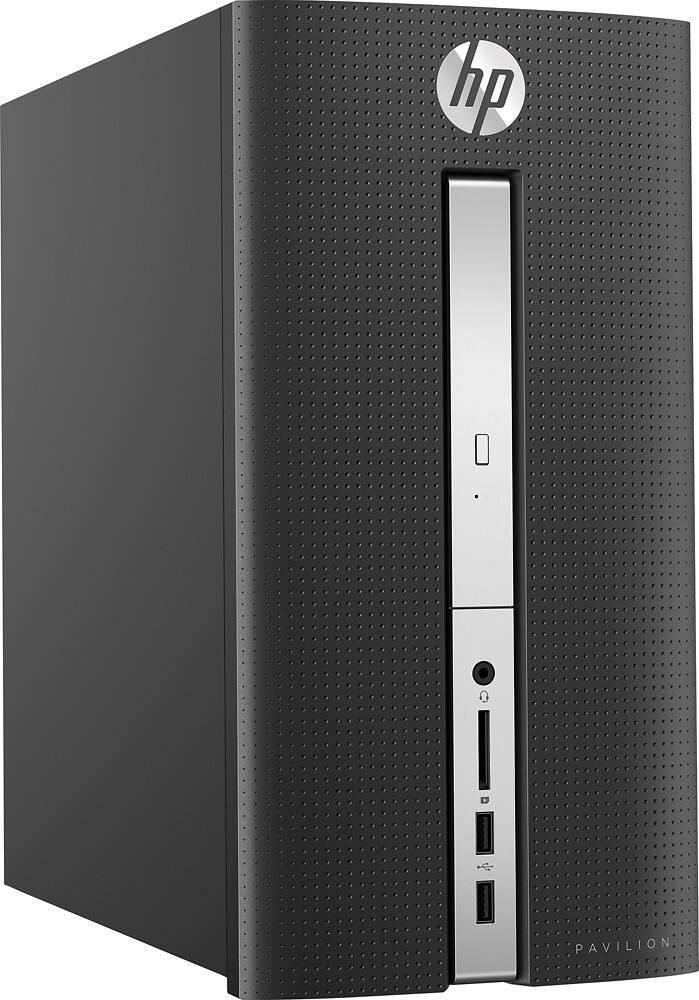
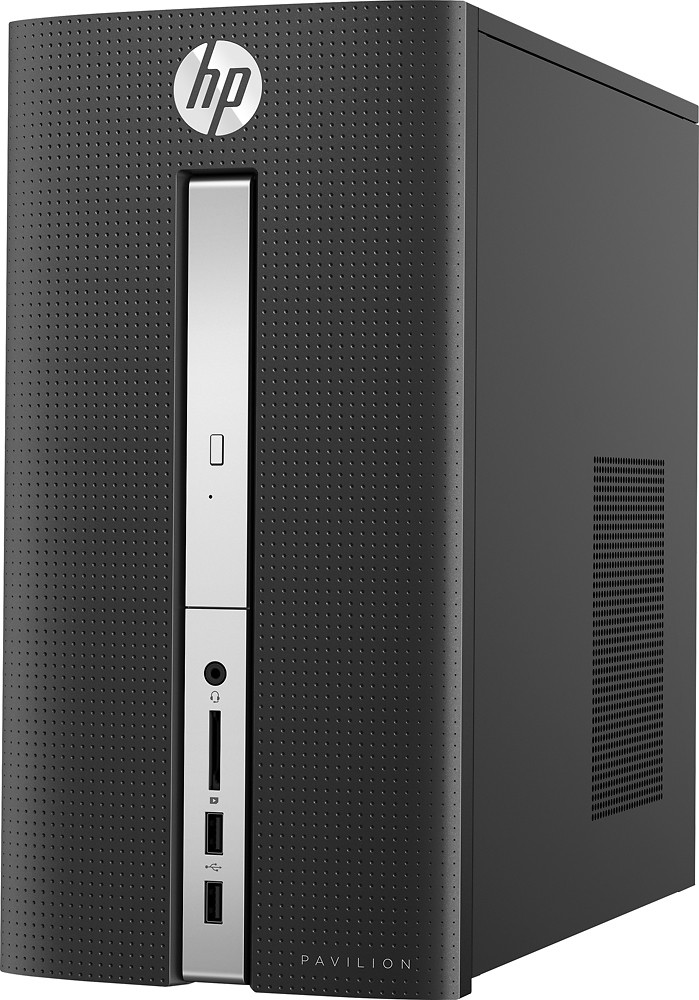
A:AnswerNot really. There is not an open drive bay inside. I'm sure if you're creative you can find a way but then you will need another second drive cable/MB header. External is the way to go.
A:AnswerThere are many different processors within each category. The best way to compare processors is to look up the specs for each specific processor. This can usually be accomplished with a simple Google search for the model. One of the first results should be a benchmark site.
For example, this computer has a A8-7410. This means that it is a quad-core processor and each core runs at 2.2ghz.
A:AnswerNot really, unfortunately. It only has 2 SATA ports, so if you replace the HDD, you'd have to disable the DVD drive just to hook a new drive up to the motherboard.
You can add up to 8 GB more RAM, though.