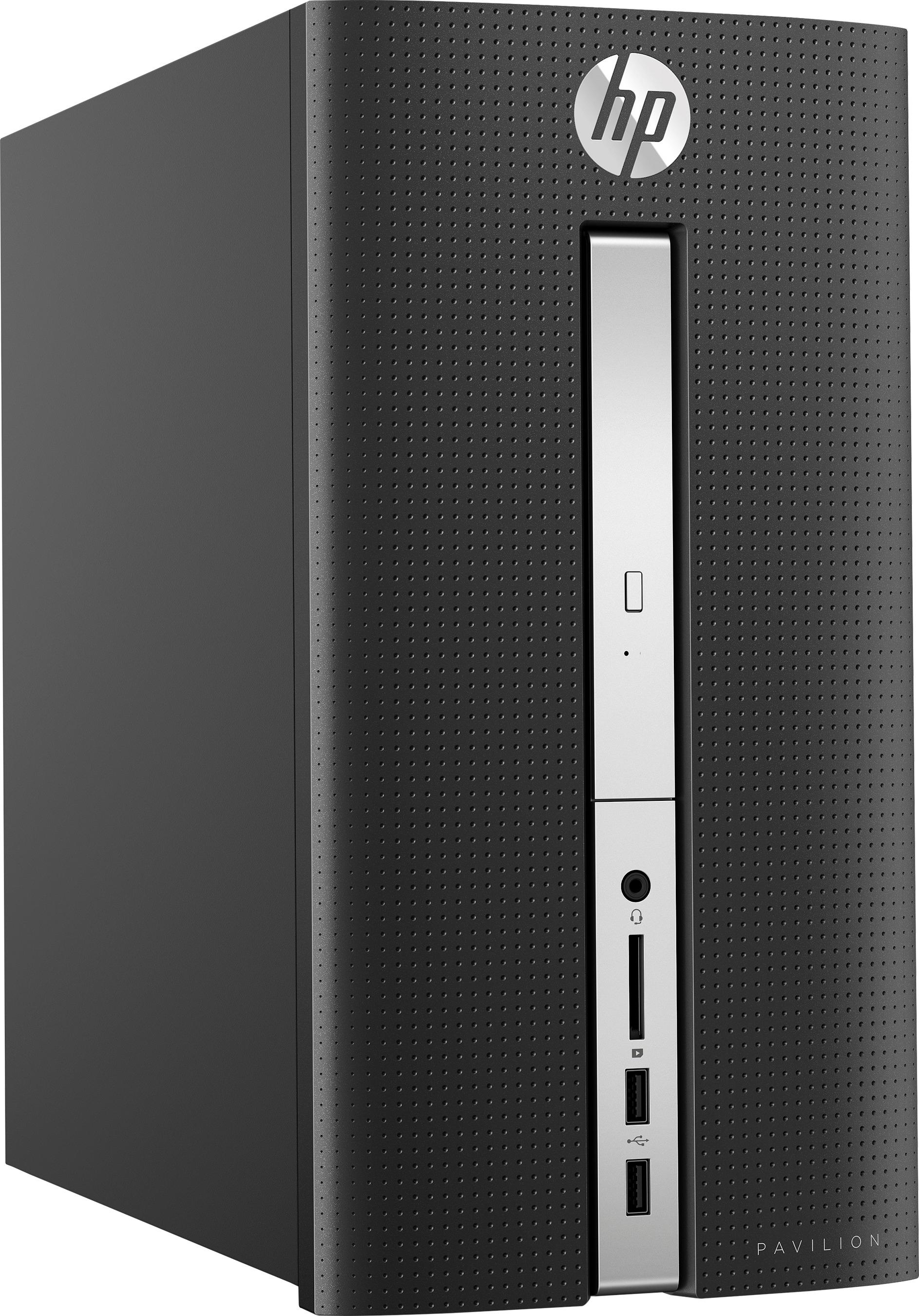
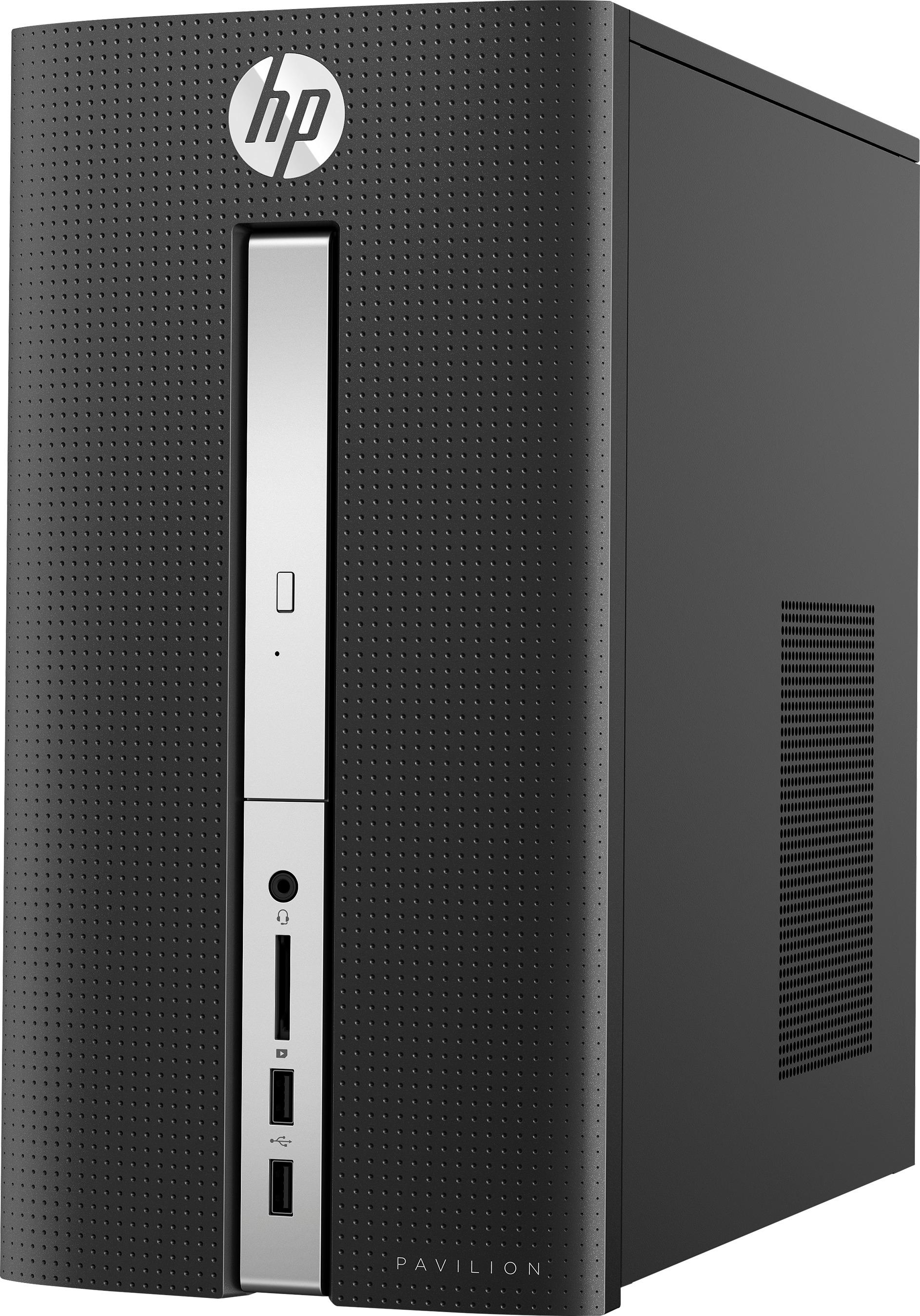
A:AnswerThis computer does not have a built-in speaker. You can hear sound with either external speakers connected to the speaker jack on the front of the computer, or by using a monitor that has built-in speakers (I recommend this). Hope this helps!
A:AnswerYou could use a SATA connected SSD. SATA SSDs are 2.5" and use brackets to adapt to 3.5". If you have the ability, I would use an M.2 SSD as the speeds would be far faster than SATA.
A:AnswerThank you for your question. USB type C is quickly replacing the older USB ports. It allows for far faster transfer speeds, more power and the connector is more resilient and reversible. You may not have any use for it now but eventually most everything that requires a speedy connection will use USB C. Also, you can buy a USB C to USB A adapter so you can plug old style USB devices into a USB C port.
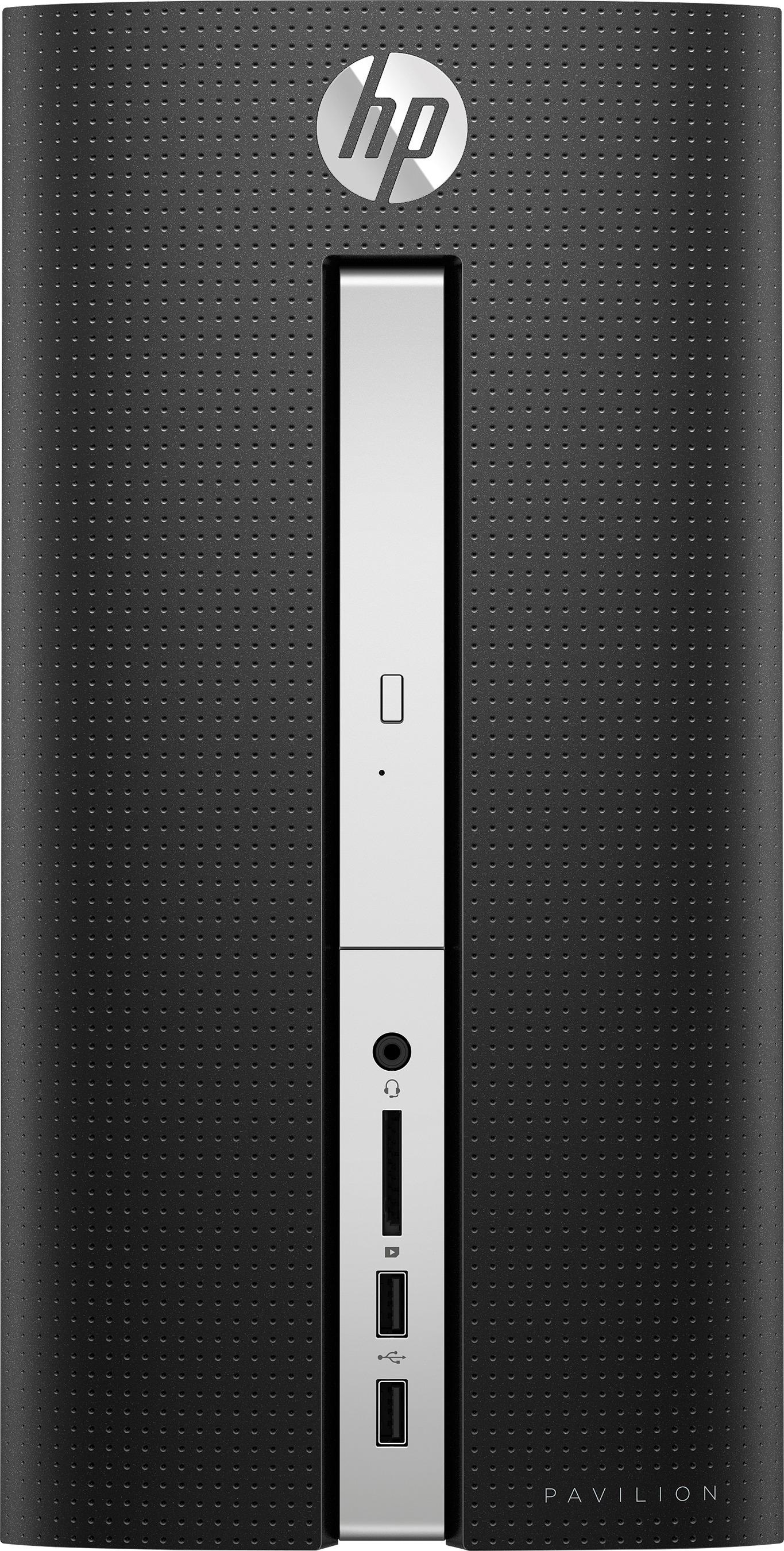
A:AnswerIf you are unsatisfied with the wifi adapter included you could swap it out with any PCI E or USB wifi networking adapter. As for the M.2 card, you can use any M.2 NVME SSD you like.
A:AnswerThank you for your question. You can use a 3.5 drive or a 2.5 drive with an adapter! As far as particular brands, it is your preference. Check out some of the reviews on the popular models.
A:AnswerThis model would support either an M.2 SSD or an Intel Optane memory module. However I would focus on upgrading the RAM to 8gb. I would also consider perhaps a model with an Intel i5 so that you have a faster processor to go with the Optane speed increase.
A:AnswerThank you for your question! I would reach out to HP support at 800-HP-Invent to troubleshoot your issue. I would also leave it running for some time as it could be an update. It is possible that your computer also shut off while an update was installing which could corrupt the OS.
A:AnswerDoes not come with a monitor. Download a program called Start10 from Stardock Software, price $4.99 (google Stardock Software). It makes Windows 10 look JUST LIKE Windows 7. I promise you will be happy with it; I know I am!
A:AnswerI appreciate your question. I am not very familiar with TLS but from what I am finding in my searches, it is not a hardware but rather a software solution. What this means is that once the computer is connected to the internet and downloads all updates that you should have absolutely no issue accessing your bank that uses TLS 1.2 security.
A:AnswerThis computer has 1 HDMI port,and 1 USB C port both are capable of 1080p-4k resolution depending on cable and adaptors(USB C) you use.Keep in mind this computer supports Dual Displays(says it on side of computer)so this may help you as well.I have a 4k monitor and it works well.I dont know if 2 monitors will run in 60 hz but 2 monitors will work with this computer.
A:AnswerThank you for your question! The store is unlikely to see your question. I would call them directly and ask. The SKU for this product is 6111244. Give them those numbers and they can quickly look it up for you.
A:AnswerDoing a quick search through the Best Buy website I do not see any available however I know they do exist. You can typically expect to pay anywhere from $20-$50 and the installation is as simple as opening the side of the computer and plugging it into the available slot.
A:AnswerYes, this computer runs full Windows 10 and is capable of opening .exe files. It also meets the minimum requirements to run Fortnite however I would strongly recommend having a dedicated GPU and at least 8gb of RAM.