A:AnswerThank you for your question. This model does not meet the requirements for many of todays modern games. At minimum you would need a GPU. I would look to try and get a model that has atleast an i5 or Ryzen 5 processor.
A:AnswerI would recommend taking your computer in to the Geek Squad or HP support to assist you with this issue. It sounds like your SSD is not being recognized. But the SSD should have the OS on it so the computer shouldnt boot without it.
A:AnswerThe SSD is the C-drive of your computer! You can store data as you see fit, though we recommend keeping the SSD for the operating system, apps, and other programs you want to run quickly!
A:AnswerI assume that you are referring to the USB cable that comes with the printer -- then yes! The tower does not come with a cable for the printer, but has at least 4 open USB ports ( it does come w/ a wired keyboard and a wired mouse which each use one of these USB ports)
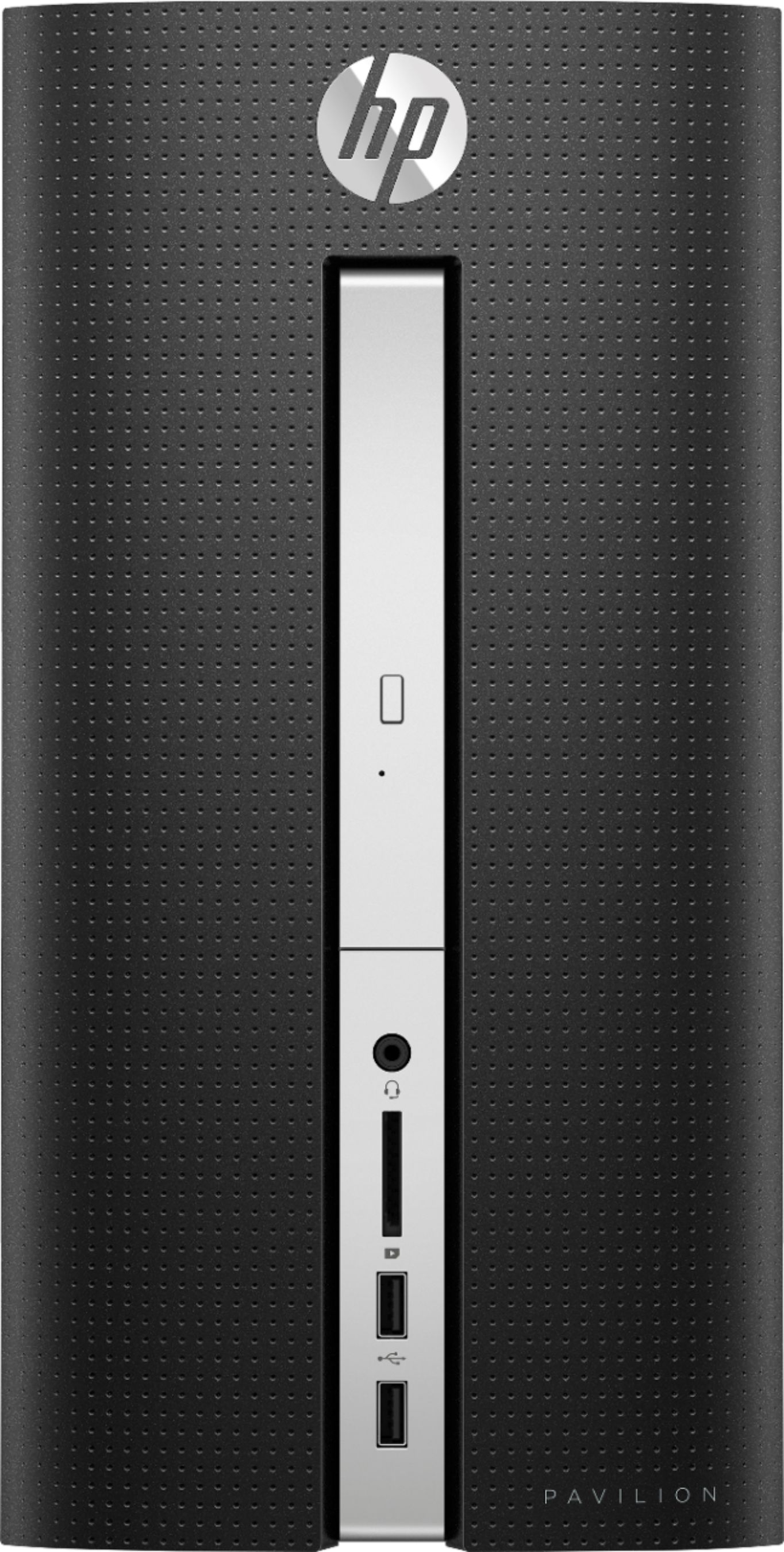
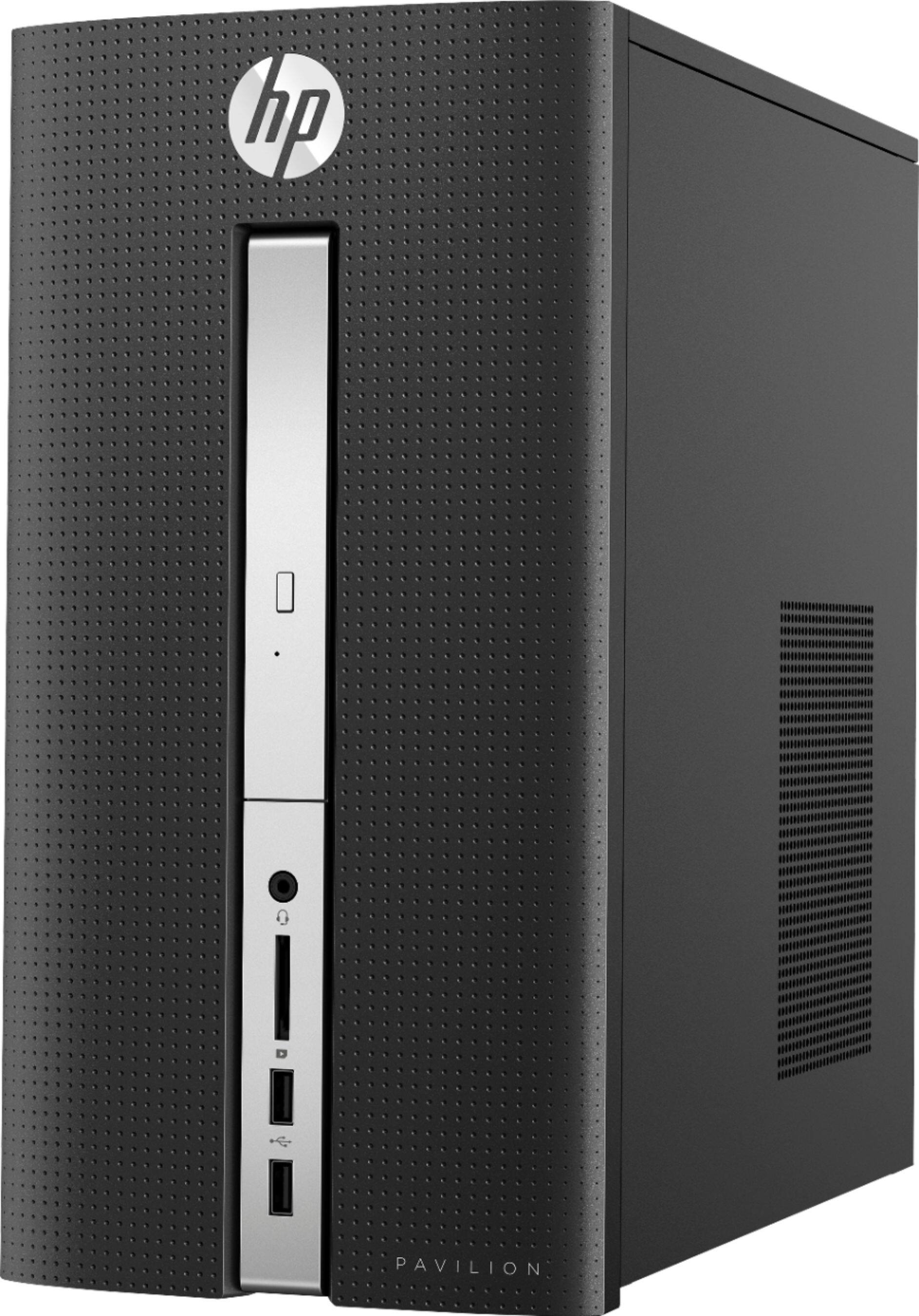
A:AnswerThe pictures are only used for reference and are not always the exact model available. The best way to tell what the computer has is to look at the specs sheet which is located here: https://support.hp.com/us-en/document/c05931235 This model does not have a proprietary PSU. You can use any ATX PSU with this computer.
A:AnswerI attached both HDMI and VGA to ports in back before trying to use computer for first time. Monitor turned blue and then stayed black (saw "hp" logo briefly and could see mouse movement but nothing else) until I unplugged VGA. Now I hope to be able to use both HDMI and VGA after I figure things out.