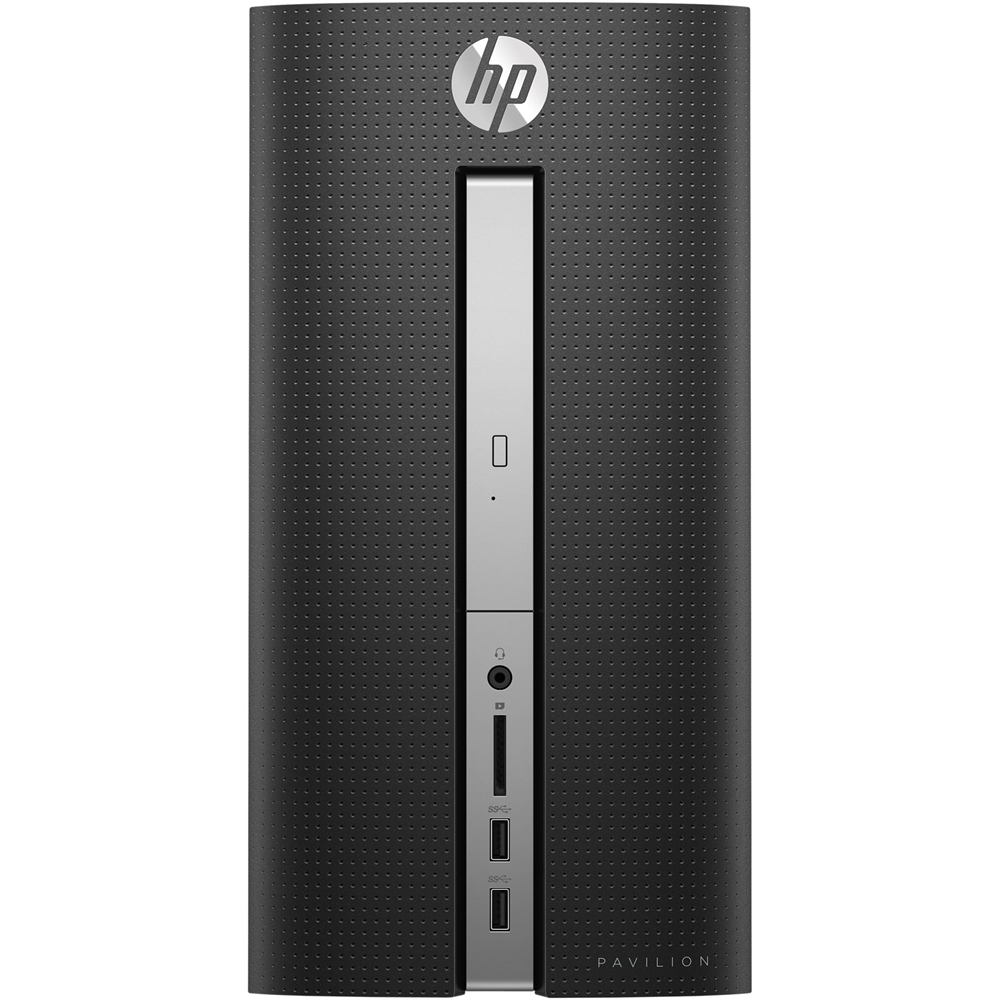
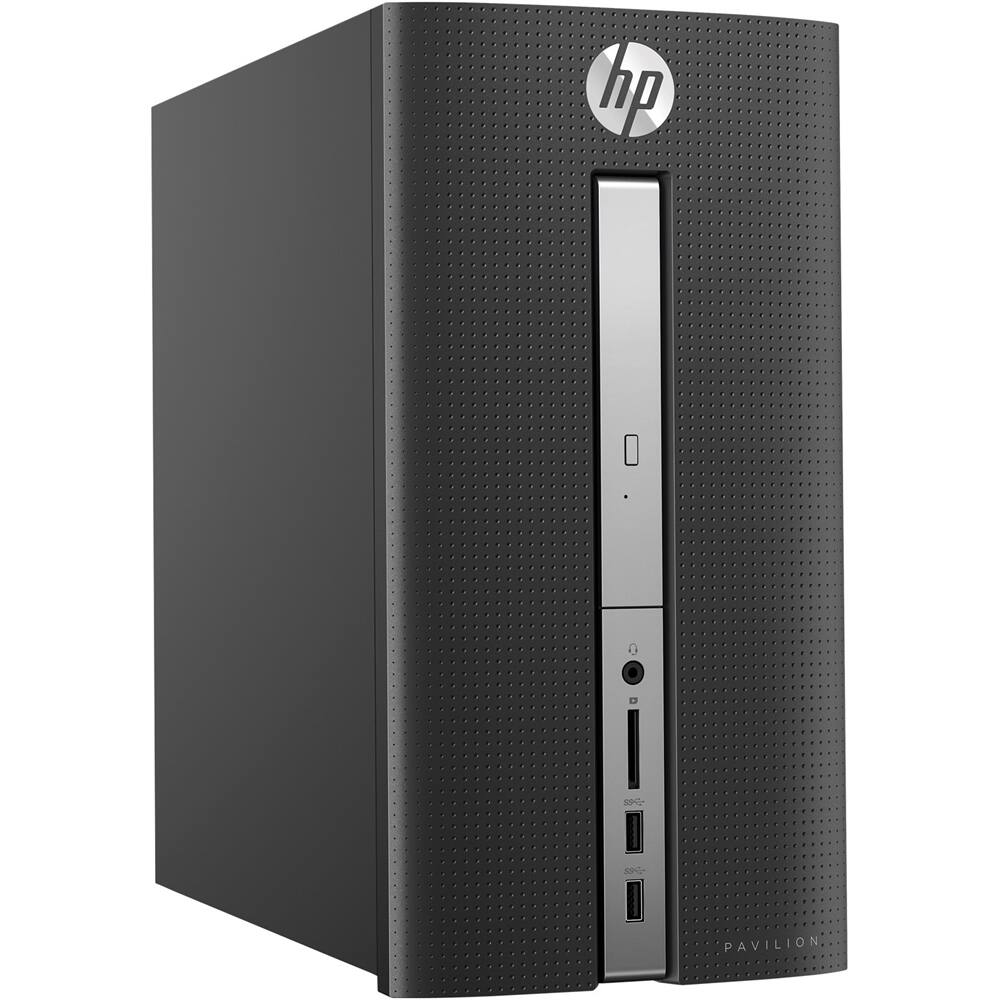
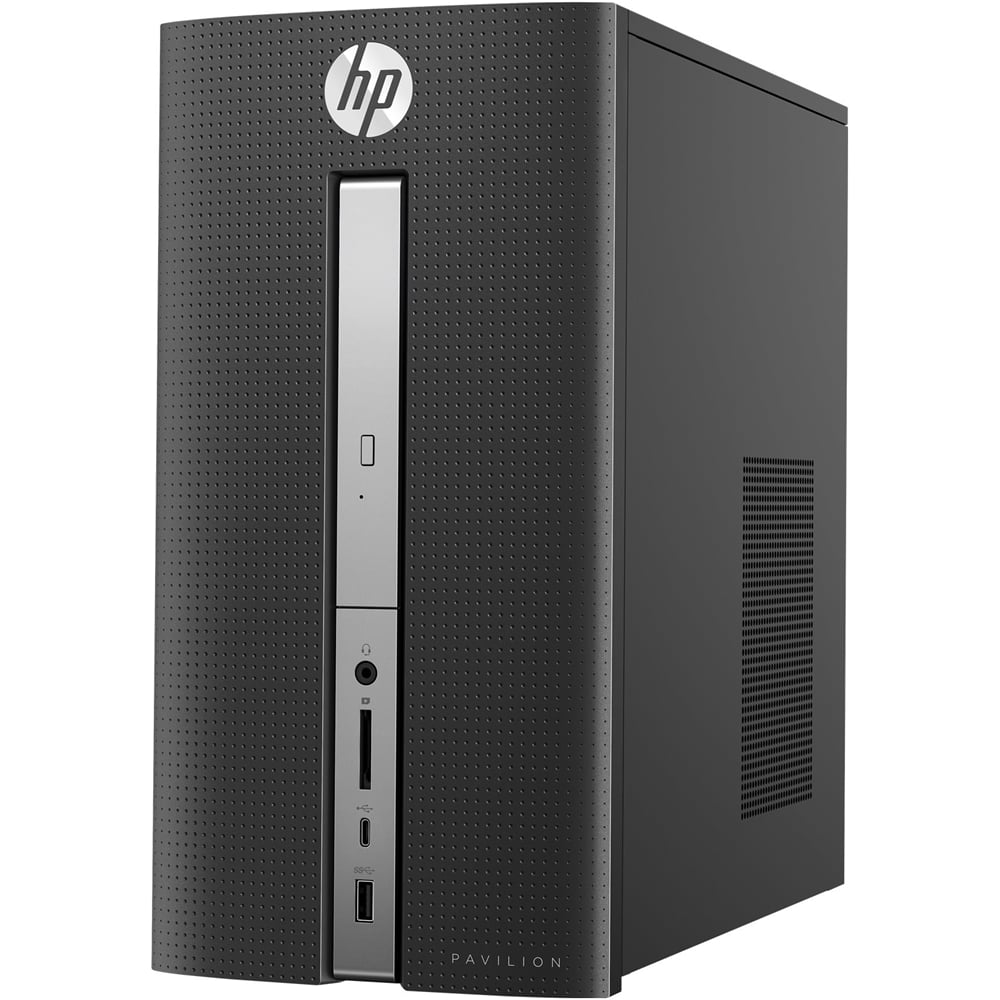
A:AnswerThe graphics card can not be switched. The graphics is built into the motherboard. There are no available slots. Go to HP.com. Search for 570-P010.
A:AnswerThank you for taking the time to reach out. We do not test third party components with our computers but an ATX PSU should work with this model. I recommend reaching out to the PSU manufacturer to get information on the correct wattage you will need.
A:AnswerYes, Windows Media Player is included.
1. Single Left Click 'Start' Button
2. Scroll Down to 'Windows Accessories' Under 'W'
3. Single Left Click 'Windows Media Player'
or... add a microphone/video camera and 'Ask Cortona' to "Launch Windows Media Player" (after you have set-up Cortona for first use).
FYI... CyberLink's Power Media Player version 14 is also included. Also located under the 'Start' button.
A:AnswerIt depends on your definition of minimal. The general answer is yes, with graphics set on a low setting. For games like The Sims 3 and 4 or World of Warcraft, it will play on minimal graphics settings. Heavier gaming would call for a dedicated graphics card, which this pc does not have.
A:AnswerThe monitor has VGA (analog) and DVI inputs The computer has VGA (analog) and HDMI outputs for video. You would only be able to connect using the VGA (analog) ports. If you wanted to utilize the DVI - HDMI ports, you would need an adapter cable which runs around $10 to $15.
A:AnswerYes. You won’t be able to play in ultra settings of course, but it will run WoW. I’d also recommend maybe replacing the included hard drive with an SSD (solid state drive). It will make the game run smoother and you won’t have to worry about a 20 minute loading screen in Dalaran.
See you in Azeroth!
A:AnswerMy Computer is a HP PAVILION 570-P010 It is 12 Inches Long by 6 1/2 inches Wide X by 6 1/2 inches. You could Google the number you gave and should be able to find the exact. I used a tape measure to get the size.
I have had HP Computer and printers for years and they have been great. the reason I chose this mode; Computer is the dimensions is it fits in my computer desk and there is more air circulation +it had more ram and a larger Drive.
A:AnswerAShampoo Photo Optimizer; Driver Update; SlimCleaner Plus; MS Edge; File Explorer; MS Store; Amazon; Dropbox Promotion; Netflix; Mail; McAfee LiveSafe (Trial); BlueTooth Devices; One Drive; Access 2016; Alarms & Clock; Bubba Witch 3 Saga; Calculator; Calendar; Camera; Candy Crush Soda Saga; Cortana; Disney Magic Kingdoms; Dolby Access; Excel 2016; Facebook; Feedback Hub; Games; Groove Music; Instagram; Maps; March of Empires: War if Lords; messaging; MS Solitaire Collection; Movies & TV; My Office; and many more. This is only about half!!!
Since mine is very new I even had no idea of what’s on here. I guess I’d better get busy and explore!
Hope you enjoy!
A:AnswerI assume the AOC monitors have HDMI "in" ports. This computer has an HDMI "out" port, and also a VGA "out." If the AOC monitors have BOTH HDMI and VGA "in" ports, you can simply get an HDMI cable and also a VGA cable. If the monitors only have HDMI "in" ports, you can buy a VGA to HDMI converter (maybe $20 at BestBuy) to be able to use the VGA "out" port on the computer to connect to an HDMI port on the monitor, using an HDMI cable with the converter on one end. Hope this helps.