Questions & Answers
- Model:
- PN50951-22U
- |
- SKU:
- 6462308
Highly rated by customers for: Picture Quality, Price, Ease of use
Page Showing 121-131 of 131 questions
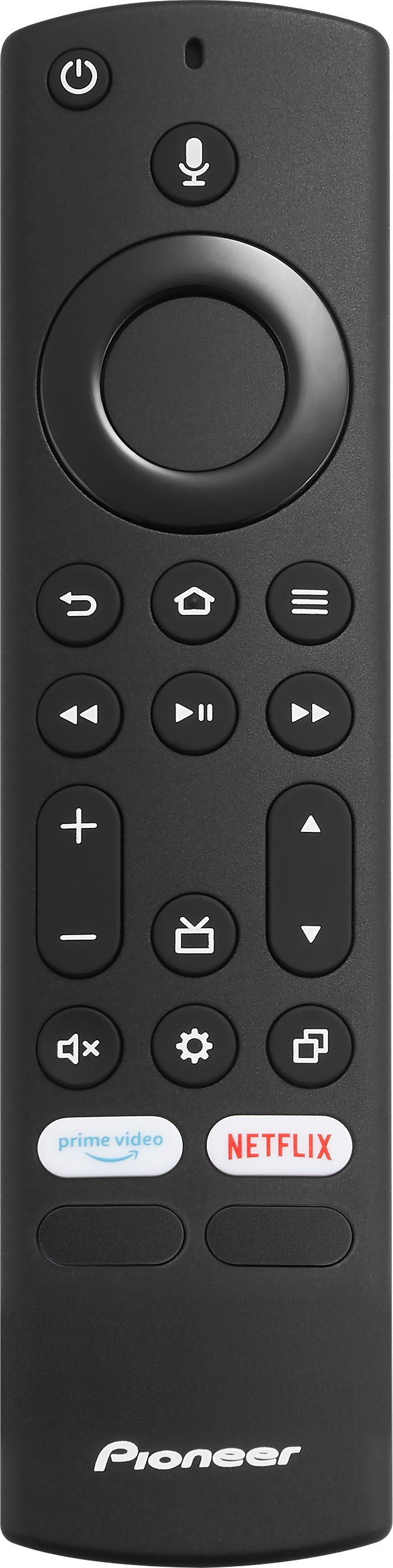
Q: QuestionIs there an optional remote for this TV that has a number pad for directly accessing TV channels? Is there another way to do it with the included remote other than just channel up/down?
Asked by Matt.
- A:Answer We recommend using the included remote to fully control your TV. Another option is to use the Alexa voice command, try to say: "Tune to channel 2.1".
Answered by PioneerCustomerSupport
Q: QuestionDoes it support an internet browser?
Asked by Anonymous.
- A:Answer You can use the Silk Browser app to surf the web.
Answered by PioneerCustomerSupport
Q: QuestionHow much memory is in it or what size hard drive does it have?
Asked by alien.
- A:Answer Hi alien, Flash drives come in various different sizes, often containing 64, 128, 256, or 512 MB each. For reference, a high-resolution JPEG image file might range in size from . 5 to 5 megabytes each, so knowing how big your files are is crucial to determining how big or small to go with your flash drive. Pioneer Support Lea www.usca.pioneer-tv.com
Answered by PioneerCustomerSupport
Q: QuestionHow do I connect to airplay seamlessly?! I cannot find the tv and I am connected to the same WiFi and I have downloaded the fire tv remote. NOTHING.
Asked by AirPlay.
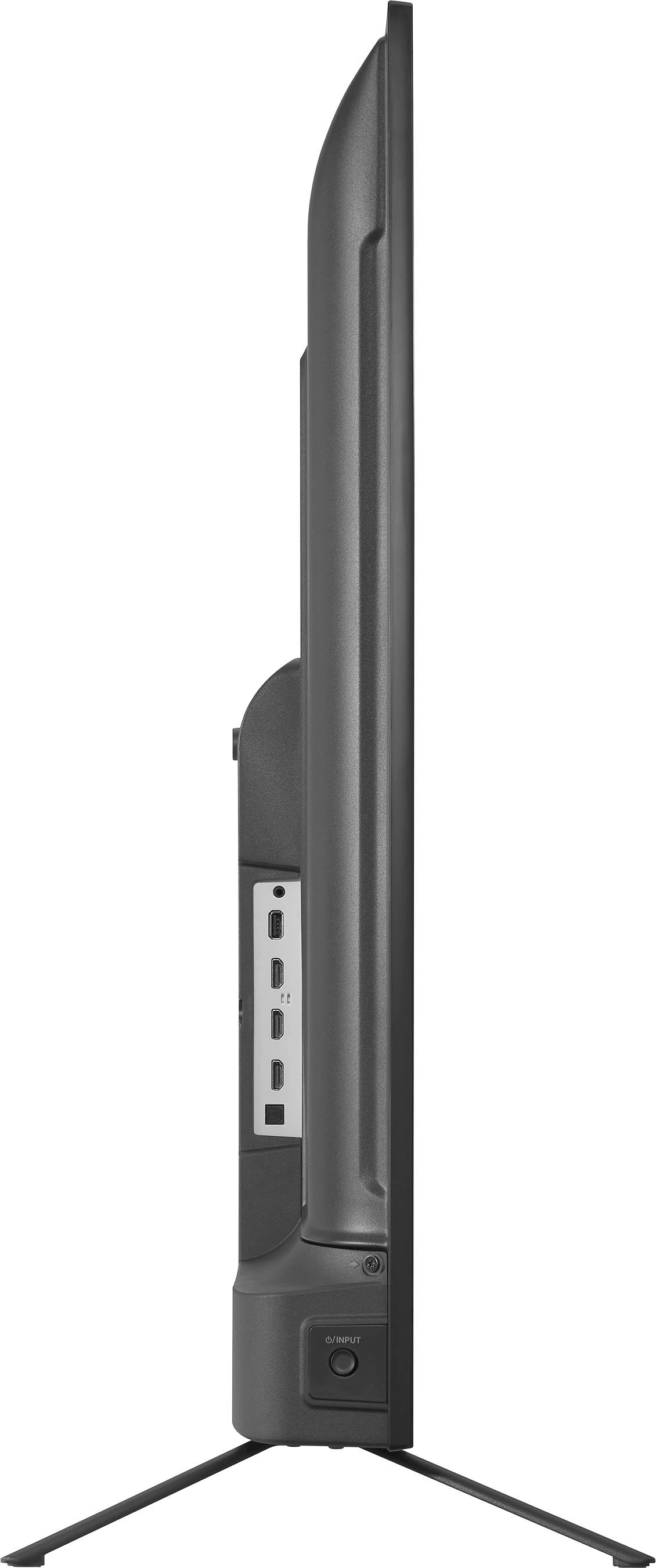
- A:Answer Try to use the Apple - Lightning Digital A/V Adapter - Model: MD826ZM/A to connect an iPhone into one of the HDMI inputs on the TV.
Answered by PioneerCustomerSupport
Q: QuestionCan you turn off/adjust motion smoothing options? If so, how do you do that? Also, can you set the TV to start on a specific HDMI port?
Asked by TvQuestion.
- A:Answer Try the Power On feature, when enabled, the TV turns on displaying the last used input. To activate it, go Home > Settings > Display & Sounds > Power On and select Last Input.
Answered by PioneerCustomerSupport
Q: QuestionIs this tv bluetooth compatible?
Asked by PG.
- A:Answer The included remote works using Bluetooth technology.
Answered by PioneerCustomerSupport
Q: QuestionDoes anyone know the programming code to pair this Pioneer TV with your Xfinity XR15 remote?
Asked by Anonymous.
- A:Answer Contact the cable or satellite company that provided the remote control you are trying to program. We recommend using the included remote to fully control your TV. Try the Power On feature, when enabled, your TV turns on displaying the last used input: go Home > Settings > Display & Sounds > Power On and select Last Input.
Answered by PioneerCustomerSupport
Q: QuestionDoes this TV have Blue tooth. And please stop evading the answer....... Either it does or does not. I don't care if the remote is blue tooth... IS THE TV Blutooth capable?????? simple question yes or No!
Asked by sparky.
- A:Answer This TV has built-in Bluetooth.
Answered by PioneerCustomerSupport
Q: QuestionI currently have an older Pioneer Tv and really like the fact that the Tv automatically fills the screen regardless of the format of the incoming signal. Will the new Pioneer Smart Tv have that feature??
Asked by 1ELF.
- A:Answer What your talking about is called ASPECT RATIO. I doubt it'll do it automatically, their rarely set up that way out of the box, but just go to aspect ratio from the settings menu and trust me, adjusting it is child's play. You might need to click on PICTURE before you get to the aspect ratio portion. Still, it really couldn't be easier. Very user friendly controls.
Answered by Matt
Q: QuestionBluetooth?
Asked by sparky.
- A:Answer The included remote works using Bluetooth technology.
Answered by PioneerCustomerSupport
Q: QuestionDoes this tv support Bluetooth? Like can I connect a Bluetooth keyboard, without needing a USB receiver?
Asked by lnw4.
- A:Answer The included remote works using Bluetooth technology. You can download the Amazon Fire TV app on your smartphone, it features a keyboard for easy text entry (no more hunting and pecking).
Answered by PioneerCustomerSupport
Top Rated
- $249.99$249.99The price was $379.99
- $99.99$99.99The price was $129.99
- $329.99$329.99The price was $469.99
- $149.99$149.99The price was $199.99
- $33.33 per month$33.33/mo.for 36 months; 0% APR