A:AnswerHello! Yes. If you would like to answer a call you will need to single press the call button. If you would like to reject a call, you will need to press and hold the call button for 2 seconds. Please don't hesitate to contact our Customer Care Team at https://www.plantronics.com/us/en/support/contact if you require assistance.
A:AnswerHello! Those two models are technically the same headset. Whenever you purchase the headset from a retailer or different region you can find these model (505) but it is the same headset. Please don't hesitate to contact our Customer Care Team at https://www.plantronics.com/us/en/support/contact if you require assistance.
A:AnswerHello! Once your headset is paired and connected to your phone, you can change the headset language. Wearing your headset, power it on. Then, press and hold the Volume up and down buttons together until you hear “welcome." The language selection directions repeat in every supported language. Finally, follow the voice-guided prompts to select the headset language. Please don't hesitate to contact our Customer Care Team at 800-985-9815 if you require assistance.
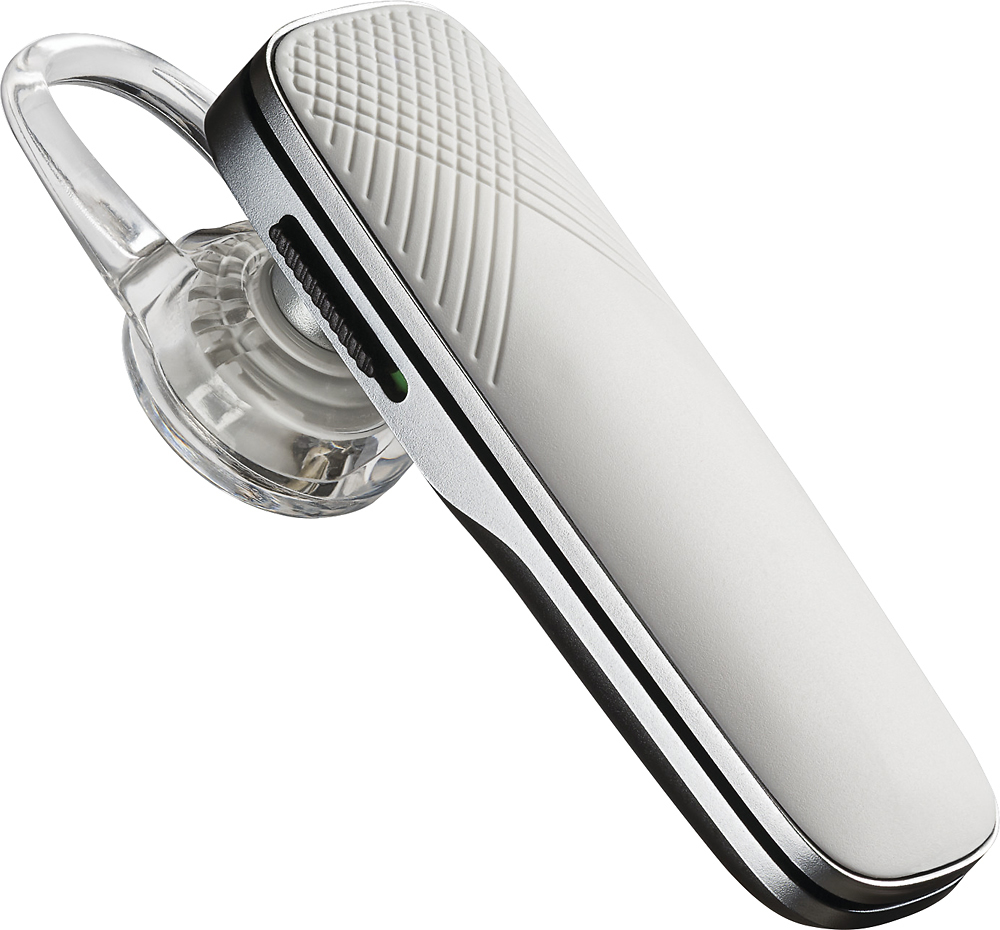
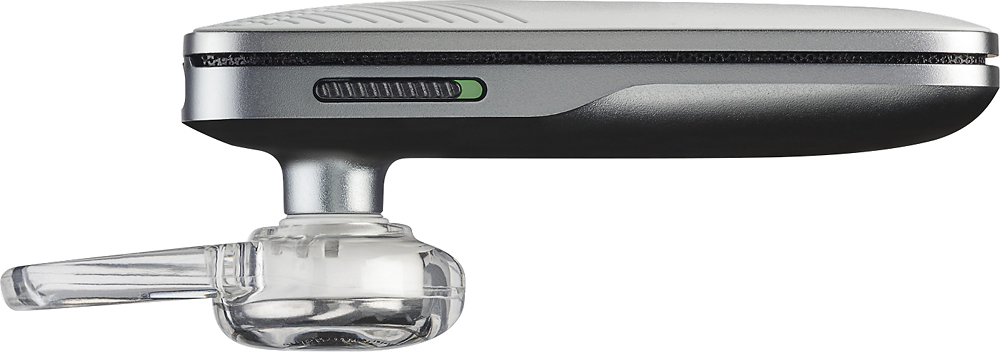
A:AnswerHello! We are sorry to hear that. Please note there is a switch button on the side of the headset to power on/off the headset. Once your headset is powered on, press and hold down the call control button of the headset for 5-10 seconds until you hear "pairing" and you see the LED flashing red and blue. Once flashing, access your phone Bluetooth settings and select "PLT_E500". Once successfully paired, you will hear "pairing successful and the headset will stop flashing. Please don't hesitate to contact our Customer Care Team at https://www.plantronics.com/us/en/support/contact if you require assistance.
A:AnswerHi! Please note this model of headset counts with a noise-cancelling microphone designed to reduce the background noise. This way, the person on the other end will hear you properly. Please don't hesitate to contact our Customer Care Team at https://www.plantronics.com/us/en/support/contact if you require assistance or have further questions.
A:AnswerThe product normally has about a 5 hour charge in it from first opening the new box. I have never spent more than 2 hours charging the Bluetooth to a total of 7 hour half-time (full charge) starting with a Bluetooth that states it has 2 hours left in charge status. Make sure your Bluetooth is properly turned off when not using to preserve charge and also turned to "off" status when recharging.
A:AnswerJust turn the headset on make sure your in your Bluetooth settings on your phone press the headset once and the pairing starts. Very very simple
A:AnswerThe headset must be paired to a device before it will work. Press and hold the call control button until you see the light flash red and blue. Bluetooth should be activated on your device and searching for new devices.
A:AnswerHi! There is only one universal eartip included in the box. However, you can find the different sizes of eartips with the following part numbers: 201955-01 Small, 201955-02 Medium, 201955-03 Large. Please don't hesitate to contact our Customer Care Team at https://www.plantronics.com/us/en/support/contact if you have other questions!
A:AnswerHello! It should take 2 hours to charge the unit completely. For more information on how this unit works, please click here: https://goo.gl/C3EUWV. Feel free to contact our Customer Care Team at: https://www.plantronics.com/us/en/support/contact if you have any other questions.