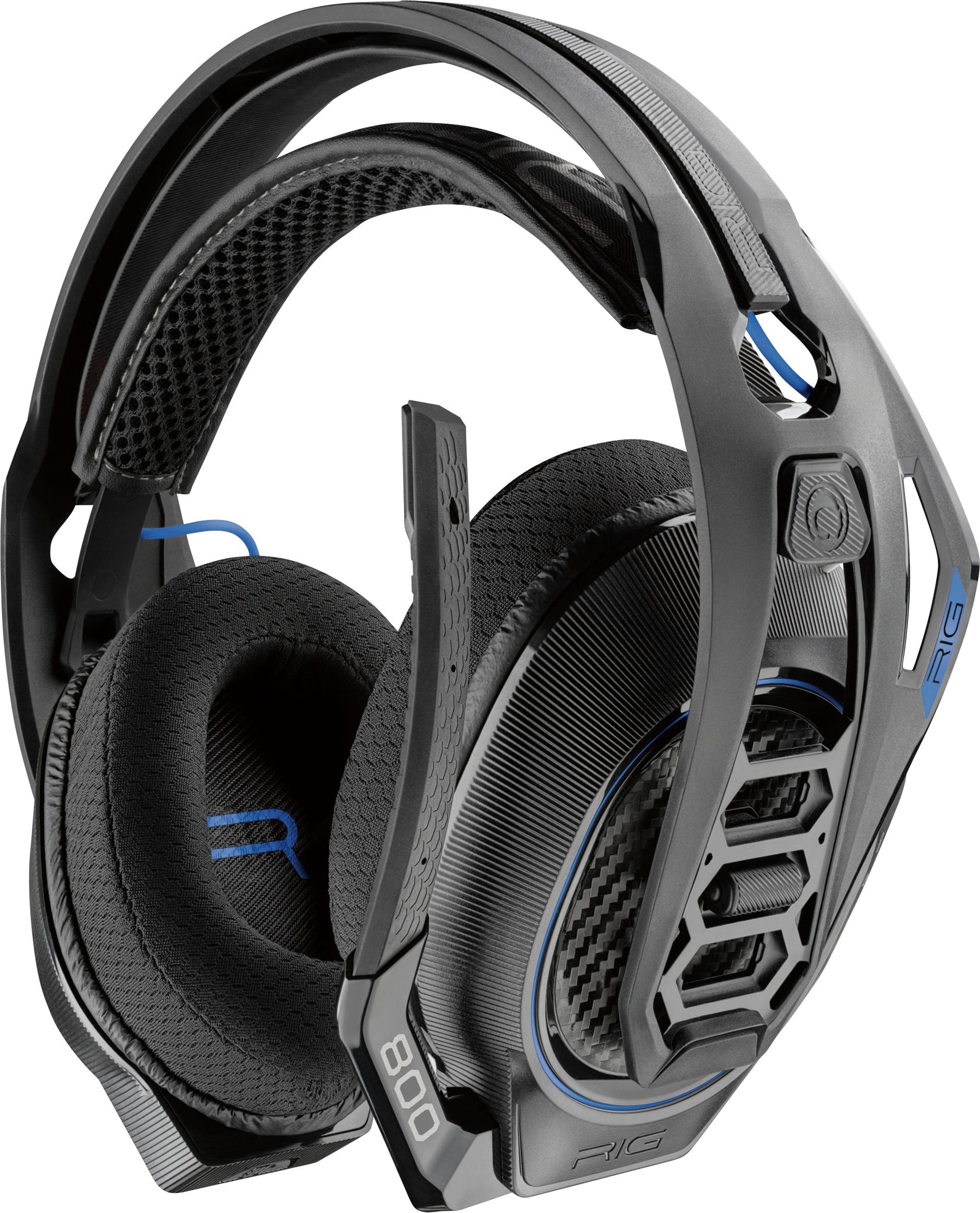
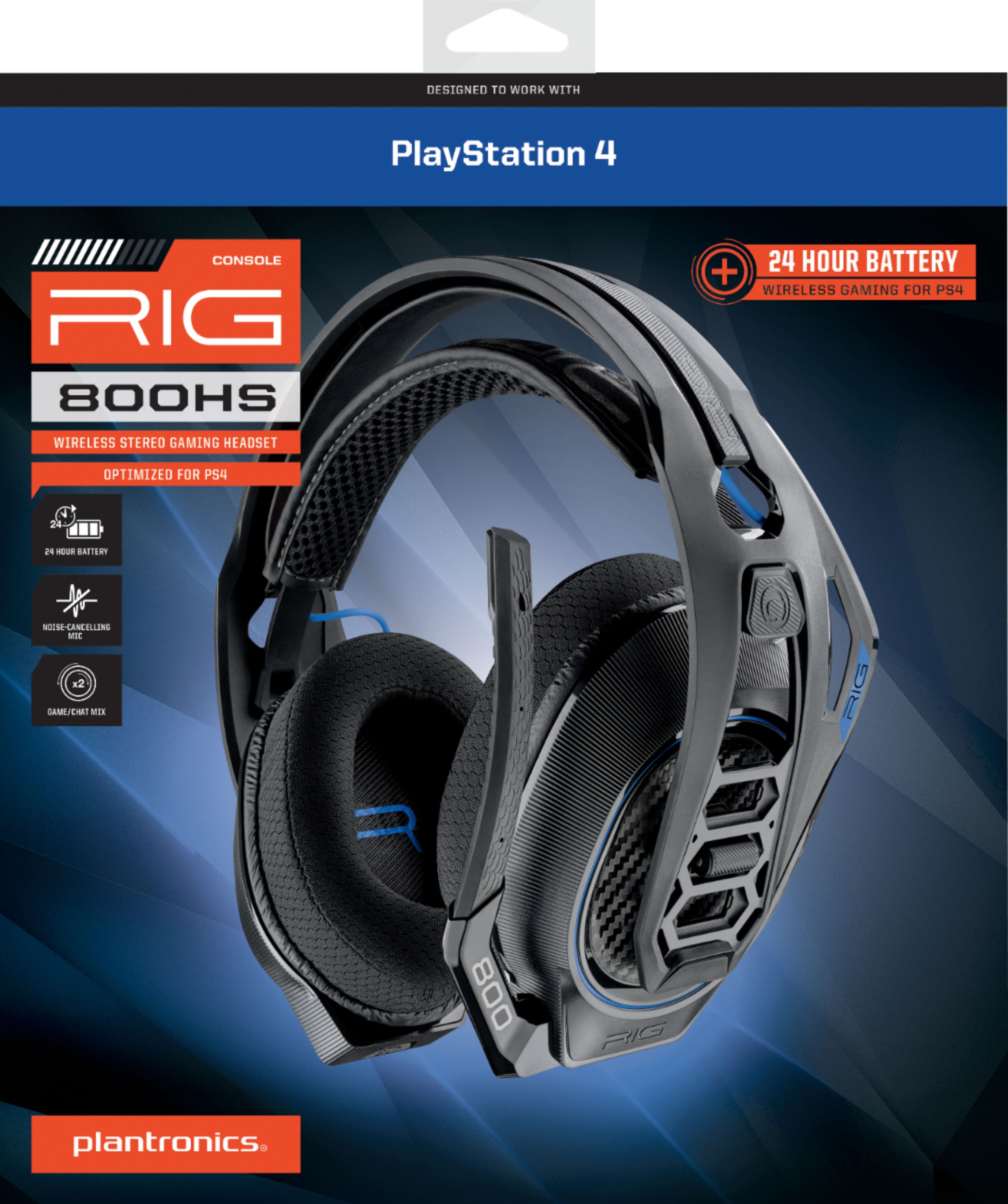
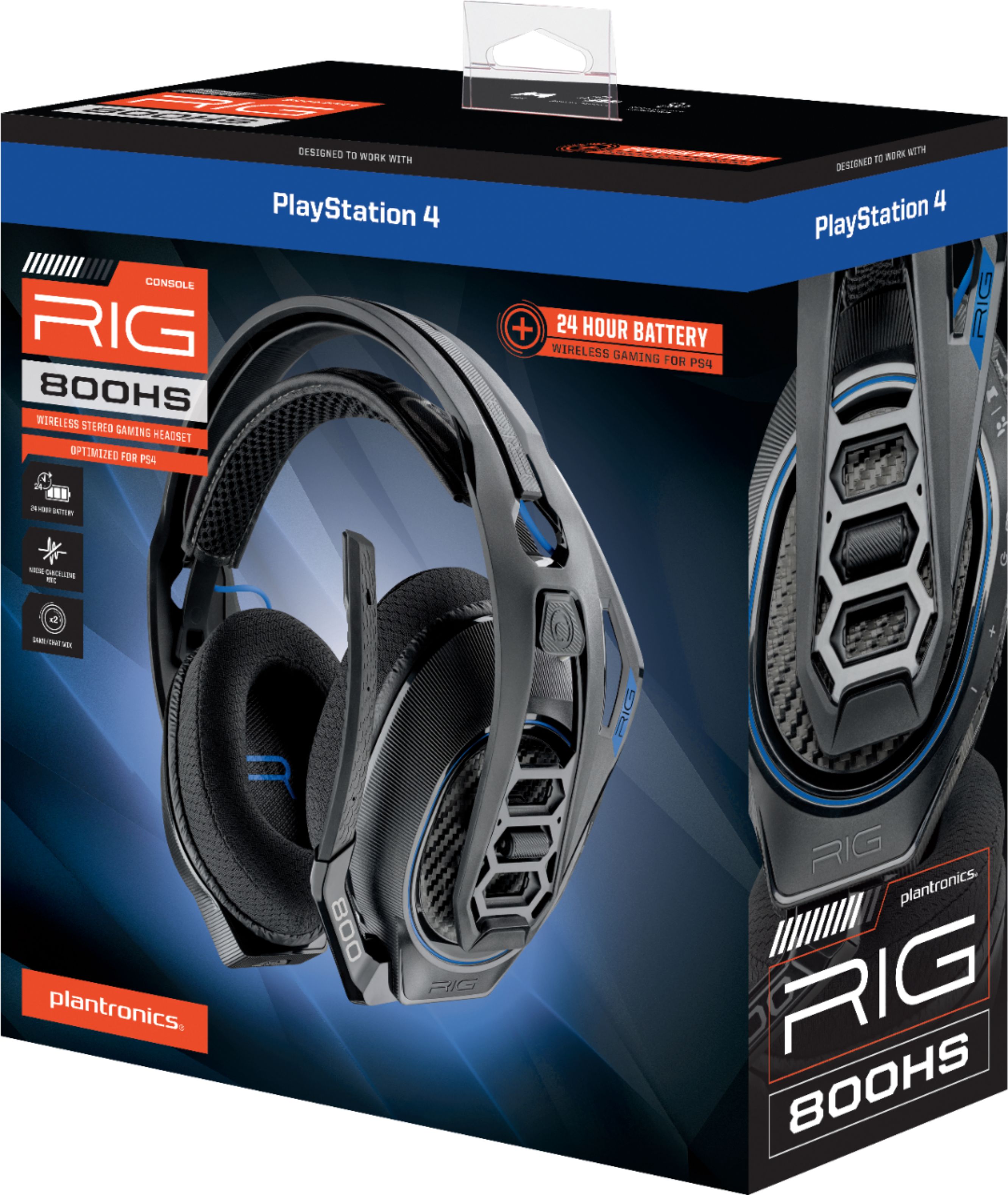
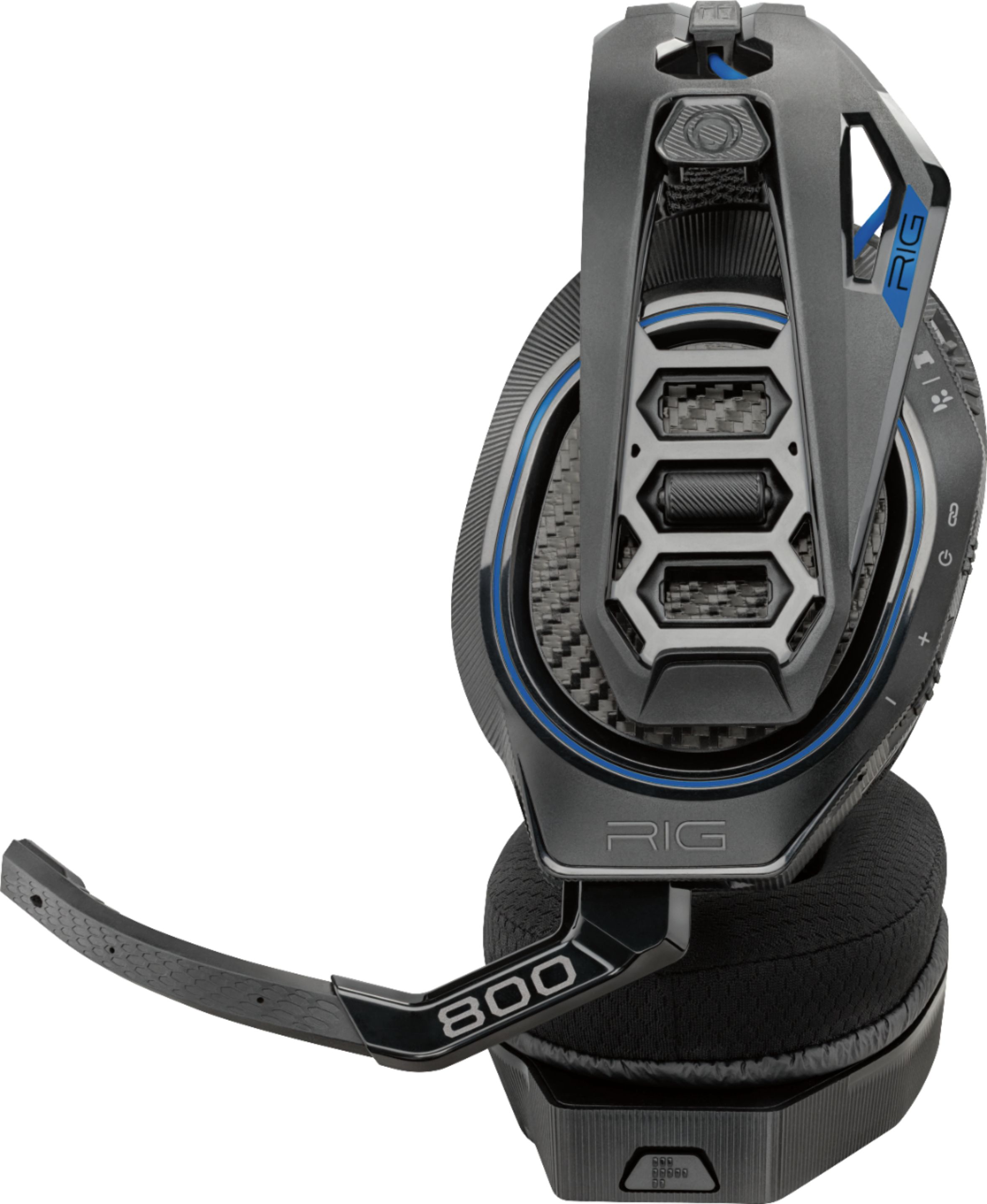
A:AnswerMy headet was working perfectly fine it’s a rig800 has headset I can hear everything but my friends can’t hear me I’ve been trying to figure out why but can’t figure it out
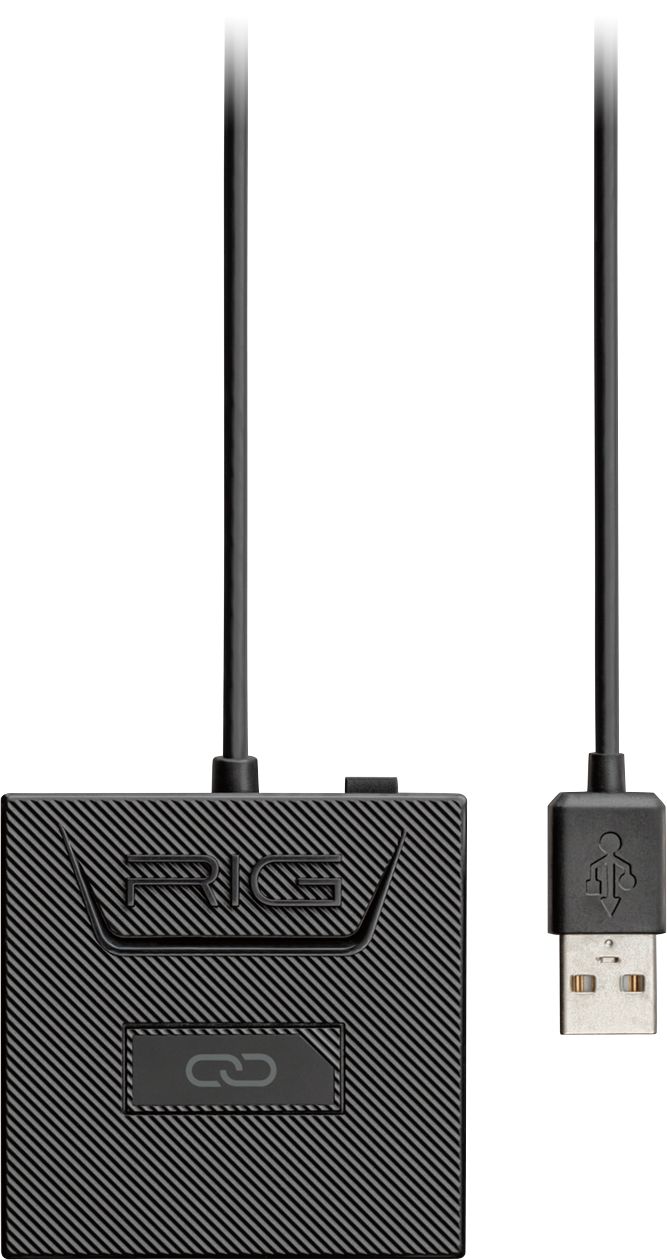
A:AnswerThe RIG 800HS does feature a game and chat audio balance control that allows you to adjust them. This feature requires to the headset's wireless adapter to be connected to both a USB port and also to your PS4's optical audio output and if you have a PS4 slim you won't be able to use the audio balance feature since it lacks an optical audio output.
A:AnswerNo, we recommend using the RIG 800LX for Xbox and PC since its optimized for these platforms and the Dolby Atmos code can only be redeemed on the Microsoft store.
Please don't hesitate to contact our customer care group at www.plantronics.com/support if you have other questions!
A:AnswerHello! No, you will be required to unplug the wireless adapter and plug it into your PC and/or PS4. Please feel free to reach out to our Customer Care Team at https://www.plantronics.com/us/en/support/contact if you have further questions.
A:AnswerHi! If you are experiencing some audio issues with the microphone it could be due to a connection issue or an actual problem with the microphone. You may want to establish a new connection between your headset and the wireless adapter. To do so: 1) Unplug the wireless adapter from your gaming console and restart it. 2) Reconnect the adapter and press and hold down the linking button on your adapter until it starts flashing an alternative red and blue. 3) Once flashing red and blue please put your headset in pairing mode by pressing and holding the power switch towards the linking icon until it starts flashing red and blue as well. 4) Once the headset stops flashing and the LED light on the adapter is solid purple means they are successfully connected. You may also want to check the audio settings on your gaming console. Go to Settings > Devices > Audio Devices > Output Devices Select Plantronics RIG800XX. Remember this unit counts with a limited warranty since the first day of purchase. Please don't hesitate to contact our Customer Care Team at 800-985-9815 if you require assistance.
A:AnswerHello, the RIG 800 HS is designed to be used with PS4, compatibility with other devices is not guaranteed. If you have any other questions, please don't hesitate to contact Plantronics Customer Care at 855-765-7878.
A:AnswerYou shouldn't hear any noticeable audio distortion like cracking or static under normal use, if people complain that they hear static coming from your headset's microphone you might want to try ensuring it's 1-2 fingers away from your mouth (not too close nor too far) or lowering your microphone's volume through your console's settings.
Please don't hesitate to contact our customer care group at www.plantronics.com/support if you require assistance!
A:AnswerHi Gram! Our RIG 800 series do not support Bluetooth technology and are not compatible with cellphones or media players, the headset can only send and receive audio via the included USB wireless transmitter.
Please don't hesitate to contact us at www.plantronics.com/support if you have other questions!