A:AnswerHmmm? Sadly, I didn't get this request until today, four days after you asked the question. By now you may have the answer. I used the application on crucial.com to find memory compatible with my laptop. Use your laptop to visit the crucial site and let their application analyze your computer. You can use the result to buy the right memory for your computer, not necessarily the Crucial brand but with the correct size and speed for your device.
A:AnswerThis is ddr4 for a laptop. You need memory for a desktop, and with a cyber power PC I would not put more then 16gb total seeing as they are lower performance machines and you will not see a performance difference with any more than 16gbs.
A:AnswerGo to this website called Crucial. See the link below. Make sure you have the correct name of your Acer Notebook. This site will tell you if your laptop is upgradeable or not. https://www.crucial.com/store/advisor
A:AnswerYo what up? I just purchased one of these and put it in my Lenovo idea pad s145-ast and it worked perfectly. just make sure you have a ram slot because sometimes the ram is soldered onto MOBO.
A:AnswerYou can do it either way. I had my laptop for weeks until I got around to my install. When you boot it up (after the RAM is installed) the computer will notice that you have new memory. Just answer a few questions and game on!
A:AnswerI see it's been a few months since you first asked this question.... I hope the answer is still relevant.
As long as your BIOS is up to date -- it should work (Even if the manufactures' website says it would be too big).
For this computer -- I would put the money into changing out your SATA for an SSD drive instead -- I have an older model than yours but the results will be the same: After I swapped out the drives I went from a 60 second boot up time to a 25 second boot
Change out your old platter type disk drive for an SSD first, RAM second.
A:AnswerI believe the ASUS TUF A15 uses 3200 vs the PNY 2666. It can be used but will run slower in the RAM area 3200 RAM is not available through Bestbuy. Amazon has a A-Tech 16GB DDR4 3200MHz SODIMM PC4-25600 Non-ECC Unbuffered CL22 1.2V 260-Pin SO-DIMM Laptop Notebook Computer RAM Memory Upgrade Module for $67 or 2 x 16 for $131.
A:AnswerPNY - 16GB 2.666GHz PC4-21300 DDR4 SO-DIMM Unbuffered Non-ECC Laptop Memory: From what I know of the ACER Nitro 5, the two slots should be able to handle the two 16's. I don't know what the memory capacity is for the Acer, but I have an HP Omen gaming laptop with 32 GB of PNY ram and a 1TB SSd and a 2TB SSHD and it all runs fine under Win 10 Home, Win 10 Pro and now Windows Insider. The HP says it has a 16GB memory capacity, but is utilizing and doing great with the 32GB. As far as other options, HyperX is available but I believe it has a higher wattage than the PNY and possibly more heat producing. I would stick with the PNY.
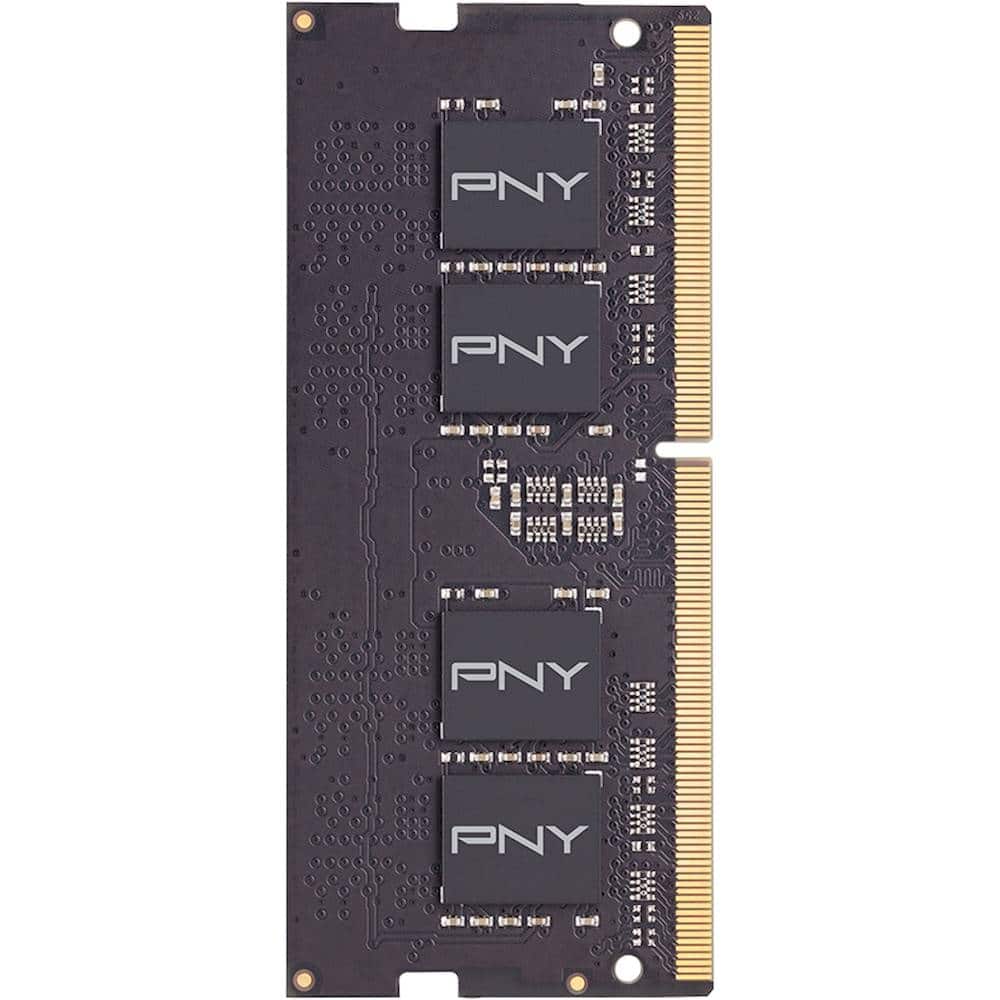
A:AnswerThis DDR4-ram was made to fit slimmer laptops like the MSI GS66 which I installed into my laptop though it's not intended for Desktops. I reccomend you buy the Dell Memory ram 32GB 2Rx8 DDR4 SODIMM 2666MHz Memory (RAM) type. Its fully compatible with you're Dell desktop and you can have your 16GB ram removed and install the 32GB ram instead of having two rams.