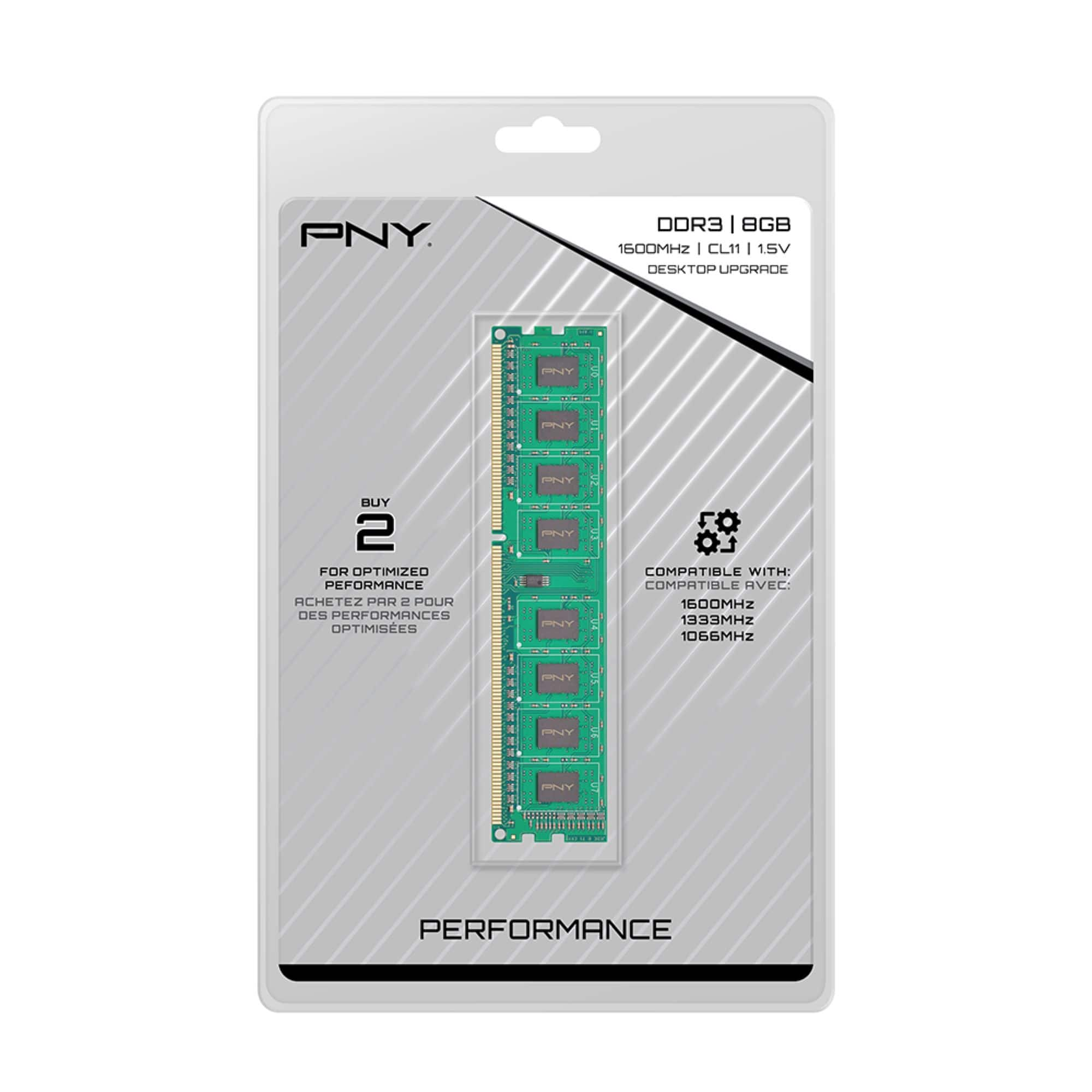
A:AnswerIf you are running 64 bit OS (Windows 10) then you can replace the memory with 2 of these 8GB uDimms. They will run lower than rated speed as you have the Sandy Bridge chipset. but they will work. Your computer will not run Windows 11 as the processor is too slow- You might consider if it's time to upgrade?
A:AnswerPer the specs of the XPS 8500 it should be -- Specs state that it takes DDR3 up to 1600Mhz and there are 4 total slots on the motherboard -- Word of advice, don't mix and match the memory, replace it all at once to ensure you won't have any timing problems.
A:AnswerThe memory will not work in your system. The CPU you have has a DDR4 memory and the DIMM module in question is DDR3. DDR3 will not fit in a DDR4 memory slot either.
A:AnswerYou will need to look at the specs for your machine, good place would be Dell.com/support. I used the stick I bought in a Optiplex 3020. worked fine. I have however ran across certain memory sticks that are just not compatible. Also need to look at the the Maximum memory supported per slot, some might only work with 4GB sticks. Sorry I can't be more specific
A:AnswerNo... You'll have to remove some of the RAM you have, so you'll lose what you remove. You could remove what you have and add 4 8's to get your 32 Gb. You could add 2 8's and get it up to 24 leaving 2 old ones in.
A:Answeryes, Per the Dell specifications site, these should work. This system has 4 slots so you want to be sure these 2 are a pair. if you leave the original memory in the other 2 . That way dual channel works correctly.
A:AnswerMost likely you’ll have to remove the 2gb stick, but after you do that it should work be fine. I have this stick mixed with 2 4gb sticks and it works just fine.