A:AnswerI don't know. I don't know the specs and the firmware on that device. I'd ask HP. Some vendors on older machines used to have firmware code to restrict the size of memory. Also, you want to check that the architecture of the memory is compatible. The physical characteristics need to be there too. Sorry I don't have an answer for you.
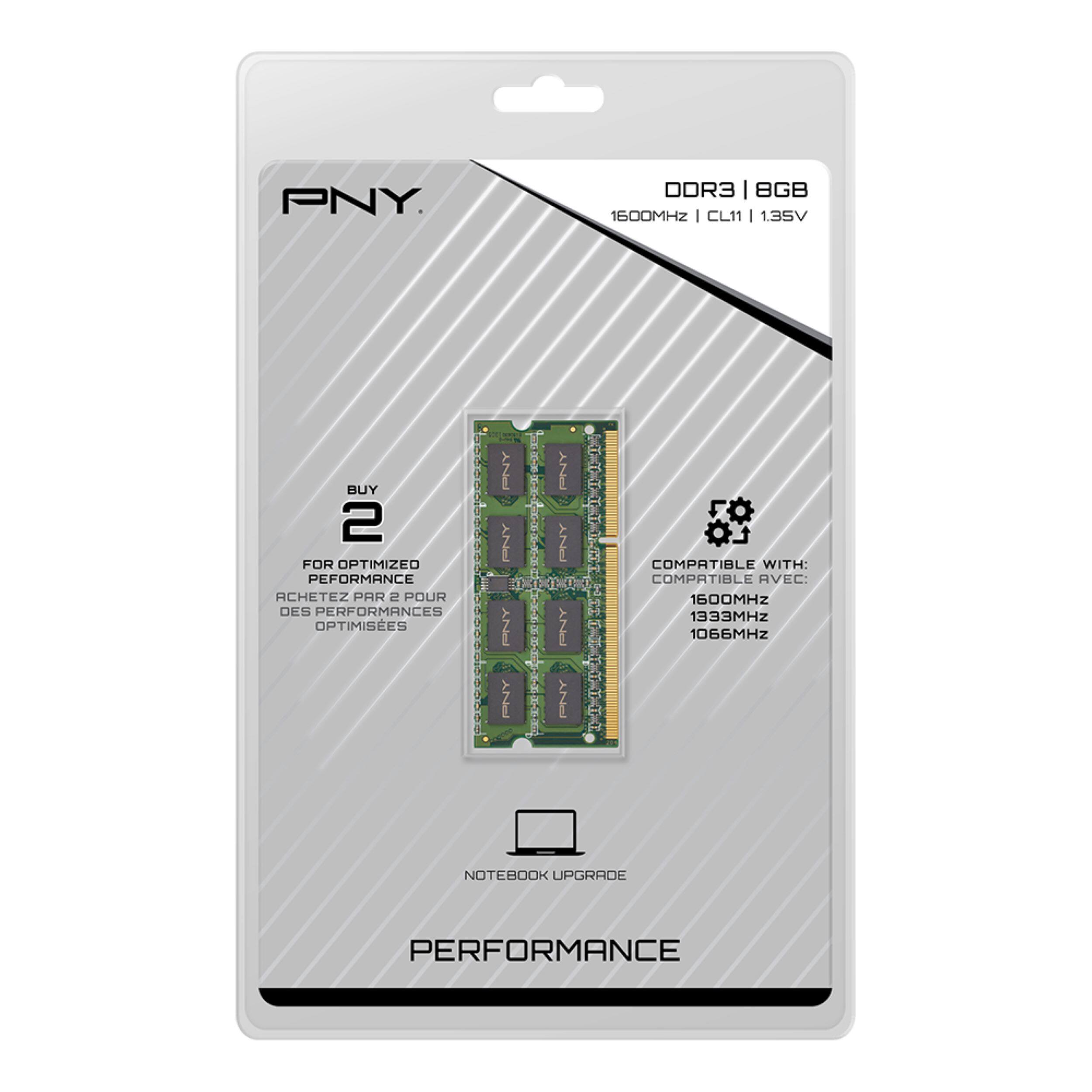
A:AnswerNo - do not use the 8gb DDR3 sticks for the Asus laptop. The Strix G15 uses DDR4 memory. These are DDR3, which is older. The 'Green' performance memory in the PNY brand is good, just not the speed here. You need to get DDR4 sodimms - whether you use PNY or another brand.
A:AnswerA quick review indicates that your laptop has 2 slots, each capable of DDR3 4Gb ea for a total of 8Gb. Thus, you will only be able to use 1 slot.
A:Answeri want to say yes. This is advertised as only being compatible windows RAM. I was able to use it on an asus and even my MacBook. i would definetly give it a try and it is a great product. my computer is a good as new
A:AnswerIt worked on my Acer i3 “Sonic Master”, which went from 4 GB to 12 12GB and improved performance as well as the number of windows I could have open simultaneously.
A:AnswerThere is a big difference between the two. The ddr3L has different pin than a ddr4. The ddr3L has a 240 pin connector while the ddr4 has a 288 pin connector You have to find out your laptops pin connector. And buy the correct ram for it
A:AnswerJohn,
Yes. Two models of computer, 2 SODIMMS or 4 DODIMMS.
https://www.crucial.com/compatible-upgrade-for/dell/precision-m4800-(2-sodimms) Max at 16GB
or
https://www.crucial.com/compatible-upgrade-for/dell/precision-m4800-(4-sodimms) Max at 32GB