A:AnswerIf your car stereo has a USB port, it should play if the music is in te correct format--MP3, but some may also play music in .wma, .4ma, & mpeg4-aac. Hope this helps. If you google the manual of the stereo or car manual if stock, it should list all formats in the specs.
A:AnswerLook at the properties of the PNY 32 GB drive to confirm if it's really full. If yes, try to send, or copy, a few files from that drive to another drive. After the files have been sent, or copied, successfully to the new drive, go back to the PNY 32 GB drive and delete the transferred files to free up some space so the disk will function. Since it's full, you'll have to use a new drive for downloads.
If the properties say the drive is not full, is the remaining space sufficient to hold the download? If not, you'll' need to use a drive with more space.
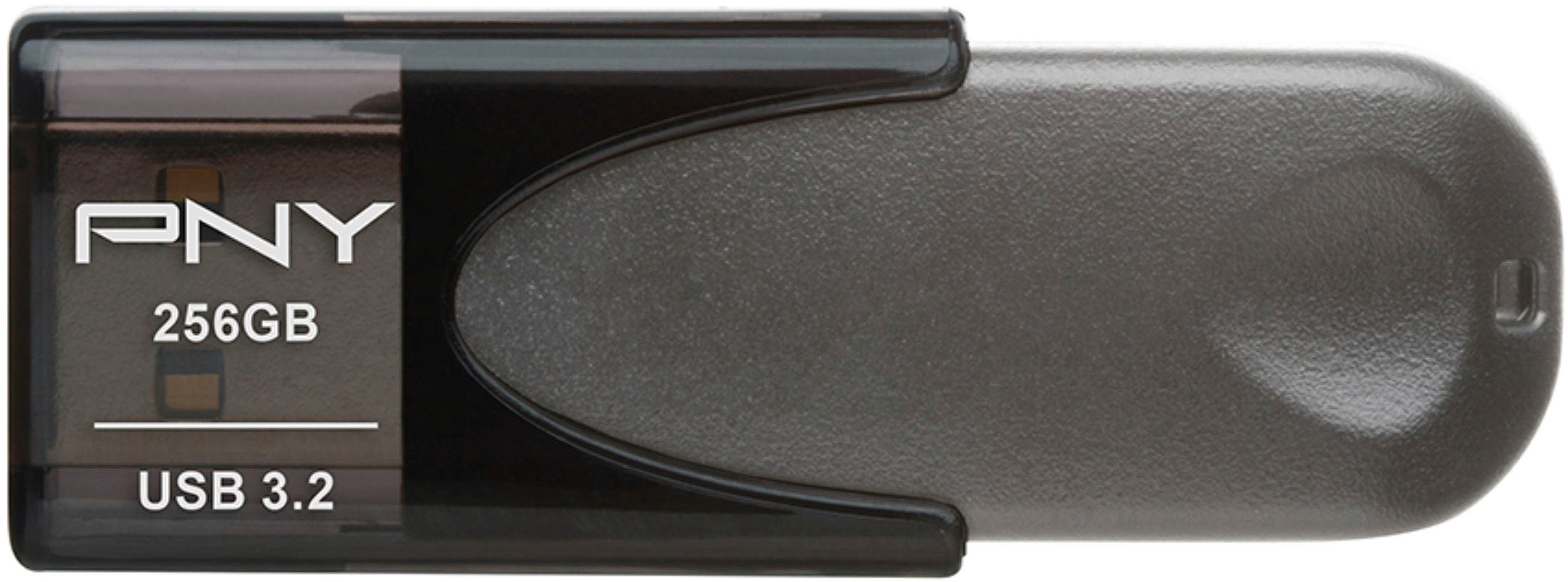
A:AnswerYou may want to check the owners manual. As this has 128 GB, its pretty solid for information such as Excel spreadsheets, PowerPoint presentations, etc.
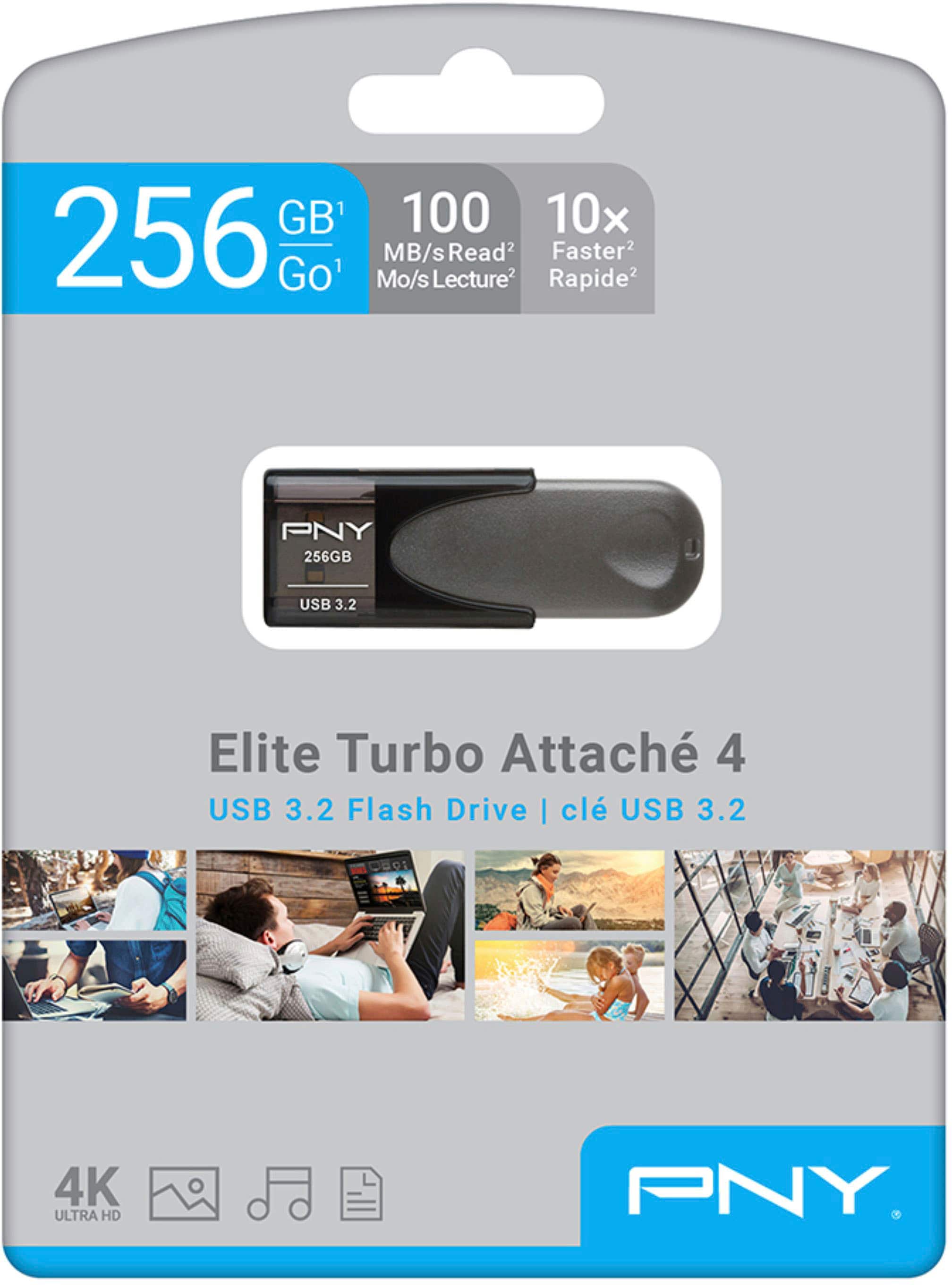
A:AnswerUSB flash drives can get sometimes get warm or hot depending on type of use. This PNY - Elite Turbo Attache 4 128GB shouldnt get too hot. Most USBs will just feel warm but microUSBs dont have a lot of surface area to dissipate heat and may feel too hot. I did have one fail that got hot under constant use, so i would always recommend you have that data backed up somewhere else.
For very important files like family photos, i bought 2 identical USBs and i always back up photos to both in case one fails.
A:AnswerAs much as I appreciate a great game, I can't tell you either way. I got it for $15 on the DOTD. worth a shot, can always have a spare flash drive on hand.
A:AnswerBought this because we found out that U Connect in our Jeep Grand Cherokee won’t work with San Disc or Lexar. This brand works very well, but we tried a SanDisc and the system wouldn’t recognize the files. Had to call U Connect to learn of this. Also learned that it won’t accept files in folders. They have to be individual. I don’t know of relative speed but maybe can save others from wasting time, money, and effort trying to get their SanDisc to work in U Connect.
A:AnswerPersonal experience with this. On a 3.1 type A port, max write speed I've seen is 95Mbs sustained for a 1.5G file. However, when writing thousands of small files, the write speed slows to as little as 3mbs, but on average it maintains speeds of about 40-45mbs. Read speed however, seems to be consistently between 85-95mbs. If you use a 2.0 port then it will be limited by the 2.0 specs.