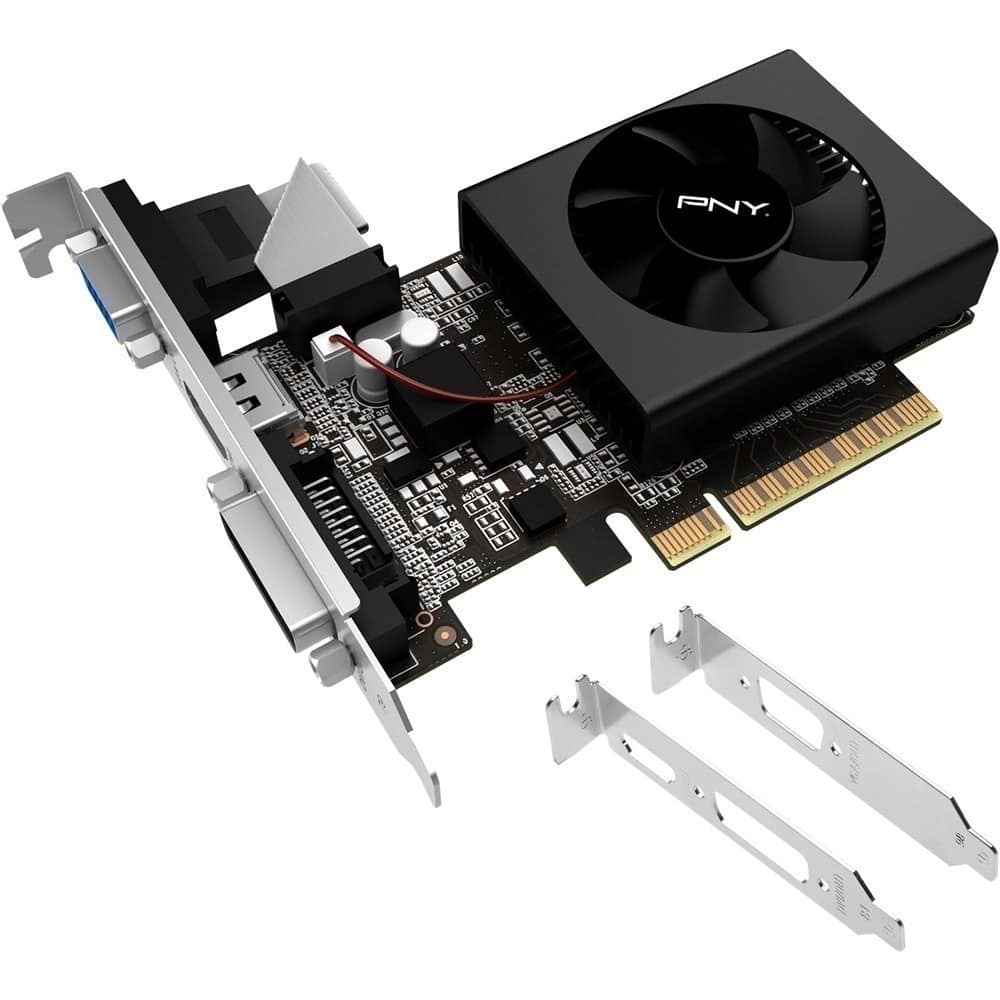
A:Answeryou have a VGA out, a Hdmi out, and a DVI out. That's a good question. I would think If you had all three outs hooked up to 3 separate monitors It should work.
A:AnswerYes it is compatible but that whole plug and play thing you said is more like just plug and get a display output because you wont be able to play any games on this card
A:AnswerIt depends, usually your internal GPU will be much superior to this one as it is quite small, unless you have a computer from 2010 or before, I would not recommend
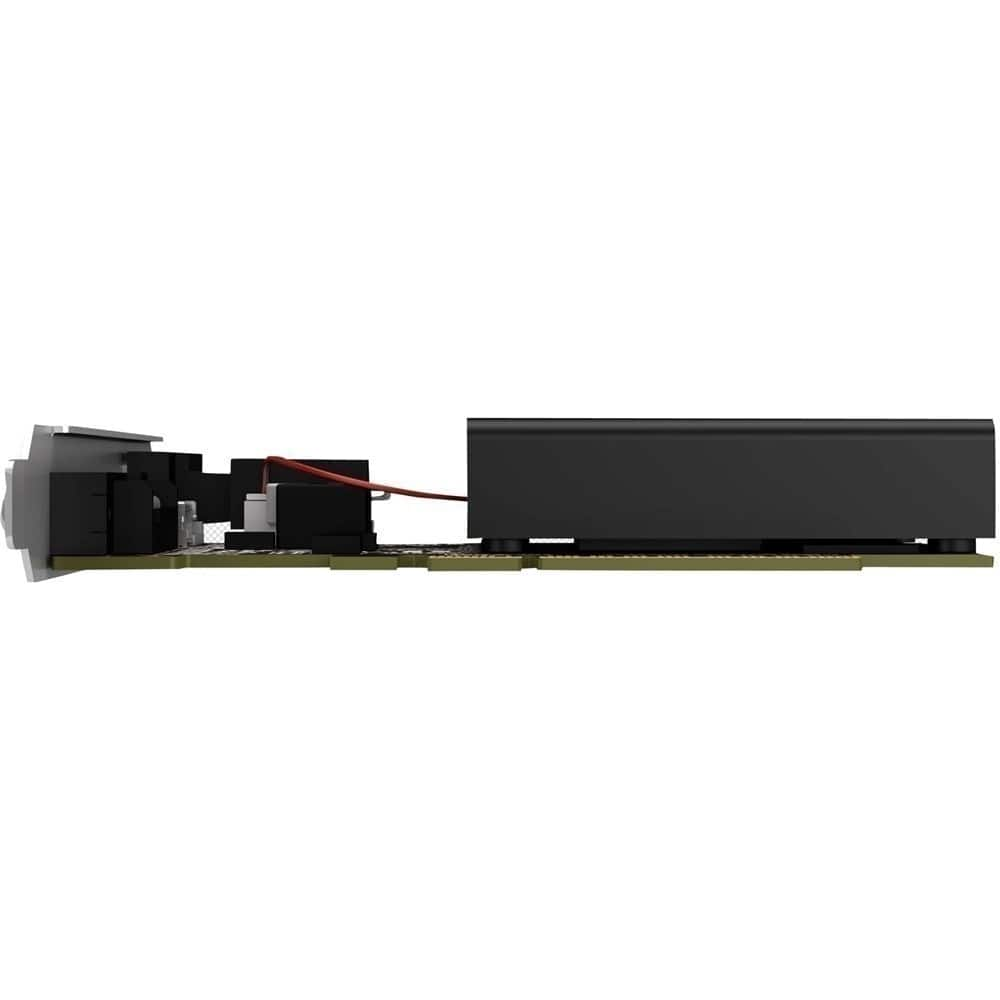
A:AnswerAccording to the Dell support web site, your computer has a slot PCI-x16 slot for expansion and this card comes with a couple of low profile brackets so ti should work fine. And it will support two monitors easily, just be sure you have the right cables and monitors.
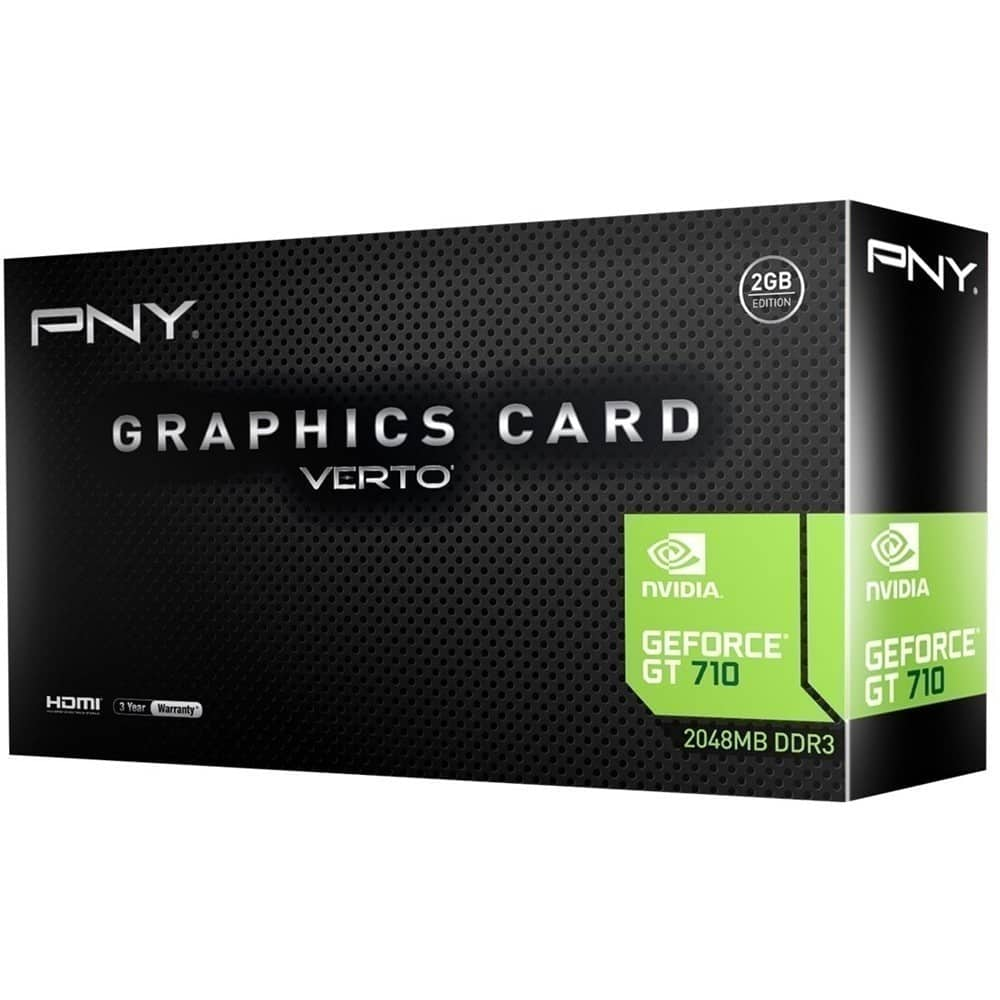
A:AnswerThis card will not power VR it is an old 2gb card that under my benchmarks cant even run CSGO on low settings above 30 fps. if you're looking to do quality VR gaming you should look into getting a graphics card of 6gb or higher, lowest you can go is 4gb as long as your card is high enough quality with proper clock speeds, personally the best budget graphics card for nice and quality VR would be something along the lines of a 1660 super. To answer your question about your Alienware components most motherboards can handle any graphics card as long as the PCIe slot is (ideally) x16 (which most modern motherboards are).