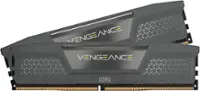
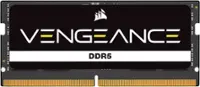
A:AnswerYou better to go best buy with your laptop and asked them what you need, if you are asking online you can't get 100% satisfied result. Don't waste your time, GO to best buy physically.
A:AnswerVague question - look for your hp model number and search to see first what type of ram your model uses, number of slots and ram compacity. If dual slots match ram size so that it maximizes efficiency.
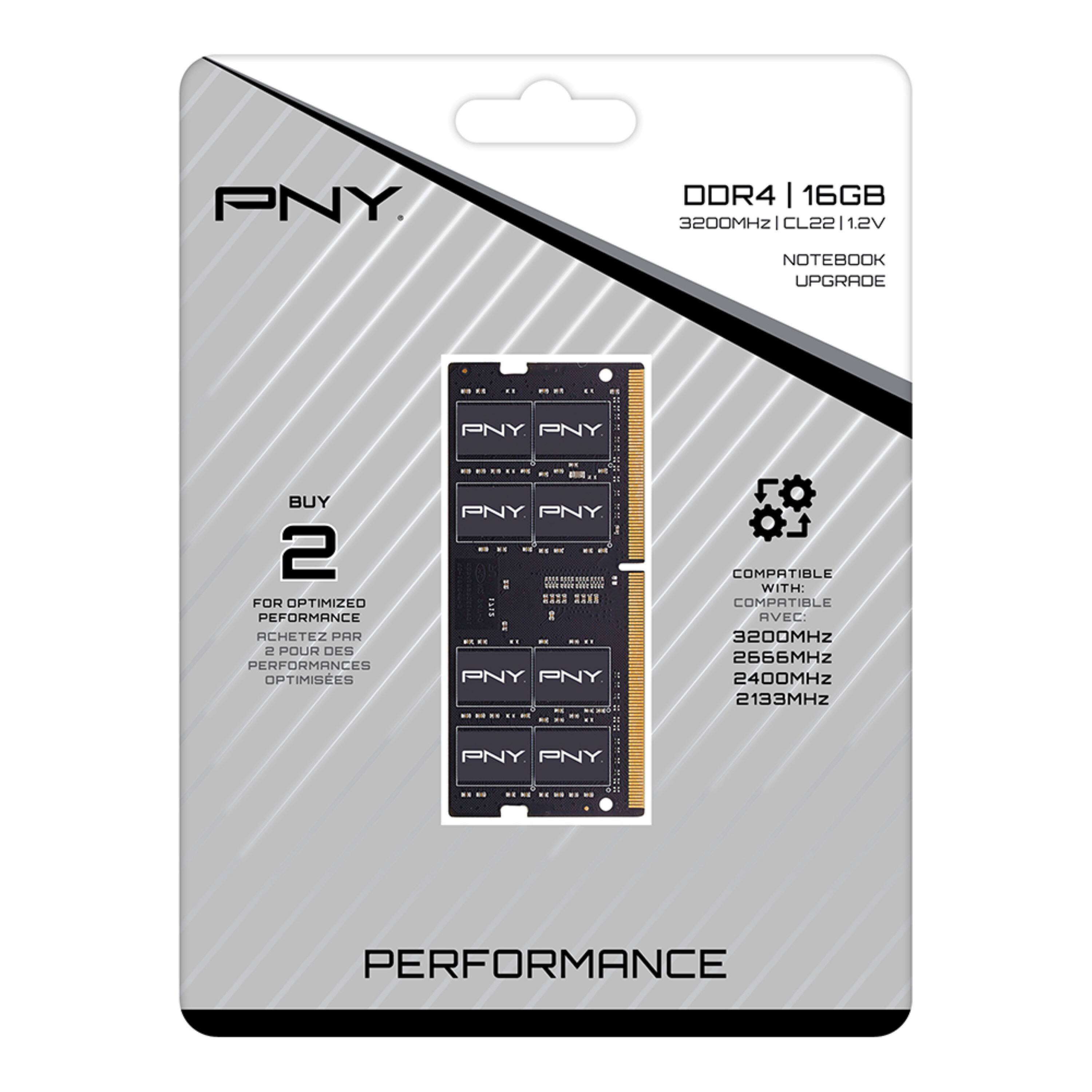
A:Answer260 pins. CL refers to CAS Latency which you should look up if you want to know more because it is only one factor to consider when upgrading or matching memory specs. Basically it's how many clock cycles it takes to retrieve info from memory. Per wikipedia, it is the delay in clock cycles between the READ command and the moment data is available
A:AnswerHello LisaA an increase in ram 2* 16gb sticks would provide a bit of performance increase but you didn't mention what type of storage hdd you are using if it is not a solid state drive I would recommend that upgrade first.