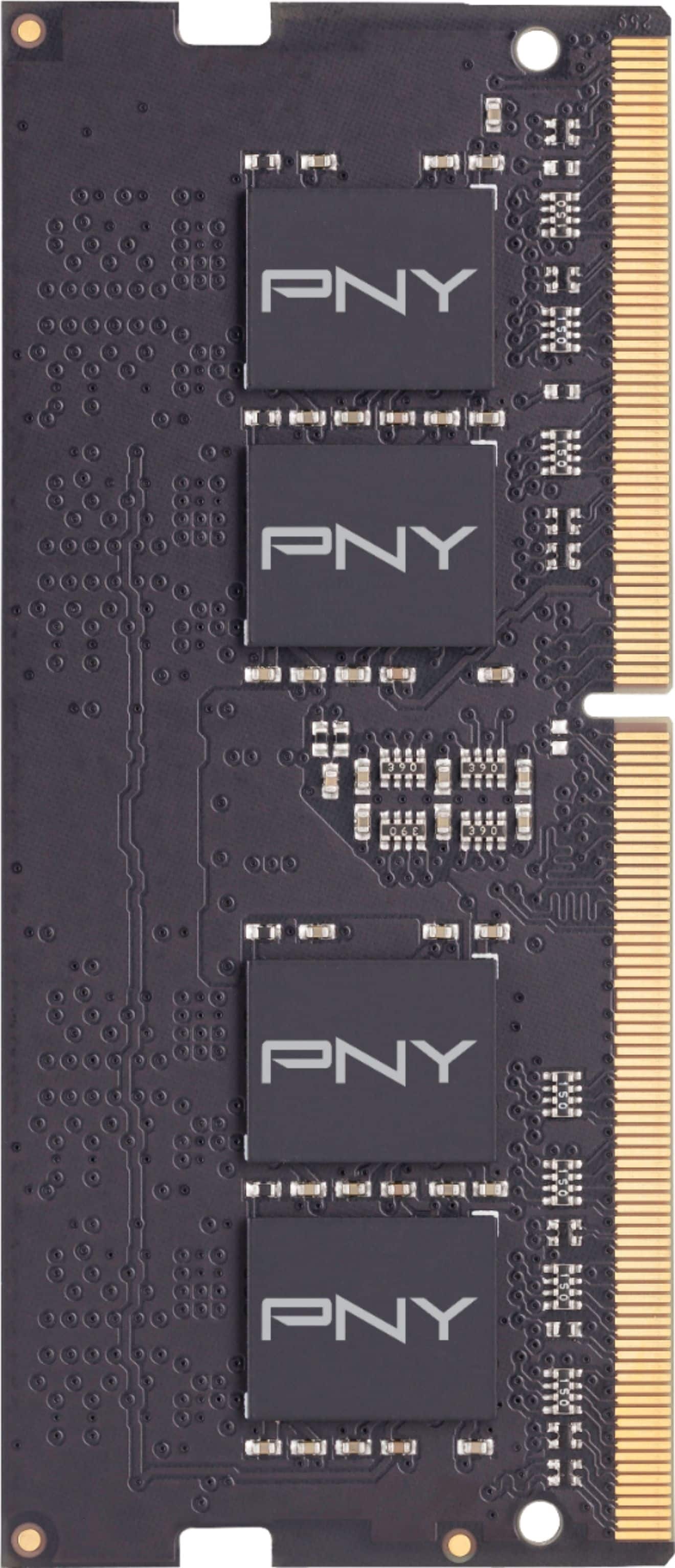
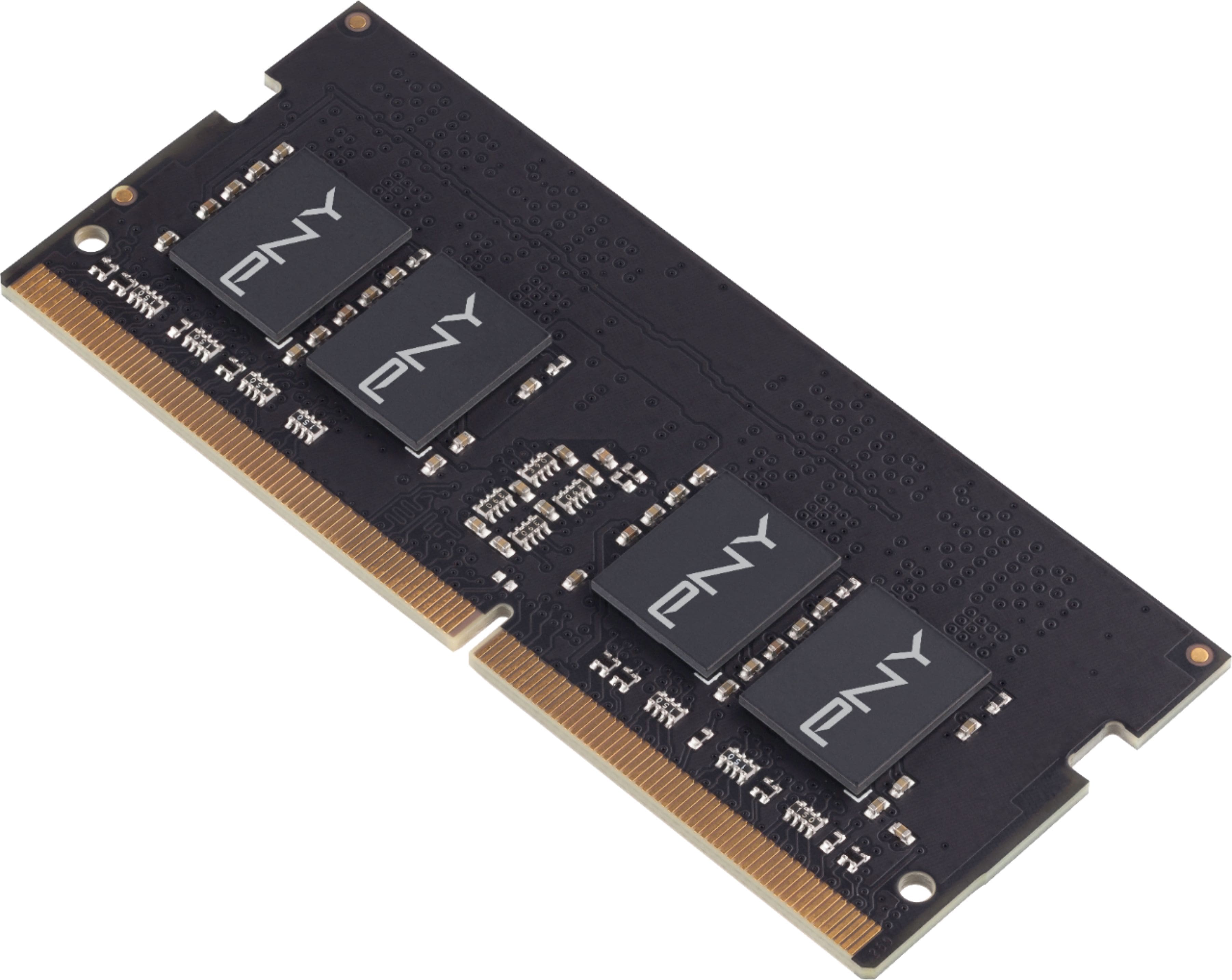
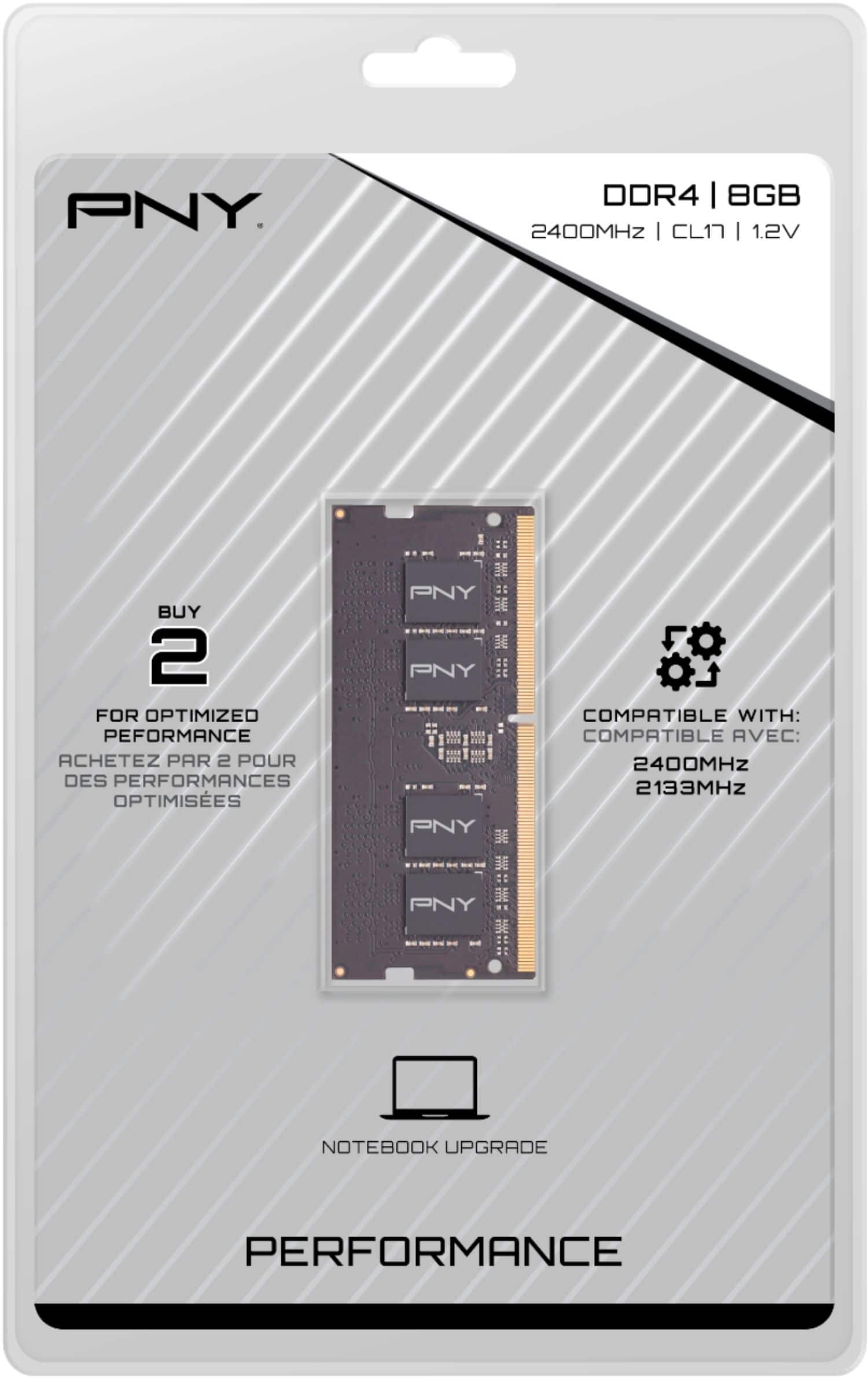
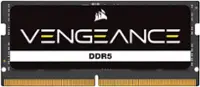
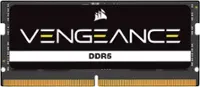
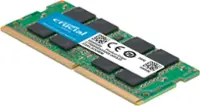
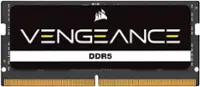
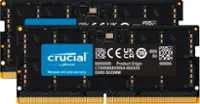
A:Answer Short Answer is NO. Your laptop runs on DDR3 memory, and this memory is DDR4.
I'd recommend:
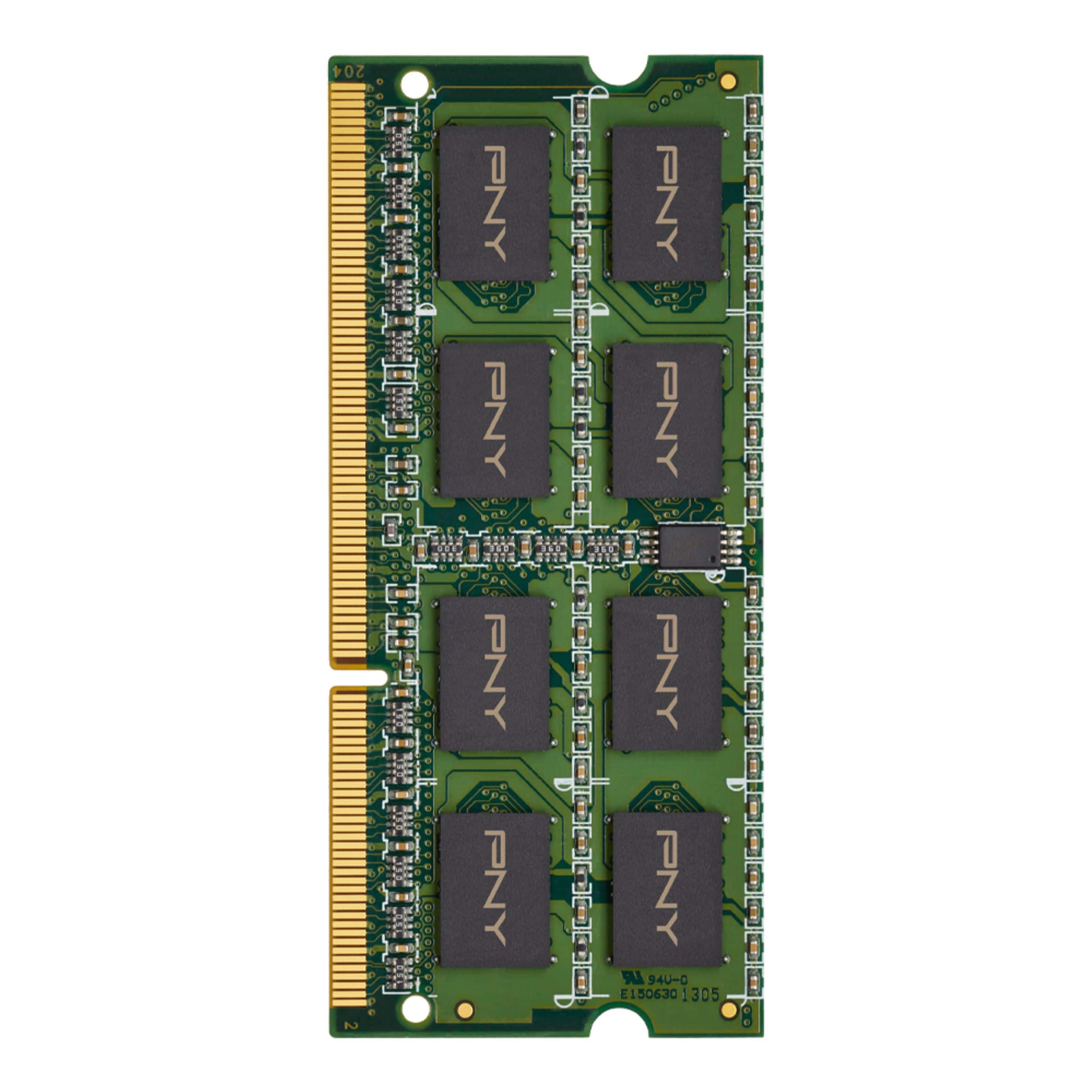
PNY - 8GB 1.6 GHz DDR3 SoDIMM Laptop Memory - Green
Model: MN8GSD31600LV SKU: 4680400
or
Crucial 8GB DDR3L-1600 SODIMM Item #: CT102464BF160B
DDR3 PC3-12800 • CL=11 • Unbuffered • NON-ECC • DDR3-1600 • 1.35V • 1024Meg x 64 •
If you're having memory issues show up using the memory diagnostic, Remove one stick of memory so you can run the test on each individual stick to determine which one (or both) are bad. If there's only one, replace one if you're on a budget, or replace both (preferred).
But you can't go from DDR3 to DDR4.
Also, it appears that this is the maximum speed that this laptop can handle, so moving from DDR3 1600 to DDR3 2400 may well NOT work on your computer, and I don't think that even if you could get it to work, you would not notice any increase in the computer's speed.