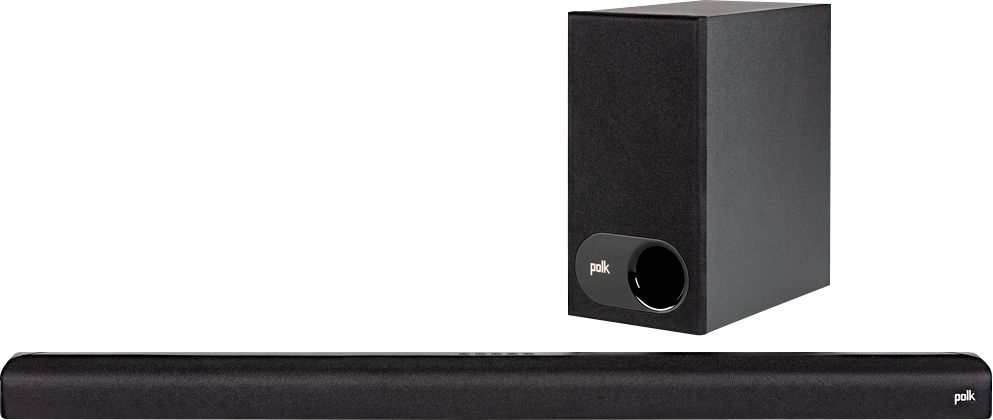
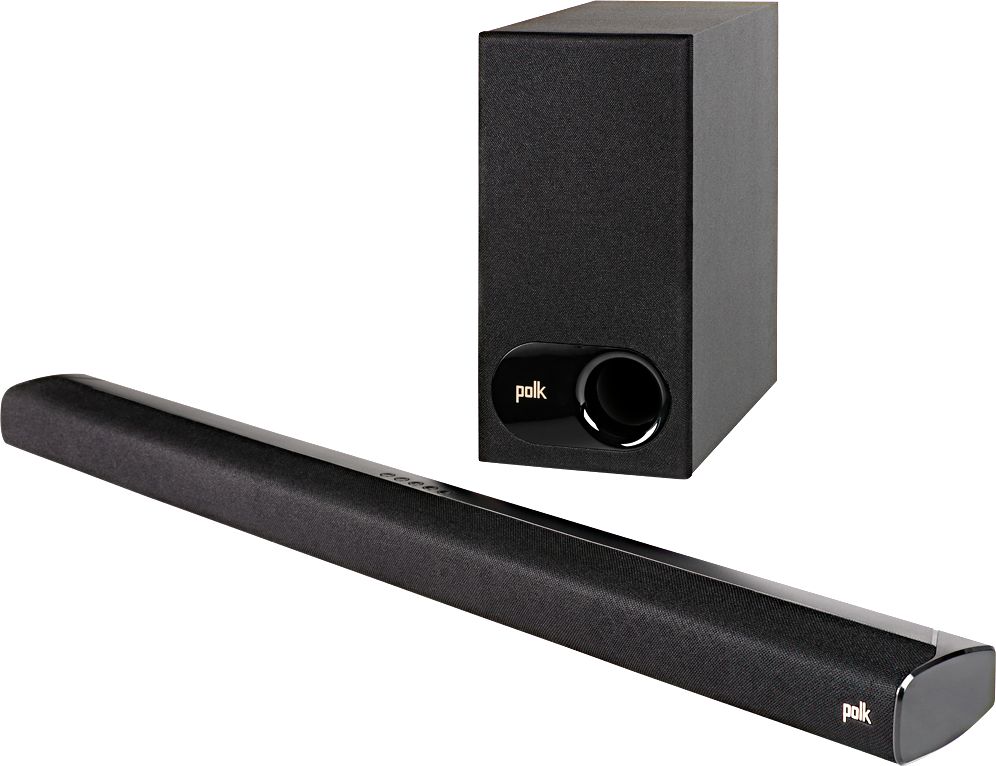
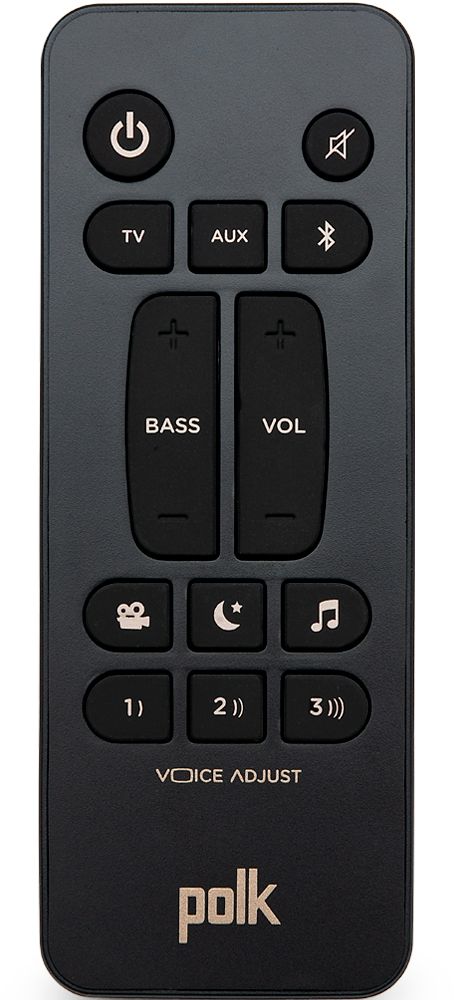
A:AnswerVerified this is correct. Go into your Apple TV settings, into Remotes and Devices, and connect your Apple TV to the soundbar. You will need to press the Bluetooth button on the soundbar to allow it to be discovered.
A:AnswerIn the beginning, I straggled to set up the sound bar because I was not following the instructions.
After resetting it, everything linked up.
Home Theater
A:AnswerHello and thank you for your question. Surround Sound Speakers cannot be added to the Polk Audio S2 Sound Bar. Please consider the Polk React or select MagniFi Sound Bars.
A:AnswerTo the phone the Bluetooth works great for streaming music. For the tv. I used the optical connection for best sound.
I will say. If you pause tv for must be 5 mins. It all turns off. And need to turn sound bar back on. Not a fan of using 2 remotes.