A:AnswerThe Extended Warranty is an extension of the limited warranty. The maintenance is not covered by the Icon Canada Extended Warranty Plan. Please refer to the terms and conditions that can be found on our website. https://iconcanada.ca/pdf/warranty_en.pdf
A:AnswerSteph0728

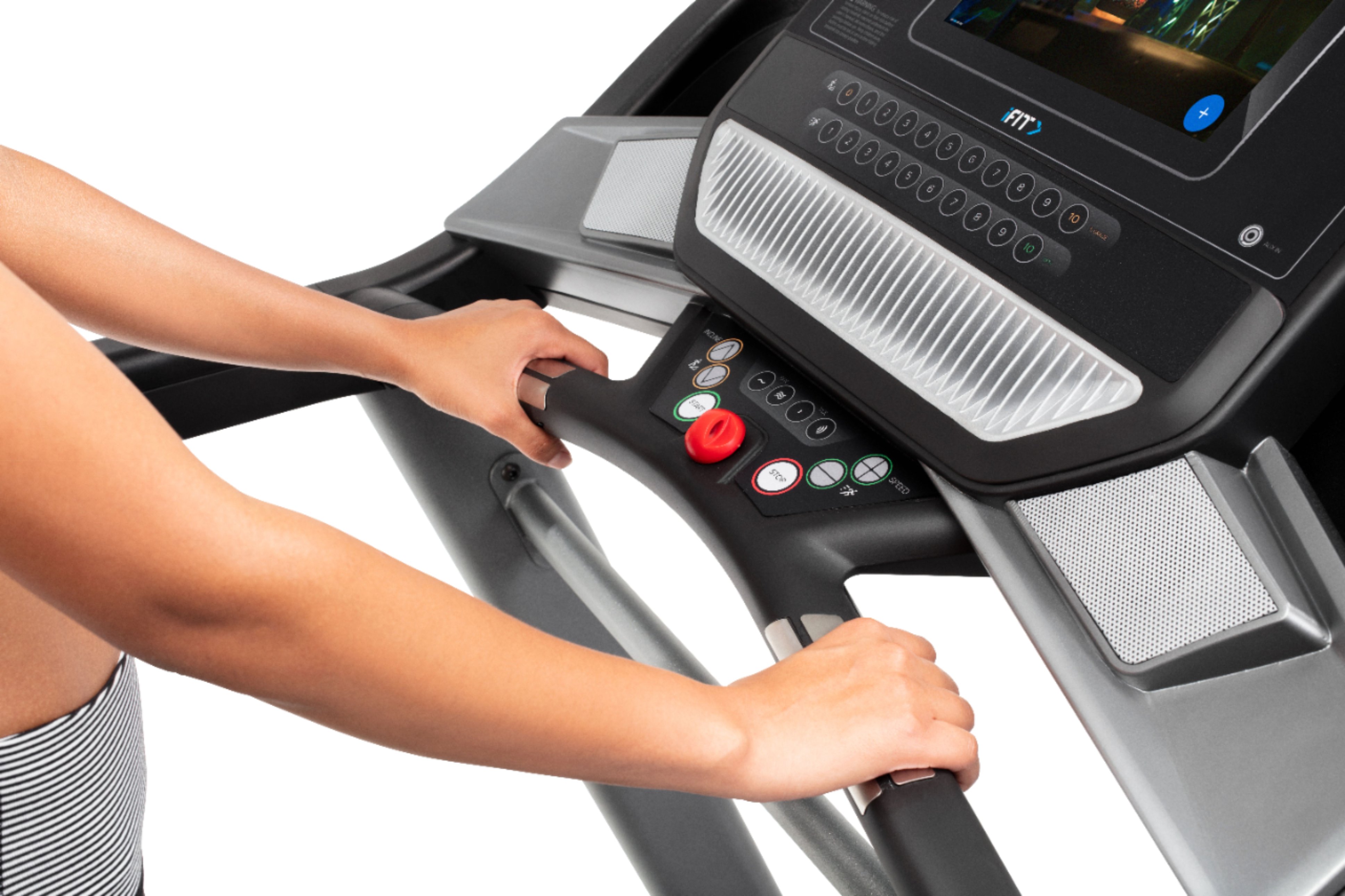
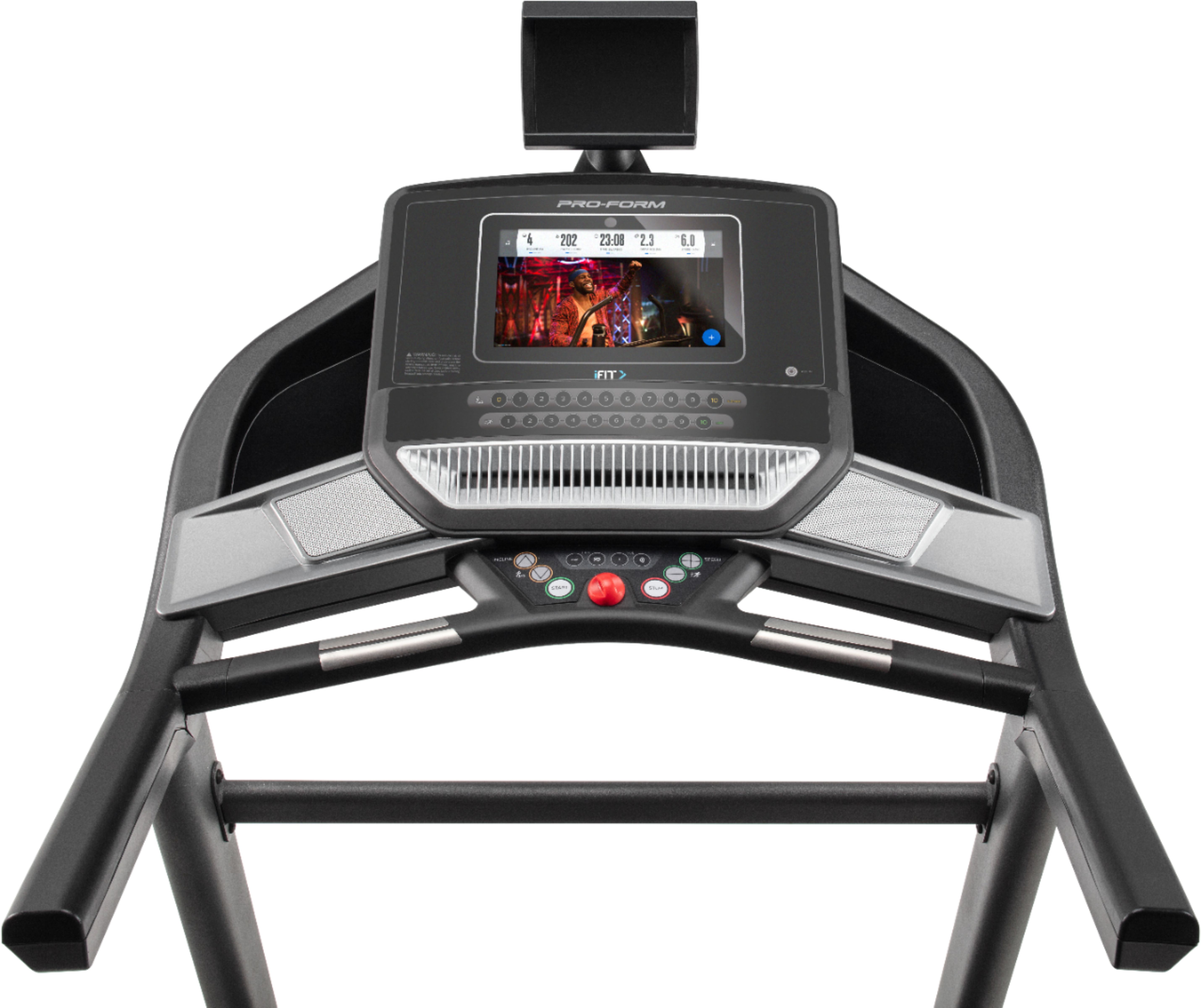
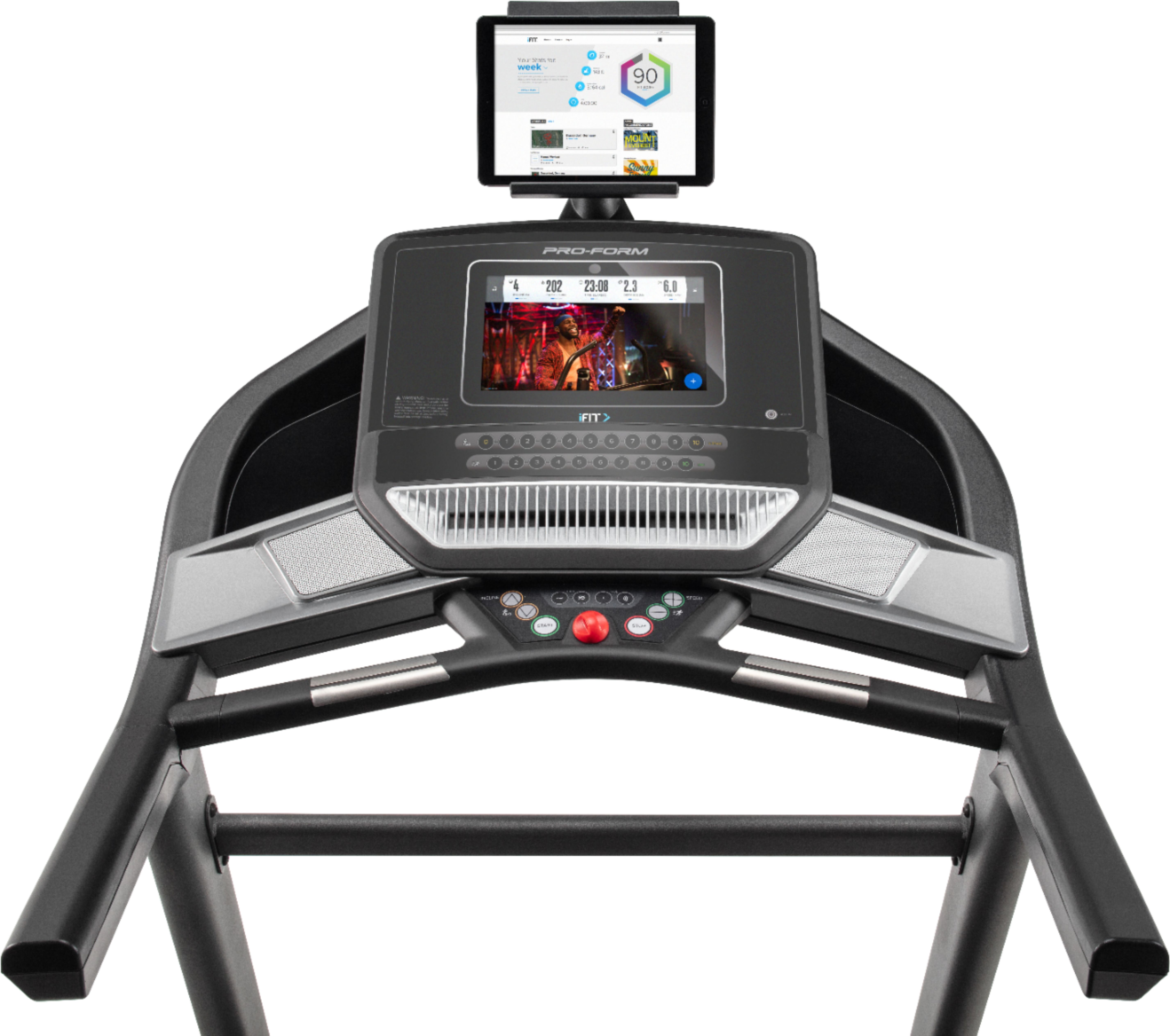
Thank you for your question. Can you give us more information on if you are trying to control the console screen or your personal tablet screen? In order to use manual mode on your console, simply press the back arrow or “x” on the screen if you are in a workout or in the settings menu. From here, touch the Manual Start button in the upper-right corner of the screen or press the Start button on the console to start the walking belt.
If this doesn’t answer your question or if you have more questions, please contact us directly. You can always reach us at: [email protected]. Your personal case ID number is: 1-R100067.
Thanks! - ICON Health & Fitness
A:AnswerI'd call and ask them. These questions only go to people who buy things. Customer service should be able to help you. The 600 is awesome though!
A:AnswerWith an iFit subscription, you'll have unlimited access to all of iFit's incredible, trainer-led content. Workouts include high-energy studio workouts and global workout content, so you can get the best personal training right in your home. If you are not interested in using these features hold down the Bluetooth or iFit button for 30 seconds to bypass the iFit activation. This puts it in manual mode where you can use the on-board workouts. For more information visit www.ifit.com/activate or call our iFIT call center at 866-608-1798.