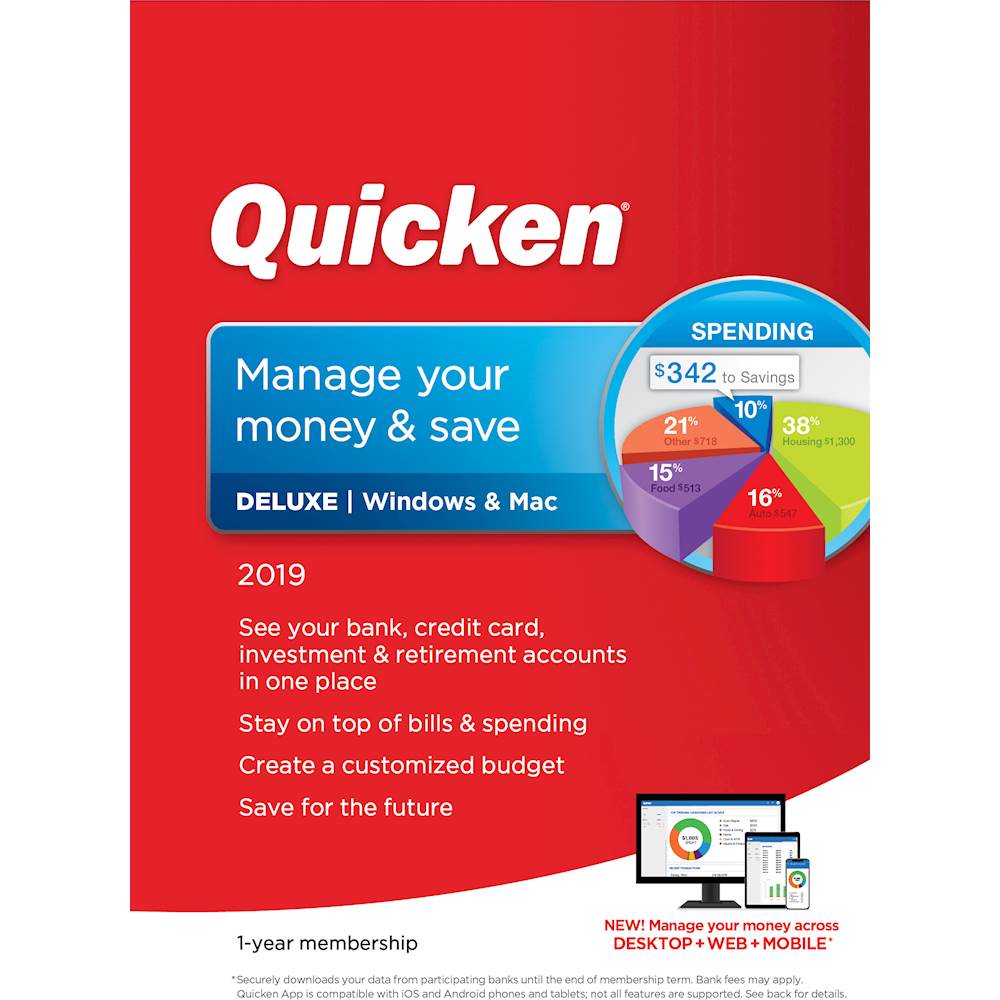
A:AnswerThanks for the question. Your Quicken subscription purchase from Best Buy will get you the latest release of Quicken, automatic updates for a year, and connections to your bank accounts for a year. When your subscription comes due after a year, renewing your subscription will continue the automatic updates and connections to your financial institutions. If you don't renew after a year, you'd be able to continue using Quicken manually, but the supported automatic updates and bank connections won't continue. Your data is always YOURS and you can use Quicken however you feel comfortable, but consider the automatic updates and new features as you decide to renew. Thanks.
A:AnswerYou absolutely can transfer all of your previous Quicken data from an older version. In fact, the more recent versions of Quicken have done a fantastic job of the conversion. As a side, you can even have Quicken for Mac convert and transfer data from Quicken for Windows if you are switching operating systems.
A:AnswerYou can run the program on as many computers as you want, BUT...
I have been told by much smarter people that if you attempt to keep your data file in a cloud or sharing service, it is very possible that as you swap between multiple computers that the data file will become corrupted and you could be left depending on the last backup of your data that you have made.
The way that I get around this is to use a tedious process that most people will not want to perform. I enter/manipulate my Quicken data 95% of the time on my Mac Desktop. If I want to use Quicken on my Mac laptop, I 1) Make sure that the Quicken version on the laptop is current, 2) copy the data file on the desktop to a thumb drive, 3) copy the data from the thumb drive to my laptop, 4) run Quicken on my laptop until I want to go back to my desktop, 5) Copy the 'current' data file from the laptop back to a thumb drive, 6) copy this version of the data file from the thumb drive back to my desktop 7) start using Quicken on my desktop using the current data file.
This is horrible and I only do it about 3-4 times a year at most. The web version of the program is improving all of the time, but for my needs, I really need to enter and manipulate Quicken using the actual computer program. I have found that the IOS version is fine for entering purchases at the place of purchase (it uses GPS nicely to guess what store or restaurant you are at), but outside of checking on some details of a previous transaction, I don't do much else with it.
Finally, I am confident that there still is a difference between the actual data file used on Windows and on Mac. I could see a time where they would make a completely compatible file, but I really don't think that they are there yet.
A:AnswerThey charge the same price you would pay to get the first year. So far I have been able to work around that by finding a 2 year subscription in 2018 for the price of 1, and this year managed to purchase it from Best Buy for $23 for Deluxe so basicaly half price again. But yes, you have to renew every year.
A:AnswerI own a Lenovo laptop, but I do not own the IdeaPad 340. In looking at the Quicken system requirements, it is compatible with your IdeaPad. You should be good to go.
A:AnswerIt will update your current application and nothing will be lost. As always, it is smart to back up your files first. Make your purchase from Best Buy, then take the code ID to the Quicken web site to complete your update.
A:AnswerSorry, Quicken has changed to a subscription service. In the past, I used an obsolete copy of Quicken for years. When it had compatibility issues, I had to go to Quicken to get things resolved. They were great. Sorry, eventually you are going to have problems. I, personally, would not risk my financial records with an obsolete copy.