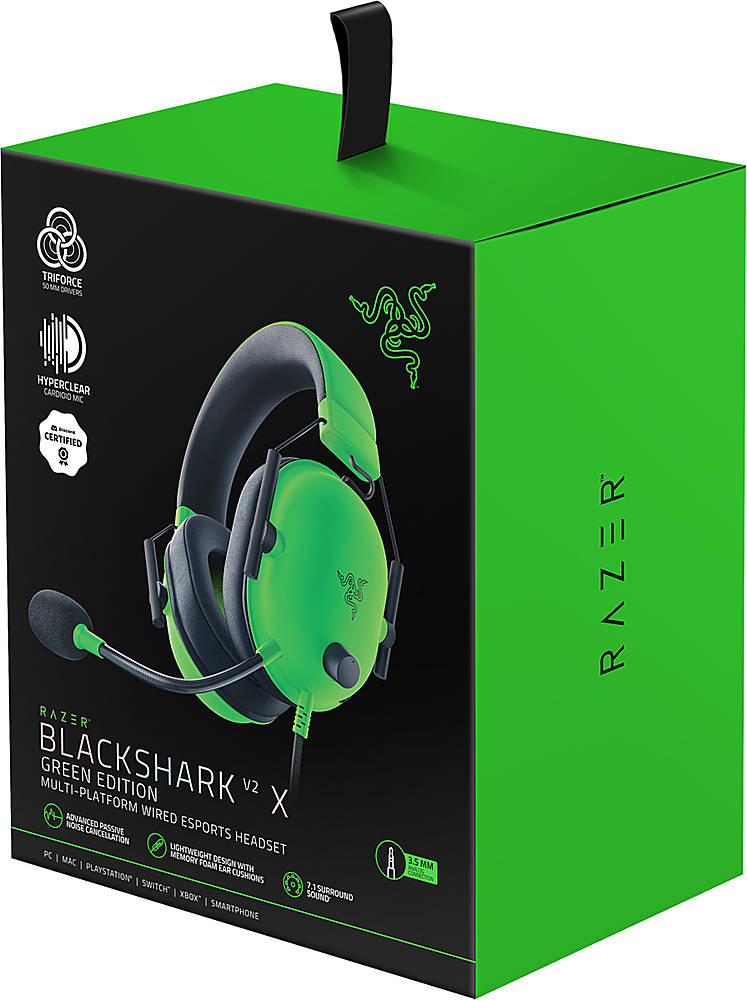
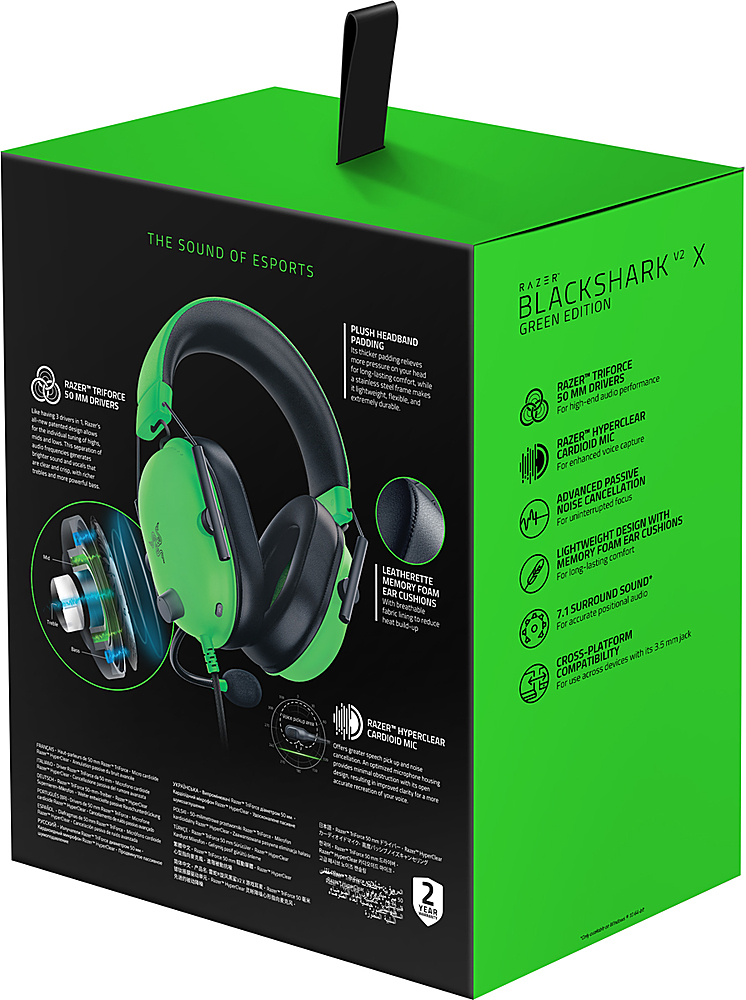
A:AnswerIf you mean the Razer USB Sound Driver then no. It does not. However you can use it with this headset should you already have one from a previous headset.
A:AnswerIf you were going to do this I would highly suggest you use the included splitting wire to remove the microphone connection before hand. You could then divide the in line and connect it to more than one device but I would assume there would be audio tearing or override by whichever device had the stronger connection. There is no wireless connection for this headset if that was what you are thinking of.
A:AnswerYour probably plugging it into the wrong jacks. If a pc doesnt have a good combined jack you need to split it with the included splitter and plug the green cable into your line out and the pink cable into your line in.
A:AnswerIts just a regular headset jack. I have a Xbox One X and it works just fine. I really recommend this headset because its great overall. I run my mics are max volume and this one has a decent max volume. I think it could be a TAD louder but for the price you cant go wrong with this headset. If you want a little bit nicer one, I would try the next level up at Razer. Theyre about 90-100$. For 40$ though, these are great, I now have 2.
A:AnswerNo, this headset does not have sidetone.
I purchased a headset believing this (as Razer themselves claim in an answer to this question), but it does not. Currently returning my set after having been out the box for 10 minutes.