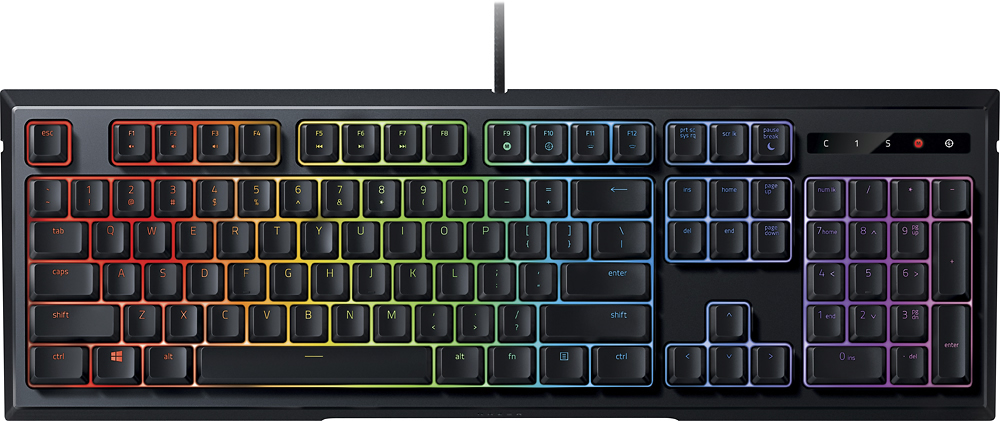
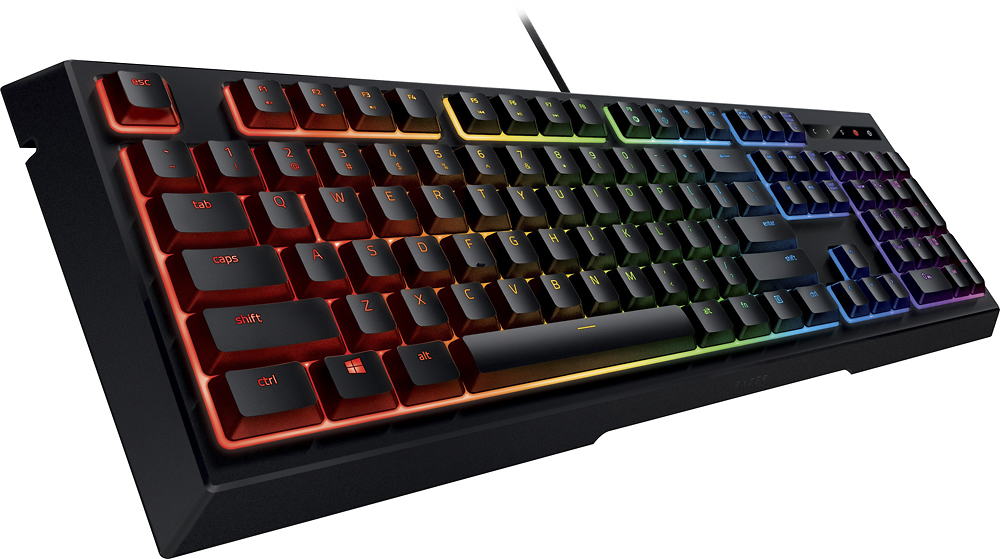
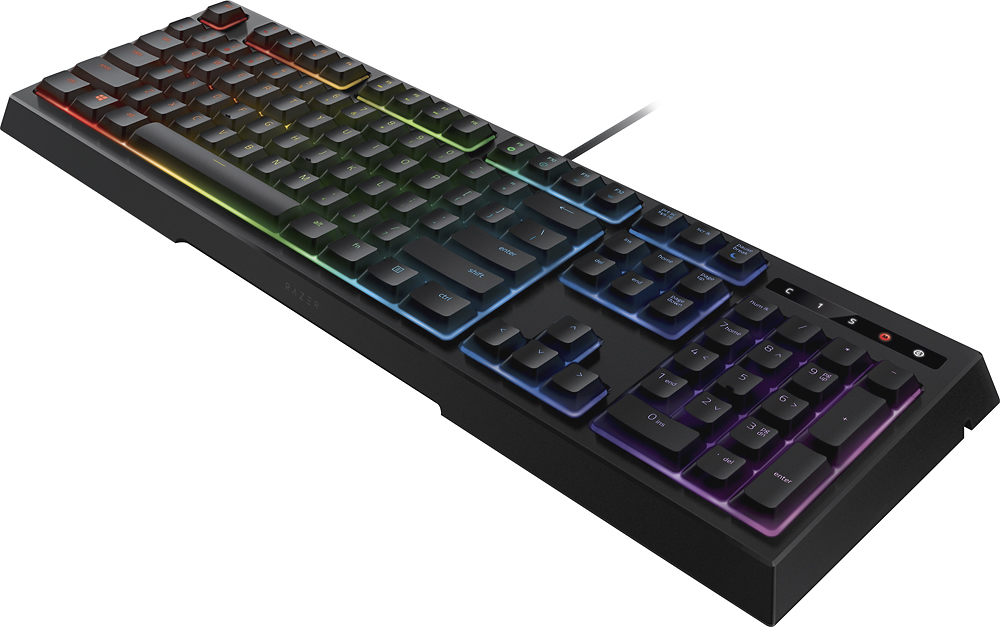
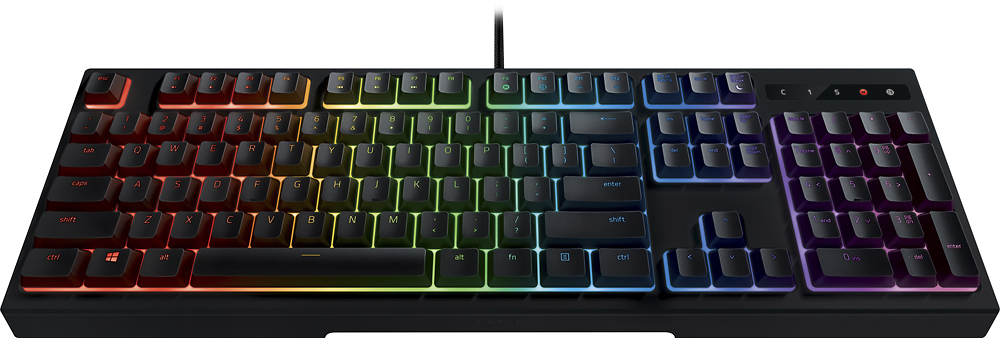
A:Answer Worth the price? If you can get it on sale, perhaps. I submitted a lengthy review of this keyboard and went into depth about the lighting. You have to download and install Razer's Synapse support software to access the full controls over the lighting effects. There is a lot to choose from and you should find a combination to your liking. It is highly customizable. What I didn't like about it was that Razer made the size of the keys smaller than usual (but the spacing is standard) so the backlighting could show around the keys rather than just through the letters and numbers on top of the keys. If you like a big, splashy light display, this keyboard won't disappoint. I did not like this effect because so much light bleeds up and around the keys that it almost obliterates the characters and letters on the tops of the keys. This can be somewhat mitigated depending on the colors and lighting pattern you choose. If you really want to see what the lighting looks like, go to Razer's web site and search for this keyboard. Play the videos and you will see it in action. It's pretty impressive.