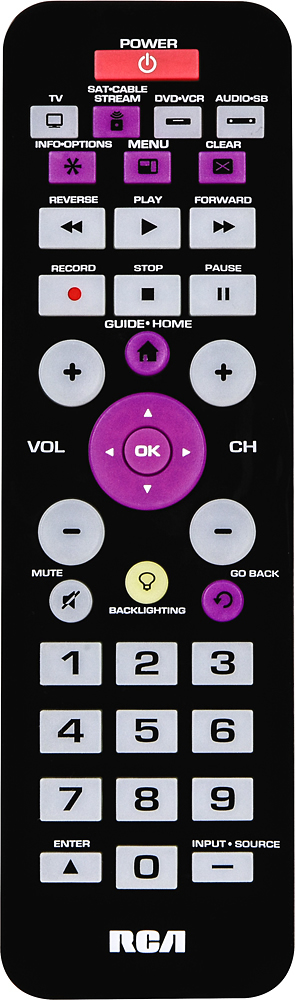
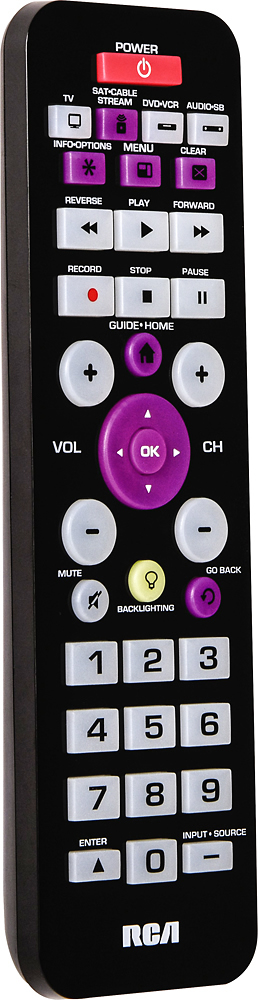
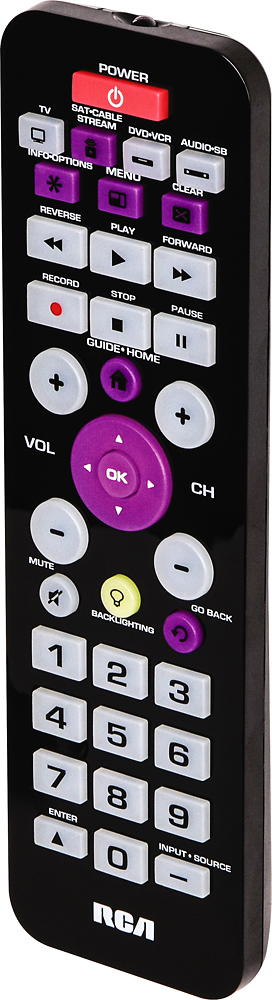
A:AnswerUp near the top left is a "info/ options" button. Sometimes there will be a "secondary" menu. Which button to press at the same time you will just have to keep trying different buttons. But I have seen remote controls with a "second" set of options. Some remotes have used the word "shift". There is also at the bottom two buttons called enter or input/source. those might work too. So try pushing two buttons at the same time to get other choices on the remote. OR maybe the code you used does not give you all your options. That is why several number codes are given for a brand of DVDs. Some codes work better than other codes. Good luck.... just hold down options button constantly and try different buttons- including the channel up or down button. Button names can mean different functions.
A:AnswerCodes are listed by manufacturer on the documentation that comes with the remote control. If none of the codes work you can try to let the remote control scan for codes automatically as described in the instructions that come with the remote. Otherwise, you can try contacting RCA Customer Service.
A:AnswerHi Denon Seeker,
Yes the remote will work with Denon receiver. if you need more info, feel free to call our helpline at 1-800-420-7968. thank you for your inquiry and have a great day
Sincerely,
A:AnswerDespite getting additional codes from the Customer Support desk, it wouldn't work with a Sanyo combo DVD/VCR player. Also doesn't control all the functions on a stand-alone DVD player, although it does enough for me to get by.
A:AnswerYes. At the bottom right hand corner of the remote control, the button that says input-source will toggle between HDMI channels. Just make sure it is in the TV mode.
A:AnswerYou should be able to use this remote. It has 2 codes for a TCL TV and there are 2 codes for Roku. I have a Roku Premier+ box and remote functions work nice with the Roku. My TV is a 10 year old Panasonic LCD and is fine.