A:AnswerGreat question! Card transactions attempted outside of the country where you activated your Square account can’t be processed with Square. However, you can accept cash transactions while traveling internationally.
A:AnswerJust download the square app and setup your free account. Once logged in you'll use your bank account and routing number to set up the app. Charges will then deposit into your account. I would suggest doing a test charge of a dollar before you begin taking payments. You can monitor the activity of payments and deposits in the app or online by logging into your account at square.com.
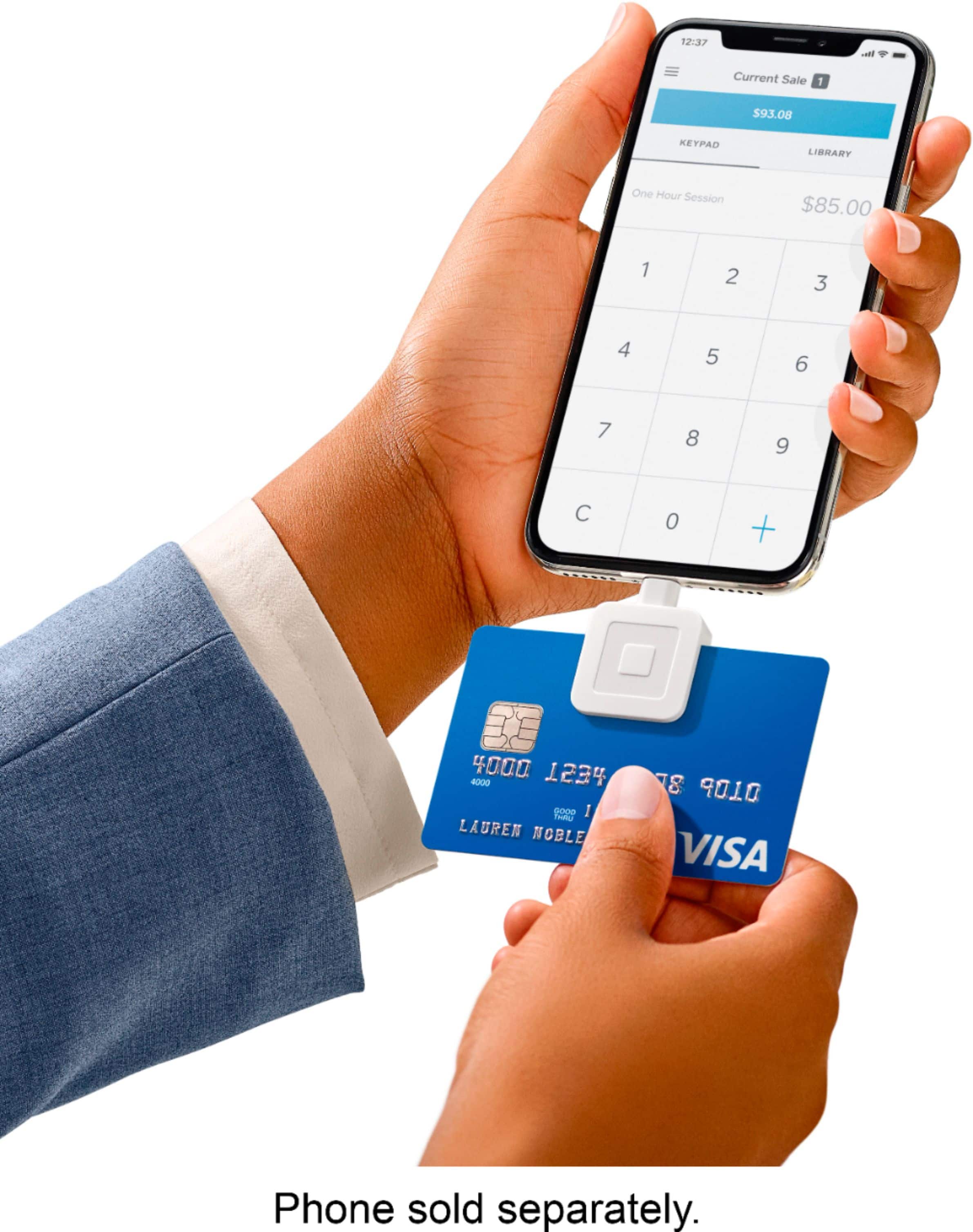
A:AnswerHi, there! The Samsung 20S Ultra has not been tested with our hardware yet. Square will run on most Android devices with the following features:
Android v5 or higher
3.5 mm headset jack (which includes a microphone input)
GPS
There are several thousand Android devices on the market, and we strive to support them all. In some cases, however, the Android device may meet all the requirements for compatibility but still doesn’t communicate properly with Square hardware or with the app. You can always check your devices for compatibility on squareup.com/compatibility.
A:AnswerHey! Yes, you can definitely manually enter credit card information into the Point of Sale app if you're taking a payment over the phone. The fee for manually entered transactions is higher, 3.5% + $0.15. The free processing mentioned in one of the answers only applies if you sign up via a referral link from a friend or another seller.