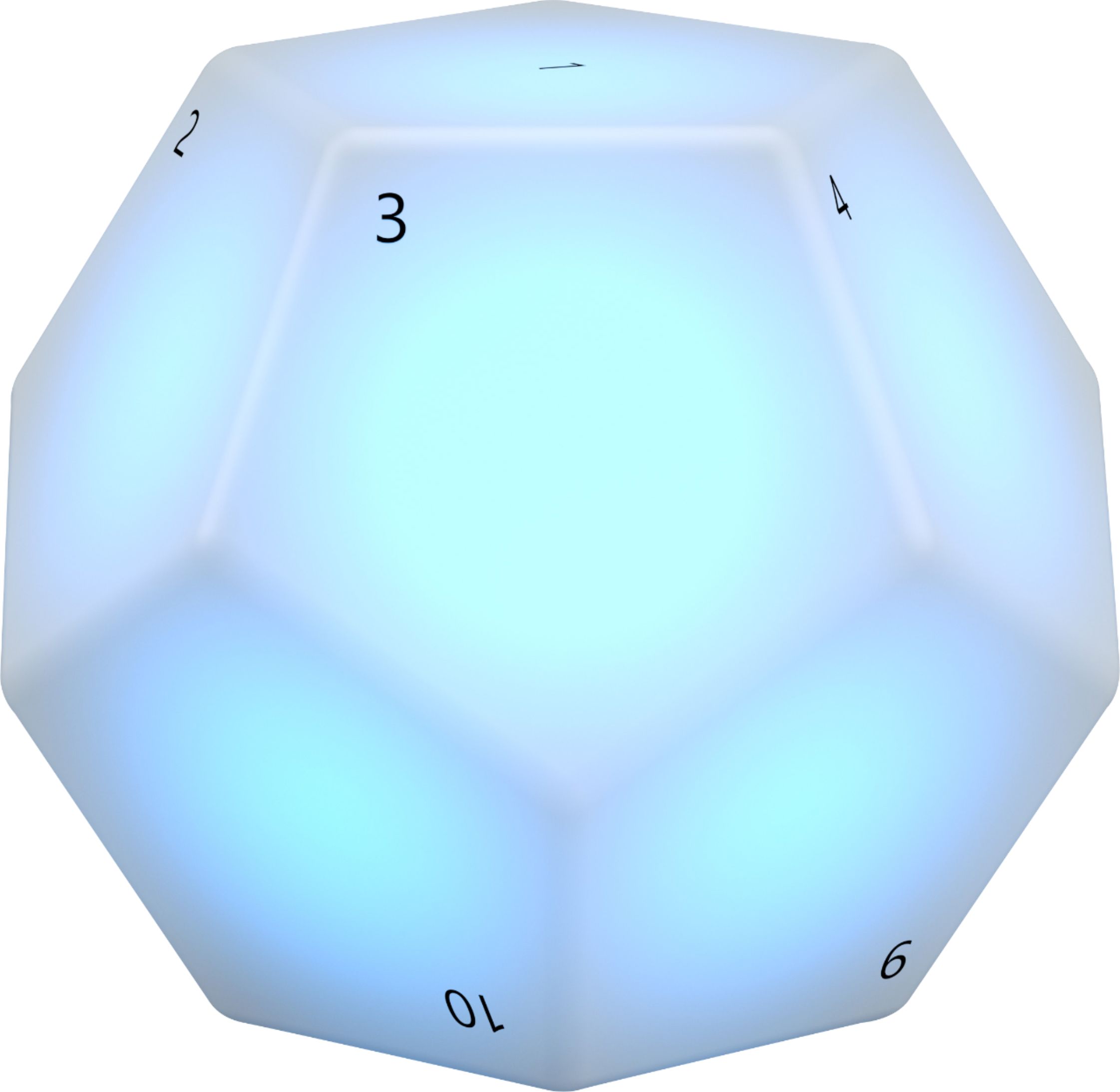
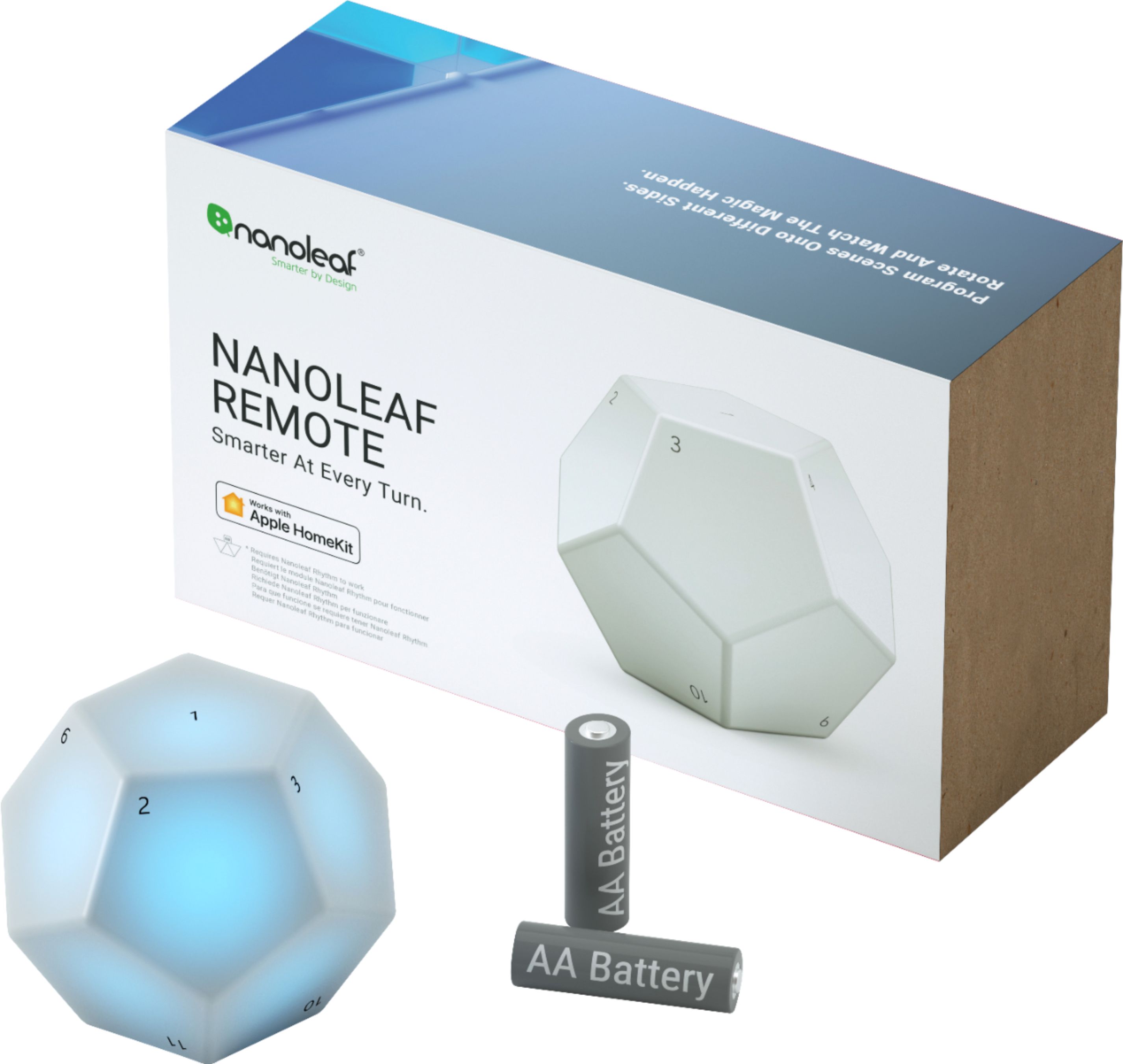
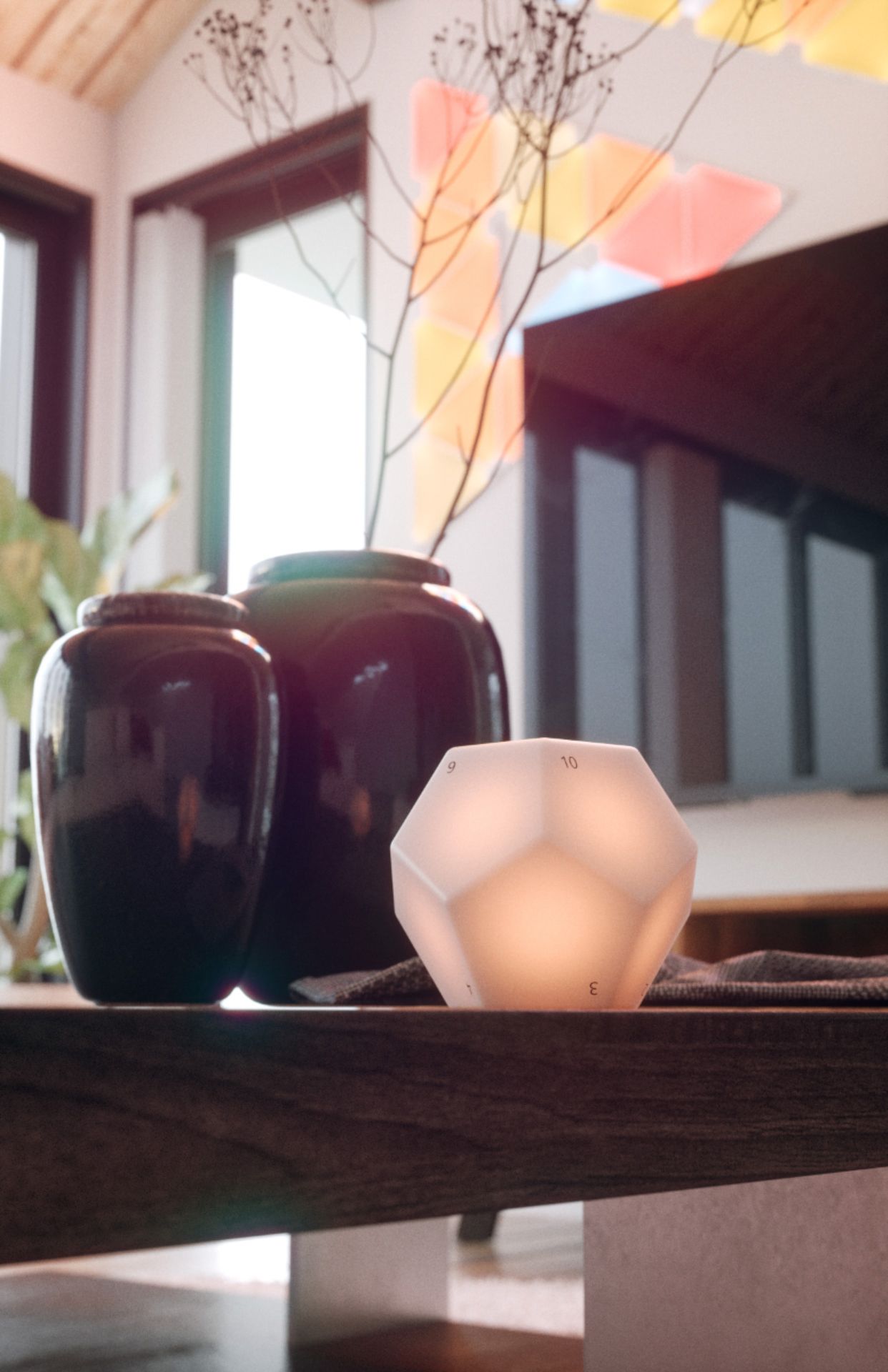
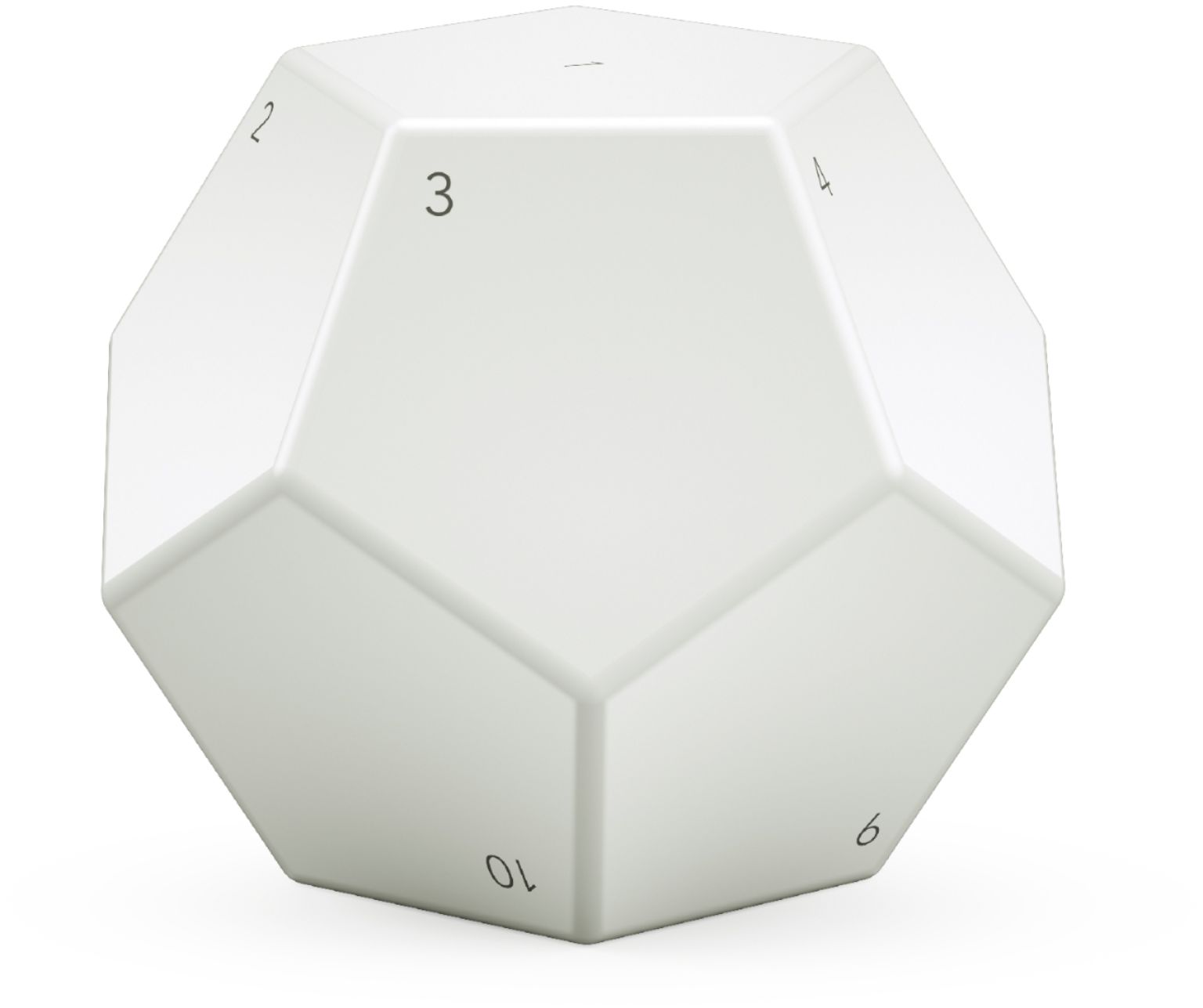
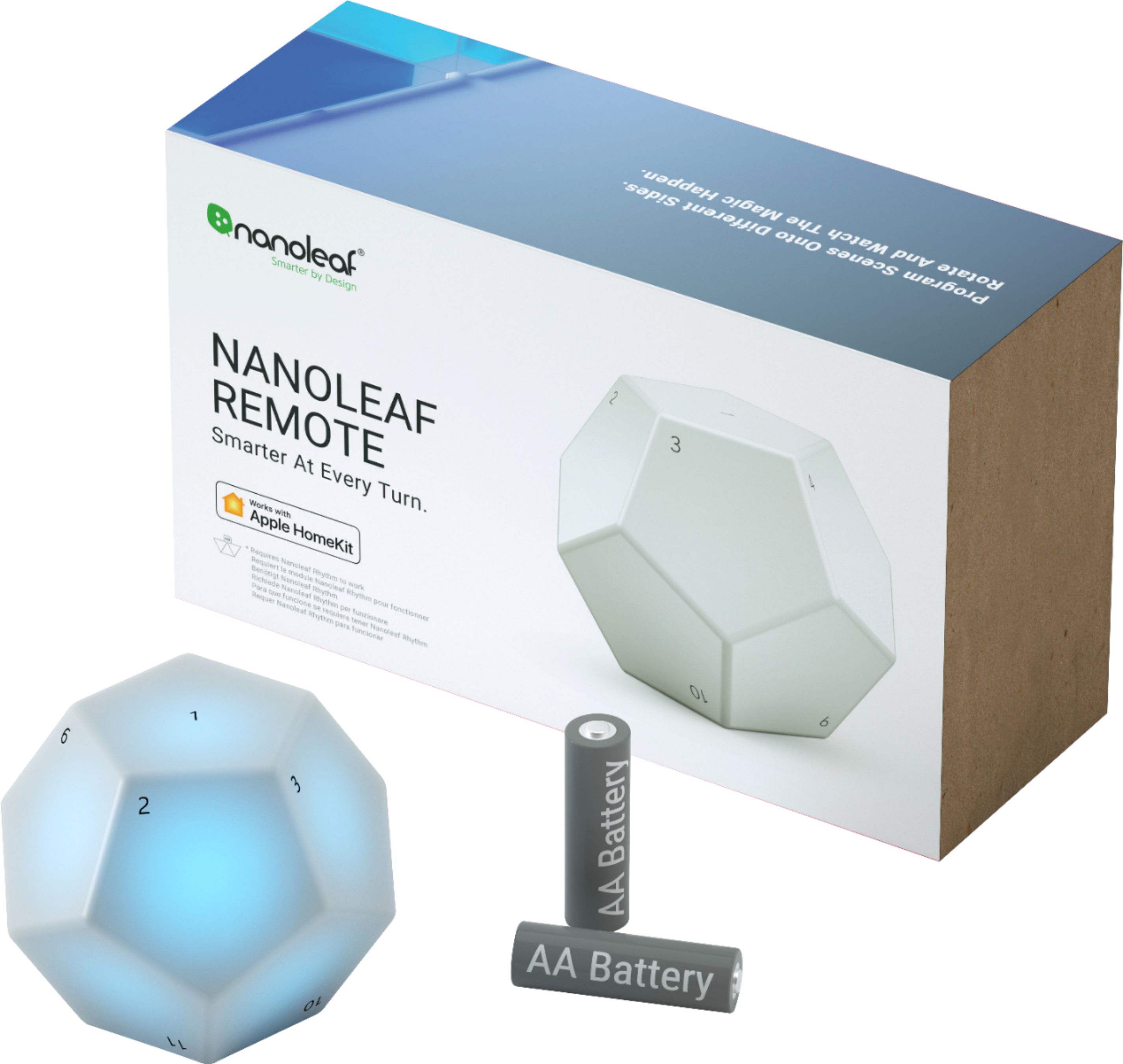
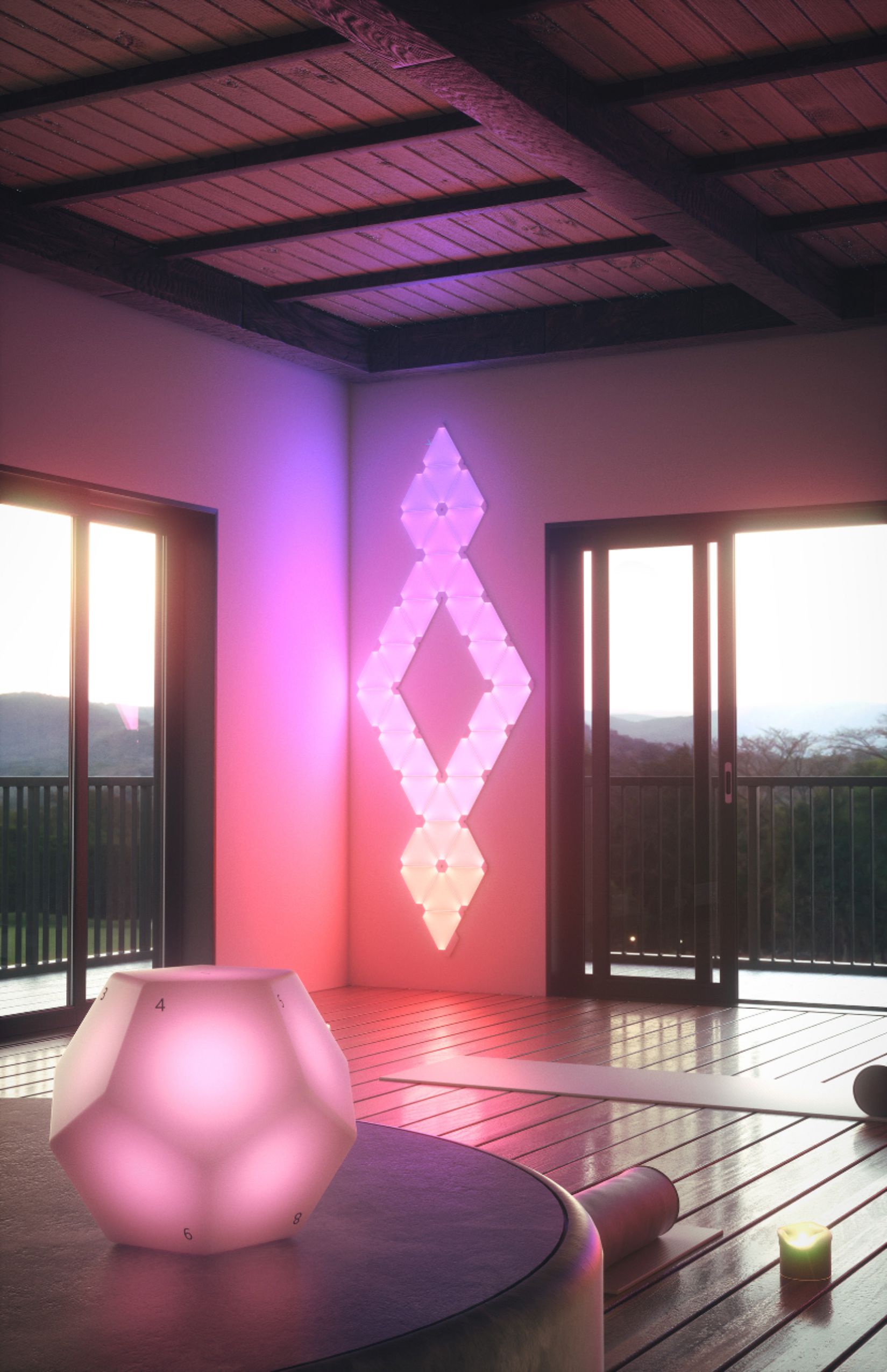
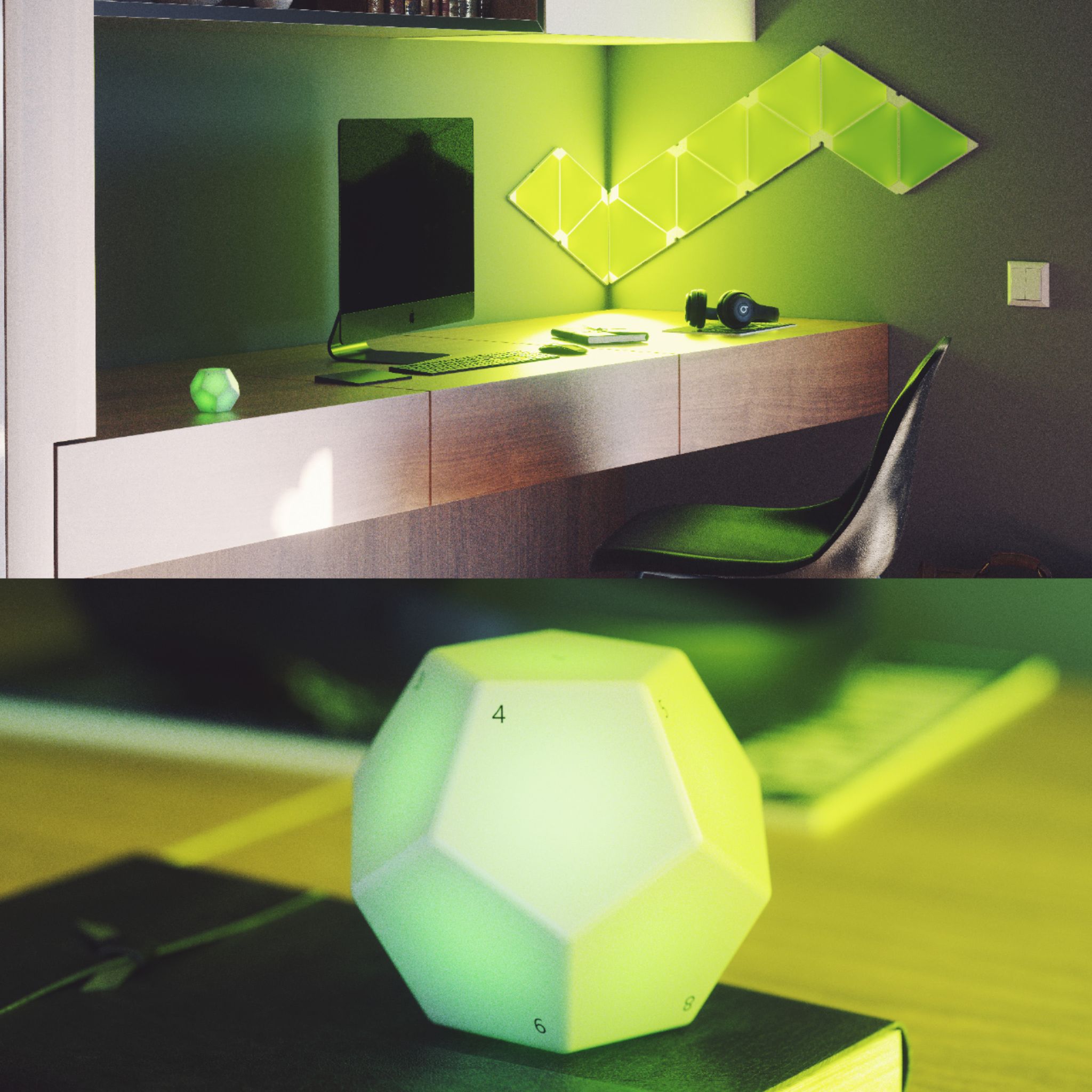
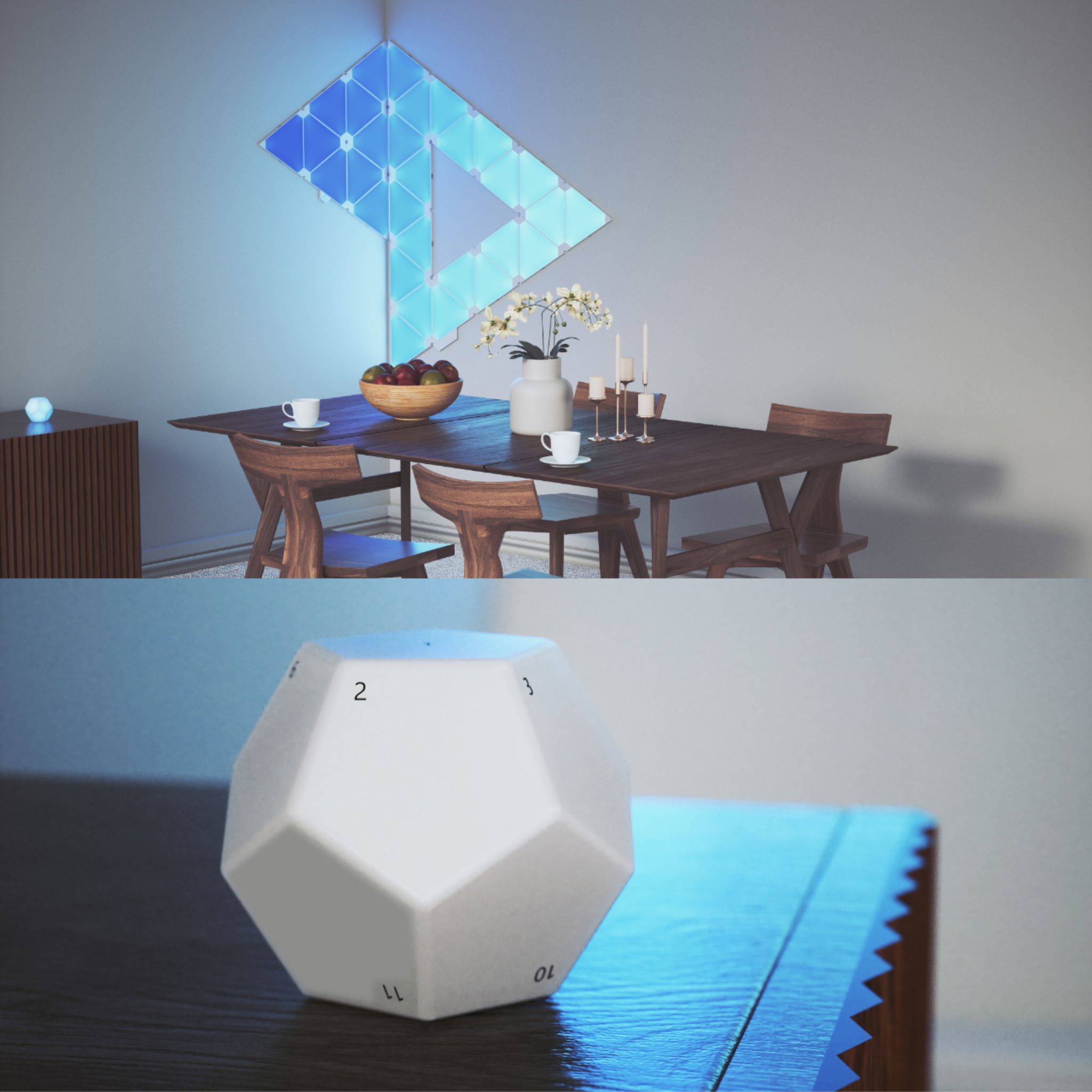
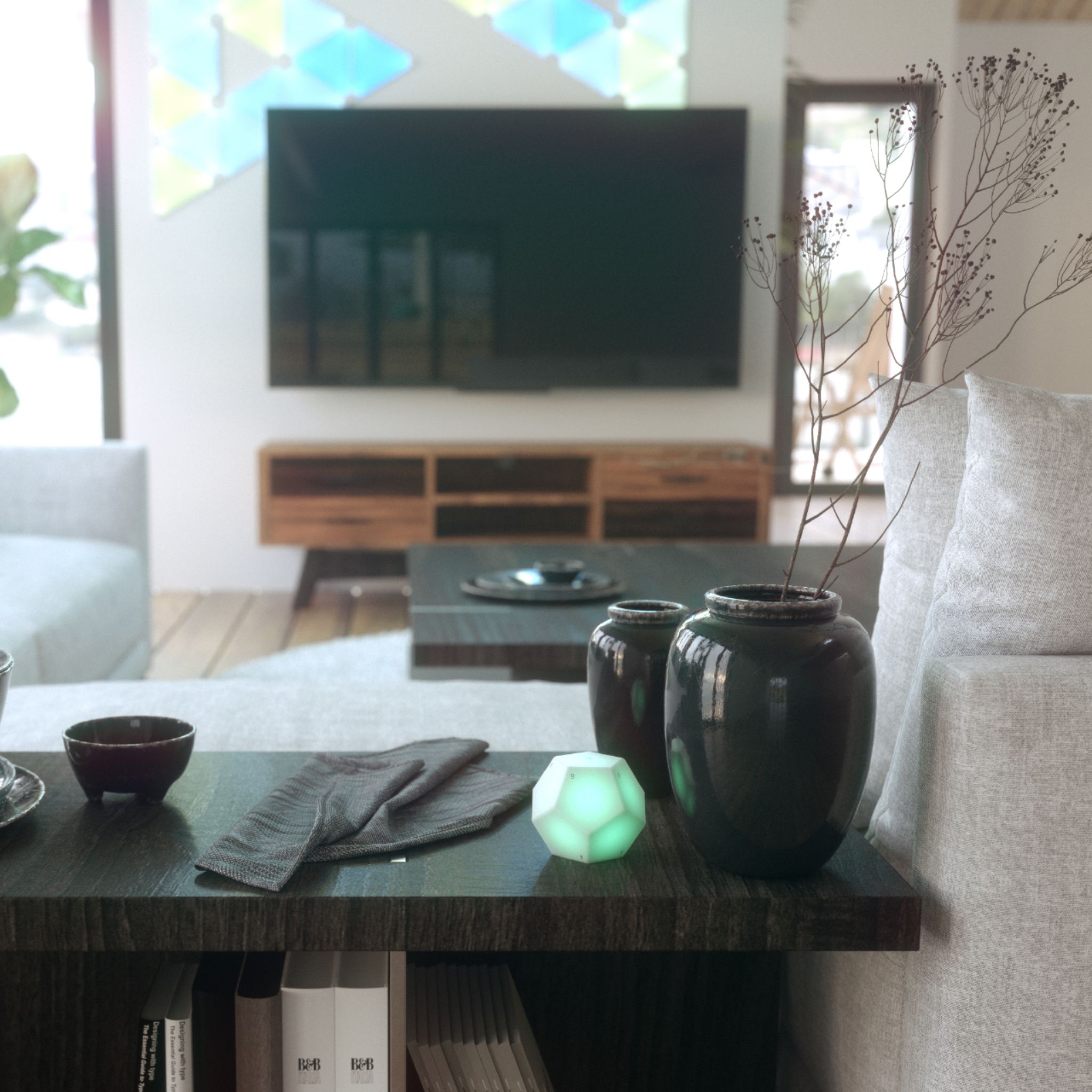
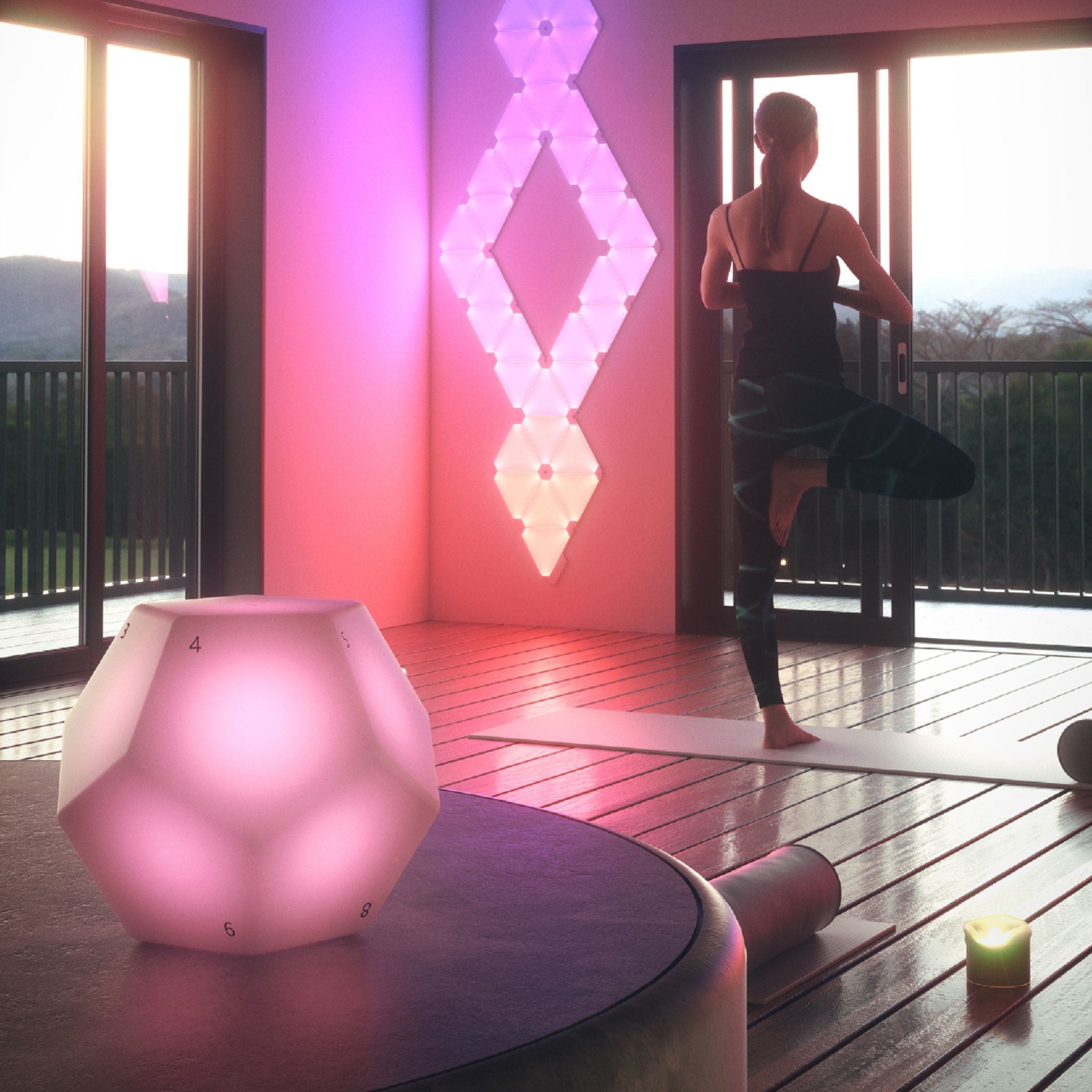
A:Answer It is a remote control for a Nanoleaf or Canvas panel set up/installation so you do not have to use the app to turn it on. There are 12 numbered sides (a dodecagon). Once linked, you can change the pattern/show by picking up the remote and rotating it to the desired number (facing up) and putting it down, and the pattern/show will change to a preset pattern. The patterns For each number can be changed in the Nanoleaf app. By default, side 1 turns on the panel to last pattern/show displayed; and 12 turns it off. It glows while rotating it so you can see the numbers in a dark room. Hope this helps.