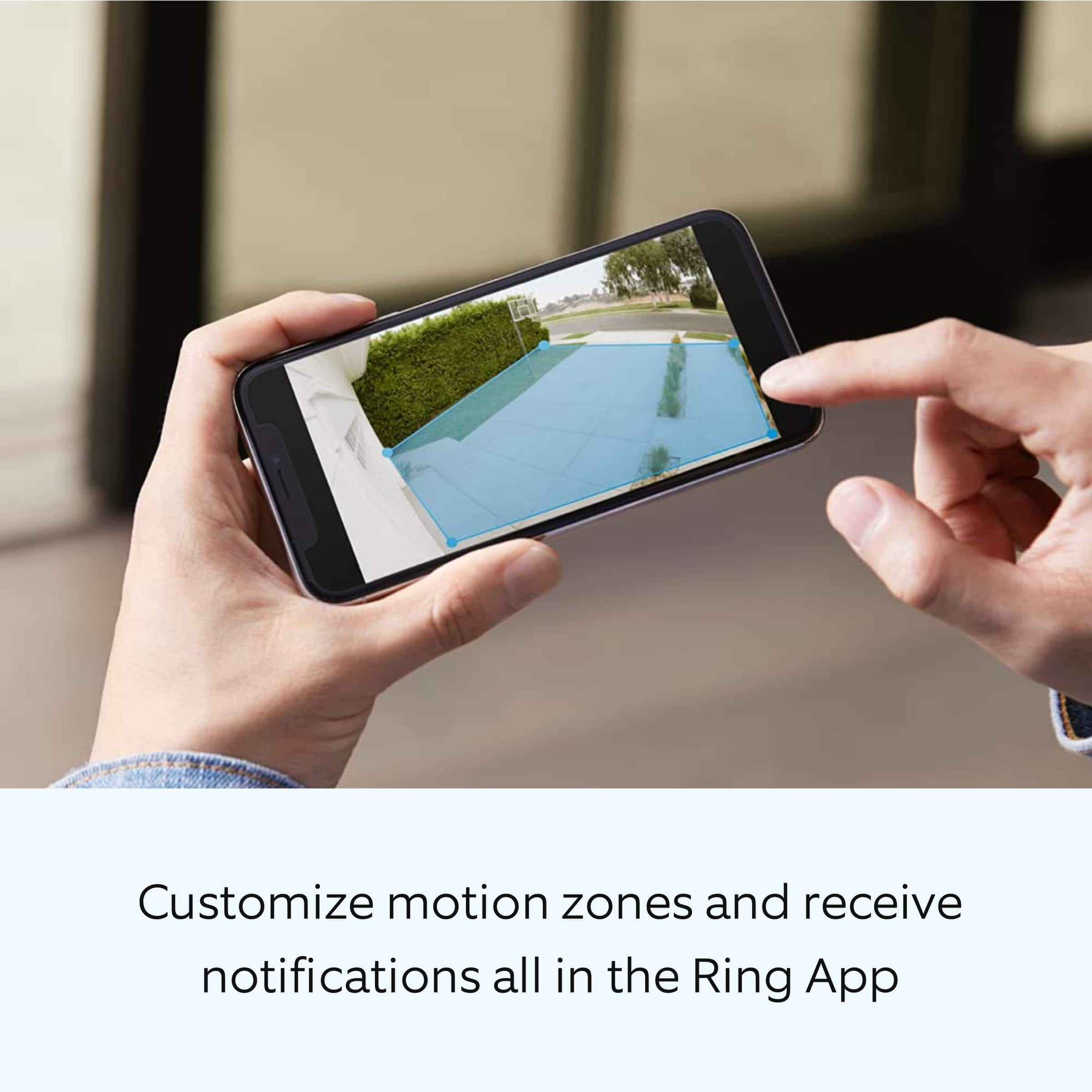
A:AnswerThis warns you of any traffic around your home, which you have selected on your app. Meaning, within the distance allowed of coverage by the app, you can select your warning advisory.
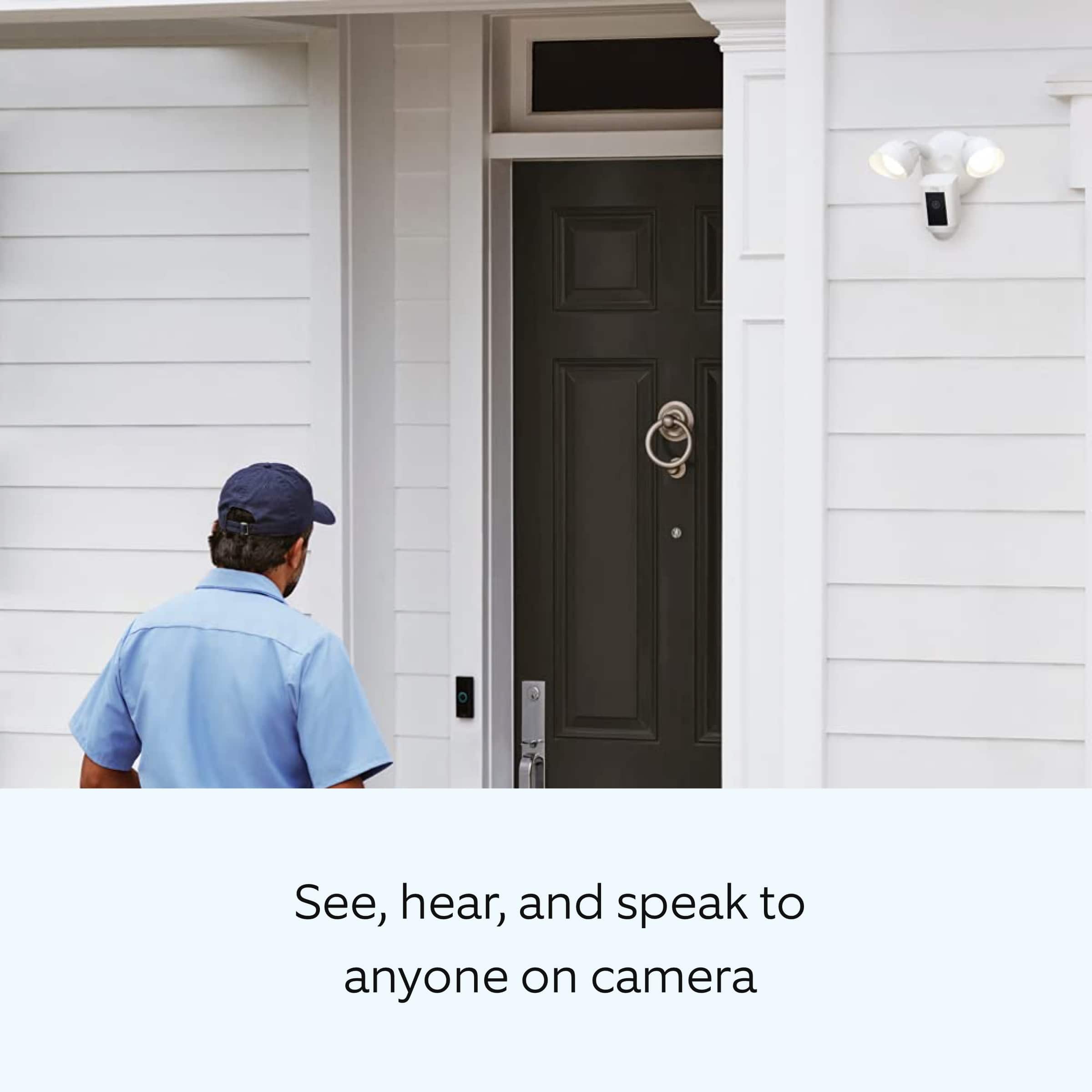
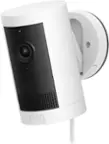
A:AnswerThe camera is motion activated or, through the Ring app, you can watch it live whenever you want. It's got a pretty decent range... our garage sets probably 6+ car lengths from the alley behind the house and it activates when cars drive down the alley. You can adjust the activation field of the camera through the app.
A:AnswerI do not think there is an option for not using video. I just looked at my app and could not see an option.
However, if you don't want video you can purchase the Floodlight with motion sensor for a lot less.
I installed one of each.
A:Answerit should work with any wifi network. When conncting it could see all the wifi networks in my street. I use comcast wifi this house att another house no issues. I usee the app on myatt iphone with no issues works great even with multiple addresses and different internet companies
A:AnswerHello Joe,
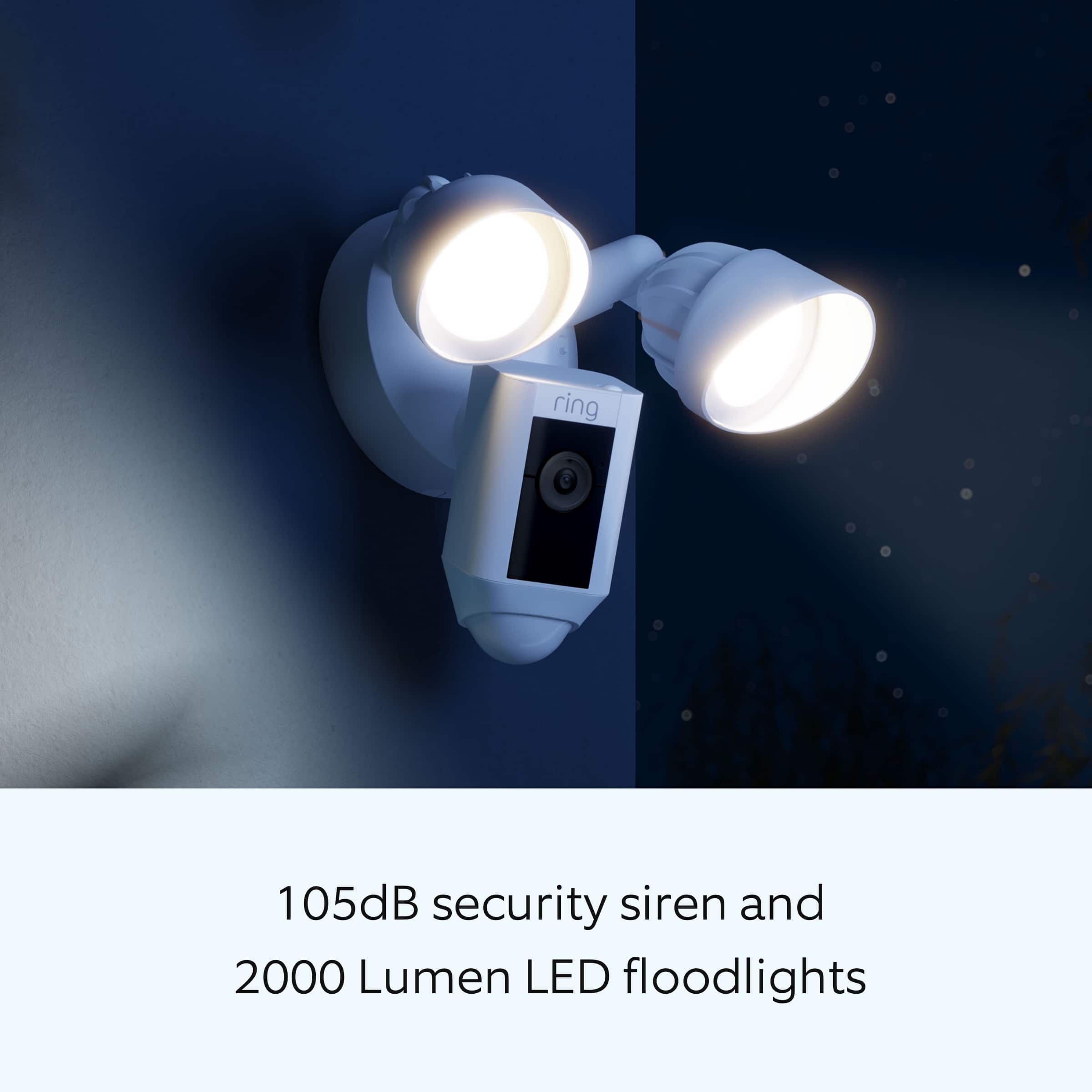
Great question! Yes, there is a manual toggle within the Ring app to turn the lights off. Additionally, you can schedule times when the lights should or should not be on.
For further tips, tricks or to start a conversation, please visit our community forum at https://community.ring.com/
My best,
Marlom at Ring
A:AnswerFloodlight cam light has started flashing like so many others mentioned online. Went through the troubleshooting steps mentioned on Ring website which didn't fix issue. Call to Ring customer support and was told that the $99/yr Ring plan wouldn't replace their defective unit and would not escalate case. Was told that we should purchase a new unit with 35% discount. Ring has defective design and does not stand behind their warranty.
A:AnswerIt varies upon materials in the way or objects between camera and router. I’ve had some pick up amazing thru 3 floors of a home. I still like to use the chime pro as extenders. If not you can always add some WAP in your home or office to get the WiFi signal strength you need.