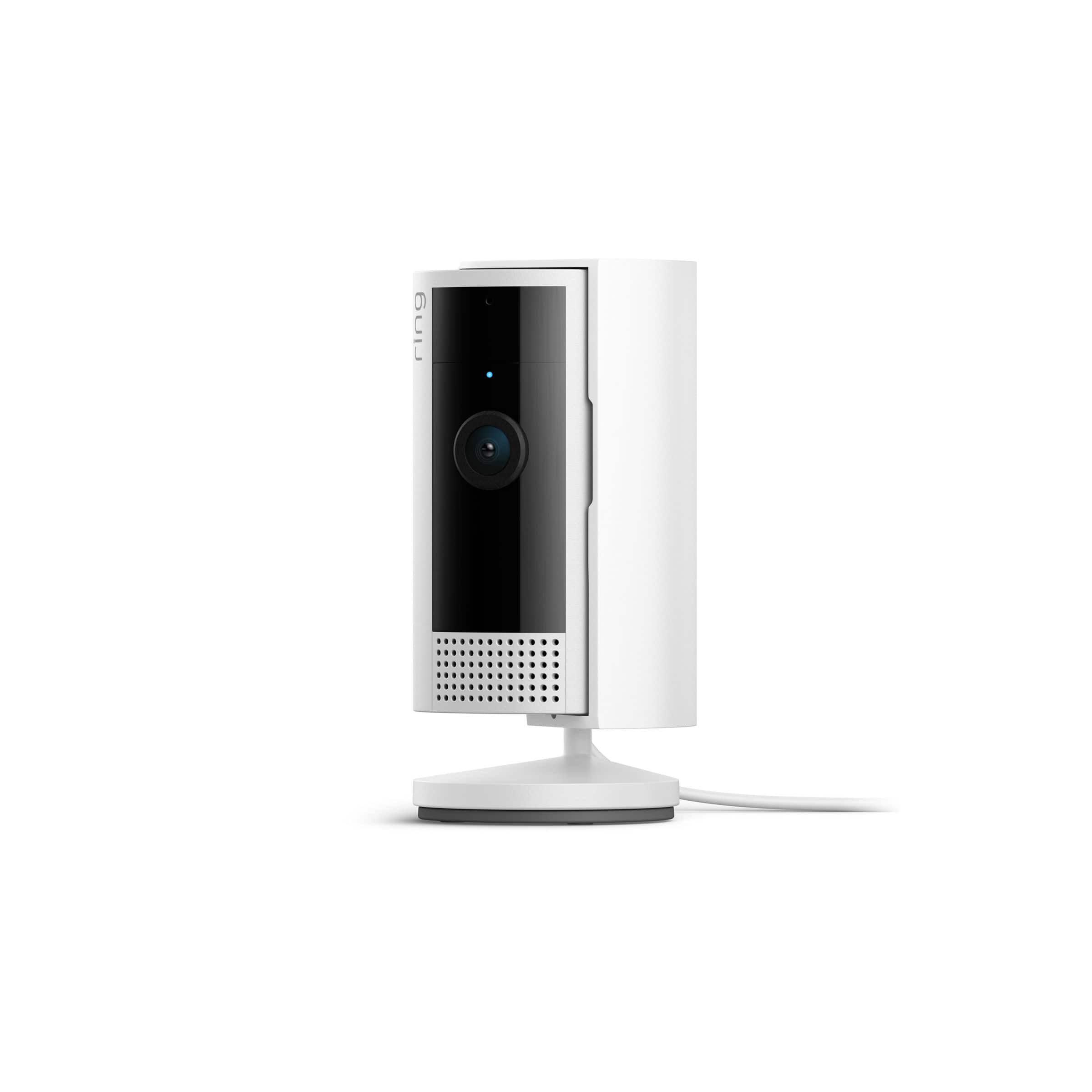
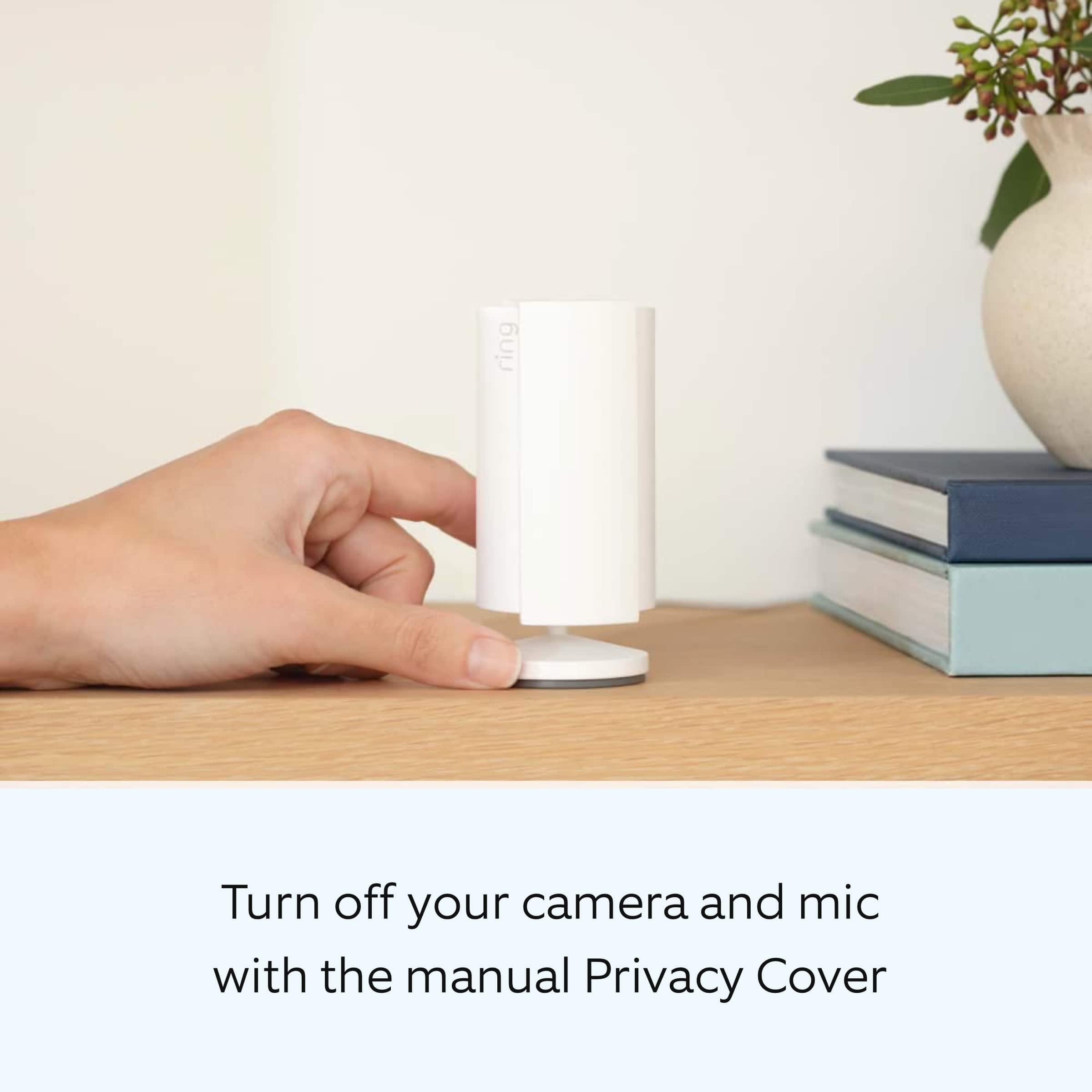
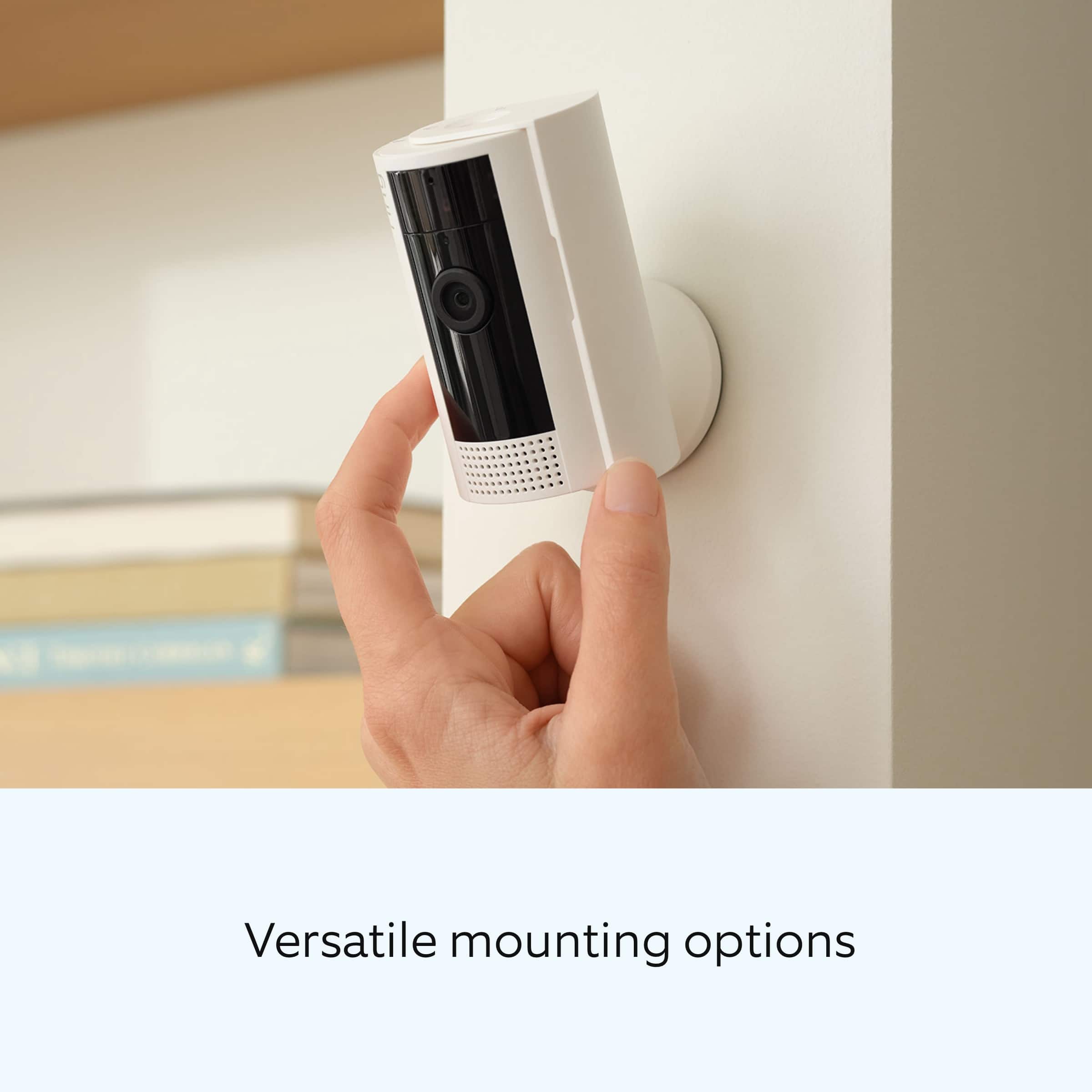
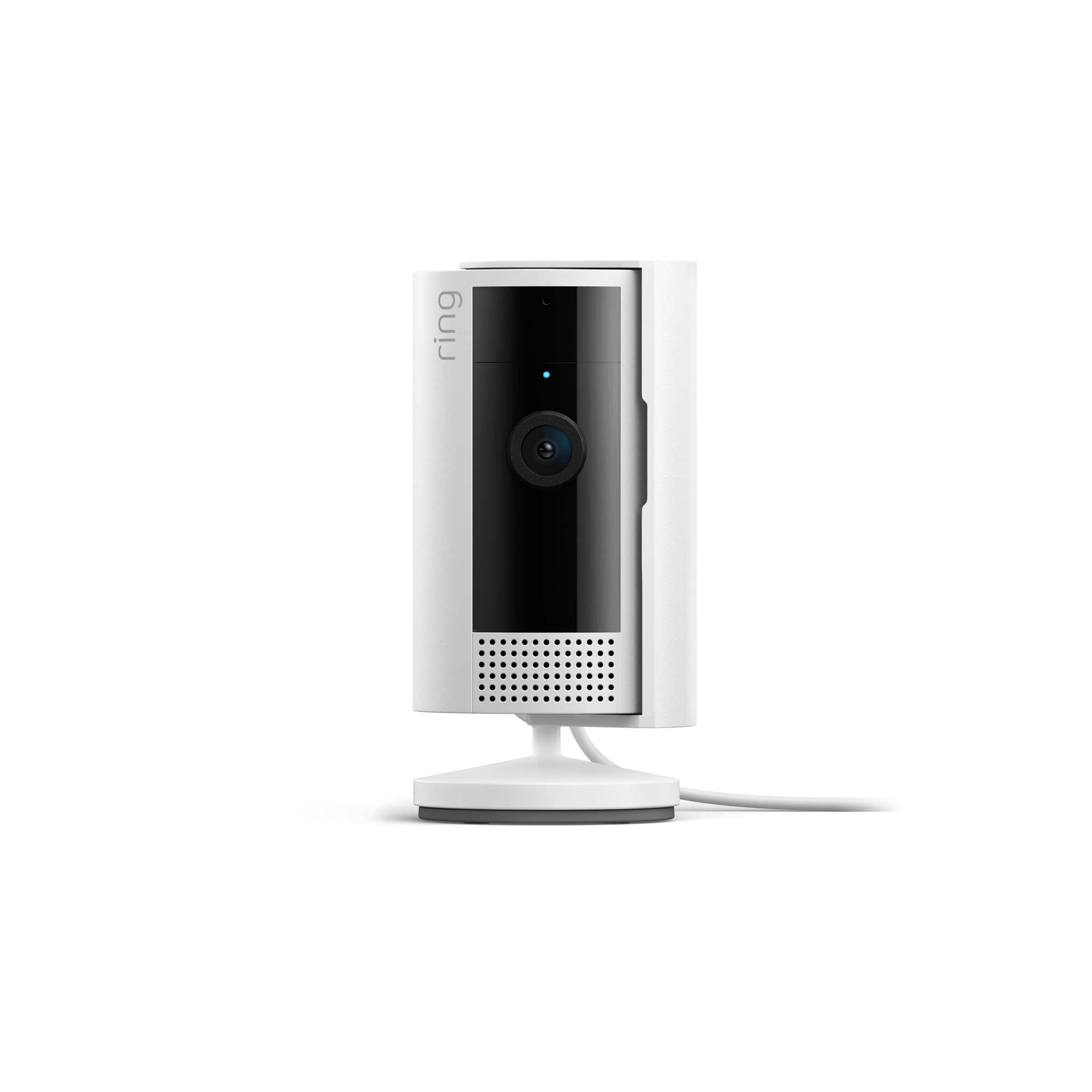
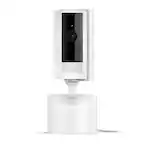
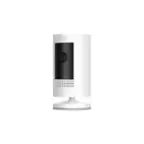
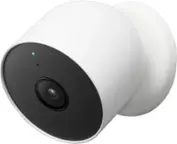
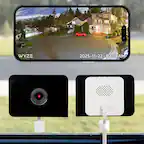
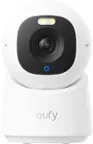
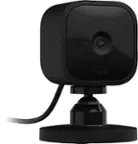
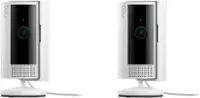
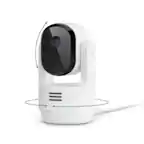
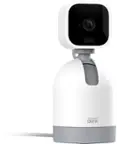
A:Answer You don't need to remove the cover to mount it on the wall, you can slide the cover left or right. You are most likely referring to the base. To mount the camera on the wall, you have to remove the bottom gray part of the base. Turn the camera upside down and you'll see two holes on that bottom part of the base. To remove it, slide the base on the opposite side of the "Up" arrow, so push that gray base downward. That's the base you will screw on the wall. Use the 2 screws. after you screw this part of the base, slide back the camera on that base, plug it in, and adjust the camera position. Hope this helps.