Questions & Answers
- Model:
- B0D23B14XS
- |
- SKU:
- 6616081
Q: QuestionThe camera is powered by battery. What battery? Is the battery removable and rechargeable? If so how is a second battery purchased?
Asked by birdman.
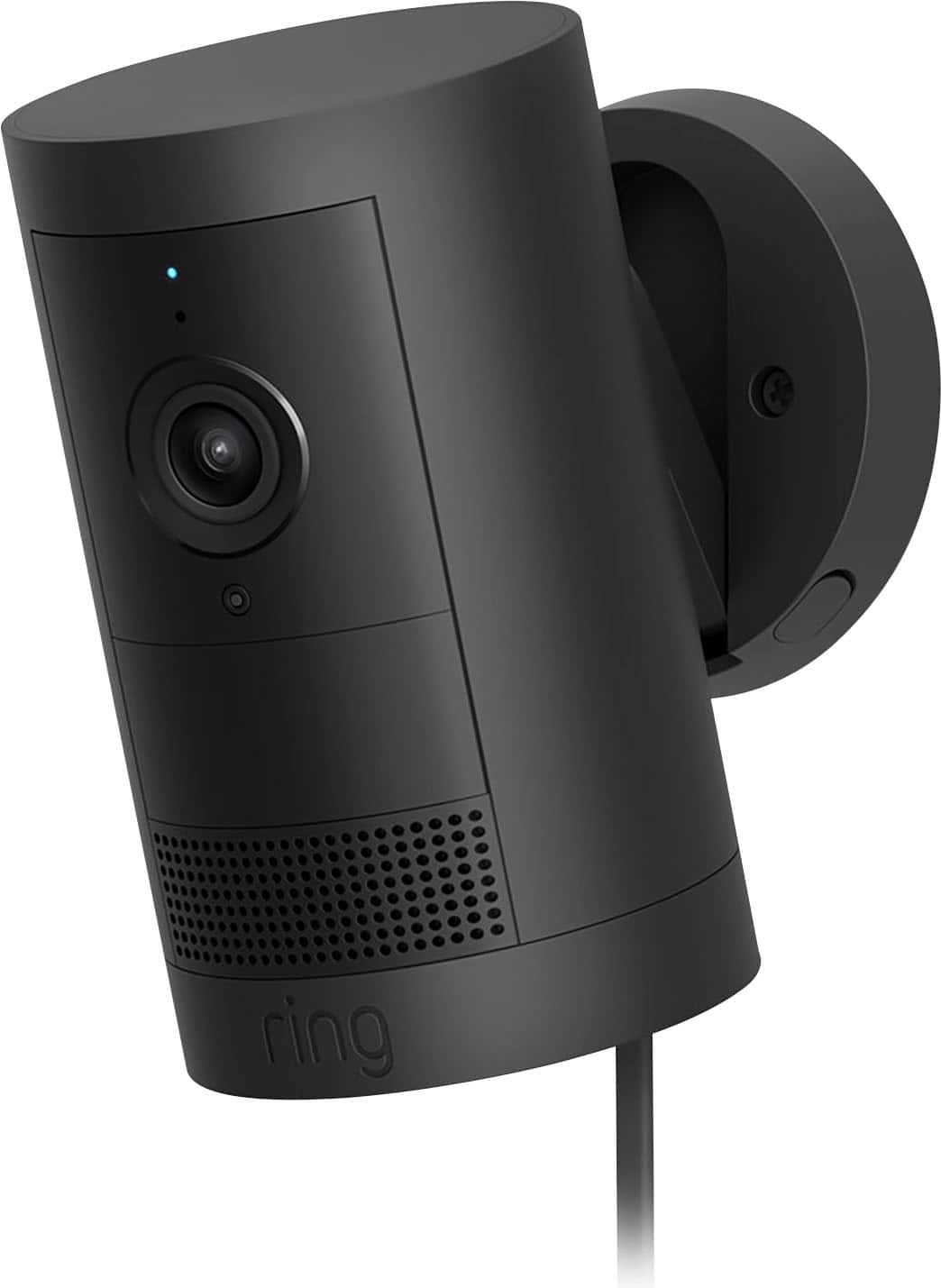
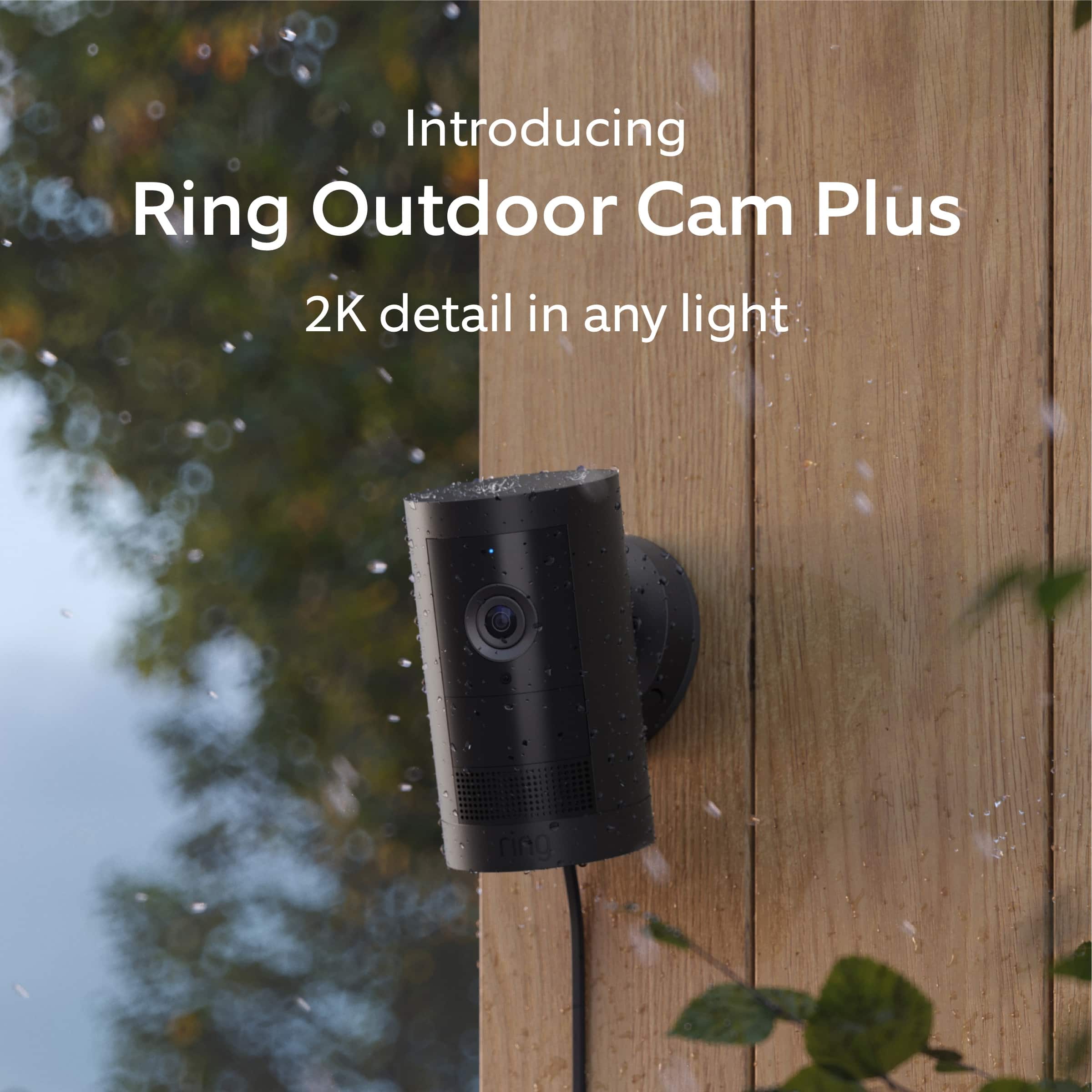
- A:Answer Hi birdman. Thank you for reaching out to us with your questions. Yes, the Ring Outdoor Cam Plus comes with one removable Ring Rechargeable Battery Pack. Additional batteries can be purchased from retailers such as Best Buy, or directly from our Ring website. If any additional information is needed regarding your question, please reach out to our community. Ring Community is our first peer-to-peer community forum, giving our customers the ability to help one another and share their feedback and experiences directly with Ring. Join the Ring Community today! Thank you, Amilia from Ring.
Answered by Ring

Q: QuestionIs there a way to check how much battery is left on the camera through the ring app? or do i just have to wait till battery is completely dead?
Asked by Steven.
- A:Answer The app will send you a notification at 30% and you can also check the top right corner of the camera preview for battery health.
Answered by 1111
Q: QuestionSo i'm getting random notifications on the application from other cameras/areas, i only want notifications for my cameras and that's it Only when my cameras detect motion, not other cameras or other areas... how can i do this? thanks!
Asked by Steven.
- A:Answer Hi Steven. Thank you for taking the time to ask this question. You can customize your notifications and Neighbors feed to see relevant posts. Your feed settings determine which neighborhood events appear in your summary. To access Neighbors push notification settings, email notification settings, and customize Neighbors feed: Open the Ring app or Neighbors app. For the Ring app, tap the Neighbors shortcut tile, then tap the gear icon. For the Neighbors app, tap the menu (≡) Tap Neighborhood Settings. To edit push notifications, tap Push Notification Settings. Then, tap Filter Alerts by Type. Once complete, tap Apply Filter or Done. To edit Neighbors feed, tap Feed Settings. Tap Advanced Settings to choose and refine what topics you want to see in your feed. Once complete, tap Apply or Done. The topics you select also enable or disable push notifications for each topic. To edit Neighbors email notifications, tap Email Notification Settings. Select your desired notification settings and tap Save. If any additional information is needed regarding your question, please reach out to our community. Ring Community is our first peer-to-peer community forum, giving our customers the ability to help one another and share their feedback and experiences directly with Ring. Join the Ring Community today! Thank you, Amilia from Ring.
Answered by Ring
Q: QuestionDoes ring make a clamp for easy hanging
Asked by Clamp.
This question was asked about the related product: Ring - Outdoor Cam Plus, Plug-In, Wide-Angle 2K Video, Low-Light Sight for full-color night vision, Mount-anywhere versatility - White
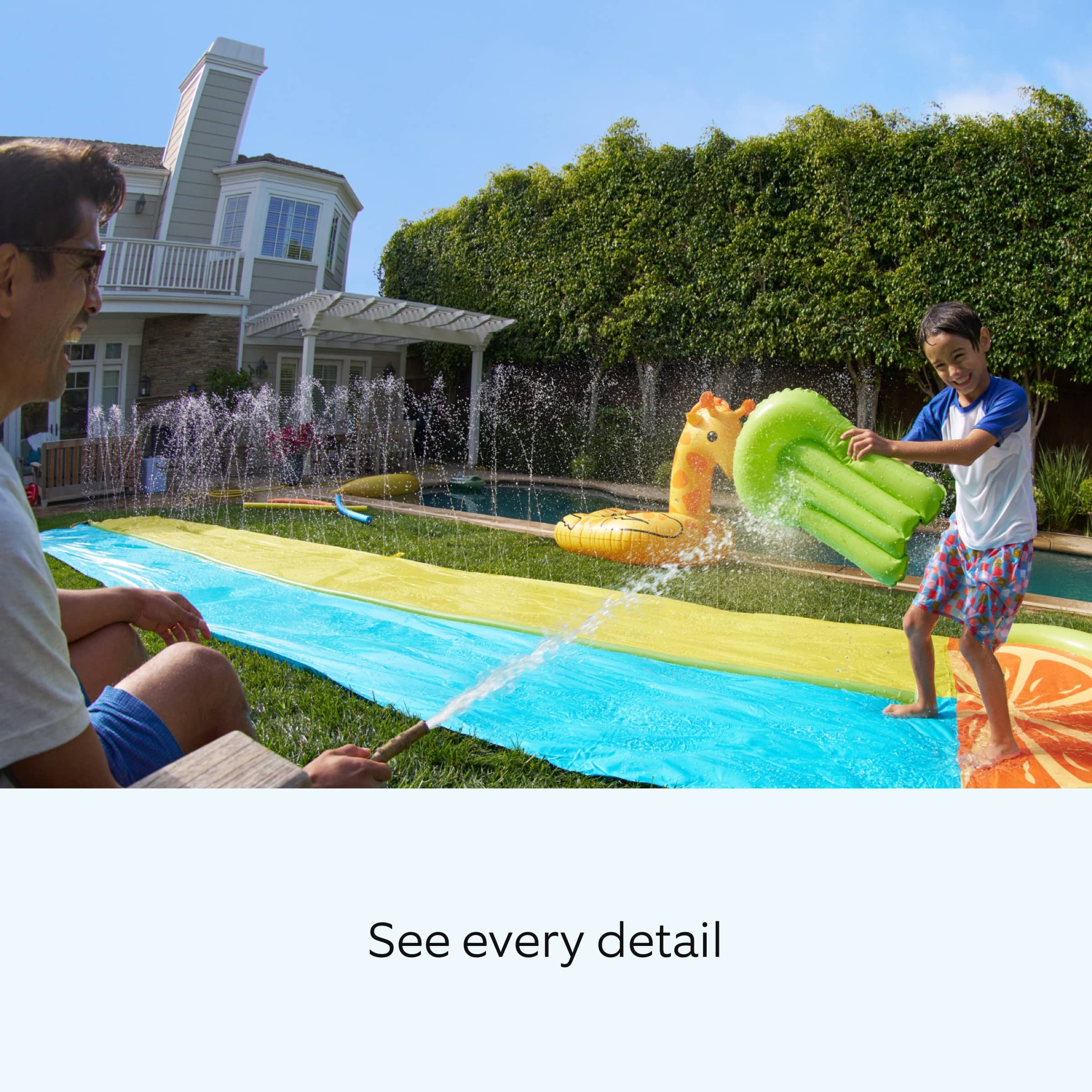
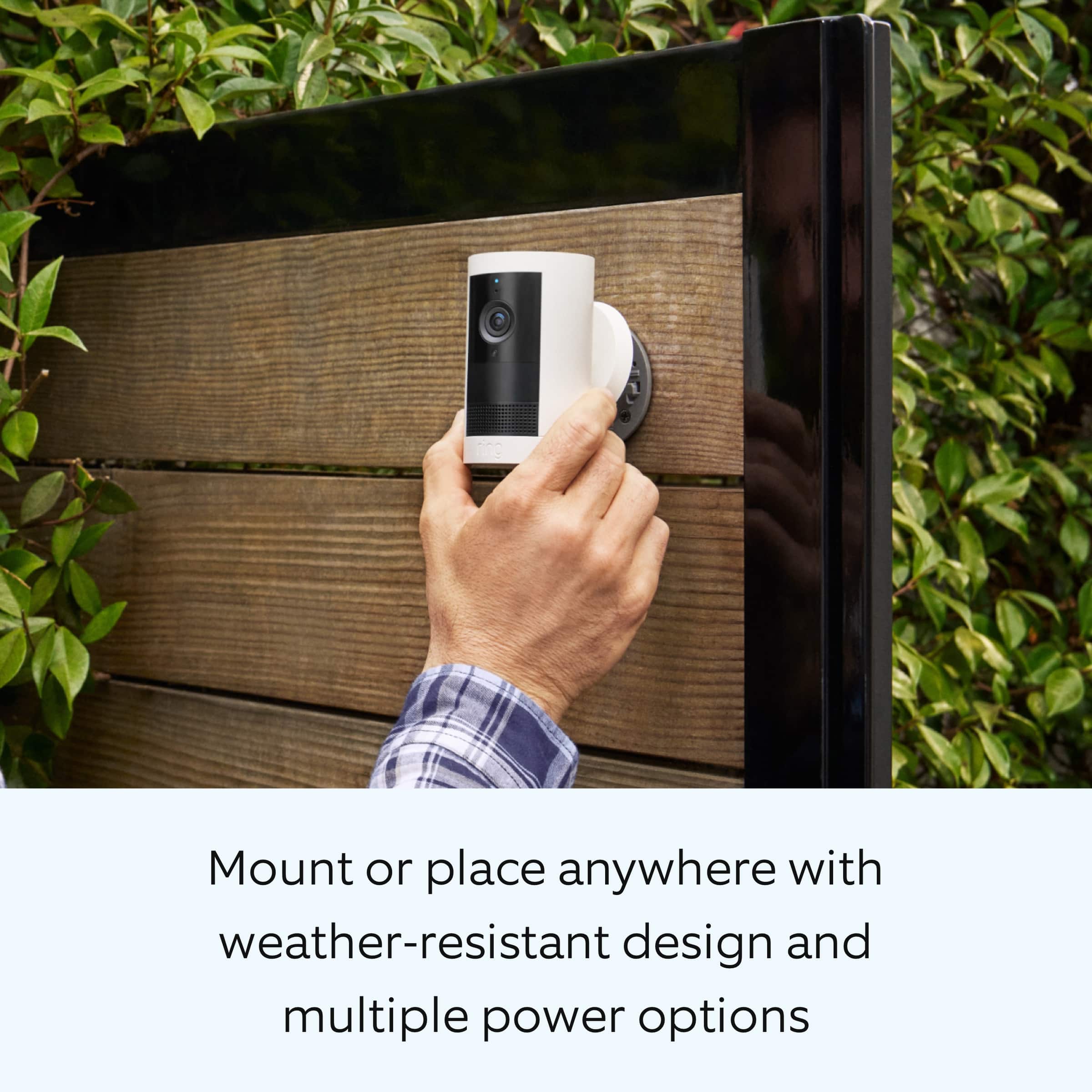
- A:Answer Hi Clamp. Thank you for reaching out to us with your question. The included mount is adjustable for wall or ceiling installation. Here are the steps for ceiling installation: 1. Slide the mounting plate in the direction opposite to the UP arrow to remove. 2. Use the mounting plate as a guide to mark screw holes on the ceiling. NOTE: For best results, avoid locations with nearby objects that can interfere with your camera’s field of view. 3. Install the mounting plate with the UP arrow pointing opposite to your desired viewing direction. On stucco, brick, or concrete, use a 1/4 in (6 mm) masonry bit to drill holes for the included wall anchors. 4. Unclasp the camera mount. 5. Unscrew to detach the camera mount from the battery cover. 6. Remove the rubber cap on the back of your camera and use it to plug the bottom. 7. Attach the camera mount to the back of your camera with its screw. 8. Plug in the power cable. Be sure the power cable is fully inserted When connecting the camera, press the plug in firmly to ensure a good seal. The line on the plug should be covered by the port, with the triangle remaining visible. (Optional) If installing with a Quick Release Battery Pack, twist the battery cover to remove. Insert the battery and close. 9. Secure your camera to the mounting plate by sliding until you feel a click. NOTE: Your camera should be in an upright position. 10. Tighten the security screw on the camera mount. 11. Tighten the security screw on the battery cover. (Optional) Adjust your camera’s position, then remove the rubber cap at the base of the camera mount and tighten the screw to secure in place. Replace the rubber cap. 12. Adjust your camera’s angle, then tighten the screw on the camera mount arm to secure in place. 13. Plug the power adapter into an outlet. 14. Anchor the power cable to the wall or ceiling with the included cable clips. (Optional) Secure the power adapter with the included anchors and screws. If any additional information is needed regarding your Ring Outdoor Cam Plus Plug-In, please reach out to our community. Ring Community is our first peer-to-peer community forum, giving our customers the ability to help one another and share their feedback and experiences directly with Ring. Join the Ring Community today! Thank you, Amilia from Ring.
Answered by Ring
Q: QuestionWhen i install the app on my phone, does it offer 2FA for more security, incase someone steals my password? 2 factor authentication?
Asked by Steve.
- A:Answer Hi Steve. Thank you for your question today! Yes, the Ring app offers two-factor authentication for added security. When you attempt to sign in to Ring with two-step verification, we'll text a six-digit verification code to your mobile phone. This helps us verify your identity. Enter the verification code to complete the sign-in process. We only use this phone number to secure your account. We invite you to reach out to our community if any additional information is needed regarding your question. The Ring Community is our first peer-to-peer community forum, giving our customers the ability to help one another by sharing their feedback and experiences with each other. Thank you, Miyuki from Ring.
Answered by Ring
Q: Questionwill this camera work with the ring hard wire kit
Asked by Anonymous.
This question was asked about the related product: Ring - Outdoor Cam Plus, Plug-In, Wide-Angle 2K Video, Low-Light Sight for full-color night vision, Mount-anywhere versatility - White
- A:Answer Hi. Thank you for reaching out to us with your question. Yes, you can convert the Ring Outdoor Cam Plus Plug- In to hardwired with the Ring Hardwired Kit. The Ring Hardwired Kit requires an existing junction box and may be mounted on a wall or ceiling. It is compatible with Ring USB-C input cameras only. If any additional information is needed regarding your question, please reach out to our community. Ring Community is our first peer-to-peer community forum, giving our customers the ability to help one another and share their feedback and experiences directly with Ring. Join the Ring Community today! Thank you, Amilia from Ring.
Answered by Ring
Q: QuestionCan the video be shared with another party so they can see what is going on
Asked by Anonymous.
- A:Answer Hello. Thank you for taking the time to ask this question. Yes, you can share videos from within the Ring app. 1. Open the Ring app to the main dashboard. 2. Tap the History tile in the shortcut bar. 3. Scroll to the video you want to download, then tap more (•••). 4. Tap Share and select how you would like to share this video. You also have the option to share one or more Ring devices with as many shared users as you like. Access to particular cameras can be granted or taken away by the owner. If any additional information is needed regarding your question, please reach out to our community. Ring Community is our first peer-to-peer community forum, giving our customers the ability to help one another and share their feedback and experiences directly with Ring. Join the Ring Community today! Thank you, Amilia from Ring.
Answered by Ring
Q: Questiondoes the ring camera get paid for by fetch
Asked by MatthewDamianDavis.
This question was asked about the related product: Ring - Outdoor Cam Plus, Plug-In, Wide-Angle 2K Video, Low-Light Sight for full-color night vision, Mount-anywhere versatility - White
- A:Answer Hi MatthewDamianDavis. Thank you for taking the time to ask this question. In this particular case, we'd suggest you reach out to Best Buy's customer service: 1-888-237-8289 or https://www.bestbuy.com/services/triage/home. We are confident that they will be able to provide you with a resolution to this concern. Ring Community was launched to help deliver the most current news and educational information to our neighbors. This online forum is divided into four categories: Product Boards, Ring Updates, Tips + Tricks, and a Moderators’ Corner. The Product Boards are where you can begin new topics with your questions or feedback; there is also a search option which helps you find topics that were already posted by other neighbors. We invite you to join our community today! Thank you, Amilia from Ring.
Answered by Ring
Q: QuestionCan i safely turn this camera off/on and it still be ready to go when i turn it back on? or will i have to re-configure it each time i turn it back on? I plan on only turning it on when i leave the house.
Asked by ferf.
- A:Answer Yes, I have taken the camera down and charged the battery and reinstalled it without any problems. I do, however feel that there should be a better and more convenient way to take the camera out, recharge the battery and reinstall it.
Answered by Misucguy
Q: QuestionSo, i plan on using the camera in my home when i'm not home. My question is, can i keep it powered off till i'm ready to use it, if i turn it on, will it be all set to go right away? or do i need to configure it every time i power it on?
Asked by Ferf.
- A:Answer All my cameras are battery operated and I use them all outside. All you have to do is make sure the camera battery is fully charged. I can sit inside my home and check all my cameras to see what’s going on outside from my iPad. I love every one of them and I have several. Hope this helps.
Answered by KarenJane
Q: QuestionI'm assuming to view the camera feed i need to install the app on my phone? Are these pretty easy to setup? Can i buy 2 of these, and still access both feeds from my phone? for both cameras?
Asked by Steve.
- A:Answer Hi Steve. Thank you for your question today! Yes, you will need to download the Ring app on your smartphone to view the camera feed. The Ring app provides a guided setup process, making installation straightforward for most users. As for buying two cameras, both camera feeds are accessible from a single Ring account via the Ring app on your phone. We invite you to reach out to our community if any additional information is needed regarding your question. The Ring Community is our first peer-to-peer community forum, giving our customers the ability to help one another by sharing their feedback and experiences with each other. Thank you, Miyuki from Ring.
Answered by Ring
Q: QuestionCan I use this camera in Europe with electric 220 volt
Asked by LGrefrigerator.
This question was asked about the related product: Ring - Outdoor Cam Plus, Plug-In, Wide-Angle 2K Video, Low-Light Sight for full-color night vision, Mount-anywhere versatility - White
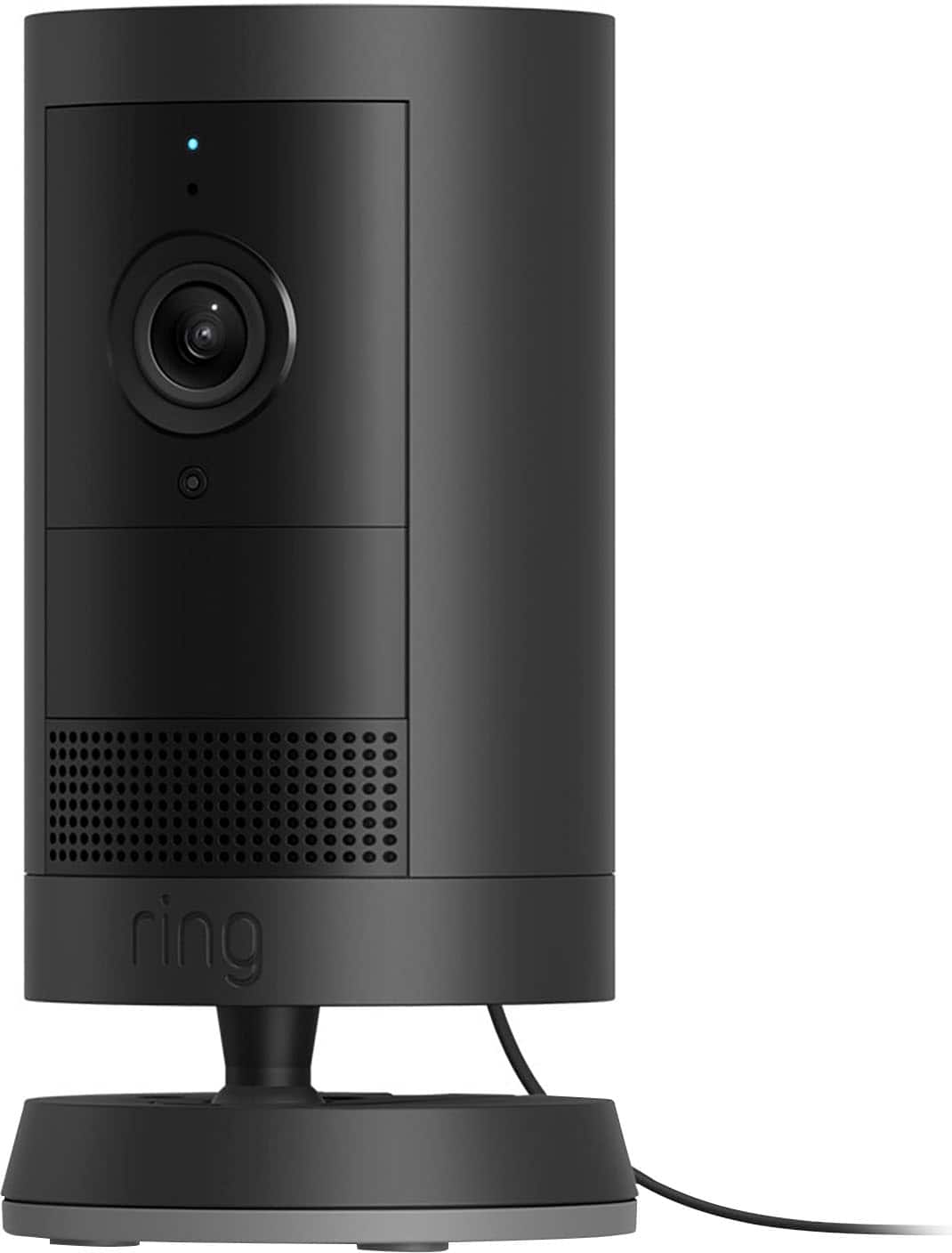
- A:Answer Hi LGrefrigerator. We appreciate the time you have taken to ask this question. Yes, however the US version is not compatible with outlets in Europe. The Europe version would need to be purchased to be compatible with European outlets and support 220V input voltage. If any additional information is needed regarding your question, please reach out to our community. Ring Community is our first peer-to-peer community forum, giving our customers the ability to help one another and share their feedback and experiences directly with Ring. Join the Ring Community today! Thank you, Amilia from Ring.
Answered by Ring
Q: QuestionCan I use a solar panel to power this camera?
Asked by Aldo.
This question was asked about the related product: Ring - Outdoor Cam Plus, Plug-In, Wide-Angle 2K Video, Low-Light Sight for full-color night vision, Mount-anywhere versatility - White
- A:Answer Hi Aldo. Thank you for your question today! Yes, you can use a solar panel to power the Ring Outdoor Cam Plus, Plug-In. The camera is compatible with USB-C solar panels sold separately. We invite you to reach out to our community if any additional information is needed regarding your question. The Ring Community is our first peer-to-peer community forum, giving our customers the ability to help one another by sharing their feedback and experiences with each other. Thank you, Miyuki from Ring.
Answered by Ring
Q: QuestionCan I put the USB on to my computer and watch the video on the computer?
Asked by Kirshey.
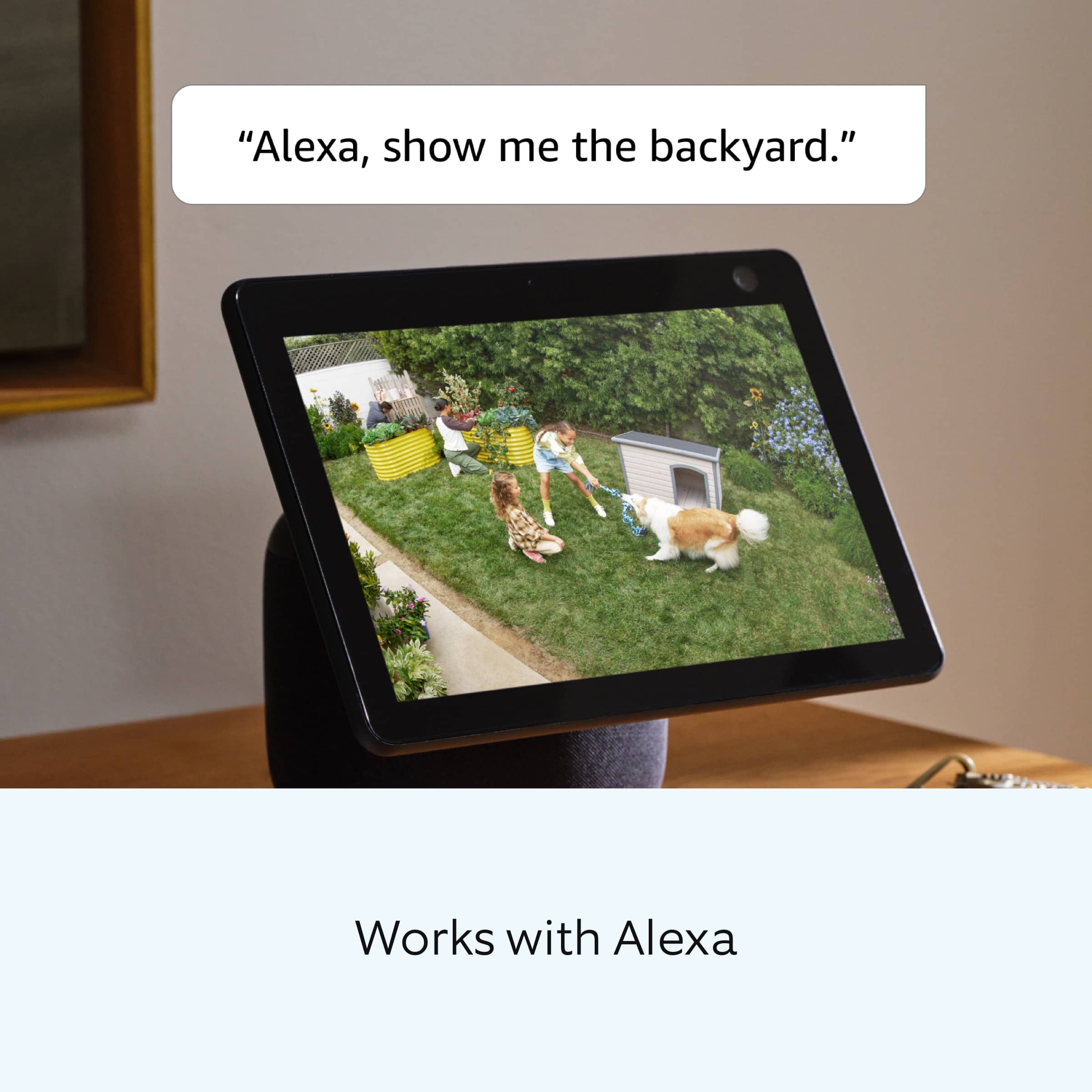
- A:Answer Hi Kirshey. We appreciate the time you have taken to ask this question. The Live View feature can be accessed from the Ring app and the ring site. You can watch live video from your Ring doorbell or camera for up to 10 minutes at a time. Ring products provide their standard features such as instant alerts, live view, and two-way talk without any subscription. Ring Protect Plans offer downloading and sharing video capabilities and additional features for those who want them. If any additional information is needed regarding your question, please reach out to our community. Ring Community is our first peer-to-peer community forum, giving our customers the ability to help one another and share their feedback and experiences directly with Ring. Join the Ring Community today! Thank you, Amilia from Ring.
Answered by Ring
Q: QuestionAre additional base mounting plates available so that I can easily relocate the camera as needed?
Asked by Paul.
This question was asked about the related product: Ring - Outdoor Cam Plus, Plug-In, Wide-Angle 2K Video, Low-Light Sight for full-color night vision, Mount-anywhere versatility - White
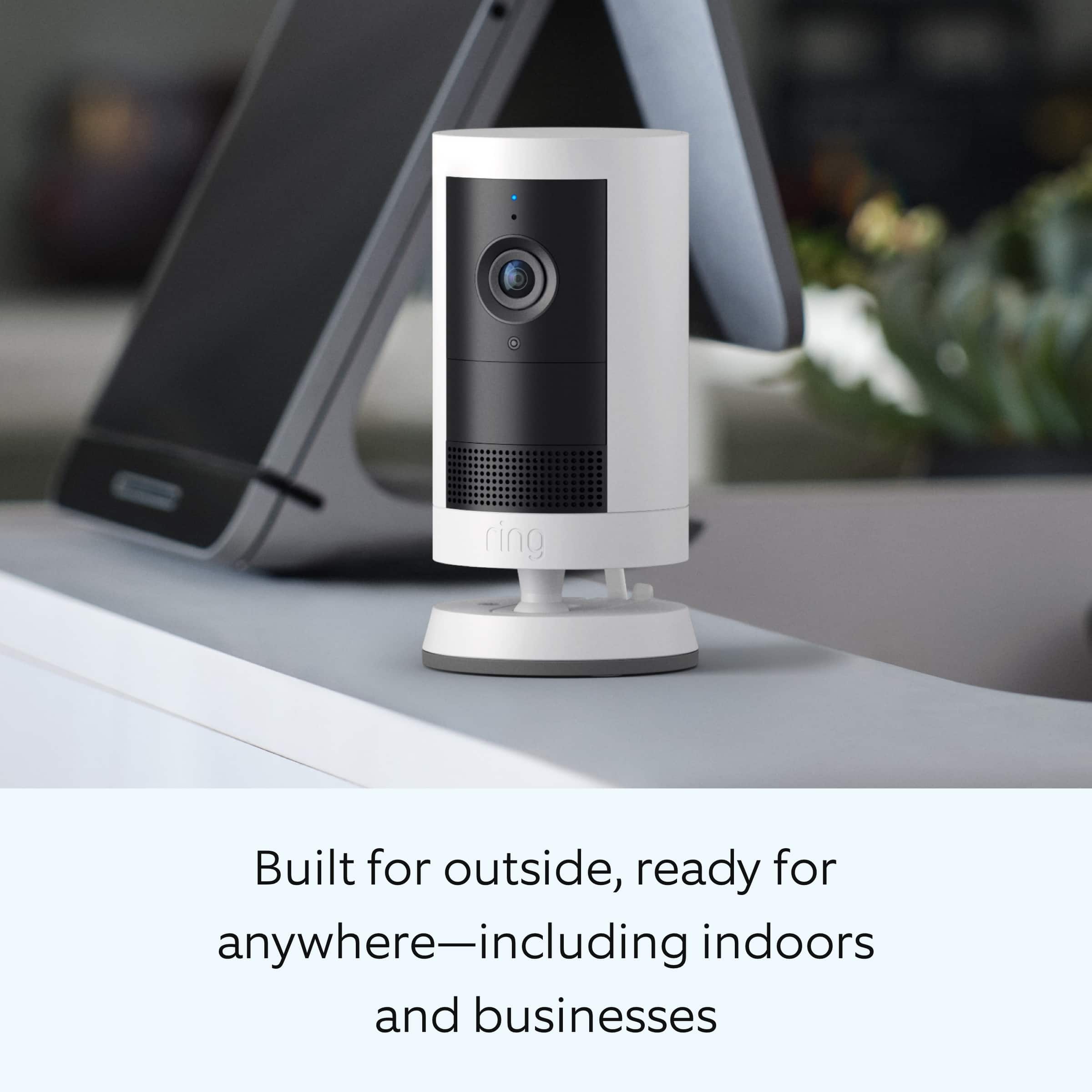
- A:Answer Hi Paul. Thank you for reaching out to us with your question. The included mount is adjustable for wall or ceiling installation. The Ring Outdoor Cam Plus can also be placed on a level surface such as a table or shelf. If any additional information is needed regarding your Ring Outdoor Cam Plus, please reach out to our community. Ring Community is our first peer-to-peer community forum, giving our customers the ability to help one another and share their feedback and experiences directly with Ring. Join the Ring Community today! Thank you, Amilia from Ring.
Answered by Ring
Q: QuestionIs the adjustable motion zone larger with the plug-in powered model than what’s on the battery powered model?
Asked by Roy.
This question was asked about the related product: Ring - Outdoor Cam Plus, Plug-In, Wide-Angle 2K Video, Low-Light Sight for full-color night vision, Mount-anywhere versatility - White
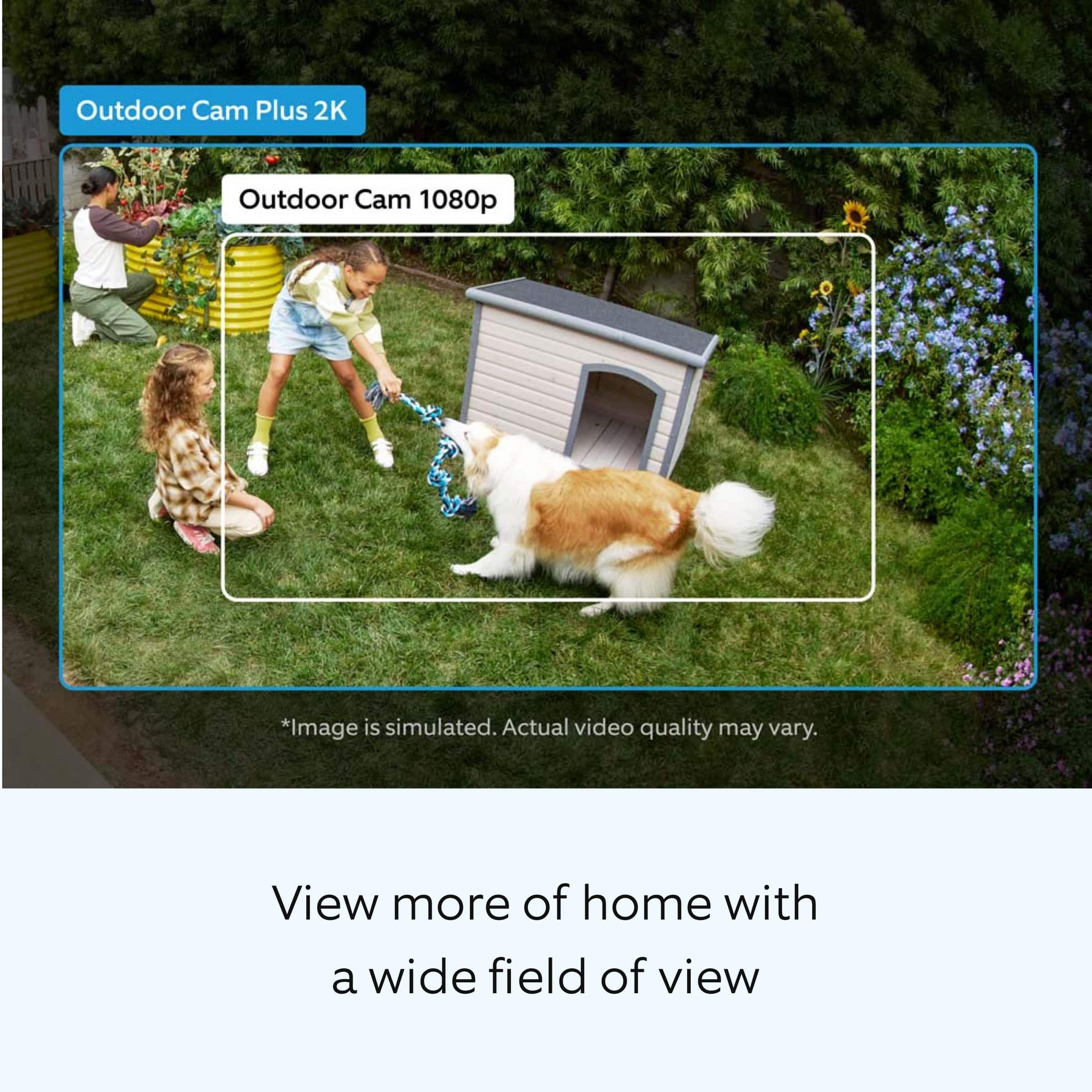
- A:Answer Hi Roy. Thank you for reaching out to us with your question. Yes, however; the motion detection range on all Ring devices is up to around 30 feet with the motion sensitivity slider at the maximum level. Larger objects in the distance, such as vehicles, might still cause a motion alert. If you turn motion sensitivity down, this range will be lower. If any additional information is needed regarding your question, please reach out to our community. Ring Community is our first peer-to-peer community forum, giving our customers the ability to help one another and share their feedback and experiences directly with Ring. Join the Ring Community today! Thank you, Amilia from Ring.
Answered by Ring
Q: QuestionDo I have to have some kind of subscription that I have to pay for to use this camera and also can I add onto the camera by buying another one at some future date?
Asked by RO.
This question was asked about the related product: Ring - Outdoor Cam Plus, Plug-In, Wide-Angle 2K Video, Low-Light Sight for full-color night vision, Mount-anywhere versatility - White
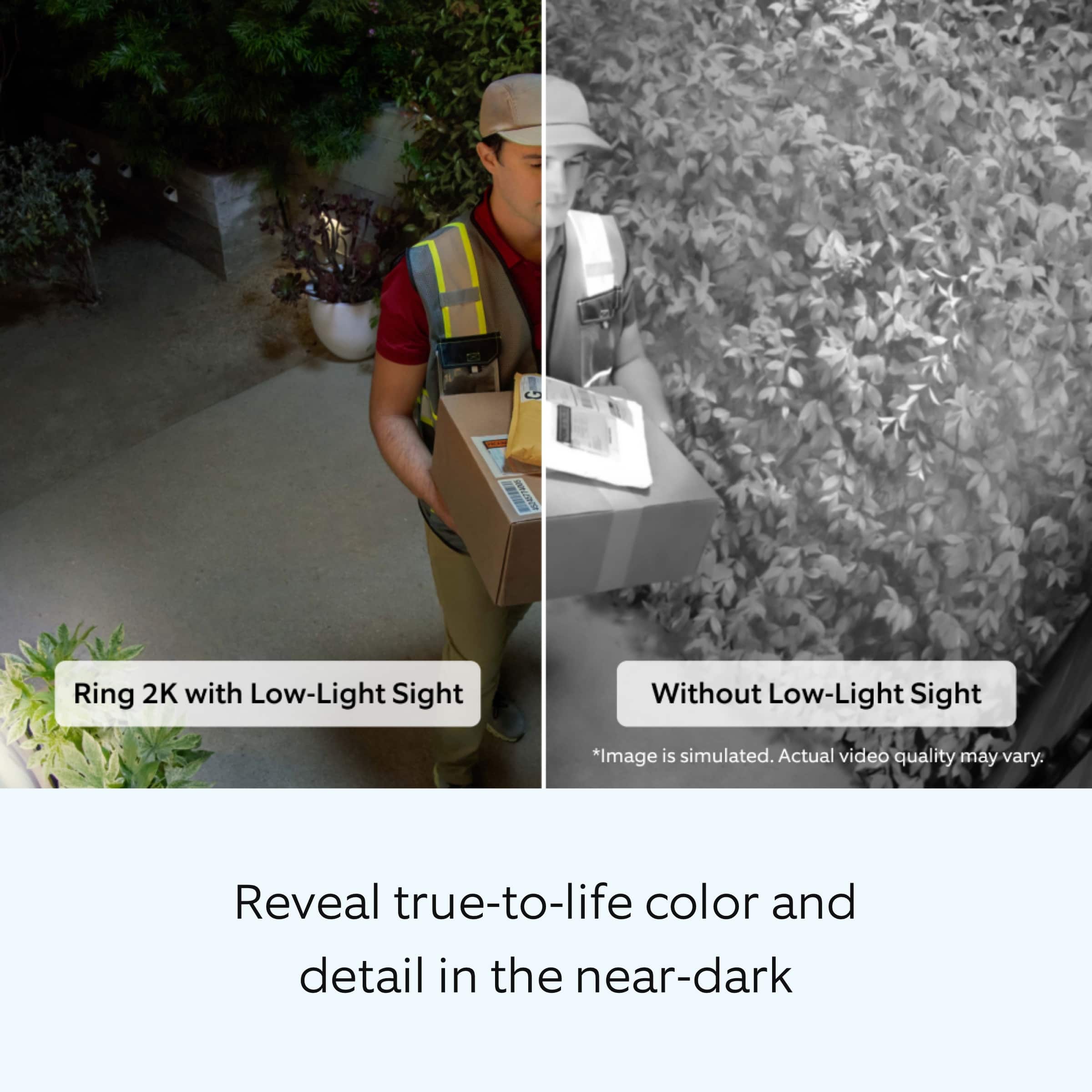
- A:Answer Short answer: No — but it depends what you want it to do. You can use your Ring camera or doorbell for free — you’ll still get: Live video (you can open your app and see what’s happening right now). Alerts and two-way talk when motion is detected or someone rings the doorbell. TechRadar Where the subscription comes in is recording and storing video: Without a subscription, Ring won’t keep clips or history — so you can’t play back videos later. TechRadar With a Ring Protect plan, your camera will record video clips to the cloud so you can review them anytime, share them, and save them. Ring offers different subscription
Answered by Carls
Q: QuestionHow easy is the wired version to install? Do I need a professional to help?
Asked by DjBolanos.
- A:Answer very simple no need for any professional if your going high area just use caution and a long extension cord
Answered by jorge
Q: Questionhow long is battery life
Asked by GregoryJames.
- A:Answer Hi GregoryJames. Thank you for reaching out to us with your question. Batteries in Ring devices are designed to go months between charges under normal conditions. However, real battery life is dependent on a number of factors, such as local weather, the number of events captured, and the frequency of activation. If any additional information is needed regarding your question, please reach out to our community. Ring Community is our first peer-to-peer community forum, giving our customers the ability to help one another and share their feedback and experiences directly with Ring. Join the Ring Community today! Thank you, Amilia from Ring.
Answered by Ring
Best-selling outdoor security cameras
- $199.99$199.99The price was $279.99
- $199.99$199.99The price was $249.99
- $119.99$119.99The price was $179.99