Main Content

Questions & Answers

$59.99
Save $40
The comparable value is $99.99
Page Showing 21-40 of 117 questions
  • QuestionCan I record videos continuously with this camera?

    • Answer Yes, the camera offers 24/7 continuous recording with a Ring Home Premium subscription.
    This question and answer was generated by AI based on customer and product data.
  • QuestionHow is the camera powered?

    • Answer This camera is battery-powered, offering flexible placement options without the need for an outlet.
    This question and answer was generated by AI based on customer and product data.
  • QuestionHow much is the Ring Home Premium subscription?

    Asked by Retneprac.

    • Answer Hi Retneprac. Thank you for reaching out to us with your question. We have listed the pricing for the optional Ring Home Plans here: The Ring Home Basic Plan includes video recording for one Ring doorbell or home camera, person and package alerts, video preview alerts, and 10% off select Ring purchases. The cost of the Ring Home Basic Plan is $4.99/month or $49.99/year. The Ring Home Standard Plan covers all home devices at one location, includes everything in the Ring Home Basic Plan, doorbell calls, extended live view, alarm cellular backup, and more. The cost of the Ring Home Standard Plan is $9.99/month or $99.99/year. The Ring Home Premium Plan covers all home devices at one location, includes everything in the Ring Home Standard Plan, smart video search, 24/7 recording, SOS emergency response, and more. The cost of the Ring Home Premium Plan is $19.99/month or $199.99/year. If any additional information is needed regarding your question, please reach out to our community. Ring Community is our first peer-to-peer community forum, giving our customers the ability to help one another and share their feedback and experiences directly with Ring. Join the Ring Community today! Thank you, Amilia from Ring.
      Answered by Ring

  • QuestionHow do you charge camera?

    Asked by Anonymous.

    • Answer Pull the battery out and charge the battery.

      Answered by Excited

  • QuestionHow long is the ac adaptor to connect to wall outlet wall outlet or will I need a extension cord

    Asked by Fatj23.

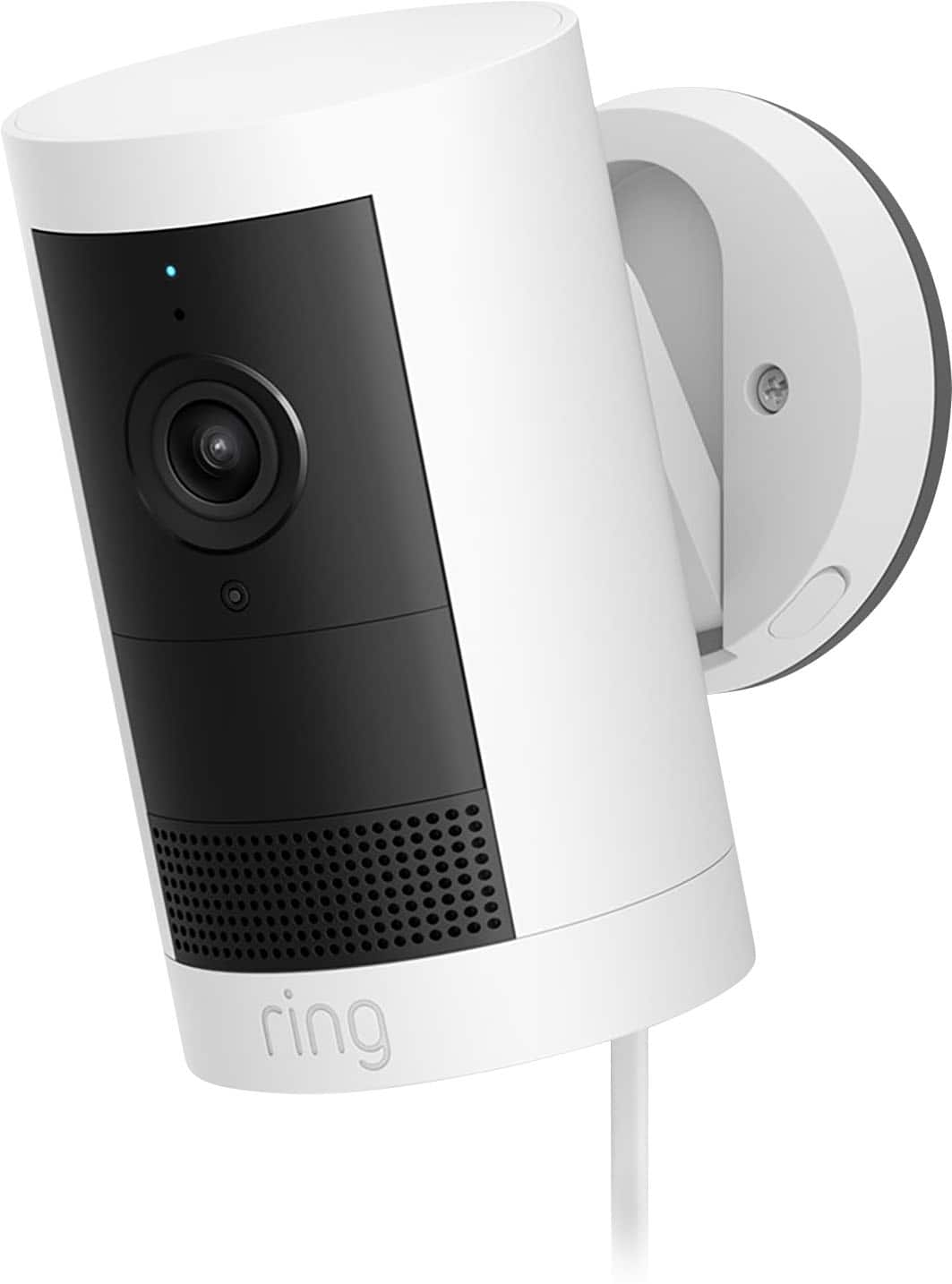
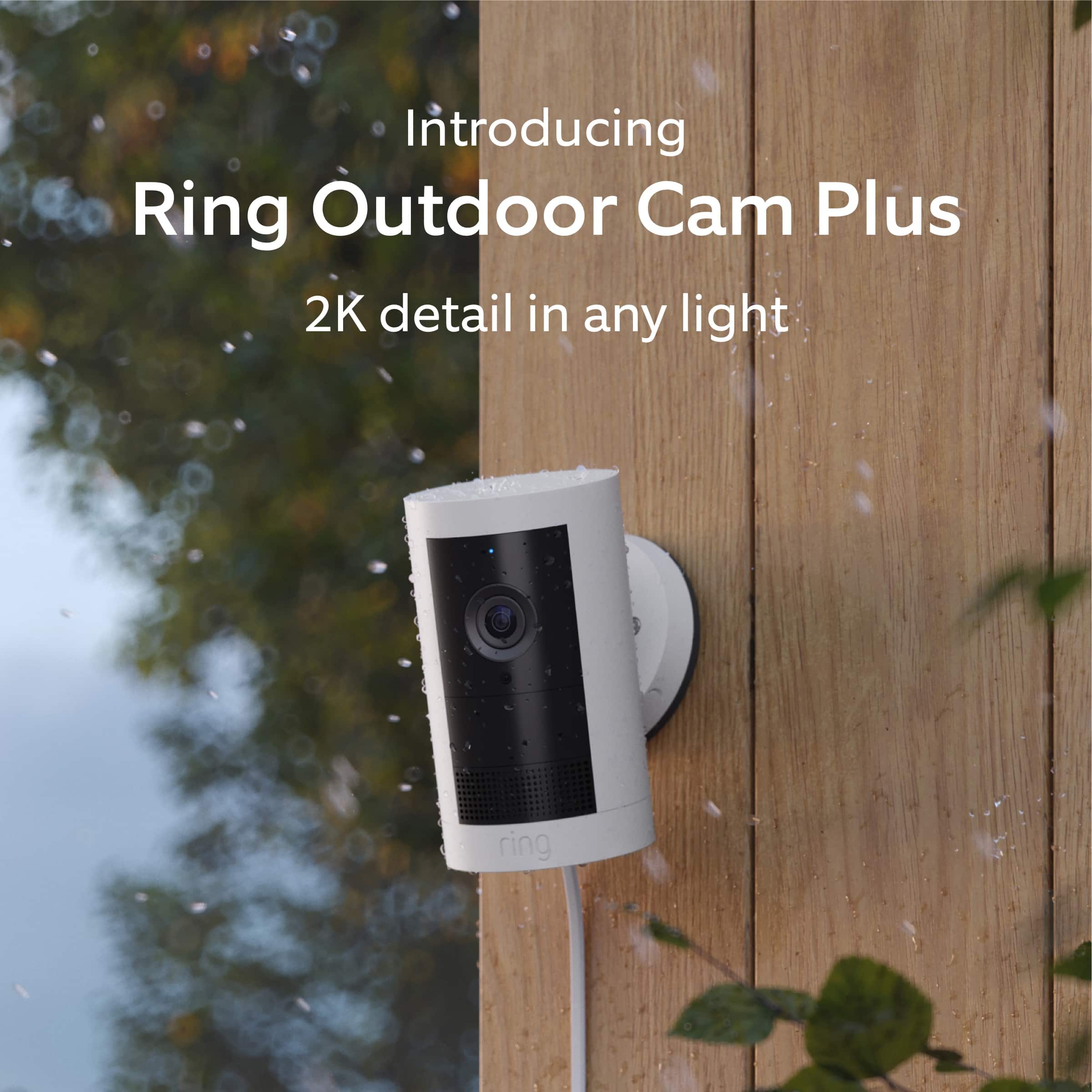
    • Answer Hello fatj. Thank you for taking the time to ask this question. The Ring Outdoor Cam Plus Plug-In has a 8.2 foot USB-C indoor power cable and a 11.5 foot outdoor power cable. If any additional information is needed regarding your question, please reach out to our community. Ring Community is our first peer-to-peer community forum, giving our customers the ability to help one another and share their feedback and experiences directly with Ring. Join the Ring Community today! Thank you, Amilia from Ring.
      Answered by Ring

  • QuestionHow long is the plug in cord

    Asked by Anonymous.

    • Answer Hello. Thank you for taking the time to ask this question. The Ring Indoor/Outdoor Power Adapter (USB-C) has a USB-C cable length of 8.2 feet and the outdoor AC power cable is 11.5 feet in length. If any additional information is needed regarding your question, please reach out to our community. Ring Community is our first peer-to-peer community forum, giving our customers the ability to help one another and share their feedback and experiences directly with Ring. Join the Ring Community today! Thank you, Amilia from Ring.

      Answered by Ring

  • QuestionHow far does the motion sensitivity reach?

    Asked by Apastos.

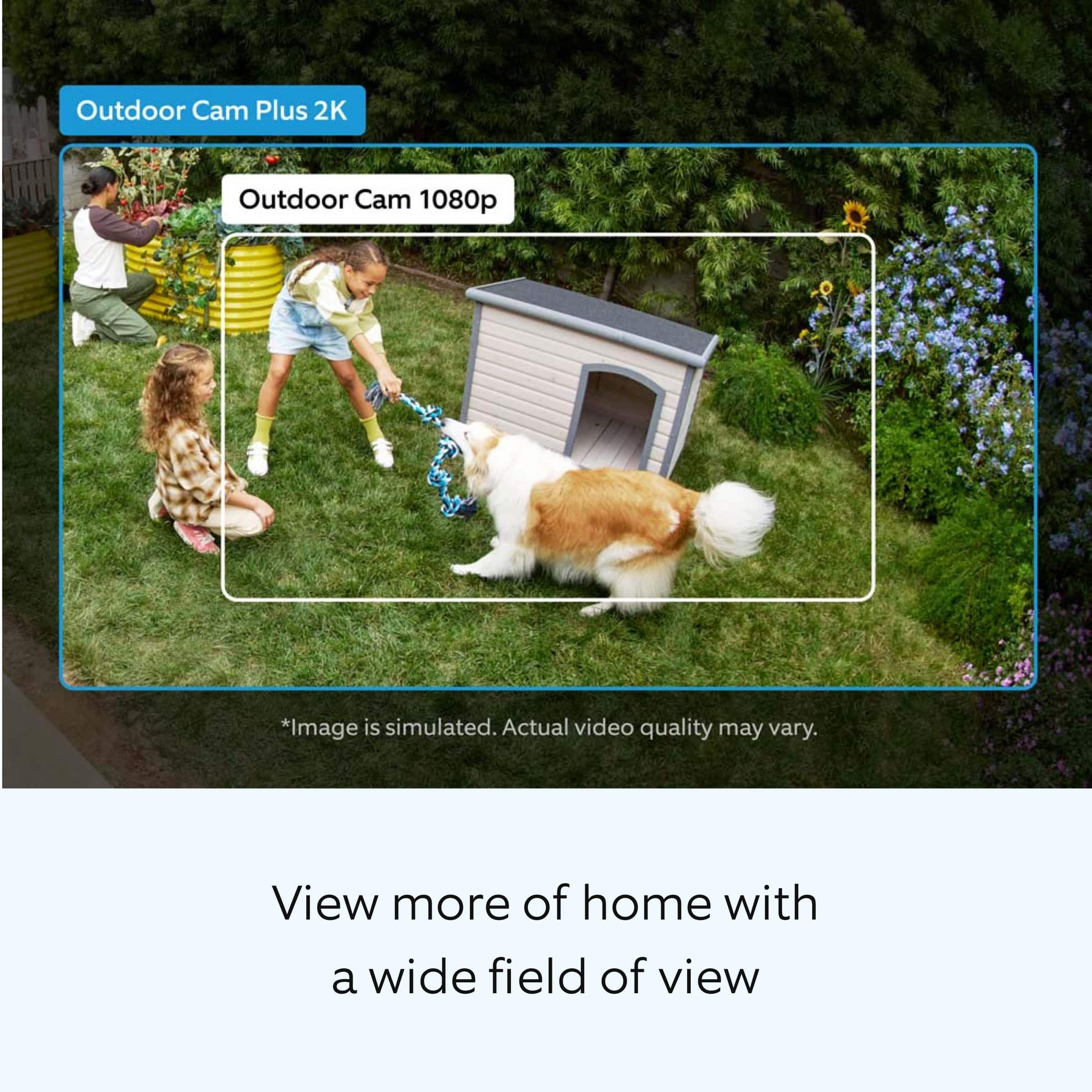
    • Answer Hi Apastos. Thank you for reaching out to us with your question. Ring devices can detect motion up to 30 feet with the Motion Sensitivity slider at the maximum level. If you turn Motion Sensitivity down, this range will be lower, decreasing false motion. If your device is missing motion, increase the Motion Sensitivity using the slider. If any additional information is needed regarding your question, please reach out to our community. Ring Community is our first peer-to-peer community forum, giving our customers the ability to help one another and share their feedback and experiences directly with Ring. Join the Ring Community today! Thank you, Amilia from Ring.
      Answered by Ring

  • QuestionWhat is the coverage radius of one outside camera?

    Asked by JAFO.

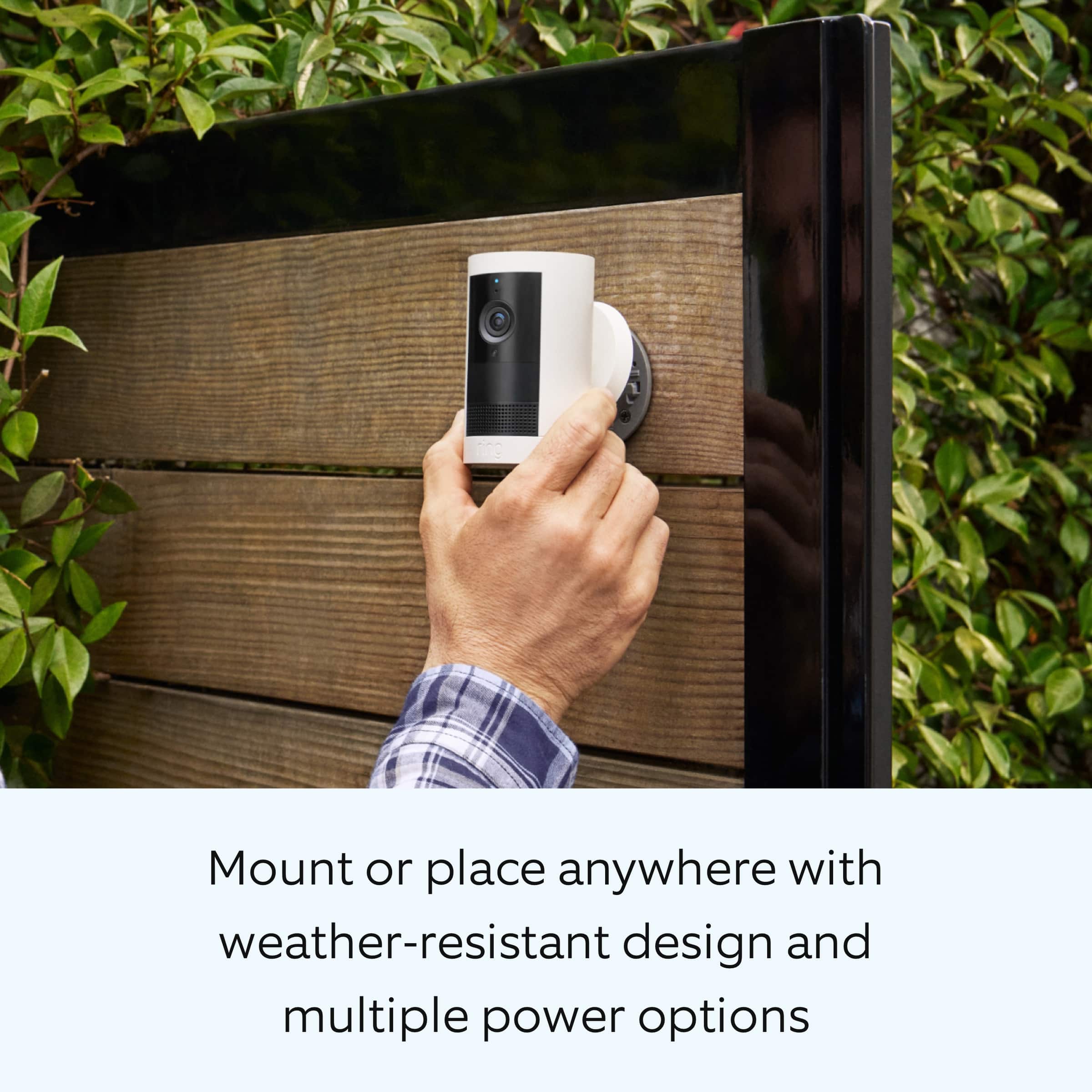
    • Answer Hi JAFO. Thank you for taking the time to ask this question. The Ring Outdoor Cam Plus has a 160° diagonal, 140° horizontal, and 80° vertical field of view. Motion detection range on Ring devices is up to around 30 feet with the motion sensitivity slider at the maximum level. However, larger objects in the distance, such as vehicles, might still cause a motion alert. If you turn motion sensitivity down, this range will be lower. If any additional information is needed regarding your question, please reach out to our community. Ring Community is our first peer-to-peer community forum, giving our customers the ability to help one another and share their feedback and experiences directly with Ring. Join the Ring Community today! Thank you, Amilia from Ring.
      Answered by Ring

  • QuestionWill this work with a standard $99.99 plan just without the 24/7 recording? Meaning will it record when it senses motion and work that way with the $99.99 plan? Thanks!

    Asked by PJPJ.

    • Answer Hi PJPJ. Thank you for taking the time to ask this question. Yes, with the Ring Home Standard Plan, you can save, share and replay recorded videos of every doorbell ring, motion event, and live view event for up to 180 days. The Ring Home Standard Plan covers all home devices at one location, includes everything in the Ring Home Basic Plan, doorbell calls, extended live view, alarm cellular backup, and more. If any additional information is needed regarding your question, please reach out to our community. Ring Community is our first peer-to-peer community forum, giving our customers the ability to help one another and share their feedback and experiences directly with Ring. Join the Ring Community today! Thank you, Amilia from Ring.
      Answered by Ring

  • QuestionCan I purchase a ring solar panel for this particular camera for it to charge the battery?

    Asked by charge.

    • Answer Hi charge. We appreciate the time you have taken to ask this question. Yes, the Ring Outdoor Cam Plus can connect to a Ring Solar Panel (USB-C). The device's battery level may vary based on the amount of direct sunlight the solar panel receives. It is important to ensure that your Ring Solar Panel is installed correctly and that it is receiving enough direct sunlight to operate as intended. For best performance, Ring recommends at least two to three hours of direct sunlight for the Ring Solar Panel. With the recommended amount of direct sunlight, the device will remain continuously charged under most conditions. If any additional information is needed regarding your question, please reach out to our community. Ring Community is our first peer-to-peer community forum, giving our customers the ability to help one another and share their feedback and experiences directly with Ring. Join the Ring Community today! Thank you, Amilia from Ring.
      Answered by Ring

  • Questioncan you use the solar charging panel on this? if so is it USBC ?

    Asked by lou.

    • Answer Hi lou. Thank you for your questions today! Yes, the Ring Outdoor Cam Plus is designed to work with our Ring Solar Panels. The port on the Ring Outdoor Cam Plus is a USB-C. It is important to ensure that your Ring Solar Panel is installed correctly and that it is receiving enough direct sunlight to operate as intended. It is recommended to place the Ring Solar Panel so that it gets at least 4 hours of light in a day. If any additional information is needed regarding your Ring Outdoor Cam Plus please reach out to our community. Ring Community is our first peer-to-peer community forum, giving our customers the ability to help one another and share their feedback and experiences directly with Ring. Sincerely, Matthew from Ring.

      Answered by Ring

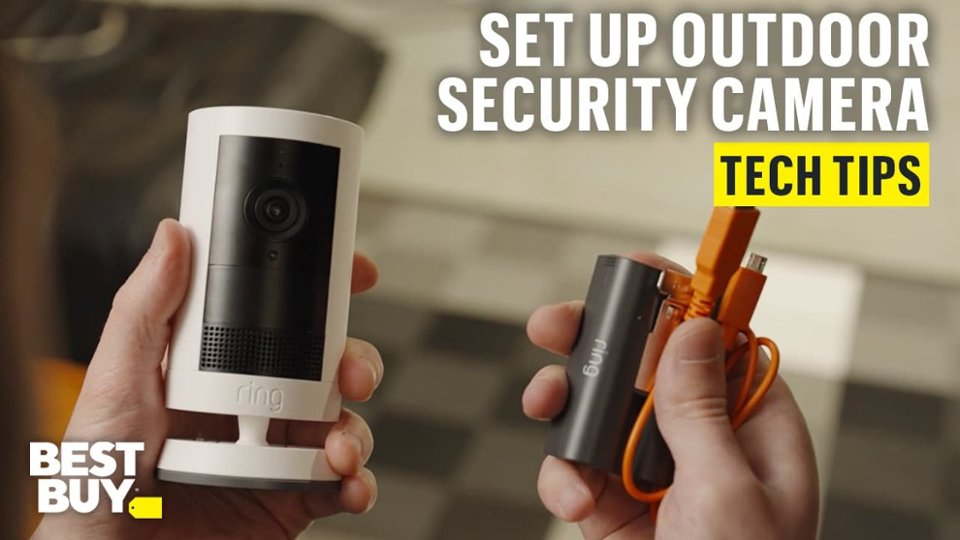
  • QuestionThe camera is powered by battery. What battery? Is the battery removable and rechargeable? If so how is a second battery purchased?

    Asked by birdman.

    • Answer Hi birdman. Thank you for reaching out to us with your questions. Yes, the Ring Outdoor Cam Plus comes with one removable Ring Rechargeable Battery Pack. Additional batteries can be purchased from retailers such as Best Buy, or directly from our Ring website. If any additional information is needed regarding your question, please reach out to our community. Ring Community is our first peer-to-peer community forum, giving our customers the ability to help one another and share their feedback and experiences directly with Ring. Join the Ring Community today! Thank you, Amilia from Ring.

      Answered by Ring

  • QuestionIs there a way to check how much battery is left on the camera through the ring app? or do i just have to wait till battery is completely dead?

    Asked by Steven.

    • Answer The app will send you a notification at 30% and you can also check the top right corner of the camera preview for battery health.

      Answered by 1111

  • QuestionDoes this item come with a battery?

    Asked by Hernandz.

  • QuestionDoes this camera need wifi to work

    Asked by Kay1.

    • Answer Hi Kay1. Thank you for your question today! Yes, the Ring Outdoor Cam Plus requires a Wi-Fi connection to work. It requires a recommended minimum upload speed of 3.5 Mbps for optimal performance, and supports dual-band Wi-Fi connectivity at 2.4GHz and 5.0GHz. It connects to your home Wi-Fi network to send video footage, motion alerts, and notifications to your Ring app. We invite you to reach out to our community if any additional information is needed regarding your question. The Ring Community is our first peer-to-peer community forum, giving our customers the ability to help one another by sharing their feedback and experiences with each other. Thank you, Miyuki from Ring.

      Answered by Ring

  • QuestionSo i'm getting random notifications on the application from other cameras/areas, i only want notifications for my cameras and that's it Only when my cameras detect motion, not other cameras or other areas... how can i do this? thanks!

    Asked by Steven.

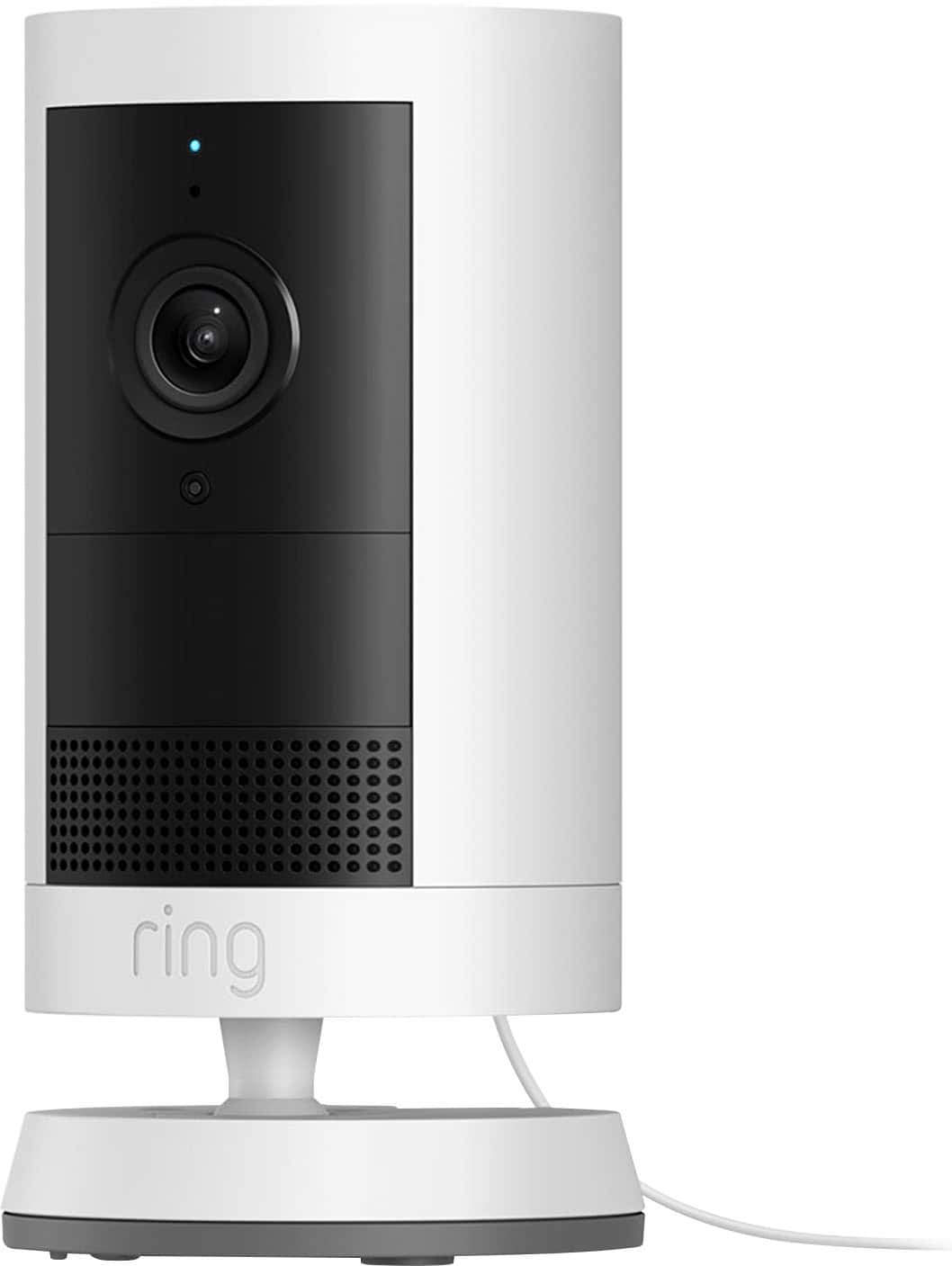
    • Answer Hi Steven. Thank you for taking the time to ask this question. You can customize your notifications and Neighbors feed to see relevant posts. Your feed settings determine which neighborhood events appear in your summary. To access Neighbors push notification settings, email notification settings, and customize Neighbors feed: Open the Ring app or Neighbors app. For the Ring app, tap the Neighbors shortcut tile, then tap the gear icon. For the Neighbors app, tap the menu (≡) Tap Neighborhood Settings. To edit push notifications, tap Push Notification Settings. Then, tap Filter Alerts by Type. Once complete, tap Apply Filter or Done. To edit Neighbors feed, tap Feed Settings. Tap Advanced Settings to choose and refine what topics you want to see in your feed. Once complete, tap Apply or Done. The topics you select also enable or disable push notifications for each topic. To edit Neighbors email notifications, tap Email Notification Settings. Select your desired notification settings and tap Save. If any additional information is needed regarding your question, please reach out to our community. Ring Community is our first peer-to-peer community forum, giving our customers the ability to help one another and share their feedback and experiences directly with Ring. Join the Ring Community today! Thank you, Amilia from Ring.
      Answered by Ring

  • QuestionDoes ring make a clamp for easy hanging

    Asked by Clamp.

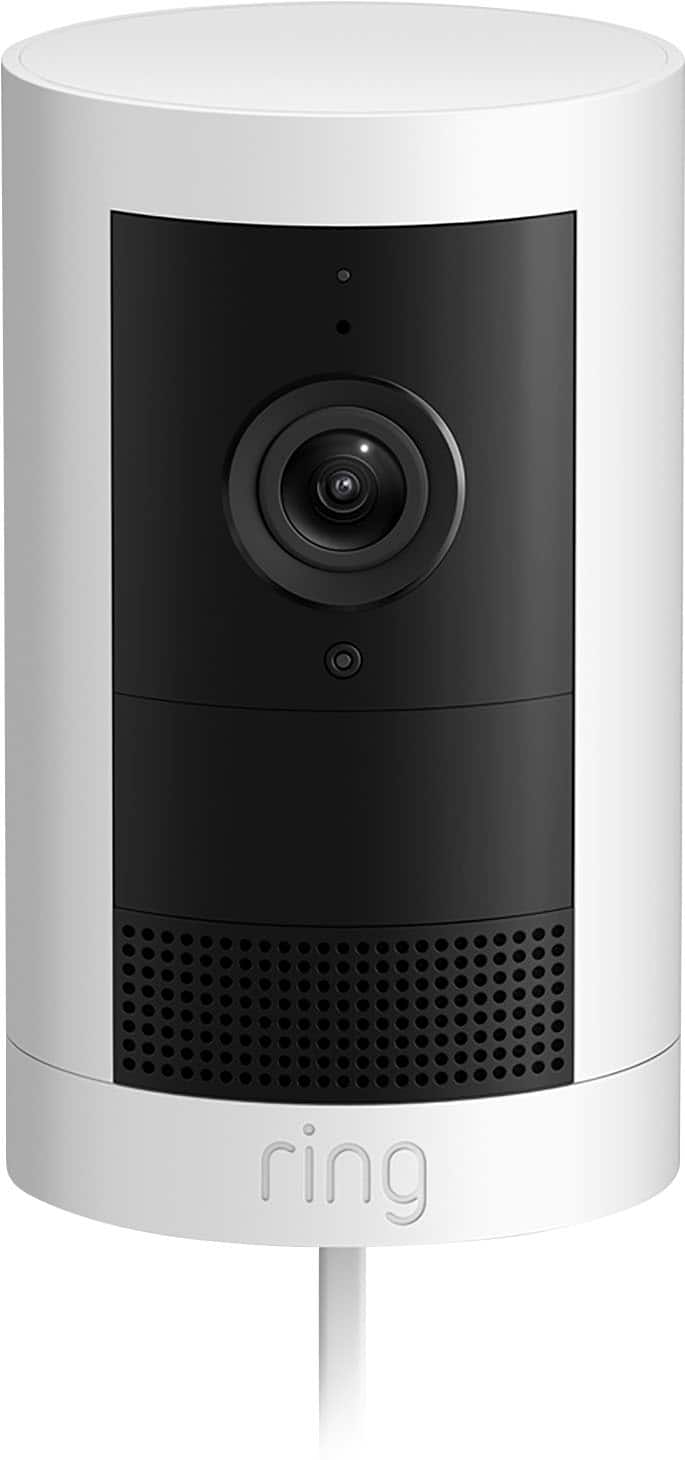
    • Answer Hi Clamp. Thank you for reaching out to us with your question. The included mount is adjustable for wall or ceiling installation. Here are the steps for ceiling installation: 1. Slide the mounting plate in the direction opposite to the UP arrow to remove. 2. Use the mounting plate as a guide to mark screw holes on the ceiling. NOTE: For best results, avoid locations with nearby objects that can interfere with your camera’s field of view. 3. Install the mounting plate with the UP arrow pointing opposite to your desired viewing direction. On stucco, brick, or concrete, use a 1/4 in (6 mm) masonry bit to drill holes for the included wall anchors. 4. Unclasp the camera mount. 5. Unscrew to detach the camera mount from the battery cover. 6. Remove the rubber cap on the back of your camera and use it to plug the bottom. 7. Attach the camera mount to the back of your camera with its screw. 8. Plug in the power cable. Be sure the power cable is fully inserted When connecting the camera, press the plug in firmly to ensure a good seal. The line on the plug should be covered by the port, with the triangle remaining visible. (Optional) If installing with a Quick Release Battery Pack, twist the battery cover to remove. Insert the battery and close. 9. Secure your camera to the mounting plate by sliding until you feel a click. NOTE: Your camera should be in an upright position. 10. Tighten the security screw on the camera mount. 11. Tighten the security screw on the battery cover. (Optional) Adjust your camera’s position, then remove the rubber cap at the base of the camera mount and tighten the screw to secure in place. Replace the rubber cap. 12. Adjust your camera’s angle, then tighten the screw on the camera mount arm to secure in place. 13. Plug the power adapter into an outlet. 14. Anchor the power cable to the wall or ceiling with the included cable clips. (Optional) Secure the power adapter with the included anchors and screws. If any additional information is needed regarding your Ring Outdoor Cam Plus Plug-In, please reach out to our community. Ring Community is our first peer-to-peer community forum, giving our customers the ability to help one another and share their feedback and experiences directly with Ring. Join the Ring Community today! Thank you, Amilia from Ring.
      Answered by Ring

  • QuestionWhen i install the app on my phone, does it offer 2FA for more security, incase someone steals my password? 2 factor authentication?

    Asked by Steve.

    • Answer Hi Steve. Thank you for your question today! Yes, the Ring app offers two-factor authentication for added security. When you attempt to sign in to Ring with two-step verification, we'll text a six-digit verification code to your mobile phone. This helps us verify your identity. Enter the verification code to complete the sign-in process. We only use this phone number to secure your account. We invite you to reach out to our community if any additional information is needed regarding your question. The Ring Community is our first peer-to-peer community forum, giving our customers the ability to help one another by sharing their feedback and experiences with each other. Thank you, Miyuki from Ring.

      Answered by Ring

  • Questionwill this camera work with the ring hard wire kit

    Asked by Anonymous.

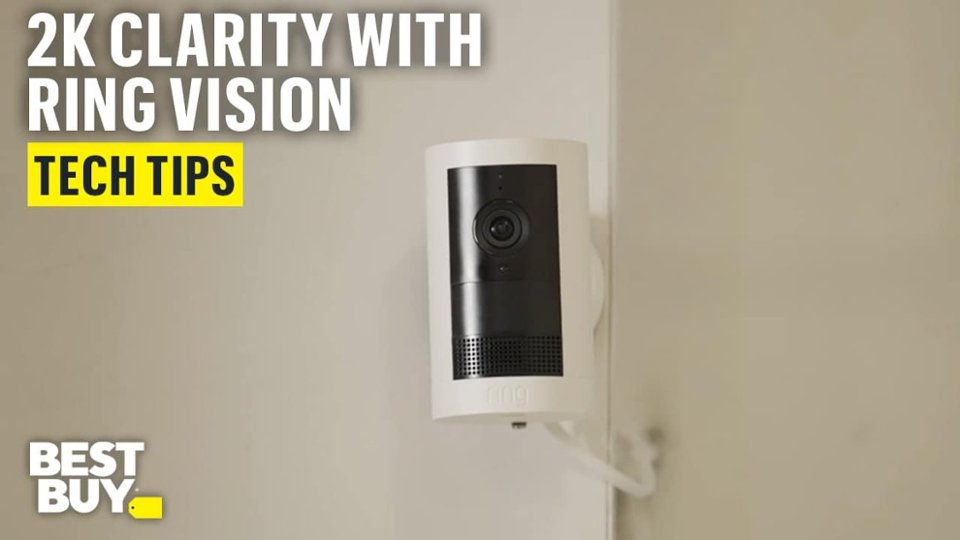
    • Answer Hi. Thank you for reaching out to us with your question. Yes, you can convert the Ring Outdoor Cam Plus Plug- In to hardwired with the Ring Hardwired Kit. The Ring Hardwired Kit requires an existing junction box and may be mounted on a wall or ceiling. It is compatible with Ring USB-C input cameras only. If any additional information is needed regarding your question, please reach out to our community. Ring Community is our first peer-to-peer community forum, giving our customers the ability to help one another and share their feedback and experiences directly with Ring. Join the Ring Community today! Thank you, Amilia from Ring.
      Answered by Ring

  • QuestionCan this battery doorbell be changed to wired

    Asked by Sammy.

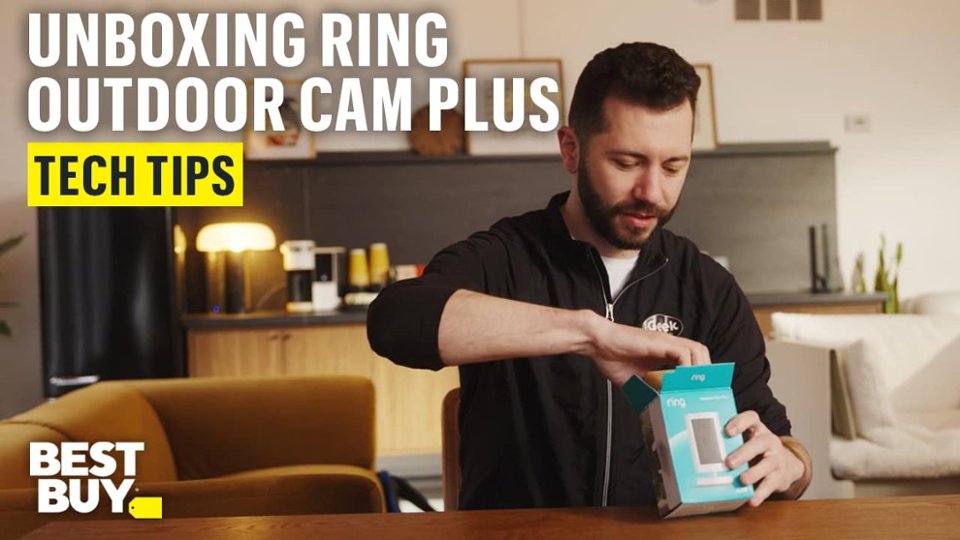
    • Answer Hi Sammy. Thank you for reaching out to us with your question. Yes, you can convert the battery-operated Ring Outdoor Cam Plus to hardwired with the Ring Hardwired Kit. The Ring Hardwired Kit requires an existing junction box and may be mounted on a wall or ceiling. It is compatible with Ring USB-C input cameras only. You can also convert the battery-operated device to be a plug-in using the Ring Indoor/Outdoor Power Adapter (USB-C). If any additional information is needed regarding your question, please reach out to our community. Ring Community is our first peer-to-peer community forum, giving our customers the ability to help one another and share their feedback and experiences directly with Ring. Join the Ring Community today! Thank you, Amilia from Ring.
      Answered by Ring