A:AnswerHello Buzzjet,
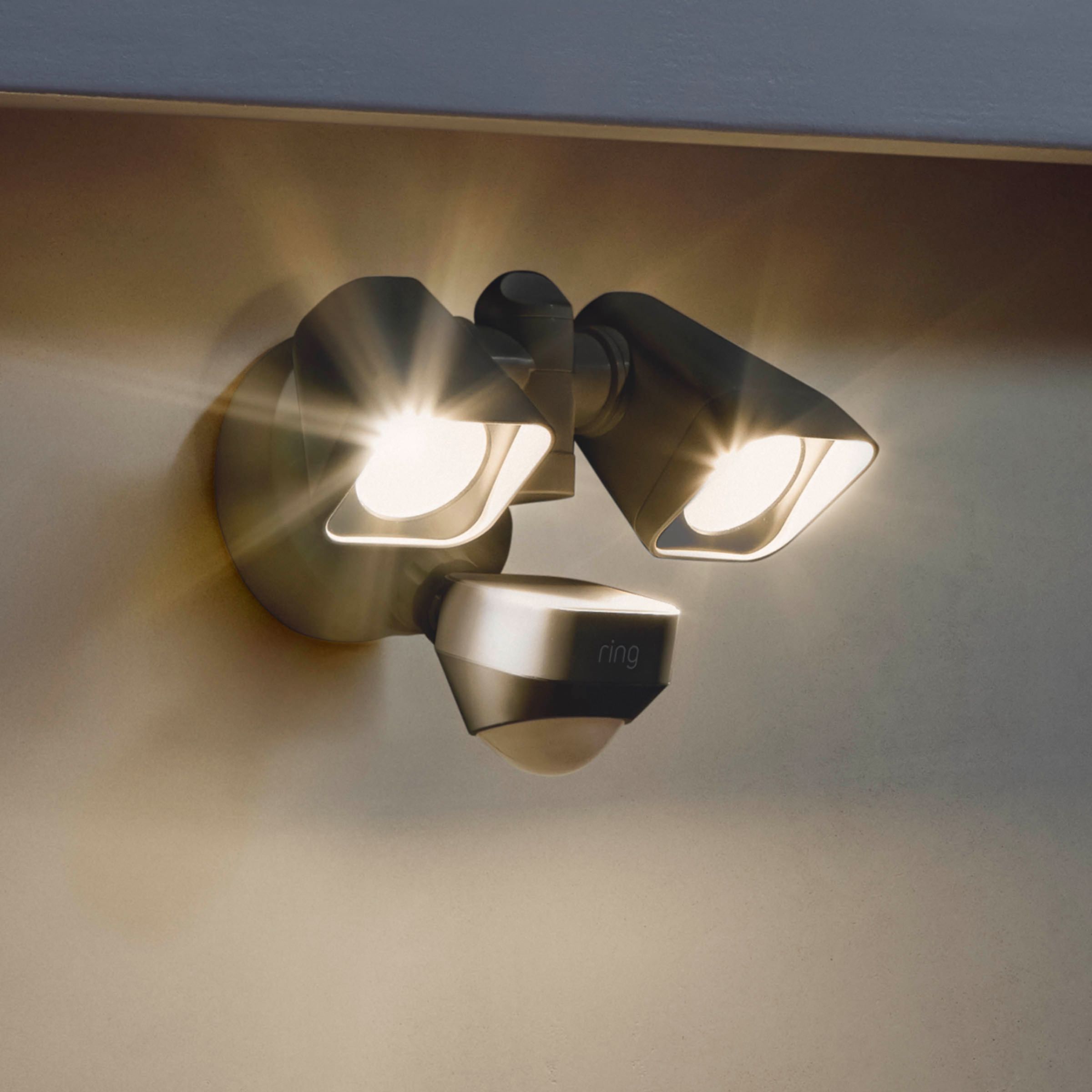
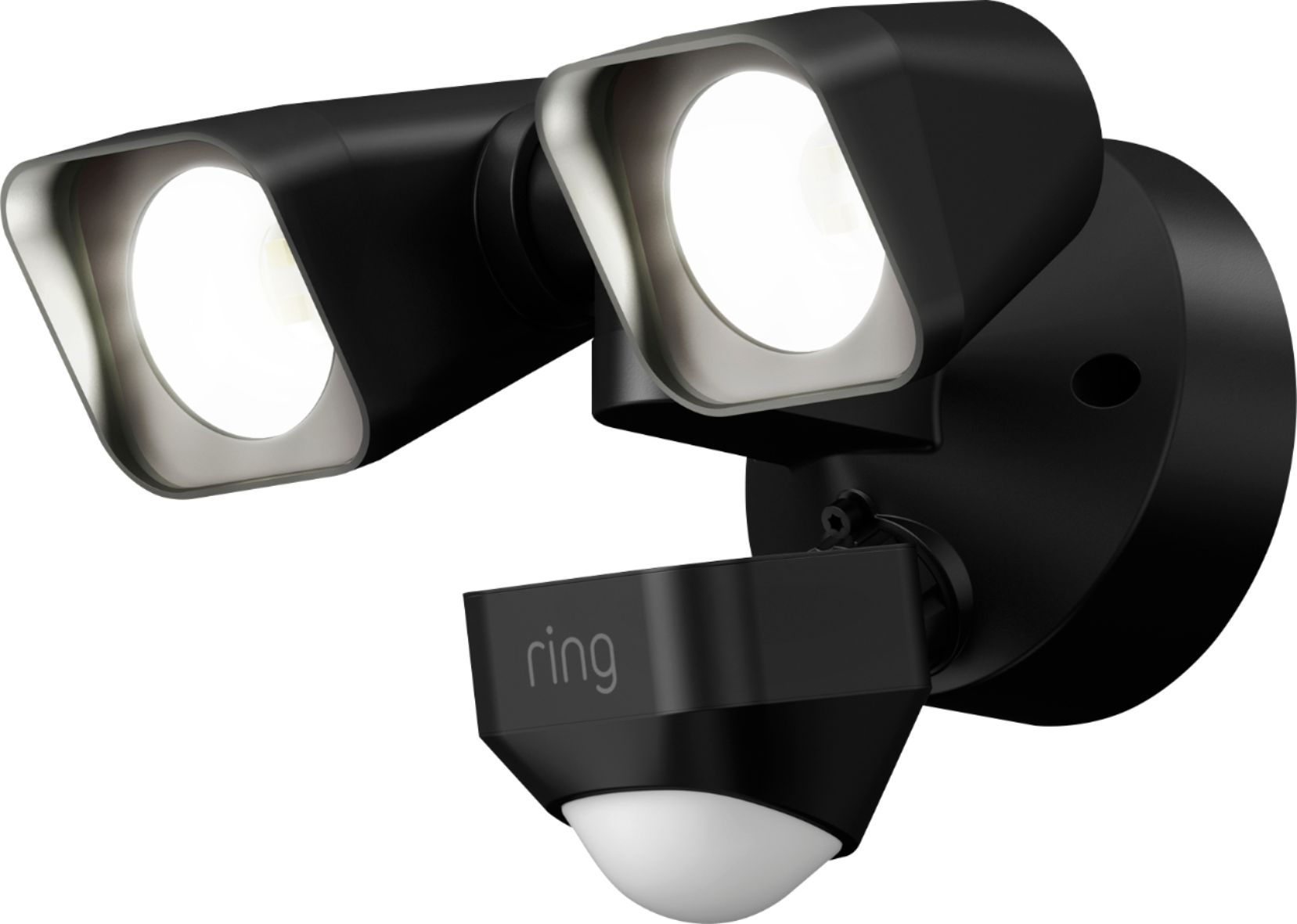
The Ring Smart Lighting Floodlight Wired has a color temperature 3500 K and is 2000 Lumens. Ring Floodlights are part of the Smart Lights line of products that strengthens your Ring of Security while illuminating your home and property.
The Ring Floodlight Wired is an ultra-bright motion-sensing smart floodlight that hardwires into house power. It illuminates large areas with powerful adjustable lights. For more information on our Smart Lighting Floodlight Wired: https://support.ring.com/hc/en-us/articles/360025169211-Floodlight-Wired-Information.
Ring Community was launched to help deliver the most current news and educational information to our neighbors. This online forum is divided into four categories: Product Boards, Ring Updates, Tips + Tricks, and a Moderators’ Corner. The Product Boards are where you can begin new topics with your questions or feedback; there is also a search option which helps you find topics that were already posted by other neighbors. We invite you to visit our site at https://community.ring.com/ today!
Thank you,
Antonio from Ring
A:AnswerHello Larry,
The Ring Bridge is the central hub that integrates Ring smart lights, motion sensors, and transformers into your Ring system.
The newest Amazon Echo (4th gen) and the Amazon Echo Show 10 (3rd gen) have the Bridge built into them, eliminating the need to purchase an additional Bridge device to use Ring Smart Lighting. At this time the only Ring A19 and PAR38 Smart Light Bulbs are supported.
Antonio from Ring

A:AnswerHello NewToRing, Great question. At this time Ring products do not work with Google Home. If you have any further questions, please visit our community forum at https://community.ring.com/, for some additional tips and support. We look forward to hearing from you. -All the Best, Jamila at Ring
A:AnswerHello Scottm1,
Thank you for giving me the opportunity to answer this question for you! The motion sensitivity may be adjusted within your Ring App. To find this setting please follow these step-by-step instructions:
1. Open your Ring App and tap on the three lines located at the top left-hand corner of your dashboard.
2. From the sidebar menu, you will select Devices.
3. Under the Lights section of your device options, select Smart Lighting and choose the Ring Floodlight Wired device you wish to manage.
4. Select the tile option Motion Settings.
This control has four levels that will determine how sensitive your motion detection will be. Try adjusting this control if you find you are receiving too many false alarms.
For more information on the motion control options or helpful tips and tricks on Ring Smart Lighting, please visit our Help Center at https://support.ring.com/hc/en-us/articles/360031677351
It's important to me that you feel I have answered your question correctly. You can reach out to our team of specialized agents directly to further assist with any questions or concerns you might have! Please reach out via email at [email protected].
Thank you,
Caitlin from Ring
A:AnswerThe unit can be installed under the eve of a roof. One of my RING Flood lights is installed that way. There are instructions on how to configure the unit before attaching it to the junction box.
A:AnswerHi Erico,
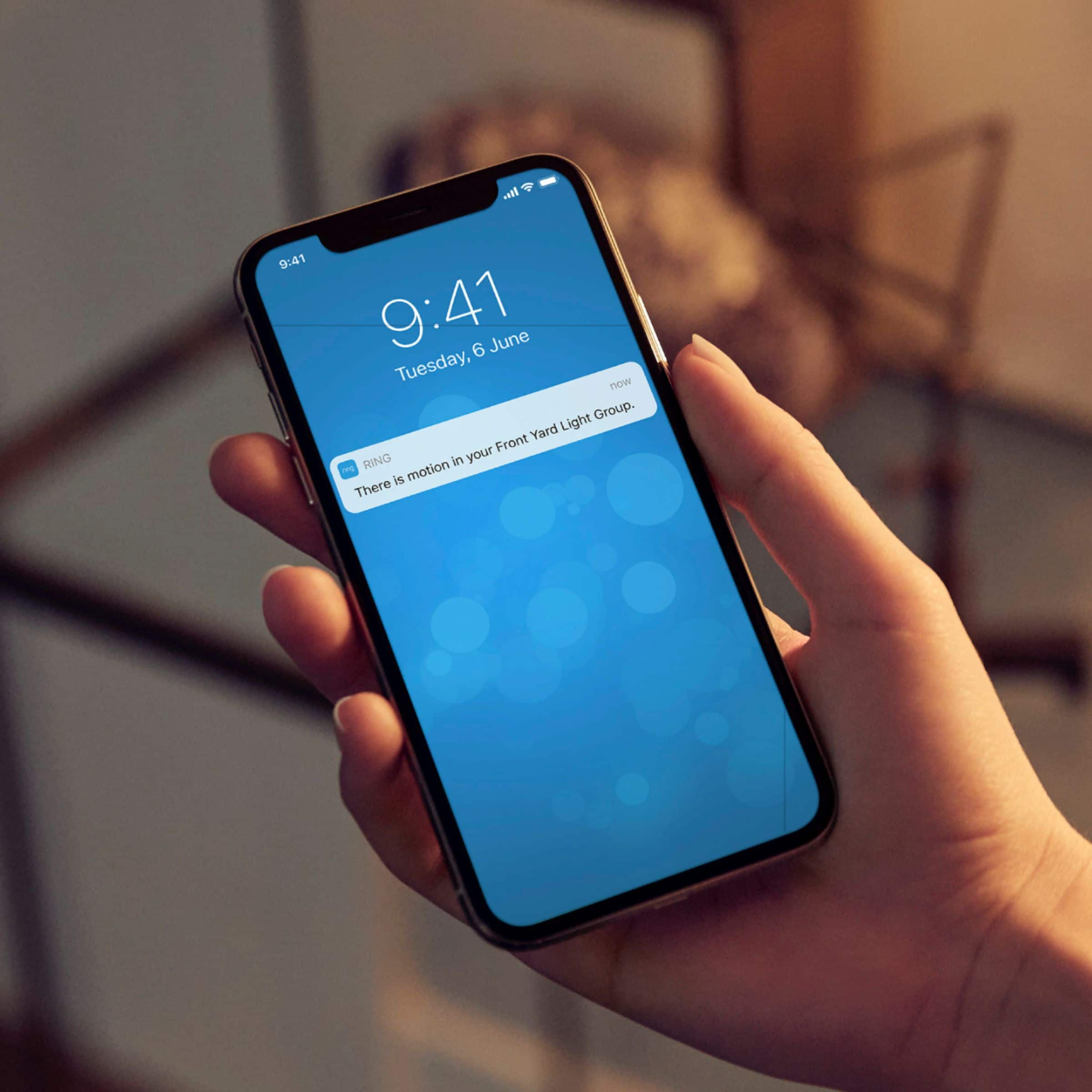
Thank you for giving me an opportunity to answer this question for you, as I understand how powerful knowledge on a product is to your home security. The Ring Bridge for Smart Lighting serves as a central point for connecting all Ring Smart Lighting products. Without the Ring Bridge, your Smart Lights function only as individual units. With a Bridge, you can control whole groups of Smart Lights and other Ring products at once, and be notified via the Ring app when any light or Motion Sensor senses movement. In addition, you can use your Ring app to create Groups of Smart Lights and Ring cameras that work together to enhance security.
You can find more information about the Ring Bridge on our website at https://support.ring.com/hc/en-us/articles/360025181851-Ring-Smart-Lighting-Bridge-Information.
I would like to extend the invitation to get in touch with one of our tech experts directly by reaching out via email at [email protected], so we may answer any other questions or concerns you may have.
Thank you,
Caitlin from Ring
A:AnswerThe unit by itself turns on & off by itself when it detects motion. A switch would just cut off the power supply, but not enable you to turn it on as a flood light. To do that, you need to 'connect' it to a RING Bridge. With the bridge you can control one or more flood light units. The RING App will allow you to program the unit(s) to enable/disable the motion sensor and also give you control to operate it (them) as a flood.
A:AnswerThey have been having trouble with the hub. I had to pull some tricks to get mine online. Without the hub, the lights are almost useless. I'm sure that's it.
A:AnswerHi James,
That is a great question. You will need to purchase the Bridge for the Smart Lighting. Please let me know if you have any other questions.
Bilan J, Customer Satisfaction Specialist
[email protected]