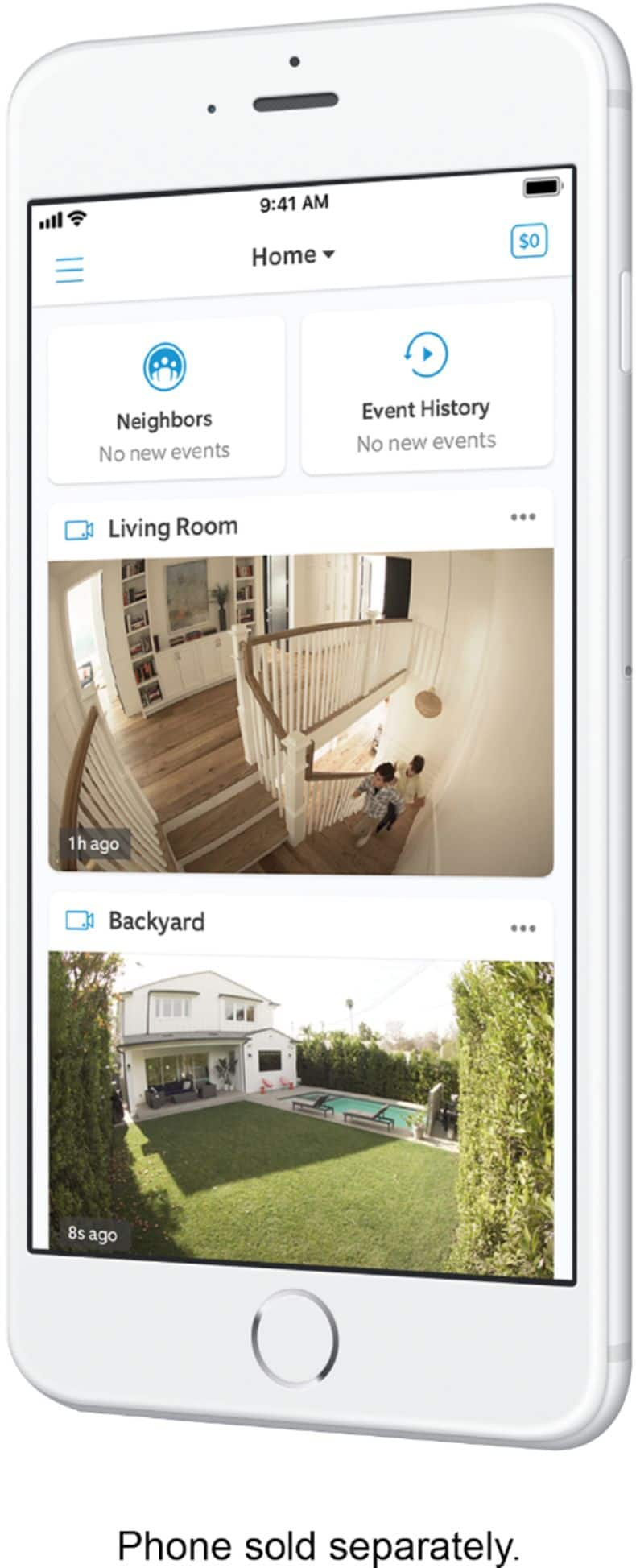
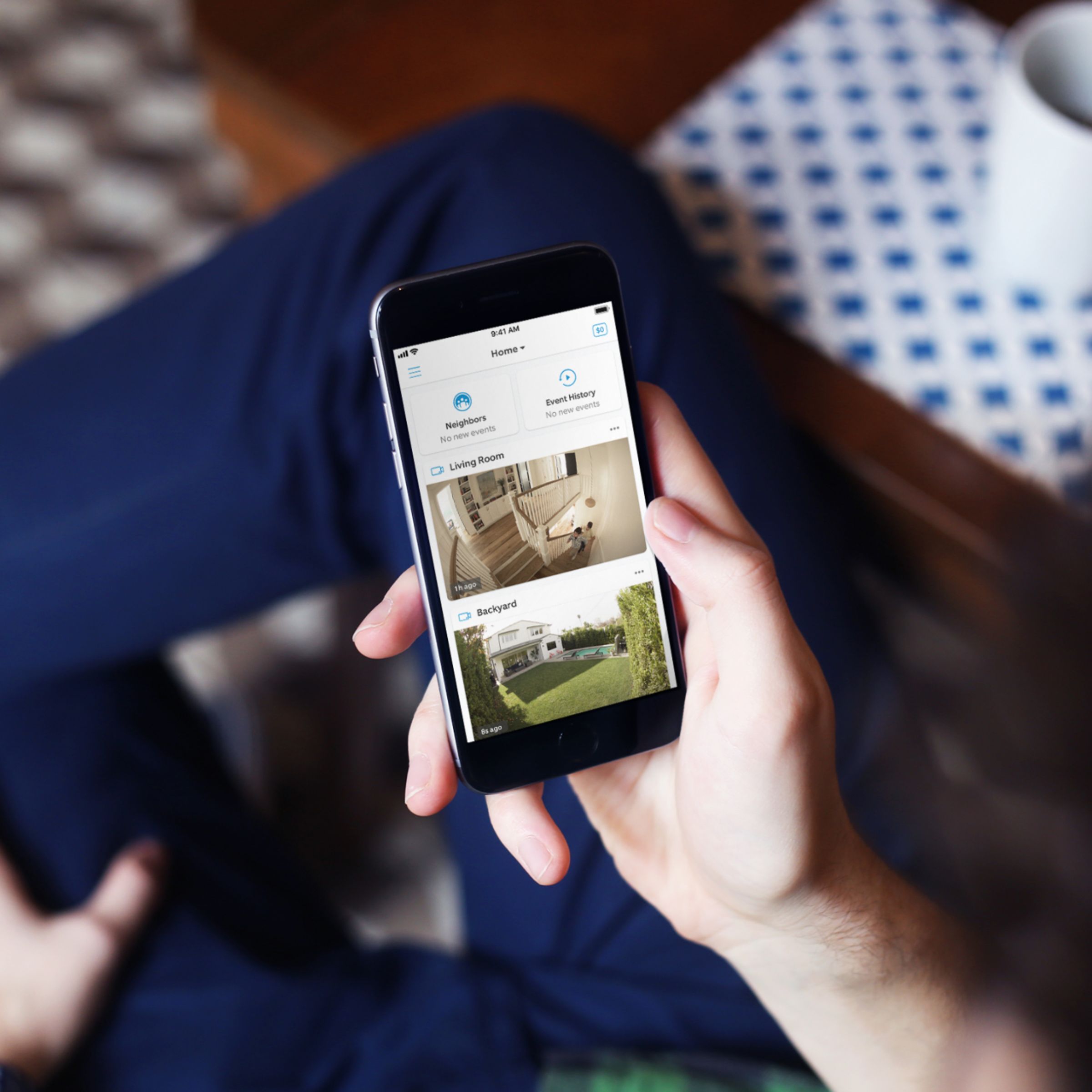
A:AnswerGo into your RING app and look at the devices. Select one of your cameras and open device settings. Go to 'alert settings' and customize audible alerts and notifications. My husband has his turned off because he doesn't want to receive the notifications. Also, open 'notification preferences' in 'alert settings' and you must slide the toggle at the top of the page to on to enable in-app notifications. Also, in 'device health' check the 'signal strength' of your device which is measured by the RSSI. The lower the RSSI number the better. If you are not familiar with RSSI, tap the question mark next to the green rating of your device and it will explain the parameters you need to fall within for your device/camera to record properly. RSSI is measured from 0-99 and the devices work best if under 50. A high RSSI reading will cause your camera to miss recording events even though you think it's recording. If all else fails, contact RING 1 800 656 1918. Customer services is great.
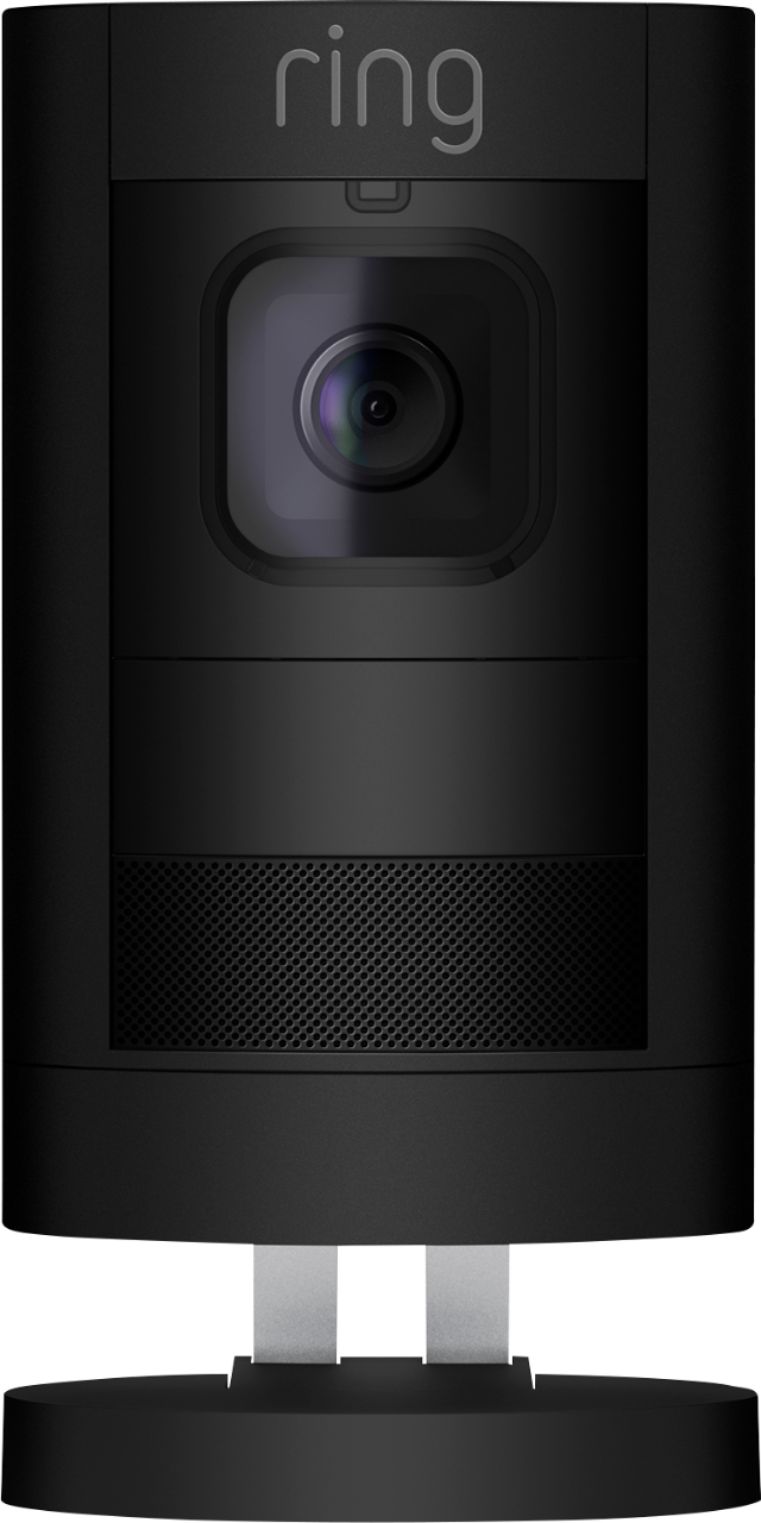
A:AnswerYou either buy wired or you buy battery. You can buy a solar panel which keeps the battery charged 100% with only a few hours sunlight a day. I have the battery spotlight cam because I don't have electric under one of my eaves and it works great with the solar panel so I don't have to change the battery.
A:AnswerYou need a subscription if you want to retain the videos. Otherwise they disappear after a period of time. For more information please contact customer support at RING 1 800 656 1918.
A:AnswerThis camera records depending upon how you have it set and it does record 24/7 as long as there is movement which causes the camera to record. The live view is always on if you just want to look to see what's going on in a certain part of your property even though there is no movement. It only records when there is movement.
A:AnswerBy using the Motion Record control, you can completely disable all motion detection, but you cannot turn it off unless you remove the battery which disables the same as when the battery is dead it no longer records.
A:AnswerIt depends on your router. I have a mesh system in my house and all three of my cameras are within "good" range between 30-40ft from the nearest router/satellite.
A:AnswerYou either buy the one that is specifically designed to hard wire or you buy the one that runs off battery and I highly suggest buying a solar panel if you don't have the ability to hard wire. I have one installed with a solar panel attached so that I don't have to change the battery because I don't have electric on the one side of my house under the eave where I wanted a light/camera. They come either or, but are not interchangeable.
A:AnswerIt all depends on how strong your Wi-Fi signal is where you plan to place the device. The more obstructions and interference the more that affects your Wi-Fi signal from your router. There are many variables that control the signal. The only way to really tell is purchase the device and install it. Once installed you go to the RING app on your phone and check device health. That's the only way to truly tell.
A:AnswerThe videos are stored to a cloud so you do not run out of data space. It has no SIM card or recording storage In the camera. I only own 1 of these. I have 4 Floodlight cameras I like better and 3 Spotlight cameras where there is electricity. The stickup Cam is not my choice for heavily trafficked areas.